Cloth Config API (Fabric/Forge/NeoForge) Needed by Status Effect Bars v1.0.12
requiredMatching file found Matched file: [Fabric 26.2] v26.2.155
CurseForge · Minecraft mod
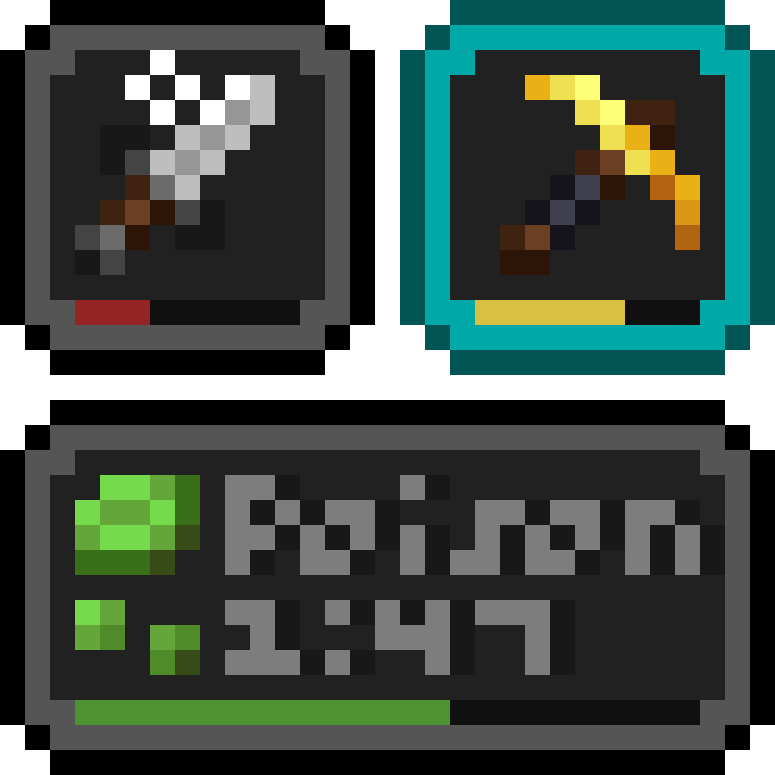
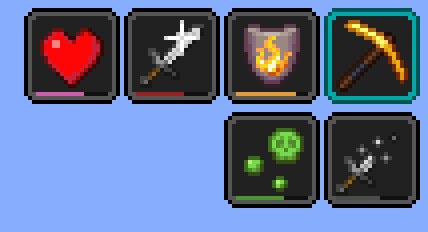
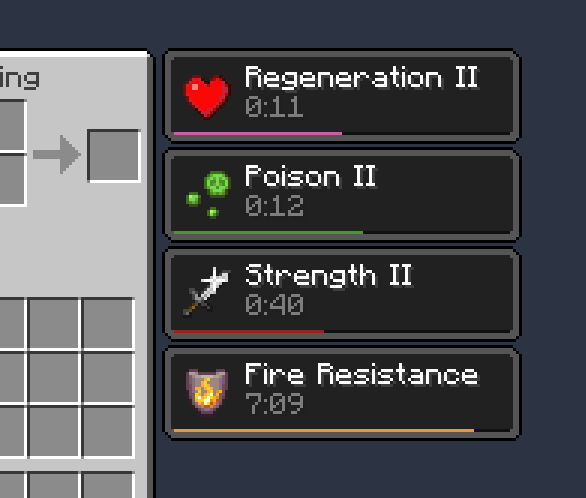
Adds customizable bars to the status effects overlay to show the remaining duration of effects.
Quick answer
Status Effect Bars v1.0.12 targets 26.2 with Fabric, Quilt. The project page does not say whether this file belongs on the client, dedicated server, or both. All 1 required mods have matching files.
Where it goes
The project page does not say whether this file belongs on the client, dedicated server, or both.
The source does not explicitly classify this release as client-only or server-only.
v1.0.12. Change the file and its required mods may change too.
Install Cloth Config API (Fabric/Forge/NeoForge) first. We found matching files for this game-version and loader setup.
We only count dependency files that match this setup. A file for another loader does not fill the gap.
Before you install it
Built for Status Effect Bars v1.0.12. Pick another file and the loader, install side or required mods may change.
Use v1.0.12. It targets 26.2 with Fabric, Quilt; another release may have different loader, side or dependency requirements.
Install Cloth Config API (Fabric/Forge/NeoForge) first. We found matching files for this game-version and loader setup.
The project page does not say whether this file belongs on the client, dedicated server, or both.
Use the “Get this file” button beside v1.0.12. It opens that exact file at the source.
About this project
A client-side Fabric / Quilt mod that adds small customizable bars to the status effects overlay and in the inventory to show the remaining duration of effects.
Features:
Requires Cloth Config. The config screen can be accessed using Mod Menu (CurseForge / Modrinth).
pt_br translation by FITFCLinks: CurseForge · GitHub · Modrinth
Project description from CurseForge.
Pick your setup
Choose the version and loader you play, then open the matching release.
Showing the newest 12 of 31 game versions. Older files are in the list below.
Check the dependencies, then try the file in a copied instance before changing a world you care about.
Recent files
status-effect-bars-1.0.12.jar
18 Jun 2026
status-effect-bars-1.0.11.jar
26 Mar 2026
status-effect-bars-1.0.10.jar
19 Dec 2025
status-effect-bars-1.0.9.jar
21 Jun 2025
status-effect-bars-1.0.8.jar
28 Mar 2025
status-effect-bars-1.0.7.jar
22 Oct 2024
status-effect-bars-1.0.6.jar
15 Jun 2024
status-effect-bars-1.0.5.jar
5 May 2024
status-effect-bars-1.0.4.jar
23 Sept 2023
status-effect-bars-1.0.3.jar
13 Jun 2023
status-effect-bars-1.0.2.jar
27 Nov 2022
status-effect-bars-1.0.1+1.19.jar
22 May 2022
Looking for an older file? The official CurseForge project page is in Resources.
 mod
modModern Fabric port of the cooking and farming mod, "Farmer's Delight"
 mod
modThe Rarity Core is an all-encompassing rarity enhancement mod that establishes a new rarity system
 mod
modA living ocean for NeoForge 1.21.1: visible physics-synced waves