Minecraft version
Back to mods 
CurseForge · Minecraft mod
TTV Day Counter by HarrysTech
TTV Day Counter allows you to display your accurate day count in OBS and other software alike.
Choose a version Pick your version below, then grab the matching file.
Quick answer
Which TTV Day Counter by HarrysTech release should I use?
Latest stable file TTV Day Counter - 0.0.5-1.18.2
Game version 1.18.2
Loader Fabric
TTV Day Counter by HarrysTech TTV Day Counter - 0.0.5-1.18.2 targets 1.18.2 with Fabric. The project page does not say whether this file belongs on the client, dedicated server, or both. No extra mods listed for this file.
Where it goes
Is TTV Day Counter by HarrysTech required on the client, server, or both?
The project page does not say whether this file belongs on the client, dedicated server, or both.
Client Source doesn’t say
Dedicated server Source doesn’t say
Loader for this release Fabric
Required install it here Optional supported, not mandatory Not supported do not install here Source doesn’t say do not assume
The source does not explicitly classify this release as client-only or server-only.
What else does TTV Day Counter by HarrysTech TTV Day Counter - 0.0.5-1.18.2 need?
TTV Day Counter - 0.0.5-1.18.2. Change the file and its required mods may change too.
This file does not list any required mods. Do not add a library just because a different file uses it.
This file does not list any required or optional mods.
Before you install it
Add TTV Day Counter by HarrysTech without breaking your instance.
Built for TTV Day Counter by HarrysTech TTV Day Counter - 0.0.5-1.18.2. Pick another file and the loader, install side or required mods may change.
- 01
Stick to this file
Use TTV Day Counter - 0.0.5-1.18.2. It targets 1.18.2 with Fabric; another release may have different loader, side or dependency requirements.
- 02
Bring the mods it needs
This file does not list any required mods. Do not add a library just because a different file uses it.
- 03
Put it on the correct side
The project page does not say whether this file belongs on the client, dedicated server, or both.
- 04
Pick the file you checked
Use the “Get this file” button beside TTV Day Counter - 0.0.5-1.18.2. It opens that exact file at the source.
About this project
What does TTV Day Counter by HarrysTech add?
TTV Day Counter
TTV Day Counter is a mod that allows you to display your current day on OBS, StreamLabs or any other streaming software as a simple browser source.
The reason TTV Day Counter was made is due to the fact that I personally stream and always wanted a day count display on my stream without it being display one my minecraft 24/7 and having to check the F3 menu. I thought of this idea and had no idea what I was doing with Java but gave it a go. With the help of some awesome people from discord communities and stack overflow I managed to create this simple Day Counter. I hope this is of some use to you and thank you for checking it out!
Tutorial
Drag FabricAPI.jar and TTVDayCounter.jar into your mods directory.
Launch Minecraft.
Navigate to your browser and go to http://localhost:8000
Add a browser source using the same url.
Your done, it will auto update every 5 seconds.
How to launch the Day Counter
Launch your Minecraft
Open a web browser or add a new browser source to OBS
Set the URL to "http://localhost:8000"
Dependencies
Fabric API (REQUIRED)
Affiliated with ApexHosting
Project description from CurseForge.
Pick your setup
TTV Day Counter by HarrysTech by Minecraft version and loader
Choose the version and loader you play, then open the matching release.
Minecraft version
1.18.1
1 loader buildMinecraft version
1.18
1 loader buildCheck the dependencies, then try the file in a copied instance before changing a world you care about.
Recent files
TTV Day Counter by HarrysTech versions and loaders
TTV Day Counter - 0.0.5-1.18.2
ttvdaycounter-0.0.5-1.18.2.jar
27 Apr 2022
Client Source doesn’t say Server Source doesn’t say Dependencies No extras listed Listed on Release listing
Check the 1.18.2 · Fabric setup Fabric1.18.2 release
TTV Day Counter - 0.0.5-1.18.1
ttvdaycounter-0.0.5-1.18.1.jar
27 Apr 2022
Client Source doesn’t say Server Source doesn’t say Dependencies No extras listed Listed on Release listing
Check the 1.18.1 · Fabric setup 1.18.1Fabric release
TTV Day Counter - 0.0.5-1.18
ttvdaycounter-0.0.5-1.18.jar
27 Apr 2022
Client Source doesn’t say Server Source doesn’t say Dependencies No extras listed Listed on Release listing
Check the 1.18 · Fabric setup Fabric1.18 release
Looking for an older file? The official CurseForge project page is in Resources.
 mod
mod CurseForge + Modrinth · Minecraft
Experience Skills
Earn separate experience for each skill just by playing — walking, mining, fighting, swimming, fishing, etc. — and level them up for attribute bonuses that grow with every level.
 mod
mod CurseForge + Modrinth · Minecraft
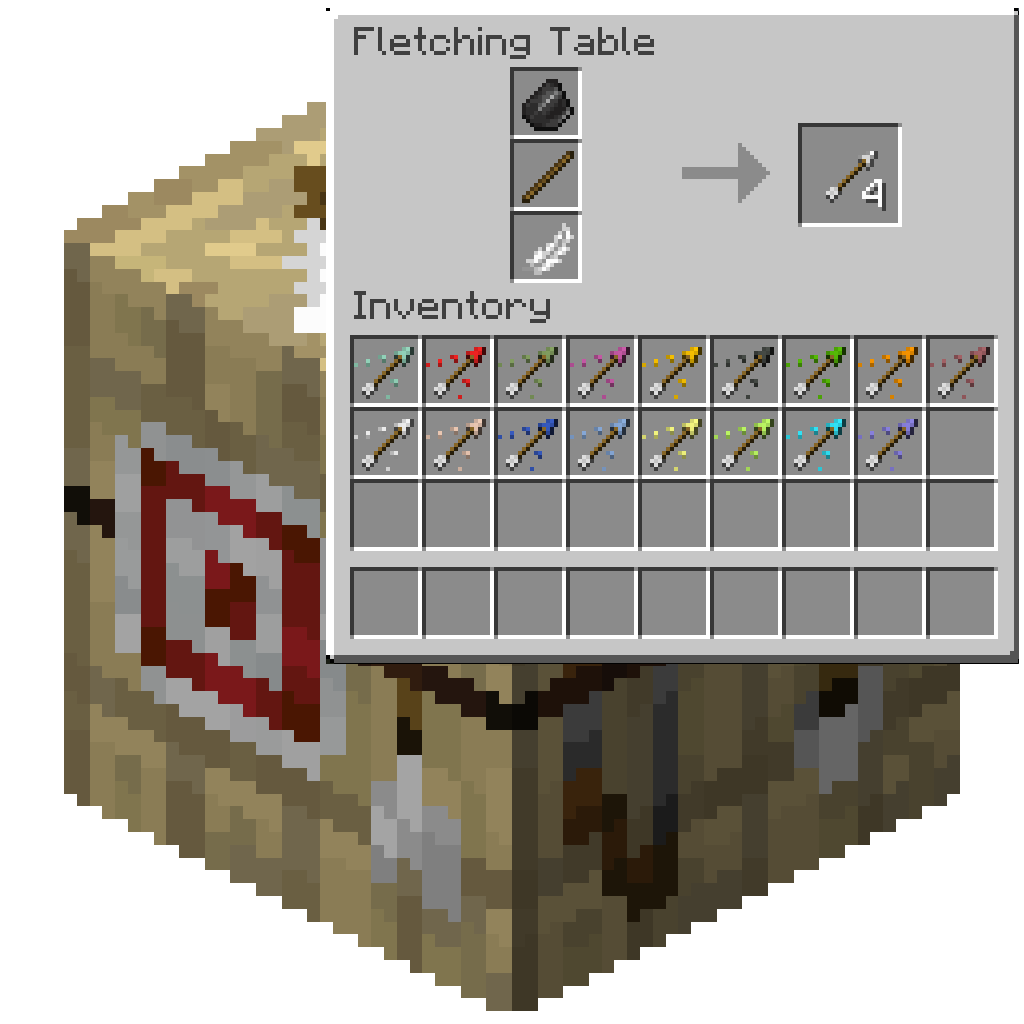
Fletching Recipe
Craft more arrows with same amount of ingredient with Fletching Recipe. Craft Explosive arrows with Fletching Table and blow your enemy up!
 mod
mod CurseForge + Modrinth · Minecraft
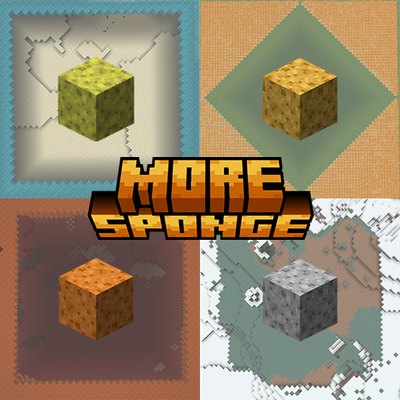
More Sponge
Adds compressed sponges and new lava, snow, and fire sponge variants — each with 5 compression tiers, passive biome-based drying, and a Freezer machine.