Minecraft version
Back to mods 
CurseForge · Minecraft mod
Scraps and Shards
Scrap junk piles in worldgen, bone shards, flint shards, for early game crafting and recycling, and a custom data tag for loot tables
Choose a version Pick your version below, then grab the matching file.
Quick answer
Which Scraps and Shards release should I use?
Latest stable file scraps 26.1.2-0.1.1
Game version 26.1.2
Loader NeoForge
Scraps and Shards scraps 26.1.2-0.1.1 targets 26.1.2 with NeoForge. The project page does not say whether this file belongs on the client, dedicated server, or both. No extra mods listed for this file.
Where it goes
Is Scraps and Shards required on the client, server, or both?
The project page does not say whether this file belongs on the client, dedicated server, or both.
Client Source doesn’t say
Dedicated server Source doesn’t say
Loader for this release NeoForge
Required install it here Optional supported, not mandatory Not supported do not install here Source doesn’t say do not assume
The source does not explicitly classify this release as client-only or server-only.
What else does Scraps and Shards scraps 26.1.2-0.1.1 need?
scraps 26.1.2-0.1.1. Change the file and its required mods may change too.
This file does not list any required mods. Do not add a library just because a different file uses it.
This file does not list any required or optional mods.
Before you install it
Add Scraps and Shards without breaking your instance.
Built for Scraps and Shards scraps 26.1.2-0.1.1. Pick another file and the loader, install side or required mods may change.
- 01
Stick to this file
Use scraps 26.1.2-0.1.1. It targets 26.1.2 with NeoForge; another release may have different loader, side or dependency requirements.
- 02
Bring the mods it needs
This file does not list any required mods. Do not add a library just because a different file uses it.
- 03
Put it on the correct side
The project page does not say whether this file belongs on the client, dedicated server, or both.
- 04
Pick the file you checked
Use the “Get this file” button beside scraps 26.1.2-0.1.1. It opens that exact file at the source.
About this project
What does Scraps and Shards add?
This mod adds
4 Scrap pile types for worldgen: brush, trash, remains, metal. These cannot be crafted but generate in the world naturally. (modpack devs: control with configs and data pack configured features)
7 Shard items: Bone Shard, Brick Shard, Flint Shard, Leather Shard, Paper Shard, Wooden Shard, Glass Shard
1 Garbage block - used to merge items together to recycle into other shards
1 Junk item - does nothing by itself, craft into garbage and check all the extra recipes added using JEI
Worldgen
Each of the four scrap piles generate in the world in different y-levels. There are registered configured features, as well as a scraps.toml config with some worldgen controls
Custom scraps:mineable data tag to allow scrap piles to harvest the good items, also see the loot_tables
Recipescan be edited with data packs as usual
If you harvest correctly such as with a shovel you get better randomized loot
For example, actual bones instead of broken bone shards
data tag for items is scraps:mineable , also see loot_tables
If you harvest with an empty hand or break it any other way, you get randomized loot such as broken leather shards, broken bone shards, flint shards, etc
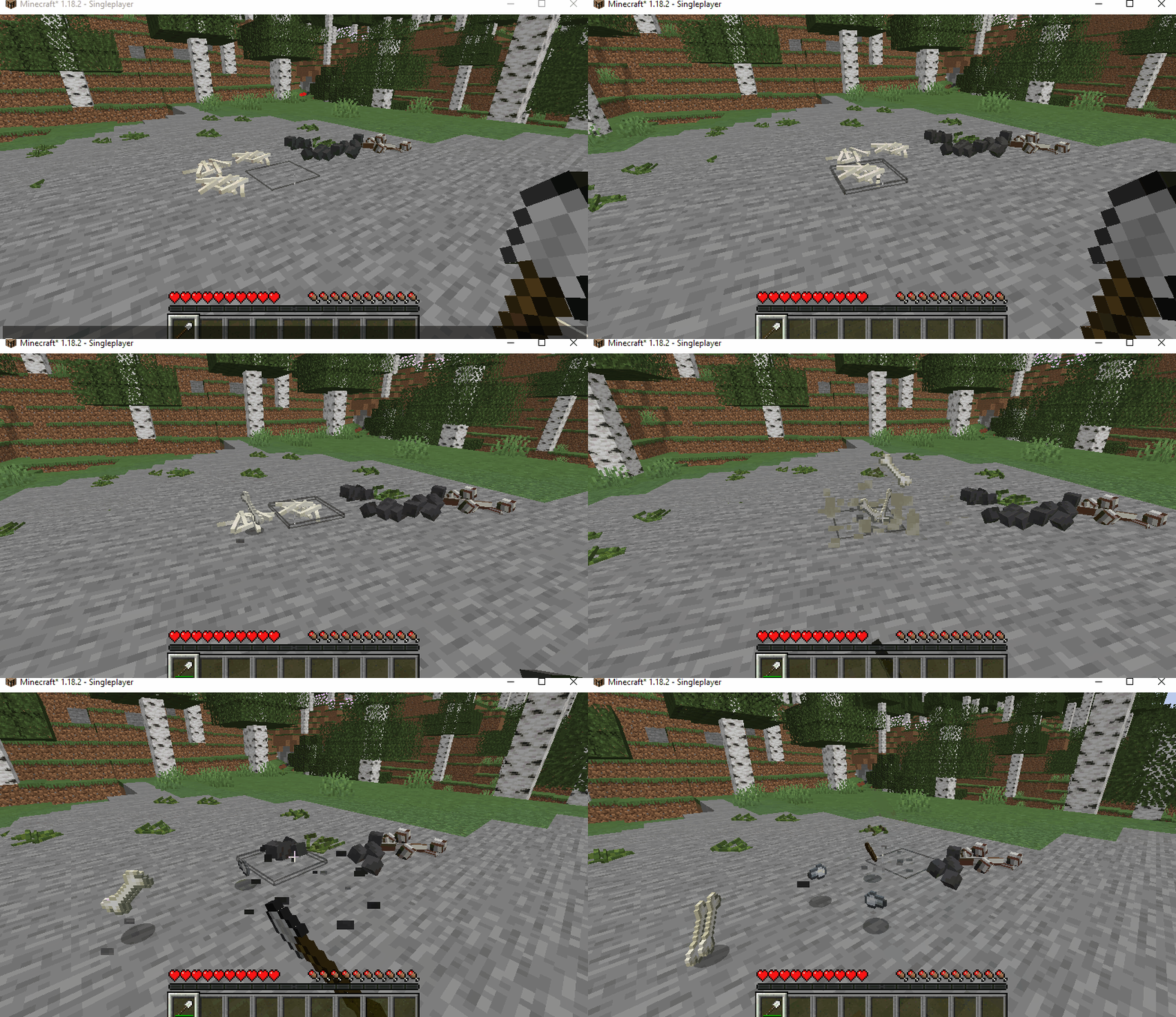
if you harvest without the right tool (default is some shovels - see data tags) then you get 'broken drops' such as bone scraps instead of the full bone
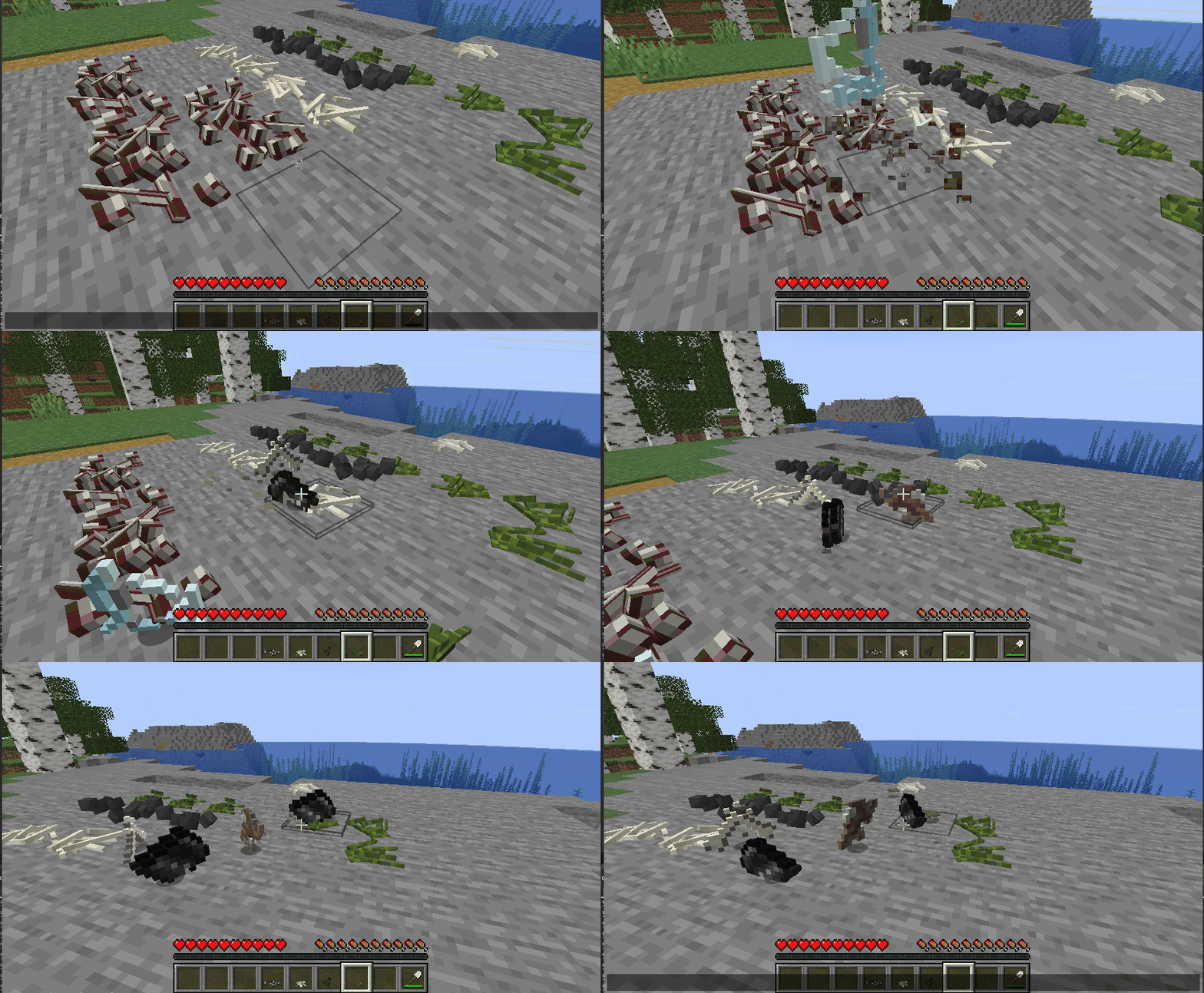
OPTIONAL feature to make the scrap piles Break when you Touch them
Optional feature
in the config file you can turn on the config to make them break as soon as the player touches or steps on them. its off by default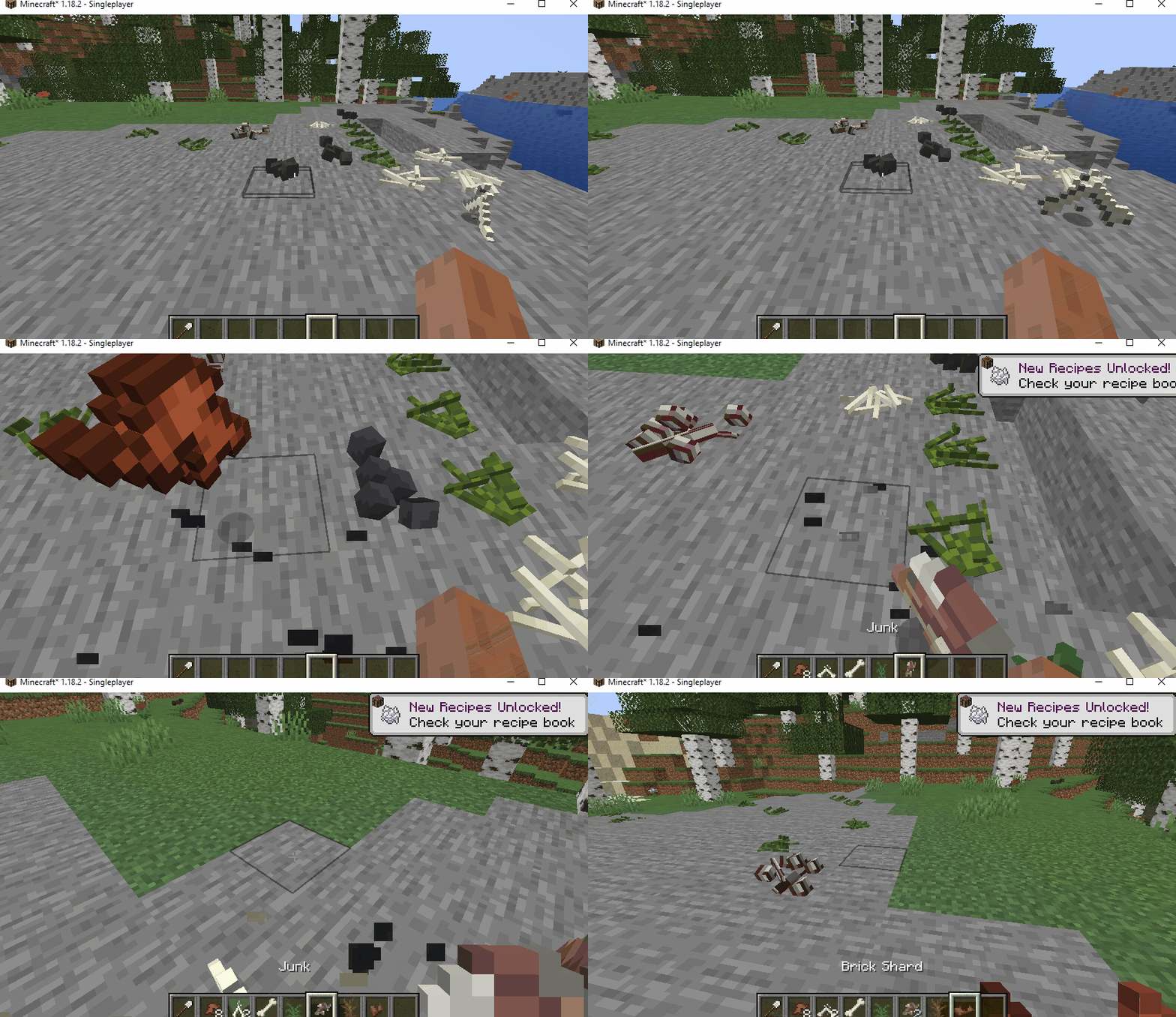
OTHER STUFF
Added quark:clear_shard optionally to a shared data tag forge:shards/glass
Project description from CurseForge.
Pick your setup
Scraps and Shards by Minecraft version and loader
Choose the version and loader you play, then open the matching release.
Minecraft version
1.21.1
1 loader buildMinecraft version
1.20.1
2 loader buildsMinecraft version
1.19.4
1 loader buildMinecraft version
1.18.2
1 loader buildCheck the dependencies, then try the file in a copied instance before changing a world you care about.
Recent files
Scraps and Shards versions and loaders
scraps 26.1.2-0.1.1
scraps-26.1.2-0.1.1.jar
6 Sept 2026
Client Source doesn’t say Server Source doesn’t say Dependencies No extras listed Listed on Release listing
Check the 26.1.2 · NeoForge setup NeoForge26.1.2 release
scraps 1.21.1-0.1.1
scraps-1.21.1-0.1.1.jar
27 May 2026
Client Source doesn’t say Server Source doesn’t say Dependencies No extras listed Listed on Release listing
Check the 1.21.1 · NeoForge setup 1.21.1NeoForge release
scraps-1.20.1-0.1.1.jar
4 Jul 2023
Client Source doesn’t say Server Source doesn’t say Dependencies 1 required · 1 unchecked Listed on Release listing
Check the 1.20.1 · NeoForge setup NeoForge1.20.1Forge release
scraps-1.19.4-0.1.1.jar
30 Apr 2023
Client Source doesn’t say Server Source doesn’t say Dependencies 1 required · 1 unchecked Listed on Release listing
Check the 1.19.4 · Forge setup 1.19.4Forge release
scraps-1.18.2-0.1.1.jar
30 Aug 2022
Client Source doesn’t say Server Source doesn’t say Dependencies 1 required · 1 unchecked Listed on Release listing
Check the 1.18.2 · Forge setup 1.18.2Forge release
scraps-1.18.2-0.1.0.jar
30 Aug 2022
Client Source doesn’t say Server Source doesn’t say Dependencies 1 required · 1 unchecked Listed on Release listing
Check the 1.18.2 · Forge setup 1.18.2Forge release
Looking for an older file? The official CurseForge project page is in Resources.
 mod
mod CurseForge + Modrinth · Minecraft
Auroral
Harness the power of the Aurora Borealis in wintery north. Collect Liquid Aura in Glacial Basins to craft Shimmersteel tools and Shimmerweave armor with unique abilities. Features Nether-free brewing, magical flora, and a tiny pet Snowlette companion.
 mod
mod CurseForge + Modrinth · Minecraft
Madoku Craft: Utility
Madoku Craft: Utility adjusts furnace smelting speed and in-game music.
 mod
mod CurseForge · Minecraft
EX Pluralis
Adds a few things, relative to technology and ores.