Pehkui Needed by VMH - Variable Mob Height vmh-1.2.2-1.19.3.jar
requiredMatching file found Matched file: [1.19.3] [Forge] Pehkui 3.7.8

CurseForge · Minecraft mod
Varies mob height on spawn.
Quick answer
VMH - Variable Mob Height vmh-1.2.2-1.19.3.jar targets 1.19.3 with Forge. The project page does not say whether this file belongs on the client, dedicated server, or both. All 1 required mods have matching files.
Where it goes
The project page does not say whether this file belongs on the client, dedicated server, or both.
The source does not explicitly classify this release as client-only or server-only.
vmh-1.2.2-1.19.3.jar on 1.19.3. Every mod below is checked against that same setup.
Install Pehkui first. We found matching files for this game-version and loader setup.
We only count dependency files that match this setup. A file for another loader does not fill the gap.
Before you install it
Built for VMH - Variable Mob Height vmh-1.2.2-1.19.3.jar on 1.19.3. Pick another file and the loader, install side or required mods may change.
Use vmh-1.2.2-1.19.3.jar. It targets 1.19.3 with Forge; another release may have different loader, side or dependency requirements.
Install Pehkui first. We found matching files for this game-version and loader setup.
The project page does not say whether this file belongs on the client, dedicated server, or both.
Use the “Get this file” button beside vmh-1.2.2-1.19.3.jar. It opens that exact file at the source.
About this project
THIS MOD REQUIRES PEHKUI IN ORDER TO WORK.
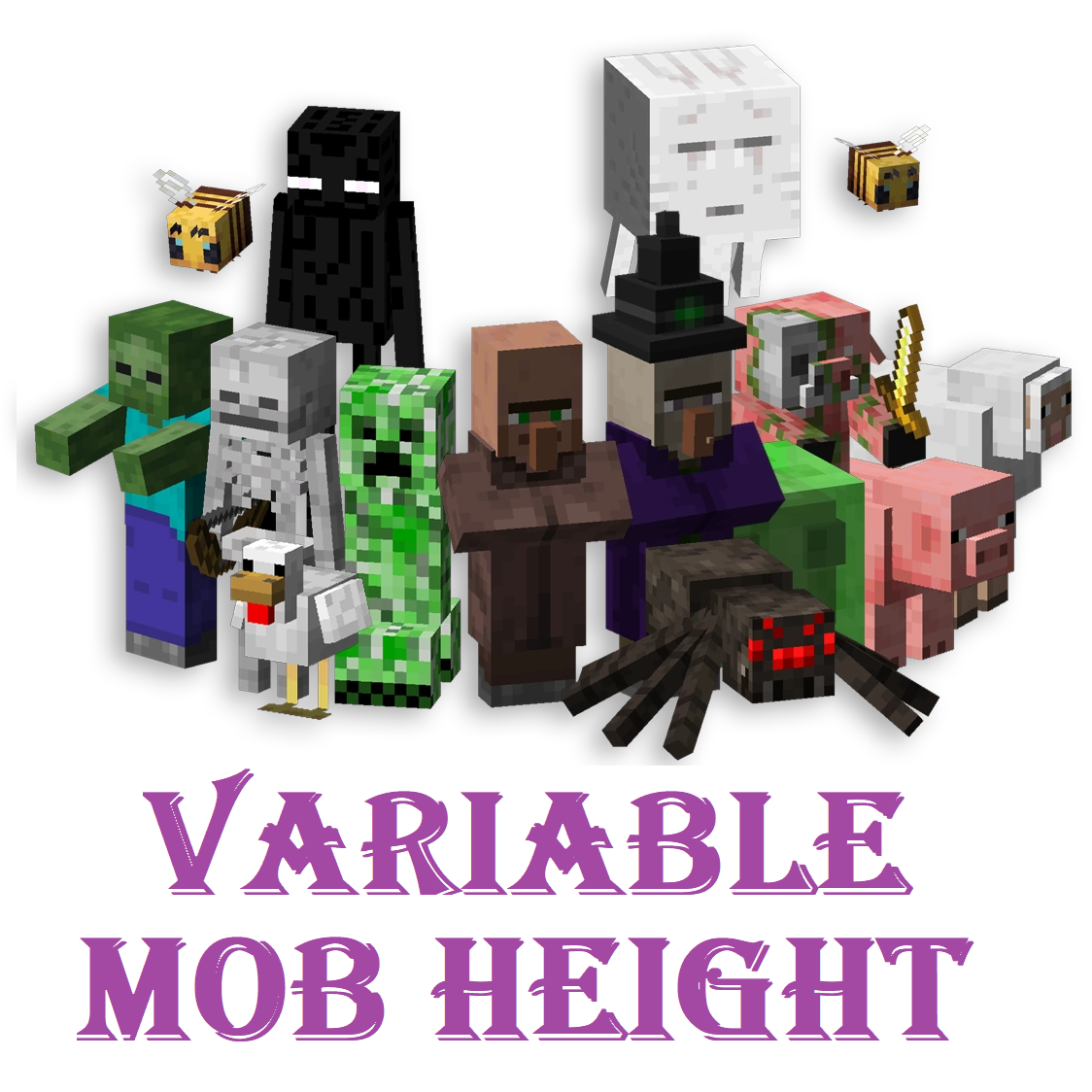
With this mod, by using Pehkui, mobs now have variety in their sizes! The default range for the size modifier is anywhere from 0.95*-1.05 times the currently entity size, but each entity's size range can be set in their respective configuration file. These values can also apply modify to the mobs attack, knockback, health, and other attributes (All Configurable). There are now also set dimensional, biome and entity name overrides to create event more variation in mob spawning, however the names will only work if you have another mod that adds entity names. You can also modify how scale affects mobs spawned by breeding from their parents! This mod should work with all vanilla and modded entities. The ender dragon, wither, and some other entities are blacklisted by default. There are NBT values such as "vmhScale*" to get the mob's size and other information for more customization when using entities modified through VMH, such as using them to modify loot tables, and resource packs.
This mod works with Nyf's Spiders, a port of Spiders 2.0!
Notes:
Distribution Types:
Distribution types are set by an integer 0-5. Distributions now use Guassian Distributions. I will work on getting new ones out, the code for the distribution types can be found below:
public static float setScalingValue(double min, double max, double median, int dist){ float scale; double stdDev; //***Set Size Value based on Distribution Types switch (dist) { case 1 -> {//Guassian Distribution based on the mean using stdDev- Trends towards median stdDev = (max - min) / (2 * 2.576); scale=(float)randomGaussianDistScale(median, min, max, stdDev); } case 2 -> {//Guassian Distribution based on the median using 1/2*stdDev - Trends Slightly towards median stdDev = (max - min) / (2 * 1.288); scale=(float)randomGaussianDistScale(median, min, max, stdDev); } case 3 -> {//Guassian Distribution based on the median using 2*stdDev - Trends Heavily towards median stdDev = (max - min) / (2 * 5.152); scale=(float)randomGaussianDistScale(median, min, max, stdDev); } case 4 -> {//Guassian Distribution based on the mean using 1/4*stdDev - Trends Very Slightly towards median stdDev = (max - min) / (2 * 0.644); scale=(float)randomGaussianDistScale(median, min, max, stdDev); } case 5 -> {//Guassian Distribution based on the median using 4*stdDev - Trends Very Heavily towards median stdDev = (max - min) / (2 * 10.304); scale=(float)randomGaussianDistScale(median, min, max, stdDev); } default -> scale = (float) (min + (max - min) * (Math.random())); //Default. Based on Max and Min, and Mean. Even distribution. } return scale;}
Default Entity List With Values:
These are the old values. The default values are now between 0.95-1.05. "minecraft:allay;0.9;1.1;1;0", "minecraft:axolotl;0.9;1.1;1;0", "minecraft:bat;0.9;1.1;1;0", "minecraft:bee;0.9;1.1;1;0", "minecraft:blaze;0.9;1.1;1;0", "minecraft:cat;0.9;1.1;1;0", "minecraft:cave_spider;0.9;1.1;1;0", "minecraft:chicken;0.9;1.1;1;0", "minecraft:cod;0.9;1.1;1;0", "minecraft:cow;0.9;1.1;1;0", "minecraft:creeper;0.9;1.1;1;0", "minecraft:dolphin;0.9;1.1;1;0", "minecraft:donkey;0.9;1.1;1;0", "minecraft:drowned;0.9;1.1;1;0", "minecraft:enderman;0.9;1.1;1;0", "minecraft:evoker;0.9;1.1;1;0", "minecraft:fox;0.9;1.1;1;0", "minecraft:frog;0.9;1.1;1;0", "minecraft:ghast;0.9;1.1;1;0", "minecraft:glow_squid;0.9;1.1;1;0", "minecraft:goat;0.9;1.1;1;0", "minecraft:guardian;0.9;1.1;1;0", "minecraft:hoglin;0.9;1.1;1;0", "minecraft:horse;0.9;1.1;1;0", "minecraft:husk;0.9;1.1;1;0", "minecraft:illusioner;0.9;1.1;1;0", "minecraft:iron_golem;0.9;1.1;1;0", "minecraft:llama;0.9;1.1;1;0", "minecraft:magma_cube;0.9;1.1;1;0", "minecraft:mooshroom;0.9;1.1;1;0", "minecraft:mule;0.9;1.1;1;0", "minecraft:ocelot;0.9;1.1;1;0", "minecraft:panda;0.9;1.1;1;0", "minecraft:parrot;0.9;1.1;1;0", "minecraft:phantom;0.9;1.1;1;0", "minecraft:pig;0.9;1.1;1;0", "minecraft:piglin_brute;0.9;1.1;1;0", "minecraft:pillager;0.9;1.1;1;0", "minecraft:polar_bear;0.9;1.1;1;0", "minecraft:pufferfish;0.9;1.1;1;0", "minecraft:rabbit;0.9;1.1;1;0", "minecraft:ravager;0.9;1.1;1;0", "minecraft:salmon;0.9;1.1;1;0", "minecraft:sheep;0.9;1.1;1;0", "minecraft:shulker;0.9;1.1;1;0", "minecraft:silverfish;0.9;1.1;1;0", "minecraft:skeleton;0.9;1.1;1;0", "minecraft:slime;0.7;1.3;1;0", "minecraft:snow_golem;0.9;1.1;1;0", "minecraft:spider;0.8;1.2;1;0", "minecraft:squid;0.9;1.1;1;0", "minecraft:stray;0.9;1.1;1;0", "minecraft:strider;0.9;1.1;1;0", "minecraft:tadpole;0.9;1.1;1;0", "minecraft:trader_llama;0.9;1.1;1;0", "minecraft:tropical_fish;0.9;1.1;1;0", "minecraft:turtle;0.9;1.1;1;0", "minecraft:vex;0.9;1.1;1;0", "minecraft:villager;0.92;1.08;1;0", "minecraft:vindicator;0.9;1.1;1;0", "minecraft:wandering_trader;0.92;1.08;1;0", "minecraft:witch;0.9;1.1;1;0", "minecraft:wither_skeleton;0.9;1.1;1;0", "minecraft:wolf;0.9;1.1;1;0", "minecraft:zoglin;0.9;1.1;1;0", "minecraft:zombie;0.9;1.1;1;0", "minecraft:zombie_horse;0.9;1.1;1;0", "minecraft:zombie_villager;0.9;1.1;1;0", "minecraft:zombified_piglin;0.9;1.1;1;0"
Plans:
Notes:
If you like my content and want to help support me make more please consider donating to my patreon!
Join my discord server: discord.io/Rikurob.
Special Thanks To:
Project description from CurseForge.
Pick your setup
Choose the version and loader you play, then open the matching release.
Check the dependencies, then try the file in a copied instance before changing a world you care about.
Recent files
14 Aug 2023
7 Feb 2023
10 Jan 2023
3 Jan 2023
Looking for an older file? The official CurseForge project page is in Resources.
 mod
Adds completely client-sided pets to your game. Supports every vanilla mob, some custom ones, and will work on any server, including in singleplayer!
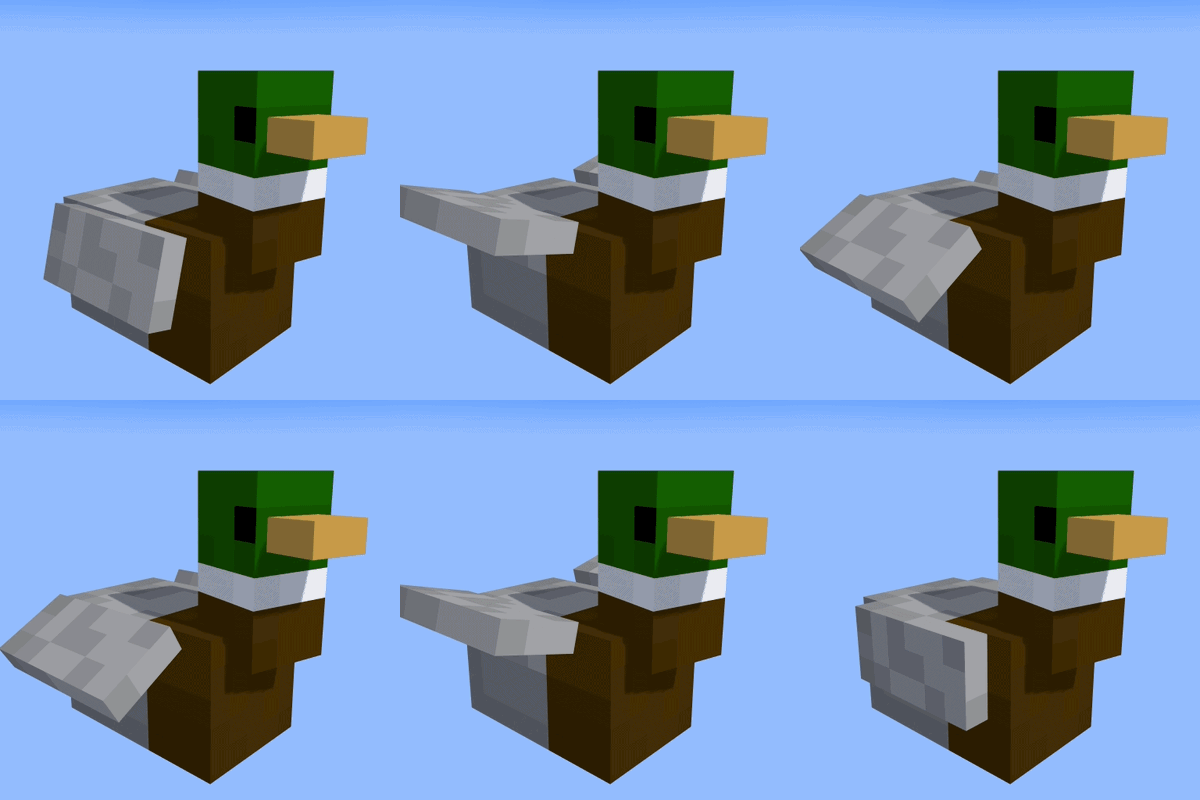 mod
Adds completely client-sided pets to your game. Supports every vanilla mob, some custom ones, and will work on any server, including in singleplayer!
 mod
An evil mod for Minecraft.