Fabric API Needed by Flower Map 1.3.0 [Fabric, Quilt]
requiredMatching file found Matched file: [1.20] Fabric API 0.83.0+1.20
CurseForge · Minecraft mod
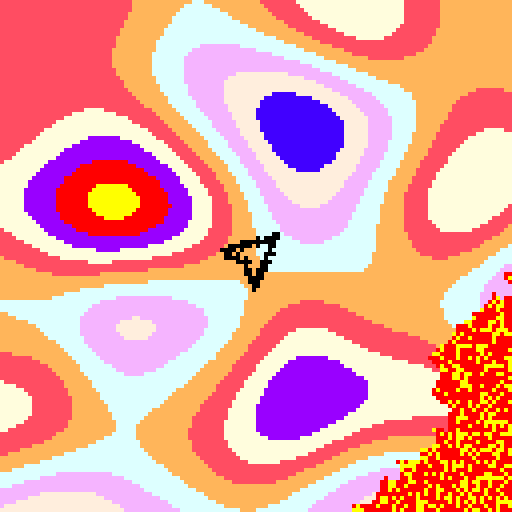
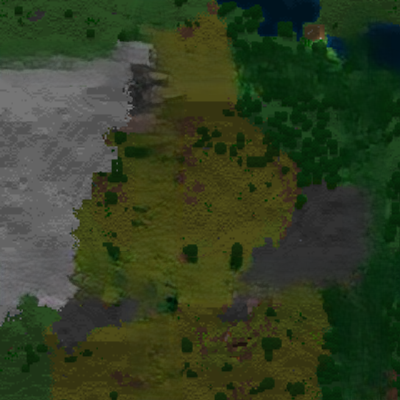
Shows the flower gradient, minimap-style.
Quick answer
Flower Map 1.3.0 [Fabric, Quilt] targets 1.20.2, 1.20.3, 1.20.1 with Fabric, Quilt. The project page does not say whether this file belongs on the client, dedicated server, or both. 1 required mod needs a matching file.
Where it goes
The project page does not say whether this file belongs on the client, dedicated server, or both.
The source does not explicitly classify this release as client-only or server-only.
Flower Map 1.3.0 [Fabric, Quilt] on 1.20. Every mod below is checked against that same setup.
Install Fabric API, Cloth Config API (Fabric/Forge/NeoForge), Cloth Config API, Fabric API first, but 1 required mod has no matching file for this setup. Do not mix loader builds to force a match.
We only count dependency files that match this setup. A file for another loader does not fill the gap.
Before you install it
Built for Flower Map 1.3.0 [Fabric, Quilt] on 1.20. Pick another file and the loader, install side or required mods may change.
Use Flower Map 1.3.0 [Fabric, Quilt]. It targets 1.20.2, 1.20.3, 1.20.1 with Fabric, Quilt; another release may have different loader, side or dependency requirements.
Install Fabric API, Cloth Config API (Fabric/Forge/NeoForge), Cloth Config API, Fabric API first, but 1 required mod has no matching file for this setup. Do not mix loader builds to force a match.
The project page does not say whether this file belongs on the client, dedicated server, or both.
Use the “Get this file” button beside Flower Map 1.3.0 [Fabric, Quilt]. It opens that exact file at the source.
About this project
Shows the flower gradient, minimap-style. As the gradient is 3-dimensional since 1.18, this mod has control over the y level for which the map is rendered. By default it uses the players y pos, but it can be switched to manual y mode, which can be controlled via keybinds.
This does work in multiplayer without entering the seed, as long as the biomes haven't been modified via datapack on the server side.
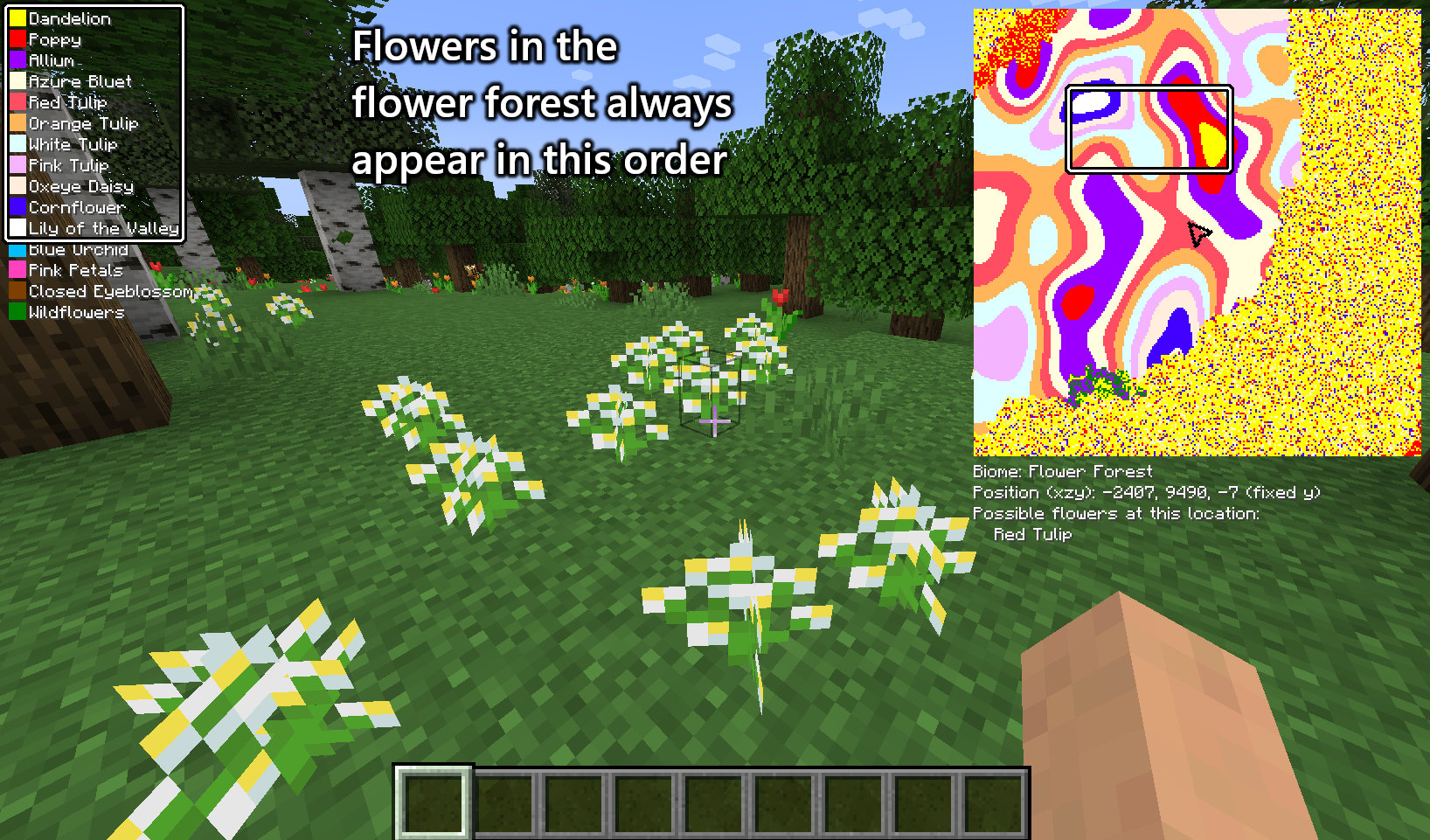
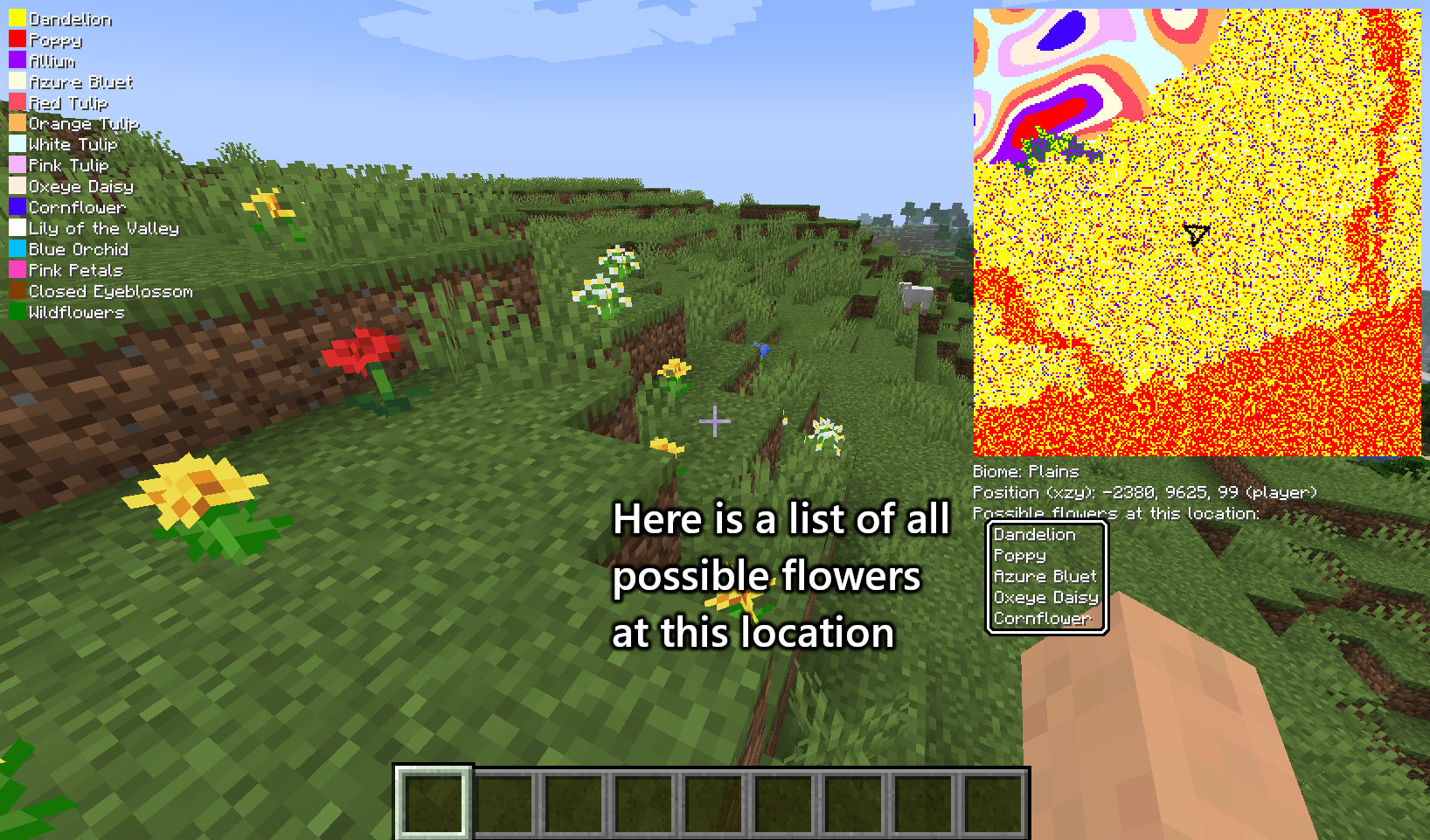
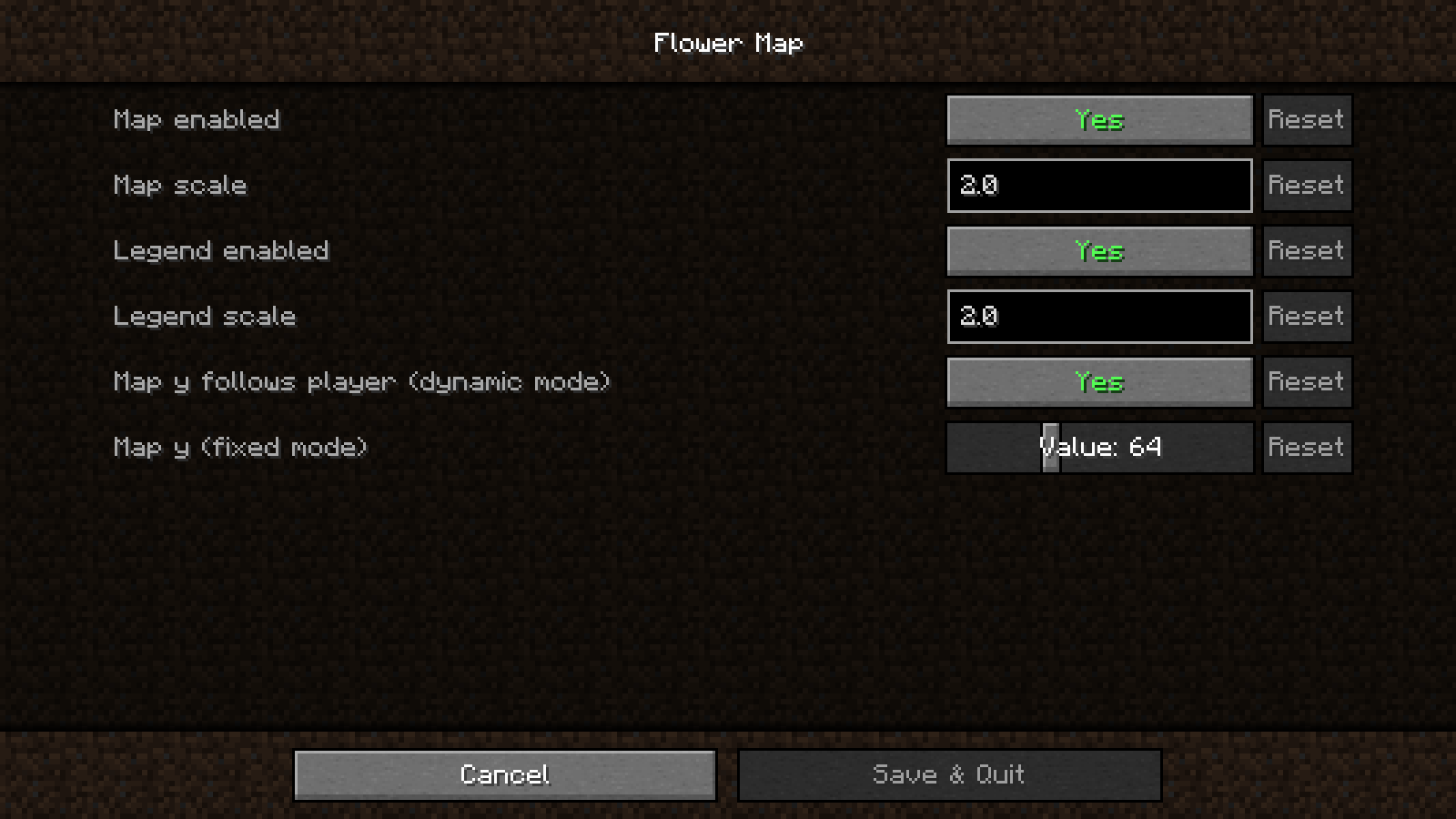
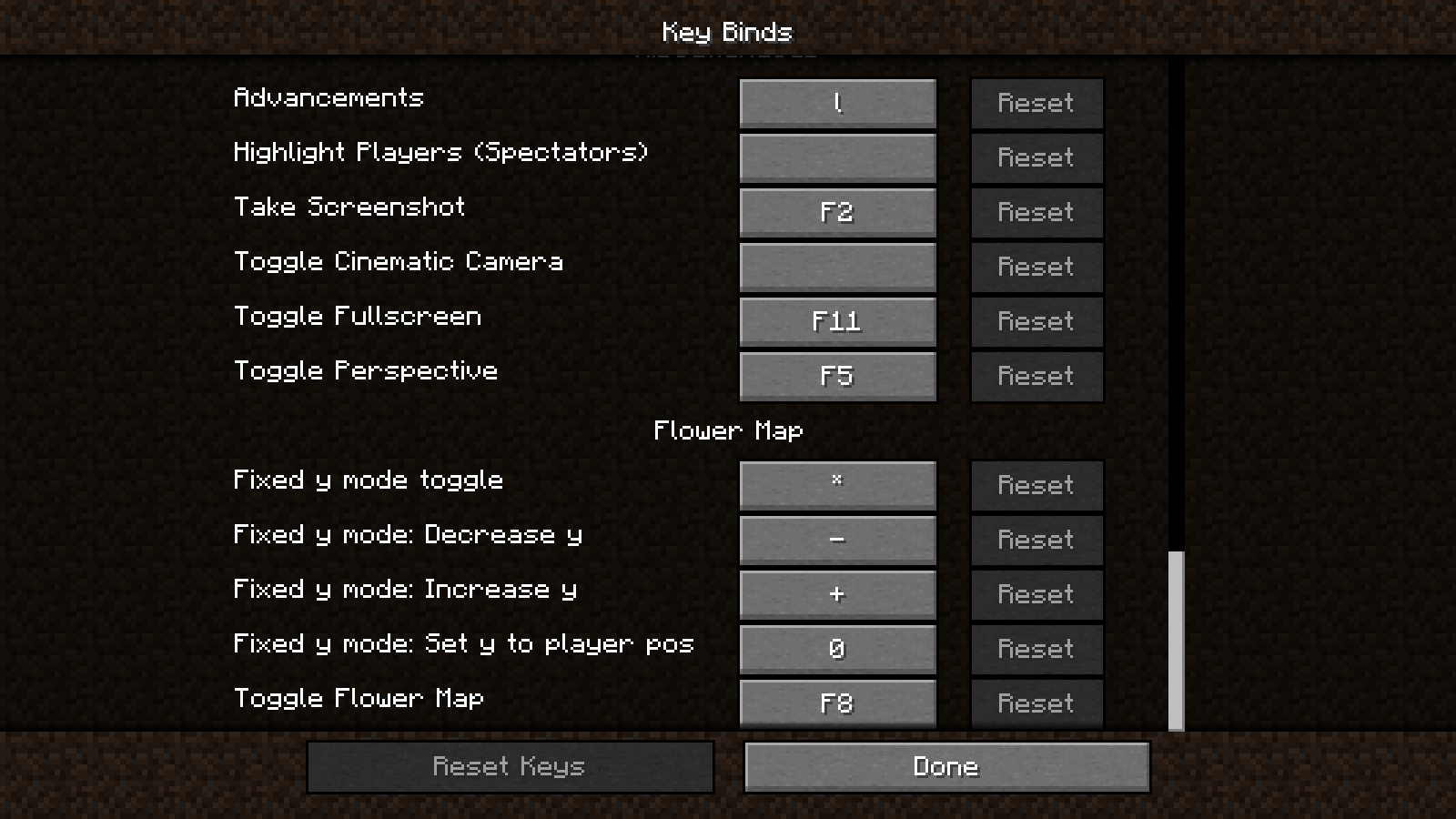
Project description from CurseForge.
Pick your setup
Choose the version and loader you play, then open the matching release.
Showing the newest 12 of 28 game versions. Older files are in the list below.
Check the dependencies, then try the file in a copied instance before changing a world you care about.
Recent files
flowermap-1.3.0.jar
9 Jun 2023
Looking for an older file? The official CurseForge project page is in Resources.
 mod
modRename your items easily!
 mod
modAdd bubbles above players heads when they send a message in the chat.
 mod
modAdding compatibility between Serene Seasons and other mods for a smoother experience.