Minecraft version
Back to mods 
CurseForge · Minecraft mod
Trade System
System with Hud for exchanging items
Choose a version Pick your version below, then grab the matching file.
Quick answer
Which Trade System release matches 1.18.2 Forge?
Best match for your filters trade_system_1.18.2_V3.1.jar
Game version 1.18.2
Loader Forge
Trade System trade_system_1.18.2_V3.1.jar targets 1.18.2 with Forge. The project page does not say whether this file belongs on the client, dedicated server, or both. No extra mods listed for this file.
Where it goes
Is Trade System required on the client, server, or both?
The project page does not say whether this file belongs on the client, dedicated server, or both.
Client Source doesn’t say
Dedicated server Source doesn’t say
Loader for this release Forge
Required install it here Optional supported, not mandatory Not supported do not install here Source doesn’t say do not assume
The source does not explicitly classify this release as client-only or server-only.
What else does Trade System trade_system_1.18.2_V3.1.jar need?
trade_system_1.18.2_V3.1.jar on 1.18.2 Forge. Every mod below is checked against that same setup.
This file does not list any required mods. Do not add a library just because a different file uses it.
This file does not list any required or optional mods.
Before you install it
Add Trade System without breaking your instance.
Built for Trade System trade_system_1.18.2_V3.1.jar on 1.18.2 Forge. Pick another file and the loader, install side or required mods may change.
- 01
Stick to this file
Use trade_system_1.18.2_V3.1.jar. It targets 1.18.2 with Forge; another release may have different loader, side or dependency requirements.
- 02
Bring the mods it needs
This file does not list any required mods. Do not add a library just because a different file uses it.
- 03
Put it on the correct side
The project page does not say whether this file belongs on the client, dedicated server, or both.
- 04
Pick the file you checked
Use the “Get this file” button beside trade_system_1.18.2_V3.1.jar. It opens that exact file at the source.
About this project
What does Trade System add?
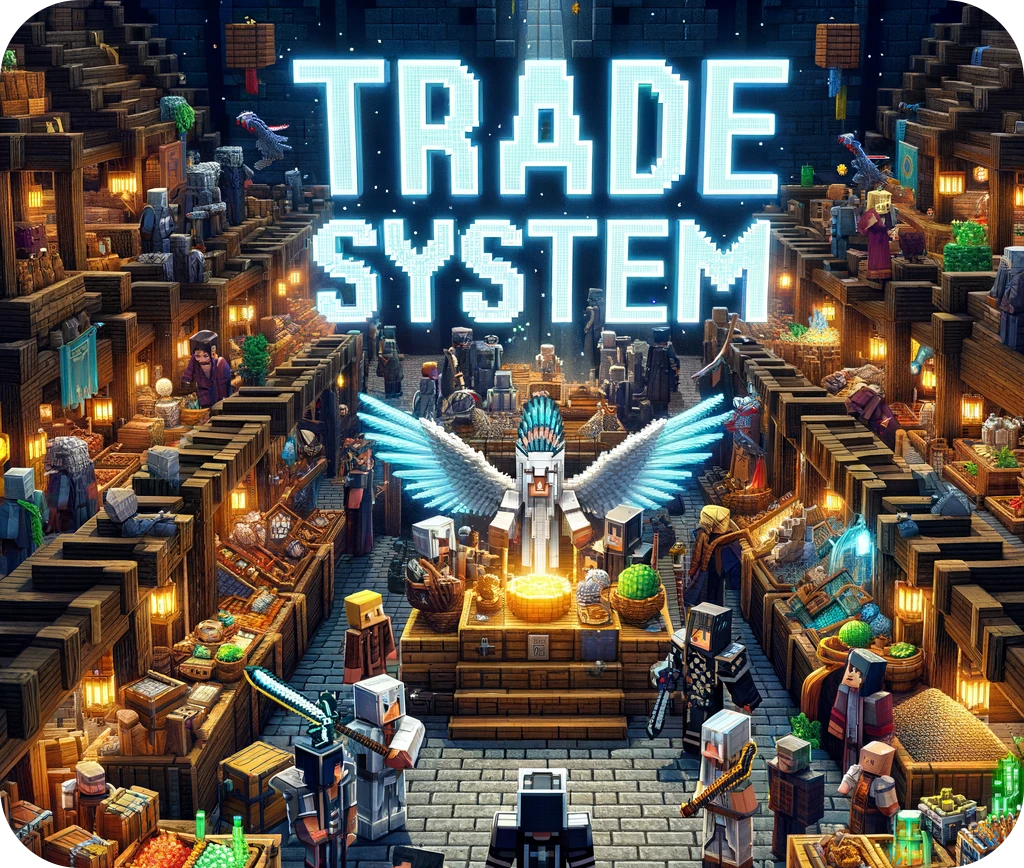
This mod creates a safe environment for you to make your trades, if the item cannot be traded you will see a red sign.
Commands:
To force everyone to use the mod, use this command. It prevents everyone from throwing items on the ground.
/trade_system_block_drops
Puts the block that is in your main hand in the list of blocks that cannot be traded
/trade_system_dont_trade
Removes the item in your main hand from the list of untradeable blocks
/trade_system_do_trade
Lists all blocks that cannot be traded
/trade_system_banned_list
How does the mod work?
1 - First you press G and this message will appear
2 - With the main hand empty, right click on another player (you will hear a sound) and a message will appear for it
3 - If the other player wants to trade with you he must follow the same procedure as steps 1 and 2 and a hud will open
4 - Both huds are synced, so if you place an item the other player can see what you want to trade
5 - By clicking on the TRADE button you signal that you accept the exchange and if the other player clicks on TRADE the exchange is made. If you don't like the offer, just press ESC and both huds will close
6 - The TRADE button is a safety mechanism, as every time someone takes or places an item it is disarmed, so it avoids blows if someone tries to accept the trade right after changing your offer quickly.
Project description from CurseForge.
Pick your setup
Trade System by Minecraft version and loader
Choose the version and loader you play, then open the matching release.
Minecraft version
1.20.1
1 loader buildMinecraft version
1.19.2
1 loader buildMinecraft version
1.18.2
2 loader buildsMinecraft version
1.17.1
1 loader buildMinecraft version
1.16.5
2 loader buildsCheck the dependencies, then try the file in a copied instance before changing a world you care about.
Recent files
Trade System versions and loaders
trade_system_1.18.2_V3.1.jar
22 Dec 2022
Client Source doesn’t say Server Source doesn’t say Dependencies No extras listed Listed on Release listing
Check the 1.18.2 · Forge setup 1.18.2Forge release
Looking for an older file? The official CurseForge project page is in Resources.
 mod
CurseForge · Minecraft
Slash Grief Control
Let explosions, mobs and powers reshape the world, then automatically restore tracked blocks and inventories with particles and no chat spam.
 mod
CurseForge + Modrinth · Minecraft
Supplementaries
Vanilla+ additions: Jars, signposts, faucets, weather vanes spring launchers, sconces, planters, lights, decoration and automation
 mod
CurseForge · Minecraft
Fabricate - Tom's Storage Autocrafting
Request crafting and machine recipes directly from Tom's Simple Storage terminals, with ingredient matching and job monitoring.