Minecraft version
Back to mods 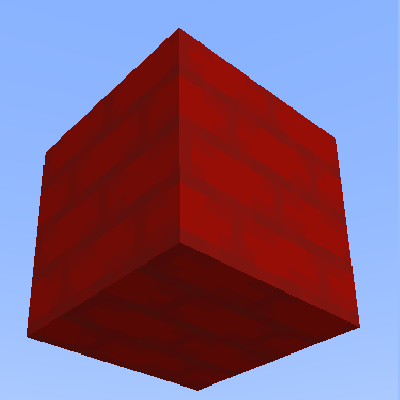
CurseForge · Minecraft mod
Coloured Woods
Allows woods to be dyed and adds coloured variations of wooden blocks (Eg slabs, stairs, fences))
Choose a version Pick your version below, then grab the matching file.
Quick answer
Which Coloured Woods release should I use?
Latest stable file ColouredWoods.jar
Game version 1.16-Snapshot, 1.17.1, 1.16.3
Loader Not required
Coloured Woods ColouredWoods.jar targets 1.16-Snapshot, 1.17.1, 1.16.3. The project page does not say whether this file belongs on the client, dedicated server, or both. No extra mods listed for this file.
Where it goes
Is Coloured Woods required on the client, server, or both?
The project page does not say whether this file belongs on the client, dedicated server, or both.
Client Source doesn’t say
Dedicated server Source doesn’t say
Loader for this release No loader listed
Required install it here Optional supported, not mandatory Not supported do not install here Source doesn’t say do not assume
The source does not explicitly classify this release as client-only or server-only.
What else does Coloured Woods ColouredWoods.jar need?
ColouredWoods.jar. Change the file and its required mods may change too.
This file does not list any required mods. Do not add a library just because a different file uses it.
This file does not list any required or optional mods.
Before you install it
Add Coloured Woods without breaking your instance.
Built for Coloured Woods ColouredWoods.jar. Pick another file and the loader, install side or required mods may change.
- 01
Stick to this file
Use ColouredWoods.jar. It targets 1.16-Snapshot, 1.17.1, 1.16.3; another release may have different loader, side or dependency requirements.
- 02
Bring the mods it needs
This file does not list any required mods. Do not add a library just because a different file uses it.
- 03
Put it on the correct side
The project page does not say whether this file belongs on the client, dedicated server, or both.
- 04
Pick the file you checked
Use the “Get this file” button beside ColouredWoods.jar. It opens that exact file at the source.
About this project
What does Coloured Woods add?
A simple forge mod that allows wooden planks to be dyed and made into coloured versions of wooden blocks such as fences, stairs and pressure plates!
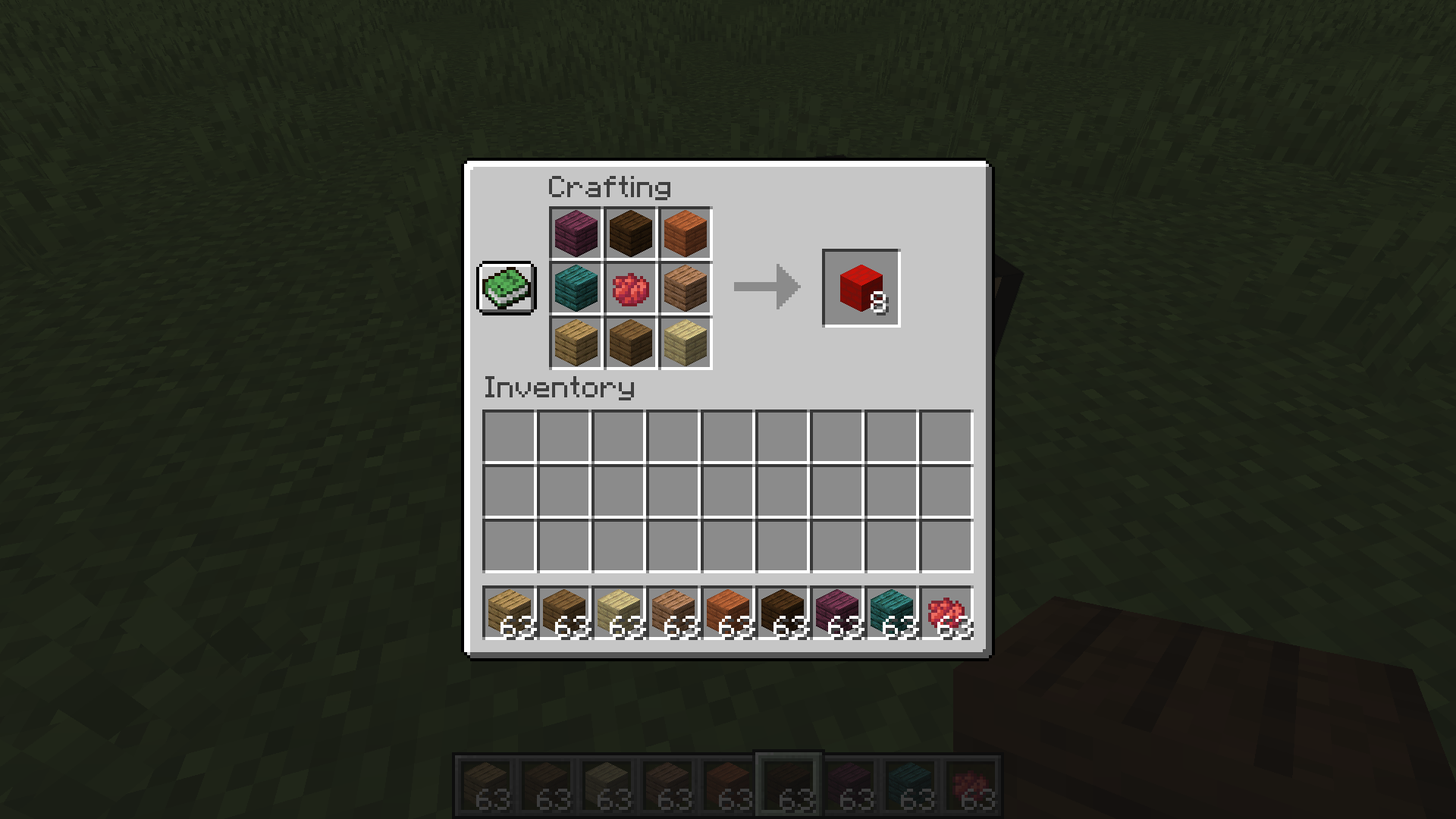
Planks can be dyed the same way as clay, surround 1 dye with 8 planks of any type, or a mixture! (Already dyed planks cannot be re-dyed)
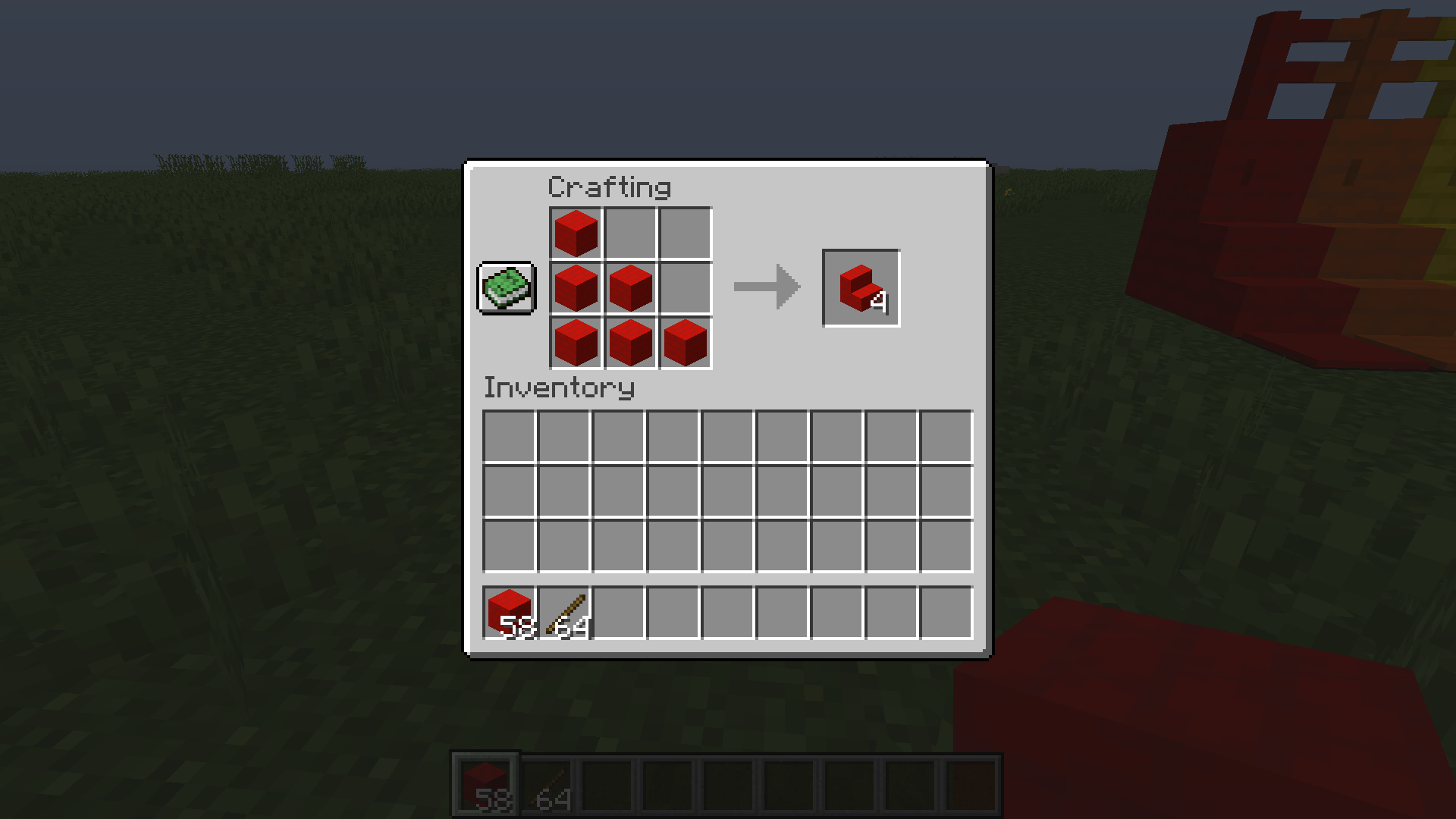
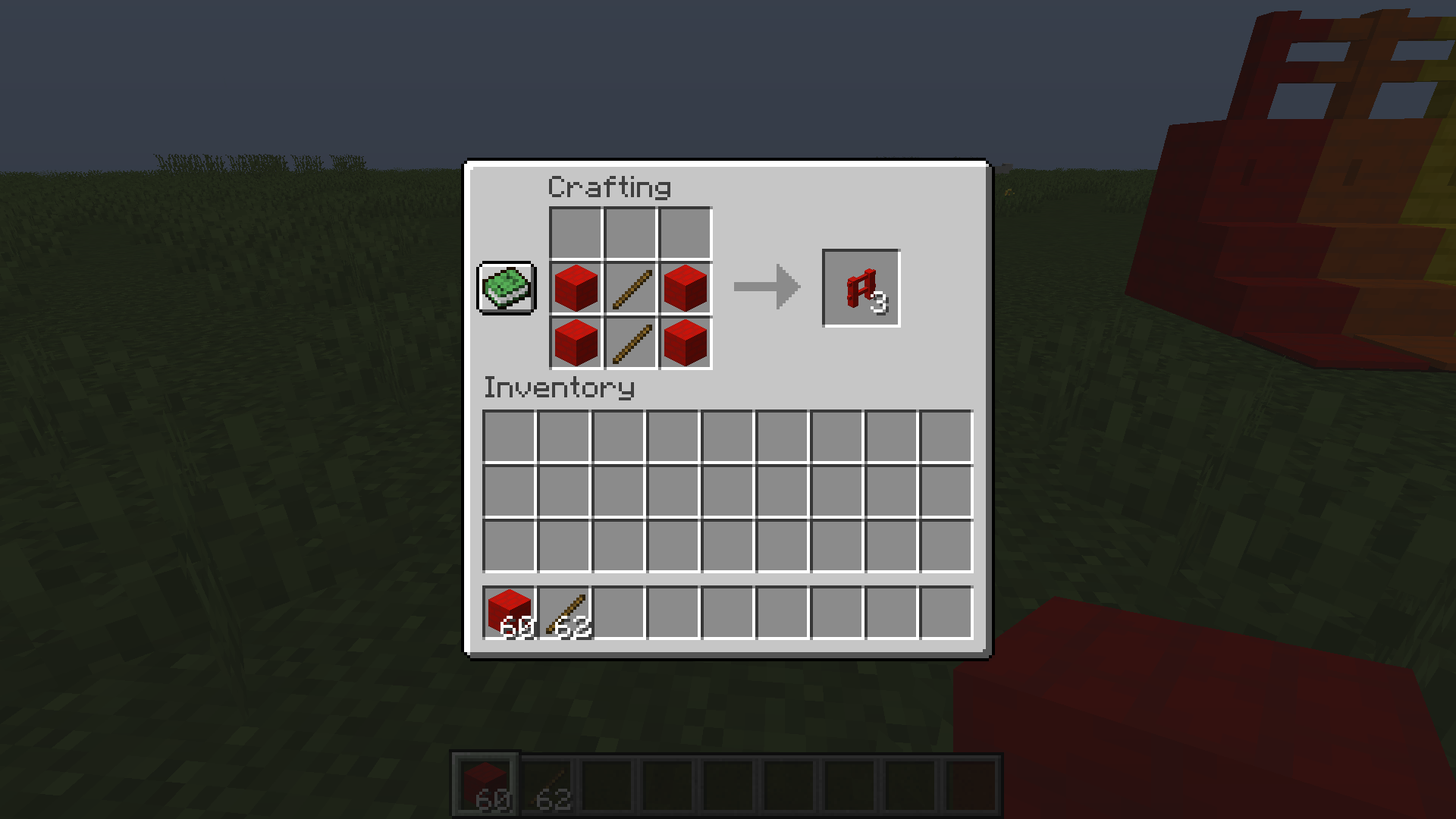
In crafting slabs, fences, buttons, stairs etc, just replace the usual planks with dyed ones.
This is my first ever mod, so please let me know any issues you encounter or any suggestions you have!
Project description from CurseForge.
Pick your setup
Coloured Woods by Minecraft version and loader
Choose the version and loader you play, then open the matching release.
Minecraft version
1.18.1
1 loader buildMinecraft version
1.18-Snapshot
1 loader buildMinecraft version
1.18
1 loader buildMinecraft version
1.17.1
1 loader buildMinecraft version
1.17-Snapshot
1 loader buildMinecraft version
1.17
1 loader buildMinecraft version
1.16.5
1 loader buildMinecraft version
1.16.4
1 loader buildMinecraft version
1.16.3
1 loader buildMinecraft version
1.16.2
1 loader buildMinecraft version
1.16.1
1 loader buildShowing the newest 12 of 24 game versions. Older files are in the list below.
Check the dependencies, then try the file in a copied instance before changing a world you care about.
Recent files
Coloured Woods versions and loaders
ColouredWoods.jar
1 Jun 2022
Client Source doesn’t say Server Source doesn’t say Dependencies No extras listed Listed on Release listing
Check the 1.18.2 setup 1.16-Snapshot1.17.11.16.31.15-Snapshot release
Looking for an older file? The official CurseForge project page is in Resources.
 mod
mod CurseForge · Minecraft
Hookah World
A Creeper can blow up anything, but only a hookah will help you survive its visit: smoking blends, tobaccos, and new structures for true connoisseurs of blocky relaxation!
 mod
mod CurseForge · Minecraft
Tensura: Bug Fixes
Fix major Tensura: reincarnated and addons crashes, broken skill costs, unsafe targeting, lost possession hosts, persistent effects and progression failures while preserving the intended abilities.
 mod
mod CurseForge · Minecraft
Random Loot Mod
It's looting like you've never seen it before!