Minecraft version
Back to mods 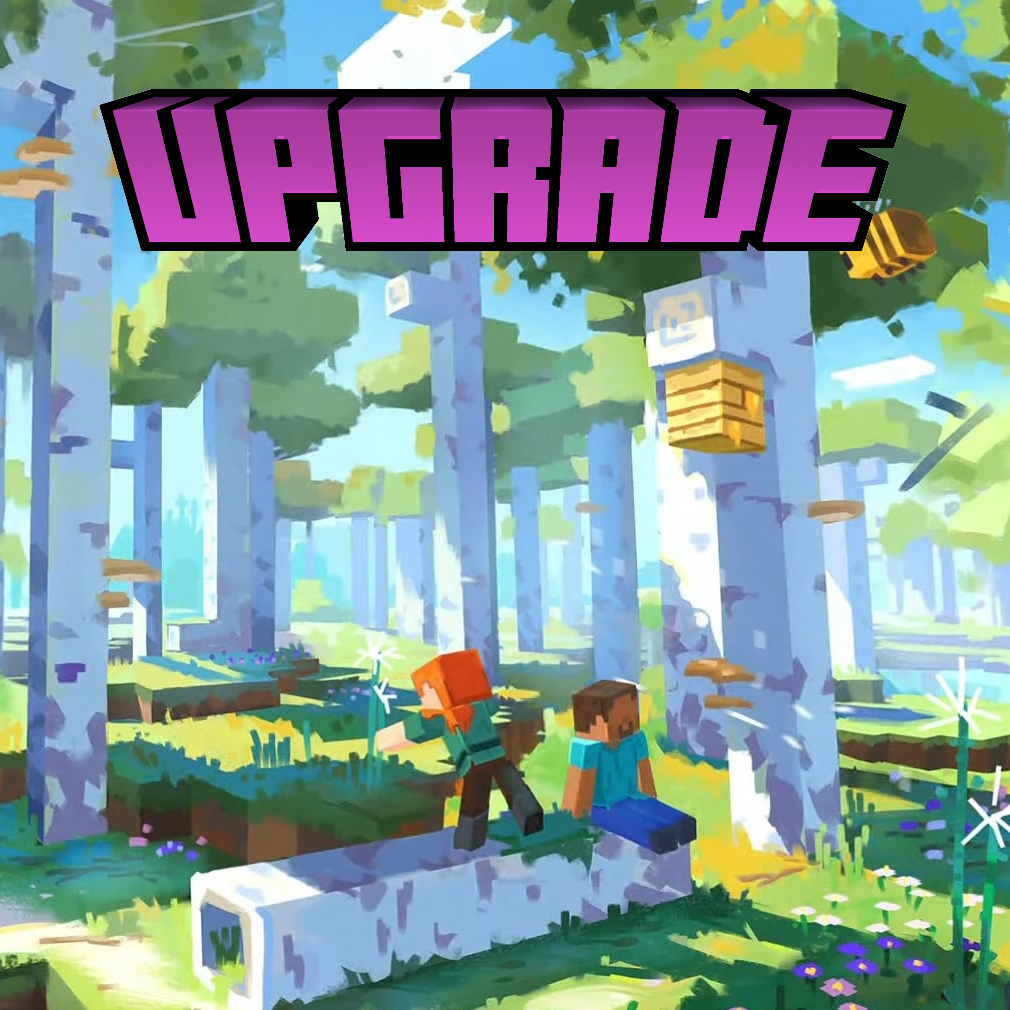
CurseForge · Minecraft mod
Birch Forest Upgrade
Upgrade of the Birch Forests with the Features seen in the Concept Art shown by Mojang at Minecraft Live 2021
Choose a version Pick your version below, then grab the matching file.
Quick answer
Which Birch Forest Upgrade release should I use?
Latest stable file Birch Forest Update 1.18.2 - 1.2
Game version 1.18.2
Loader Forge
Birch Forest Upgrade Birch Forest Update 1.18.2 - 1.2 targets 1.18.2 with Forge. The project page does not say whether this file belongs on the client, dedicated server, or both. No extra mods listed for this file.
Where it goes
Is Birch Forest Upgrade required on the client, server, or both?
The project page does not say whether this file belongs on the client, dedicated server, or both.
Client Source doesn’t say
Dedicated server Source doesn’t say
Loader for this release Forge
Required install it here Optional supported, not mandatory Not supported do not install here Source doesn’t say do not assume
The source does not explicitly classify this release as client-only or server-only.
What else does Birch Forest Upgrade Birch Forest Update 1.18.2 - 1.2 need?
Birch Forest Update 1.18.2 - 1.2. Change the file and its required mods may change too.
This file does not list any required mods. Do not add a library just because a different file uses it.
This file does not list any required or optional mods.
Before you install it
Add Birch Forest Upgrade without breaking your instance.
Built for Birch Forest Upgrade Birch Forest Update 1.18.2 - 1.2. Pick another file and the loader, install side or required mods may change.
- 01
Stick to this file
Use Birch Forest Update 1.18.2 - 1.2. It targets 1.18.2 with Forge; another release may have different loader, side or dependency requirements.
- 02
Bring the mods it needs
This file does not list any required mods. Do not add a library just because a different file uses it.
- 03
Put it on the correct side
The project page does not say whether this file belongs on the client, dedicated server, or both.
- 04
Pick the file you checked
Use the “Get this file” button beside Birch Forest Update 1.18.2 - 1.2. It opens that exact file at the source.
About this project
What does Birch Forest Upgrade add?
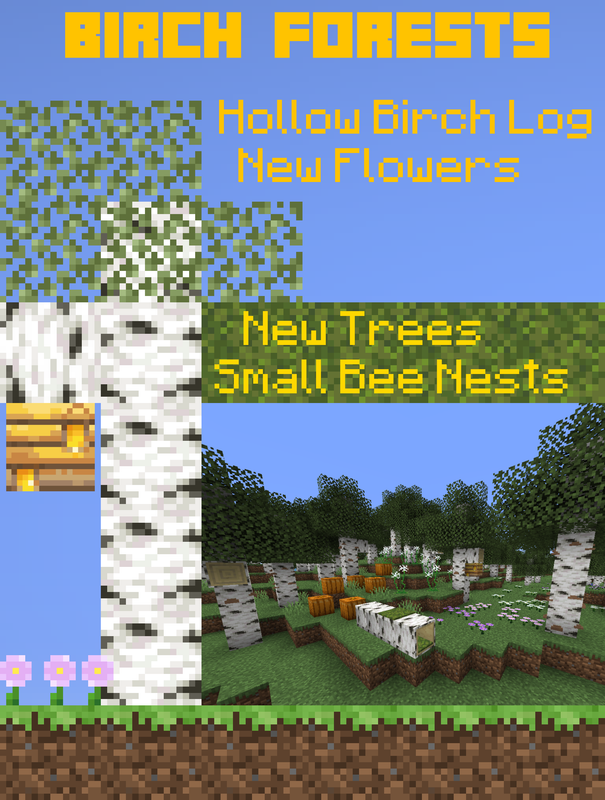
Birch Forest Update
This mod is extracted from elements of the Wild Update Concept Mod that I own [FORGE]
[100% Complete]
Features:
Mobs:
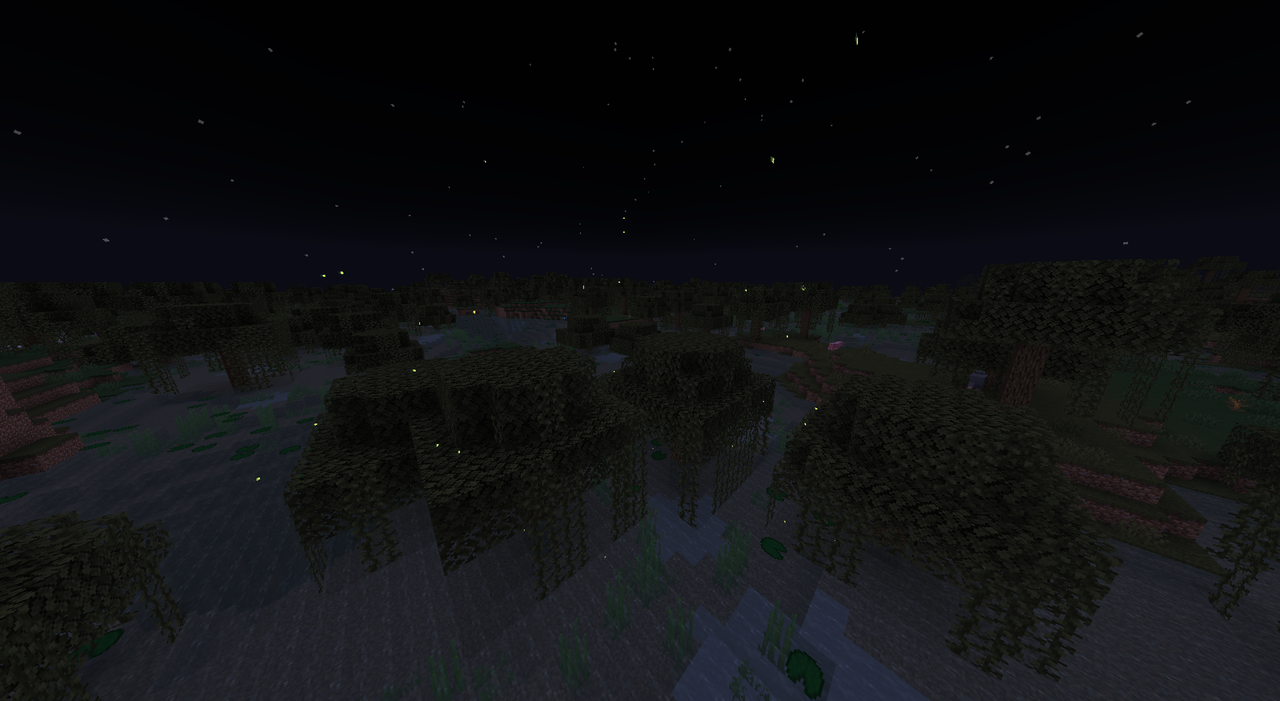
Fireflies
Blocks:
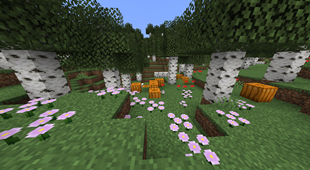
Hollow Birch Log
Mossy Hollow Birch Log
Birch Log with Musrhoom
Small Bee Nest
Small Bee Nest with Honey
Small White Flowers
Small Pink Flowers
Small Purple Flowers
Tall White Flower
Hollow Acacia Log
Hollow Dark Oak Log
Hollow Oak Log
Hollow Jungle Log
Hollow Spruce Log

Items:
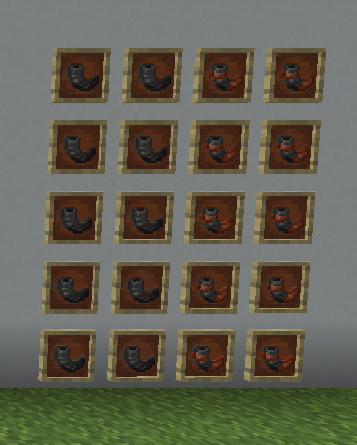
Goat Horns
Copper Goat Horns
Particles:
Birch Falling Leaves
Recipes:
Bundle
Copper Goat Horns
Birch Log with Mushroom
Advancements:
"Where is the Raid?" Play a Goat Horn
LootTables:
Goats drop Goat Horns
Goat Horns in Pillager Outpost Chest
Gamerules:
Falling Leaves
Tags:
LogBlocks
SmallFlowers
TallFlowers
FlowerItems
SmallFlowerItems


Discord: https://discord.gg/DcsZfhsU7W
Telegram: https://t.me/+BKaTmKYQLoVhNmU8
Project description from CurseForge.
Pick your setup
Birch Forest Upgrade by Minecraft version and loader
Choose the version and loader you play, then open the matching release.
Check the dependencies, then try the file in a copied instance before changing a world you care about.
Recent files
Birch Forest Upgrade versions and loaders
Birch Forest Update 1.18.2 - 1.2
Birch Forest Update 1.18.2 - 1.2.jar
8 Sept 2022
Client Source doesn’t say Server Source doesn’t say Dependencies No extras listed Listed on Release listing
Check the 1.18.2 · Forge setup 1.18.2Forge release
Birch Forest Update 1.18.2 - 1.1
Birch Forest Update 1.18.2 - 1.1.jar
13 Jun 2022
Client Source doesn’t say Server Source doesn’t say Dependencies No extras listed Listed on Release listing
Check the 1.18.2 · Forge setup 1.18.2Forge release
Birch Forest Upgrade 1.18.2 - 1.0
Birch Forest Update 1.18.2 - 1.0.jar
11 Jun 2022
Client Source doesn’t say Server Source doesn’t say Dependencies No extras listed Listed on Release listing
Check the 1.18.2 · Forge setup 1.18.2Forge release
Looking for an older file? The official CurseForge project page is in Resources.
 mod
CurseForge · Minecraft
Telemap: Core
A fullscreen map with clickable places, built on Diorama, JourneyMap or Xaero's World Map: markers, legend with search, event feed, teams and sharing. The core of the Telemap mods
 mod
CurseForge · Minecraft
Civic Frontier
Build player-run towns and nations with protected land, treasuries, taxes, paid jobs, trade, pigeon post, and community progression.
 mod
CurseForge · Minecraft
Life In The Rainforest
A companion mod to my other mod "Life On The Prairie" this time focused on the Rainforests of the Still Life world