Minecraft version
Back to mods 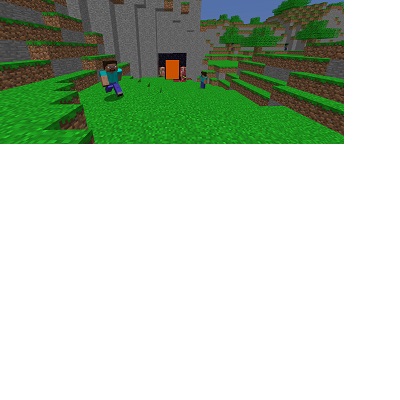
CurseForge · Minecraft mod
Oldcraft
This mod adds removed features and old features into a later version of Minecraft!
Choose a version Pick your version below, then grab the matching file.
Quick answer
Which Oldcraft release matches 1.19.2?
Best match for your filters Oldcraft_1-19-2_0-1-1.jar
Game version 1.19.2
Loader Forge
Oldcraft_1-19-2_0-1-1.jar targets 1.19.2 with Forge. The project page does not say whether this file belongs on the client, dedicated server, or both. No extra mods listed for this file.
Where it goes
Is Oldcraft required on the client, server, or both?
The project page does not say whether this file belongs on the client, dedicated server, or both.
Client Source doesn’t say
Dedicated server Source doesn’t say
Loader for this release Forge
Required install it here Optional supported, not mandatory Not supported do not install here Source doesn’t say do not assume
The source does not explicitly classify this release as client-only or server-only.
What else does Oldcraft_1-19-2_0-1-1.jar need?
Oldcraft_1-19-2_0-1-1.jar on 1.19.2. Every mod below is checked against that same setup.
This file does not list any required mods. Do not add a library just because a different file uses it.
This file does not list any required or optional mods.
Before you install it
Add Oldcraft without breaking your instance.
Built for Oldcraft_1-19-2_0-1-1.jar on 1.19.2. Pick another file and the loader, install side or required mods may change.
- 01
Stick to this file
Use Oldcraft_1-19-2_0-1-1.jar. It targets 1.19.2 with Forge; another release may have different loader, side or dependency requirements.
- 02
Bring the mods it needs
This file does not list any required mods. Do not add a library just because a different file uses it.
- 03
Put it on the correct side
The project page does not say whether this file belongs on the client, dedicated server, or both.
- 04
Pick the file you checked
Use the “Get this file” button beside Oldcraft_1-19-2_0-1-1.jar. It opens that exact file at the source.
About this project
What does Oldcraft add?
This mod will now only be updated to newer versions of the game
This mods adds stuff like old villages, dimensions leading to old world types, old dimensions, old biomes and more!
Expect to feel nostalgic for this mod when turning on "Music" if its turned off and the "Programmer resource pack!"
Yt: https://www.youtube.com/channel/UCEYnArOjfSg9XItDCg716HA
Mod Review on this Mod: https://www.youtube.com/watch?v=3iwZufhZ9eo
If a message saying "These features are experimental" when you load or make a world just ignore it. It works as intended
Feel free to recommend some old features to the mod that I should add!
Also if you find some ruby ore please take a screenshot of it and post it in the comment section I don't even know if it generates lol
Project description from CurseForge.
Pick your setup
Oldcraft by Minecraft version and loader
Choose the version and loader you play, then open the matching release.
Minecraft version
1.20.1
1 loader buildMinecraft version
1.19.4
1 loader buildMinecraft version
1.19.2
1 loader buildMinecraft version
1.18.2
1 loader buildCheck the dependencies, then try the file in a copied instance before changing a world you care about.
Recent files
Oldcraft versions and loaders
Oldcraft_1-19-2_0-1-1.jar
9 Oct 2023
Client Source doesn’t say Server Source doesn’t say Dependencies No extras listed Listed on Release listing
Check the 1.19.2 · Forge setup 1.19.2Forge release
Oldcraft_1-19-2_0-1-0.jar
17 Nov 2022
Client Source doesn’t say Server Source doesn’t say Dependencies No extras listed Listed on Release listing
Check the 1.19.2 · Forge setup 1.19.2Forge release
Looking for an older file? The official CurseForge project page is in Resources.
 mod
mod CurseForge + Modrinth · Minecraft
Spore & Stem
A whole kingdom of fungi: giant glowing mushrooms and three fungal woods, nine 3D mushrooms, cultivation logs, mushroom cooking, the Mycosis infection, seven creatures and the Myceliarch boss.
 mod
mod CurseForge + Modrinth · Minecraft
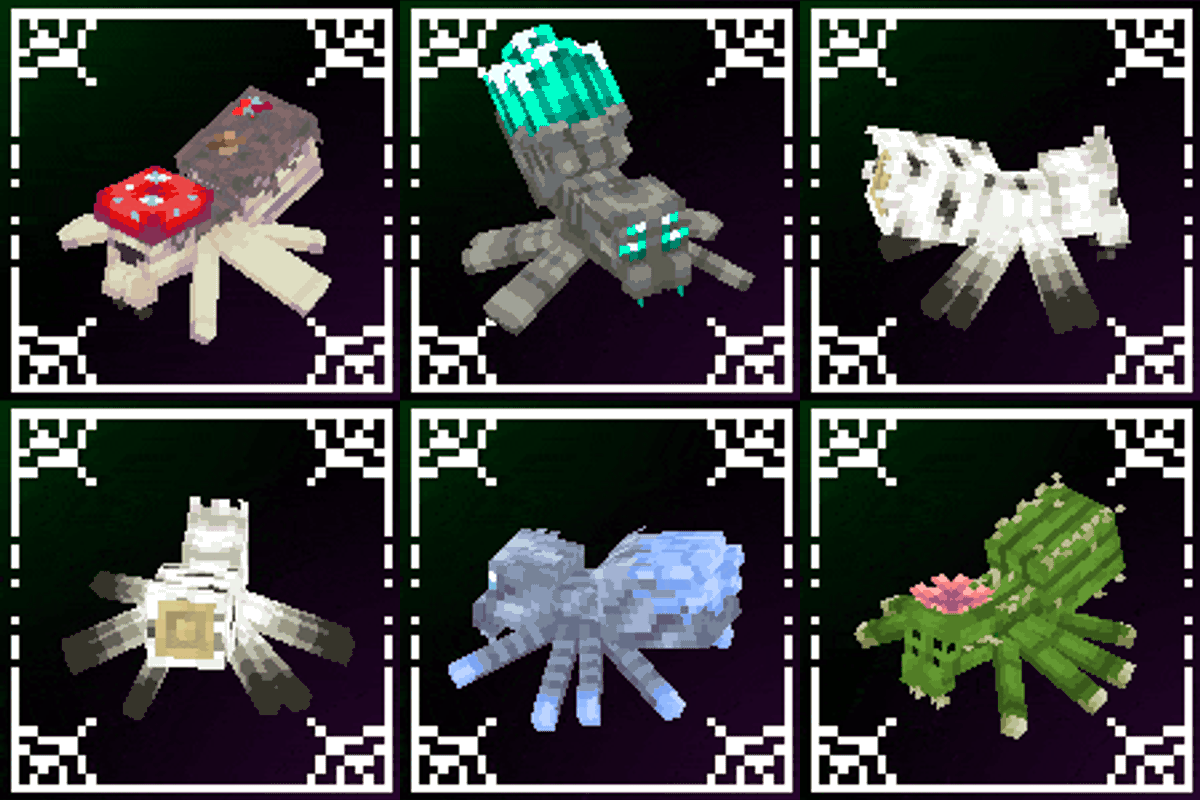
Spider Overhaul
A mod that improves Minecraft's spiders!
 mod
mod CurseForge · Minecraft
Happy Guy
Happy Guy is an advanced horror creature mod developed for Minecraft Forge, featuring immortality, intelligent tracking, obstacle traversal, movement through liquids, a progressive rage mechanic, and custom animations and sound effects.