Architectury API Needed by SkinMC: Free Custom Minecraft Capes skinmc_mod-fabric-2.4.0.jar
requiredMatching file found Matched file: [Fabric 26.3] v22.0.6

CurseForge · Minecraft mod
Customise your skin with a custom minecraft cape — available for free and visible for anyone using the mod
Quick answer
SkinMC: Free Custom Minecraft Capes skinmc_mod-fabric-2.4.0.jar targets 26.3 with Fabric. The project page does not say whether this file belongs on the client, dedicated server, or both. All 2 required mods have matching files.
Where it goes
The project page does not say whether this file belongs on the client, dedicated server, or both.
The source does not explicitly classify this release as client-only or server-only.
skinmc_mod-fabric-2.4.0.jar. Change the file and its required mods may change too.
Install Architectury API, Fabric API first. We found matching files for this game-version and loader setup. 1 comes through another mod in the chain.
1 extra mod was pulled in by another dependency. Indented rows show who needs each one. We only count dependency files that match this setup. A file for another loader does not fill the gap.
Before you install it
Built for SkinMC: Free Custom Minecraft Capes skinmc_mod-fabric-2.4.0.jar. Pick another file and the loader, install side or required mods may change.
Use skinmc_mod-fabric-2.4.0.jar. It targets 26.3 with Fabric; another release may have different loader, side or dependency requirements.
Install Architectury API, Fabric API first. We found matching files for this game-version and loader setup. 1 comes through another mod in the chain.
The project page does not say whether this file belongs on the client, dedicated server, or both.
Use the “Get this file” button beside skinmc_mod-fabric-2.4.0.jar. It opens that exact file at the source.
About this project

Create your cape on SkinMC. Wear it in-game with the SkinMC Mod.

Settings are in Mod Menu (Fabric) or the mod list config button (NeoForge), under SkinMC Cape Settings. You can also edit config/skinmc_mod.json:
| Option | Description |
|---|---|
| Cape display | SkinMC overrides (default) — SkinMC capes replace Mojang/OptiFine capes when set; Default only — only show Mojang/OF capes; SkinMC only — only show SkinMC capes (hide default when no SkinMC cape) |
| Shift + right-click player | When enabled, shift + right-clicking a player opens their SkinMC profile |
The SkinMC Mod is available for Fabric and NeoForge. Pick the loader that matches your setup.
.jar file into your Minecraft mods folder.You can also create your own cape in the SkinMC Cape Editor.
You can find a large selection of Minecraft capes on the following pages, or make your own:
Currently capes must be
Contribute code on GitHub or submit your ideas for future versions!
This project is licensed under the GNU Lesser General Public License v2.1 (LGPL-2.1).
This mod is built with Architectury, which enables a single codebase to run on both Fabric and NeoForge.
Please open a support ticket
Project description from CurseForge.
Pick your setup
Choose the version and loader you play, then open the matching release.
Check the dependencies, then try the file in a copied instance before changing a world you care about.
Recent files
20 Oct 2026
20 Oct 2026
20 Oct 2026
20 Oct 2026
7 Mar 2026
7 Mar 2026
4 Mar 2026
4 Mar 2026
4 Mar 2026
4 Mar 2026
31 Jan 2026
31 Jan 2026
Looking for an older file? The official CurseForge project page is in Resources.
 mod
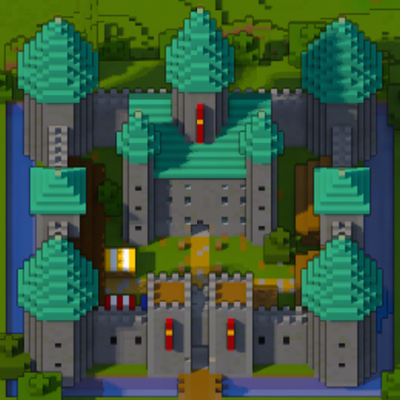
A minimap and world map drawn at an angle, like a model of your world on a table. Towers stand up, cliffs have faces and trees cast shadows.
 mod
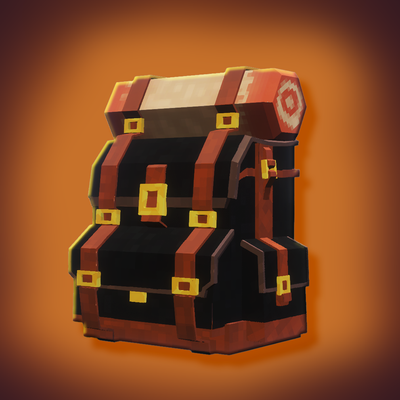
Adds wearable, upgradeable backpacks for portable item storage.
 mod
A map mod focused on ease of use, api strength, and beautiful aspects of your world.