Kotlin for Forge Needed by Create Jetpack Neoforge 5.2.1
requiredMatching file found Matched file: Kotlin for Forge 5.12.0
CurseForge · Minecraft mod
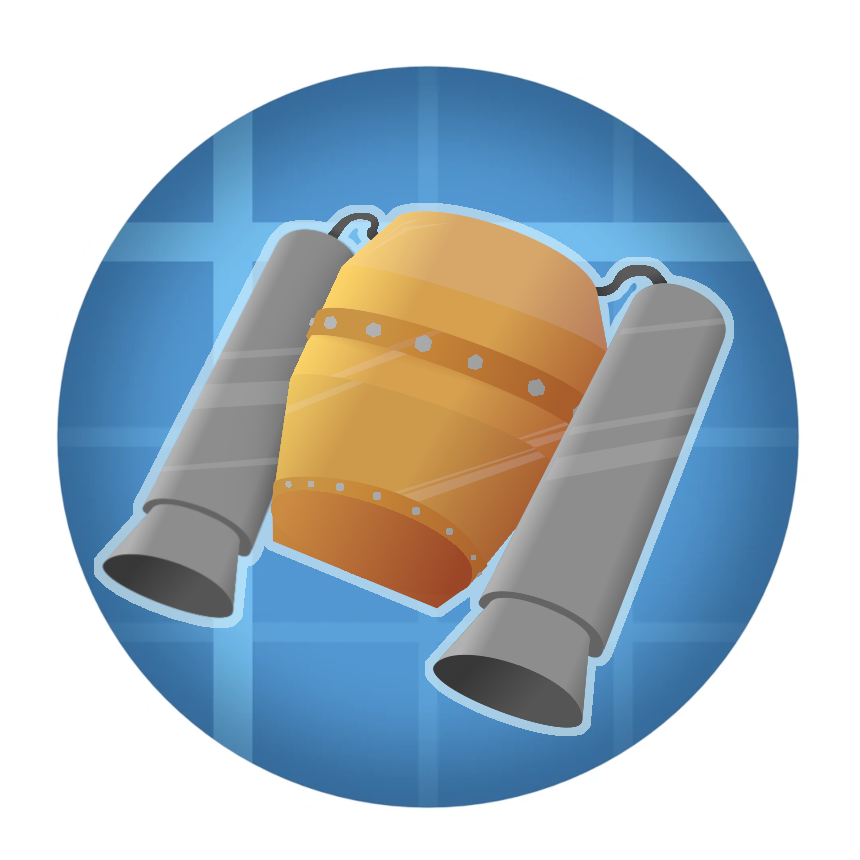
Upgrade your backtank and utilize the pressurized air to fly
Quick answer
Create Jetpack Neoforge 5.2.1 targets 1.21.1 with NeoForge. The project page does not say whether this file belongs on the client, dedicated server, or both. All 2 required mods have matching files.
Where it goes
The project page does not say whether this file belongs on the client, dedicated server, or both.
The source does not explicitly classify this release as client-only or server-only.
Neoforge 5.2.1. Change the file and its required mods may change too.
Install Kotlin for Forge, Create first. We found matching files for this game-version and loader setup.
We only count dependency files that match this setup. A file for another loader does not fill the gap.
Before you install it
Built for Create Jetpack Neoforge 5.2.1. Pick another file and the loader, install side or required mods may change.
Use Neoforge 5.2.1. It targets 1.21.1 with NeoForge; another release may have different loader, side or dependency requirements.
Install Kotlin for Forge, Create first. We found matching files for this game-version and loader setup.
The project page does not say whether this file belongs on the client, dedicated server, or both.
Use the “Get this file” button beside Neoforge 5.2.1. It opens that exact file at the source.
About this project




Using brass you are able to upgrade your copper backtank to a jetpack, using the pressurized air inside to propel yourself through the air.
Inspired by Simply Jetpacks, this jetpack also has a hover mode.
Like the copper backtank, the jetpack does also go in the chest slot, feeds air to items like the extendo-grip and can be enchanted with Capacity. Just like the backtank it is charged by placing it down and supplying it with rotational force.

When underwater while sprint-swimming, the jetpack boosts your swimming speed. Additionally, the hover-mode prevents you from floating downwards.

If a mod similar to Elytra Slot, which enables equipping an elytra in addition to a chestplate, the jetpack will instead give you firework-like boost while the player is pressing the UP-key.

Project description from CurseForge.
Pick your setup
Choose the version and loader you play, then open the matching release.
Check the dependencies, then try the file in a copied instance before changing a world you care about.
Recent files
create_jetpack-forge-5.2.1.jar
31 Jul 2026
create_jetpack-forge-5.2.0.jar
30 Jul 2026
create_jetpack-fabric-4.4.2.jar
11 Mar 2026
create_jetpack-fabric-4.4.1.jar
10 Mar 2026
create_jetpack-fabric-4.4.0.jar
10 Mar 2026
create_jetpack-forge-4.4.6.jar
2 Dec 2025
create_jetpack-forge-5.1.2.jar
2 Dec 2025
create_jetpack-forge-4.4.5.jar
2 Nov 2025
create_jetpack-forge-4.4.4.jar
2 Nov 2025
create_jetpack-forge-4.4.3.jar
1 Nov 2025
create_jetpack-forge-5.1.1.jar
1 Nov 2025
create_jetpack-forge-5.1.0.jar
1 Jun 2025
Looking for an older file? The official CurseForge project page is in Resources.
 mod
modAn EMI addon that shows which supported structures generate a block and what materials those structures can contain.
 mod
modRIFTBOUND is a custom progression mod featuring Rift expeditions, unique mobs, bosses, Stabilized Matter, Reality Stability, Warden gear, machines, automation, and tech that expands as you conquer increasingly dangerous worlds. THIS MOD IS MADE FOR MODPACK
 mod
modAdministrative item editor for Forge 1.20.1. Create and adjust custom items, attributes, enchantments, effects, tooltip flags, and spawn egg entity data through a clean in-game UI.