Create Fabric Optional for Iris & Oculus Flywheel Compat Fabric 1.21.1+2.0.5-release
optionalNo matching file
CurseForge · Minecraft mod
Enable Flywheel's optimizations when use shaders.
Quick answer
Iris & Oculus Flywheel Compat Fabric 1.21.1+2.0.5-release targets 1.21.1 with Fabric. The project page does not say whether this file belongs on the client, dedicated server, or both. All 2 required mods have matching files.
Where it goes
The project page does not say whether this file belongs on the client, dedicated server, or both.
The source does not explicitly classify this release as client-only or server-only.
Fabric 1.21.1+2.0.5-release on Fabric. Every mod below is checked against that same setup.
Install Iris Shaders, Sodium first. We found matching files for this game-version and loader setup. 1 comes through another mod in the chain.
1 extra mod was pulled in by another dependency. Indented rows show who needs each one. We only count dependency files that match this setup. A file for another loader does not fill the gap.
Before you install it
Built for Iris & Oculus Flywheel Compat Fabric 1.21.1+2.0.5-release on Fabric. Pick another file and the loader, install side or required mods may change.
Use Fabric 1.21.1+2.0.5-release. It targets 1.21.1 with Fabric; another release may have different loader, side or dependency requirements.
Install Iris Shaders, Sodium first. We found matching files for this game-version and loader setup. 1 comes through another mod in the chain.
The project page does not say whether this file belongs on the client, dedicated server, or both.
Use the “Get this file” button beside Fabric 1.21.1+2.0.5-release. It opens that exact file at the source.
About this project
Version Compatibility:
| Create Version | NeoForge/Forge | Fabric |
|---|---|---|
| 6.0.9 | 2.1.0 | ❌ |
| 6.0.0 - 6.0.9 | 2.0.5 | ❌ |
| 5.0 | 1.X | 1.X |
Features:
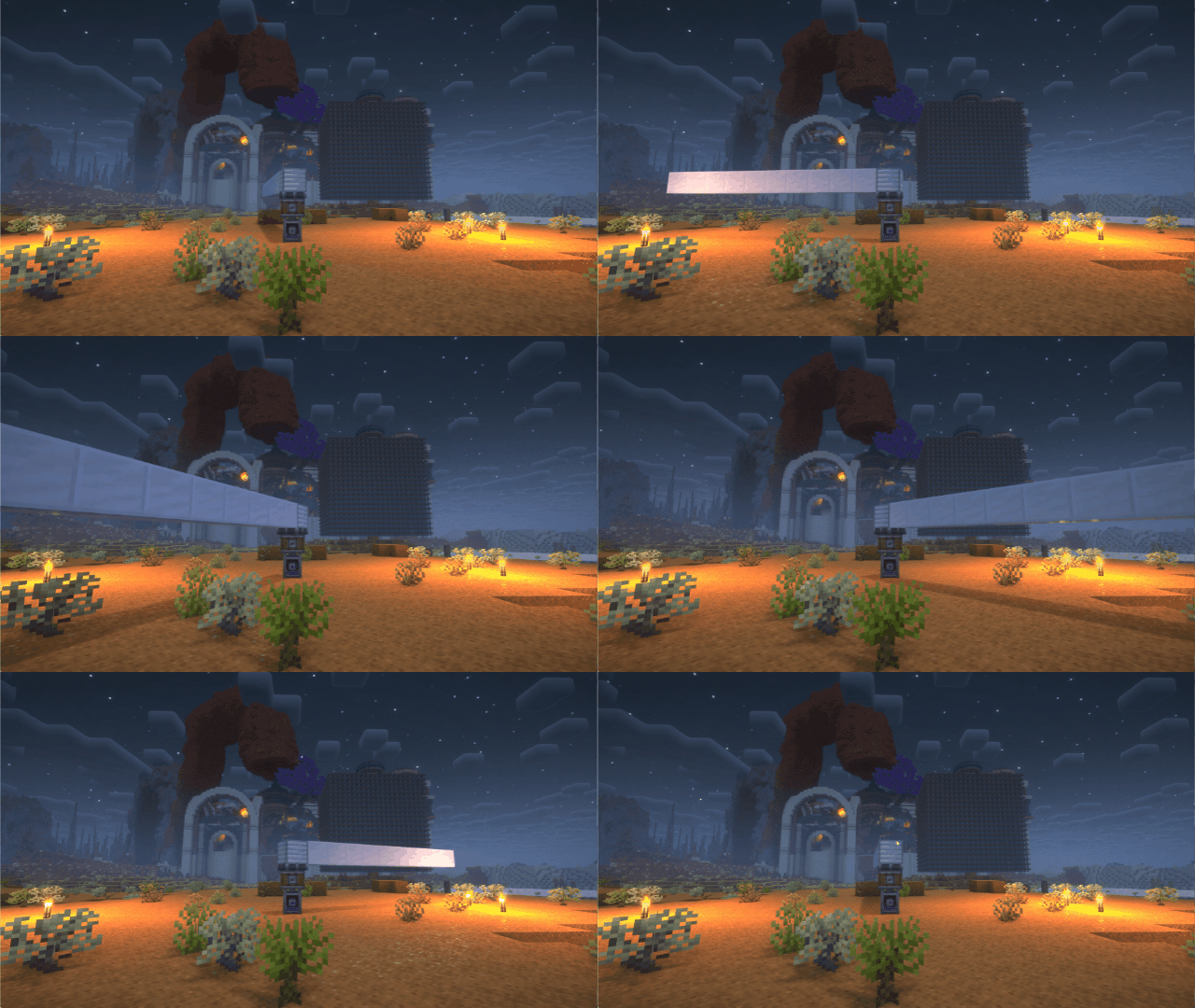
If you have any suggestions or issues, please raise them on the GitHub issue page.
undefined
undefined
There are some shaderpacks that are also supported, but not listed above, so you can test them yourself.
This mod only supports some specific versions of Iris !!!
| Create Version | NeoForge/Forge | Fabric |
|---|---|---|
| 6.0.9 | 2.1.0 | ❌ |
| 6.0.0 - 6.0.9 | 2.0.5 | ❌ |
| 5.0 | 1.X | 1.X |
| Iris or Oculus | This Mod |
|---|---|
| >= 1.8.1 | 2.0.0 |
| >= 1.6.13 | 0.2.2 |
| >= 1.6.5 | 0.2.1 |
| >= 1.6.2 | 0.2.0 |
| >= 1.5 and <= 1.6.1 | 0.1.9 |
| >= 1.4 and < 1.5 | 0.1.7~0.1.8 |
| <1.4 | 0.1.6 below |
2024/7/28
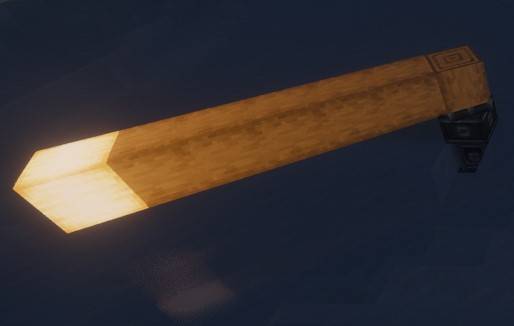
Flywheel uses a method called GPU Instancing to render entities. It is very efficient when rendering a large number of repeating entities (e.g., cogwheels in the Create mod).
However, when you use Iris and enable shaderpack, this optimization is disabled because Flywheel needs to use its own shaders to render these entities, and Flywheel’s shaders will no longer work when you enable shaderpack.
This mod will automatically merge Flywheel’s shaders with the shaders in the shaderpack when shaderpack is enabled, allowing entities to be rendered using Instancing.
When there is a large number of entities to render, there is a significant CPU bottleneck with the original rendering method. This means that the better your GPU is, the more substantial the FPS improvement from Flywheel will be. For example, on my RTX 4070ti at 4K resolution, the scene in the screenshot improved from 26fps to 65fps.
Comparison

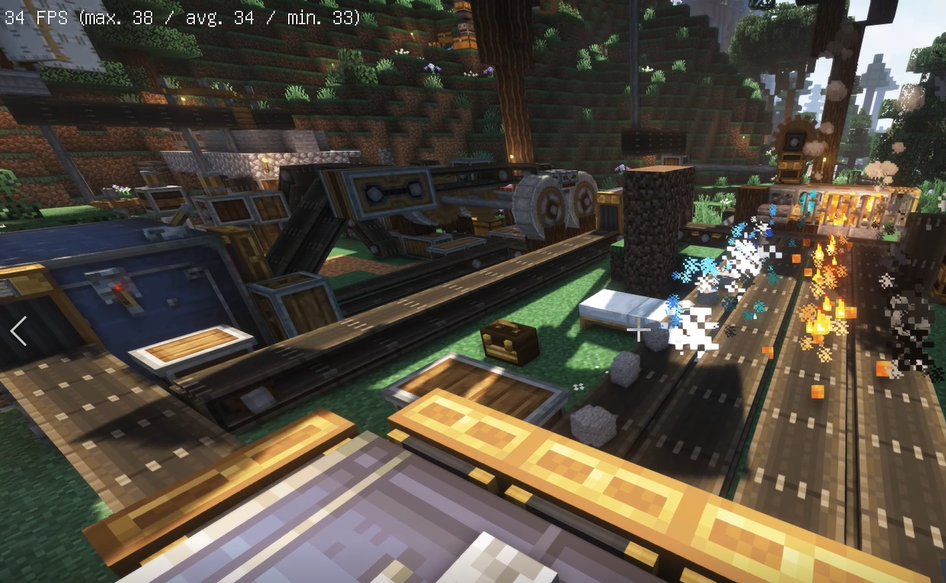
Before
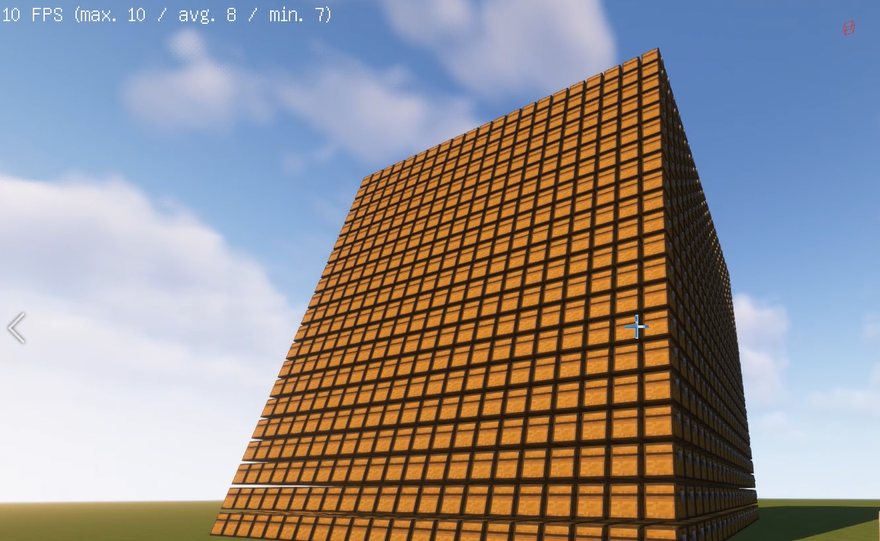
After
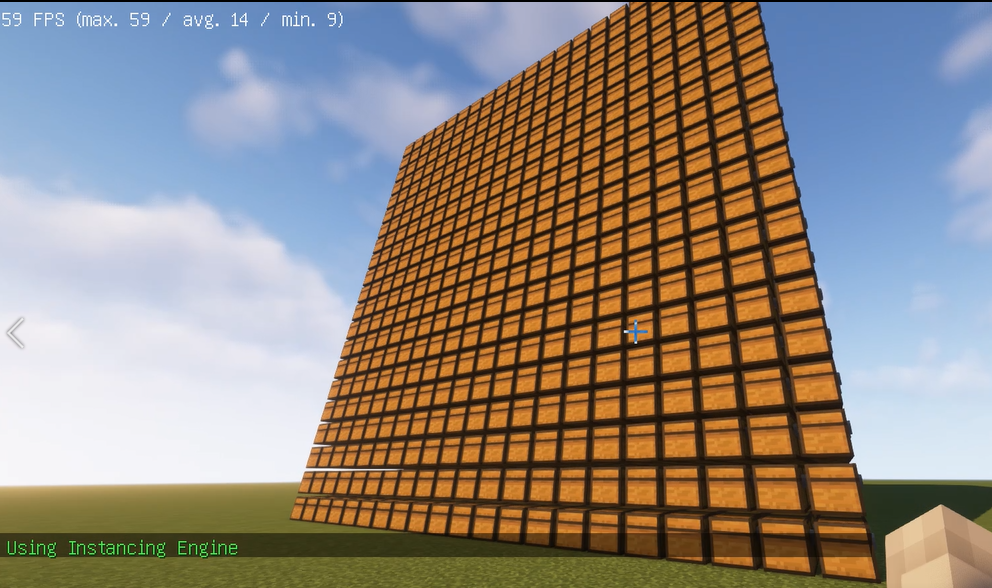
Before
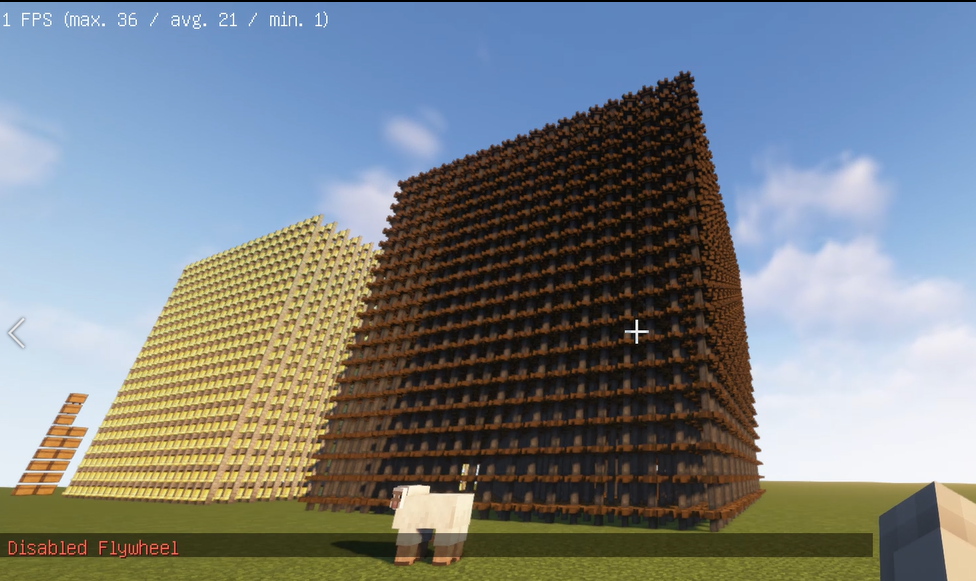
After
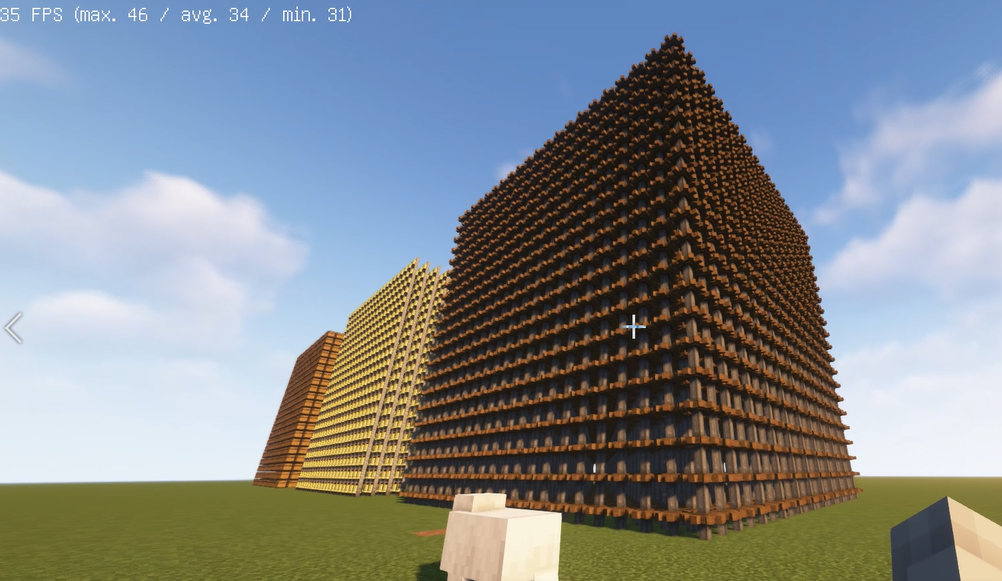
Install Flywheel(Create has embedded flywheel so you don't need to install it separately now) and Iris (Oculus if you use forge).
Install this mod.undefinedundefined
Project description from CurseForge.
Pick your setup
Choose the version and loader you play, then open the matching release.
Showing the newest 12 of 14 game versions. Older files are in the list below.
Check the dependencies, then try the file in a copied instance before changing a world you care about.
Recent files
iris-flywheel-compat-Fabric-2.0.5.jar
7 Oct 2025
iris-flywheel-compat-Fabric-2.0.4.jar
7 Jul 2025
iris-flywheel-compat-Fabric-2.0.3.jar
21 Jun 2025
iris-flywheel-compat-fabric1.20.1+1.1.4.jar
6 Oct 2024
iris-flywheel-compat-fabric1.19.2+1.0.3b.jar
6 Oct 2024
iris-flywheel-compat-fabric1.20.1+1.1.3b.jar
6 Oct 2024
iris-flywheel-compat-fabric1.19.2+1.0.3a.jar
17 Aug 2024
iris-flywheel-compat-fabric1.20.1+1.1.3a.jar
17 Aug 2024
17 Aug 2024
7 Aug 2024
7 Aug 2024
7 Aug 2024
Looking for an older file? The official CurseForge project page is in Resources.
 mod
modLets you replace the appearance of the Totem of Undying with selectable Minecraft-style dolls
 mod
modThis mod lets my other mods be compatible with Minecraft.
 mod
modTransparent monitors, floor and wall holograms, a drafting mat and a servo arm — every screen drawn as vector geometry at runtime.
