Fabric API Needed by Accurate Maps 1.0-BETA
requiredMatching file found Matched file: [1.19.2] Fabric API 0.77.0+1.19.2
CurseForge · Minecraft mod
A small quality of life mod that changes the vanilla map colouring to be more accurate to in-game colors.
Quick answer
Accurate Maps 1.0-BETA targets 1.19.2 with Fabric. The project page does not say whether this file belongs on the client, dedicated server, or both. All 2 required mods have matching files.
Where it goes
The project page does not say whether this file belongs on the client, dedicated server, or both.
The source does not explicitly classify this release as client-only or server-only.
Accurate Maps 1.0-BETA. Change the file and its required mods may change too.
Install Fabric API, Fabric Language Kotlin first. We found matching files for this game-version and loader setup.
We only count dependency files that match this setup. A file for another loader does not fill the gap.
Before you install it
Built for Accurate Maps 1.0-BETA. Pick another file and the loader, install side or required mods may change.
Use Accurate Maps 1.0-BETA. It targets 1.19.2 with Fabric; another release may have different loader, side or dependency requirements.
Install Fabric API, Fabric Language Kotlin first. We found matching files for this game-version and loader setup.
The project page does not say whether this file belongs on the client, dedicated server, or both.
Use the “Get this file” button beside Accurate Maps 1.0-BETA. It opens that exact file at the source.
About this project
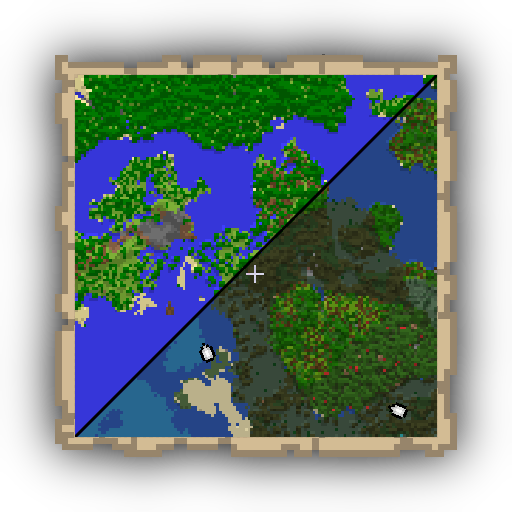
Accurate Maps
A small quality of life mod that changes the vanilla map coloring to be more accurate to in-game colors.

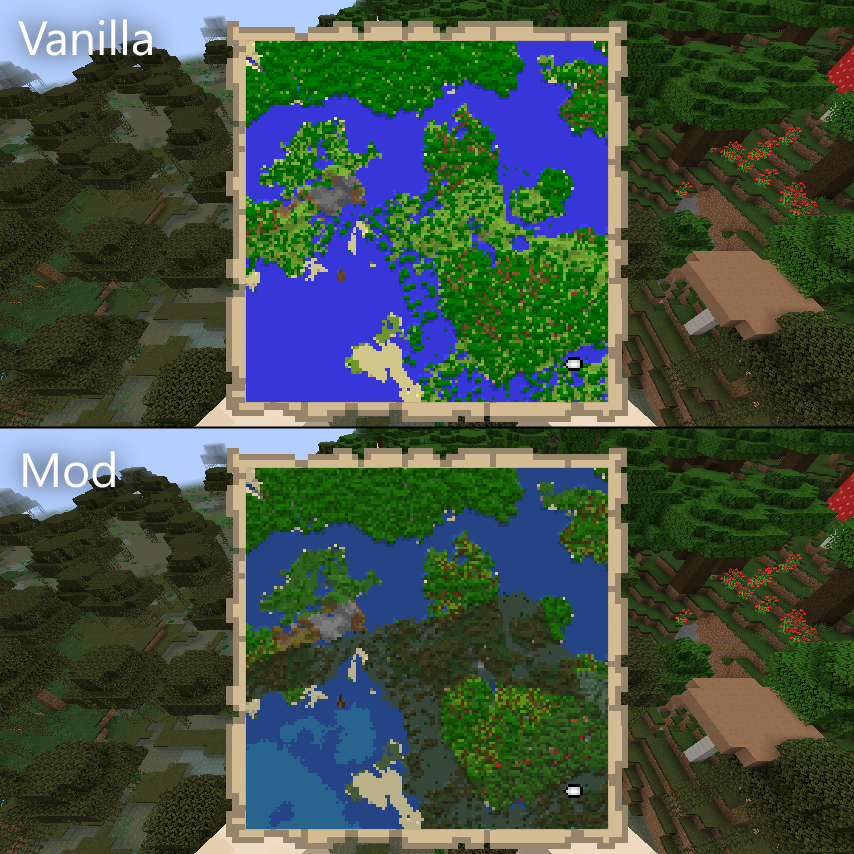
Accurate Maps works by sending extra info to the client about the block being represented in the map. With that extra info, the client can then calculate the color of the block in a more accurate way.
If the map being rendered does not have additional info, the renderer will fall back to the vanilla colors, so mods that use the vanilla map system to render custom stuff will not be affected.
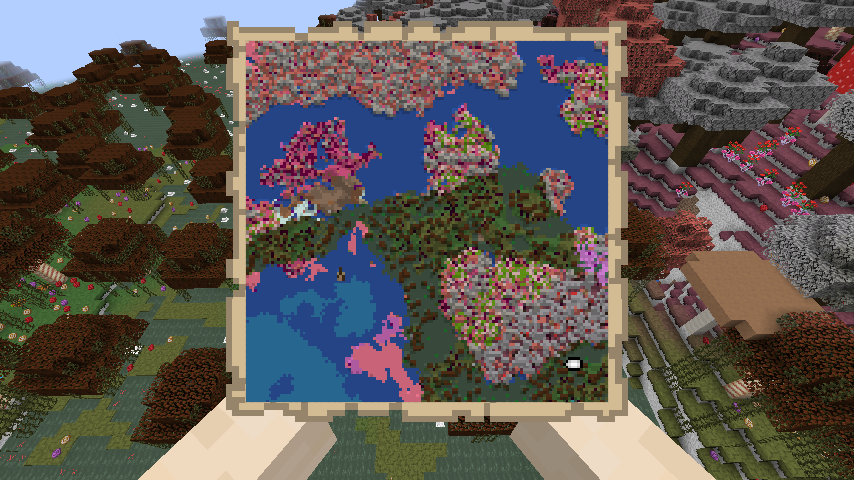
Since we're sampling the color directly from the block texture instead of a predefined list of colors, resource packs are fully supported.
For bug reporting please proceed to the mod's GitHub repository: https://github.com/lucaargolo/accurate-maps
If you have any other questions or suggestions, feel free to call me on Discord @D4rk#0693
You can find me in the Cafeteria Development guild.
Project description from CurseForge.
Pick your setup
Choose the version and loader you play, then open the matching release.
Check the dependencies, then try the file in a copied instance before changing a world you care about.
Recent files
accurate-maps-1.0-BETA+1.19.jar
4 Sept 2022
accurate-maps-1.0-BETA+1.18.jar
4 Sept 2022
Looking for an older file? The official CurseForge project page is in Resources.
 mod
modFusion allows resource packs to use additional texture and model types such as connected textures!
 mod
modA mod for the modpack Wold's Vaults that adds custom compability and functionality.
 mod
modPacket Profiler for Minecraft, see what packets you recently sent and received, how much bandwidth they were and more.