GeckoLib Needed by Rubik's Cube rubiks_cube-v1.0.1.jar
requiredMatching file found Matched file: geckolib-forge-1.19-3.1.40.jar
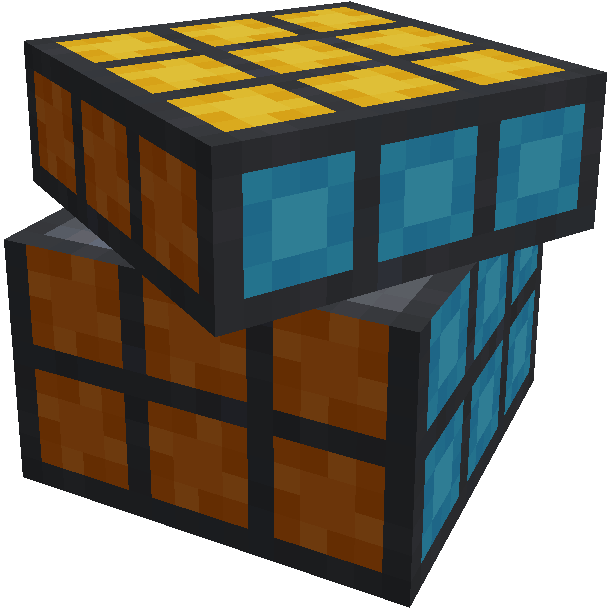
CurseForge · Minecraft mod
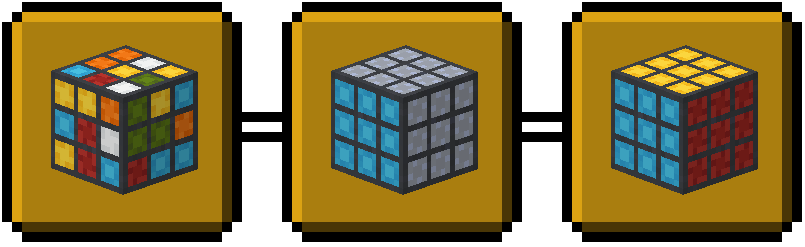
Fully functional Rubik's Cube with movable faces and smooth animations
Quick answer
Rubik's Cube rubiks_cube-v1.0.1.jar targets 1.19.2, 1.19.1 with Forge. The project page does not say whether this file belongs on the client, dedicated server, or both. All 1 required mods have matching files.
Where it goes
The project page does not say whether this file belongs on the client, dedicated server, or both.
The source does not explicitly classify this release as client-only or server-only.
rubiks_cube-v1.0.1.jar. Change the file and its required mods may change too.
Install GeckoLib first. We found matching files for this game-version and loader setup.
We only count dependency files that match this setup. A file for another loader does not fill the gap.
Before you install it
Built for Rubik's Cube rubiks_cube-v1.0.1.jar. Pick another file and the loader, install side or required mods may change.
Use rubiks_cube-v1.0.1.jar. It targets 1.19.2, 1.19.1 with Forge; another release may have different loader, side or dependency requirements.
Install GeckoLib first. We found matching files for this game-version and loader setup.
The project page does not say whether this file belongs on the client, dedicated server, or both.
Use the “Get this file” button beside rubiks_cube-v1.0.1.jar. It opens that exact file at the source.
About this project
Rubik's Cube
Minecraft Forge mod adding fully functional Rubik's Cubes with smooth animations.
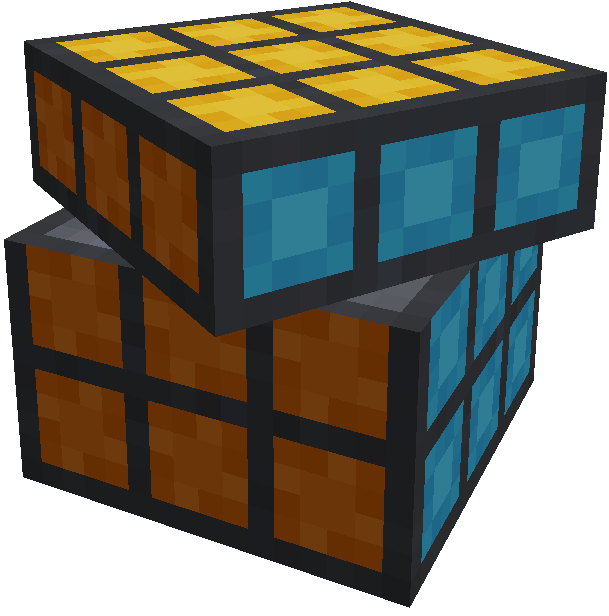
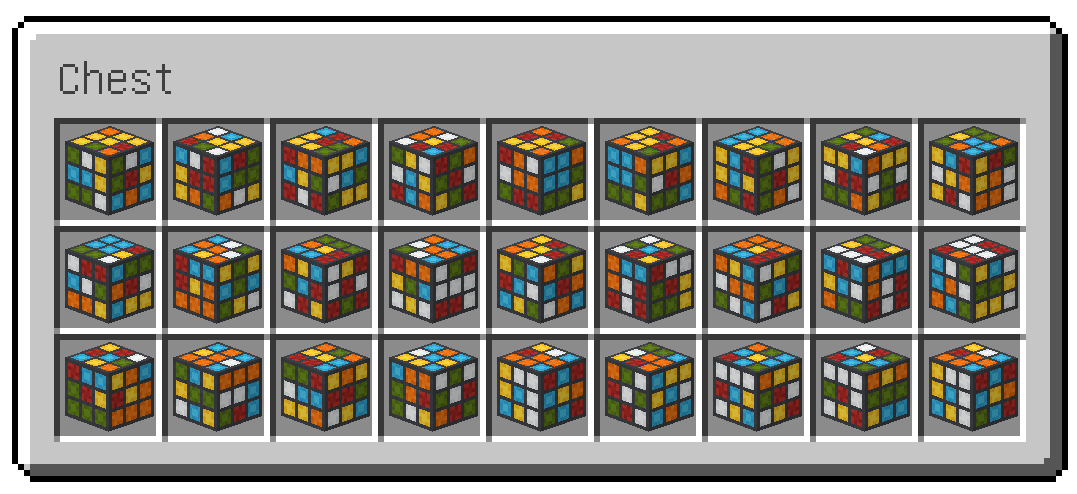
Endless combinations
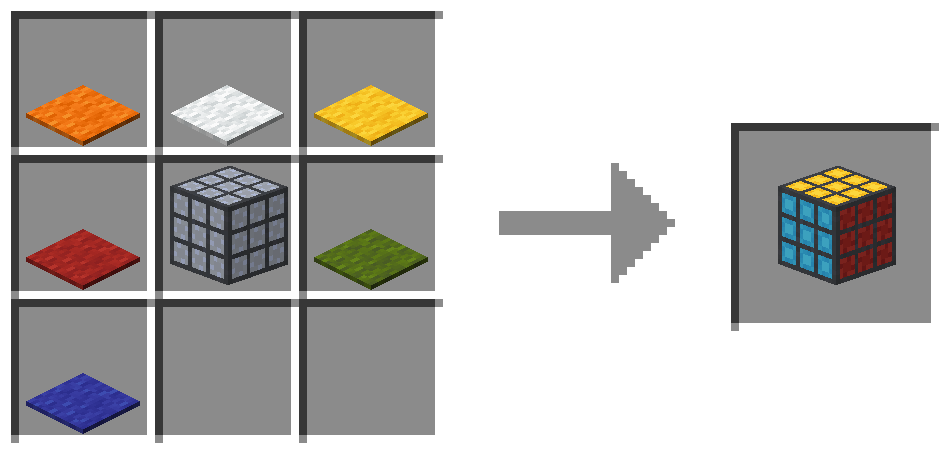
Crafting

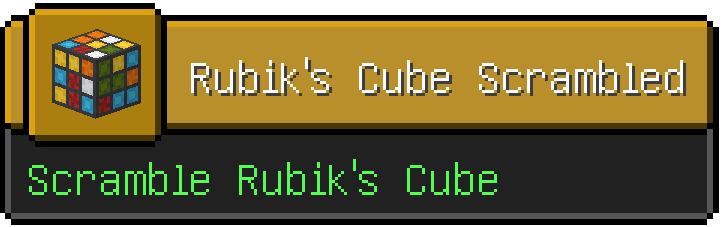
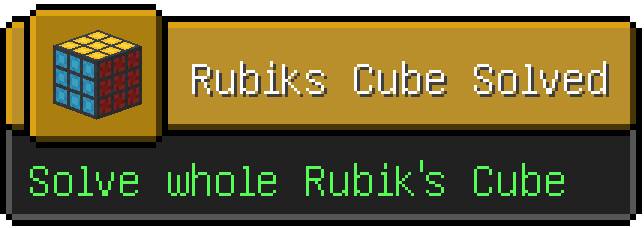
Advancements

Control
R keyboard buttonleft control key while clicking faceSupported versions
Dependencies
Installation

Project description from CurseForge.
Pick your setup
Choose the version and loader you play, then open the matching release.
Check the dependencies, then try the file in a copied instance before changing a world you care about.
Recent files
4 Feb 2023
5 Oct 2022
Looking for an older file? The official CurseForge project page is in Resources.
 mod
Turn Cataclysm boss abilities into 102 composable Ars Nouveau glyphs, from void runes and tidal waves to lasers and boss attacks. Powered by Ars Conflux.
 mod
A developer-focused spellcasting AI library for Ars Nouveau and Ars Conflux, with reusable combat controllers, resource-aware spell selection, and opt-in projectile perception.
 mod
Bonfires with levels, stats, souls, forging and anvils, baby dragons, The Unliving, contracts, and weapons with abilities