Fabric API Needed by Leathered Boots [Fabric - 1.21.10] Leathered Boots v6.1.1
requiredMatching file found Matched file: [1.21.10] Fabric API 0.138.4+1.21.10
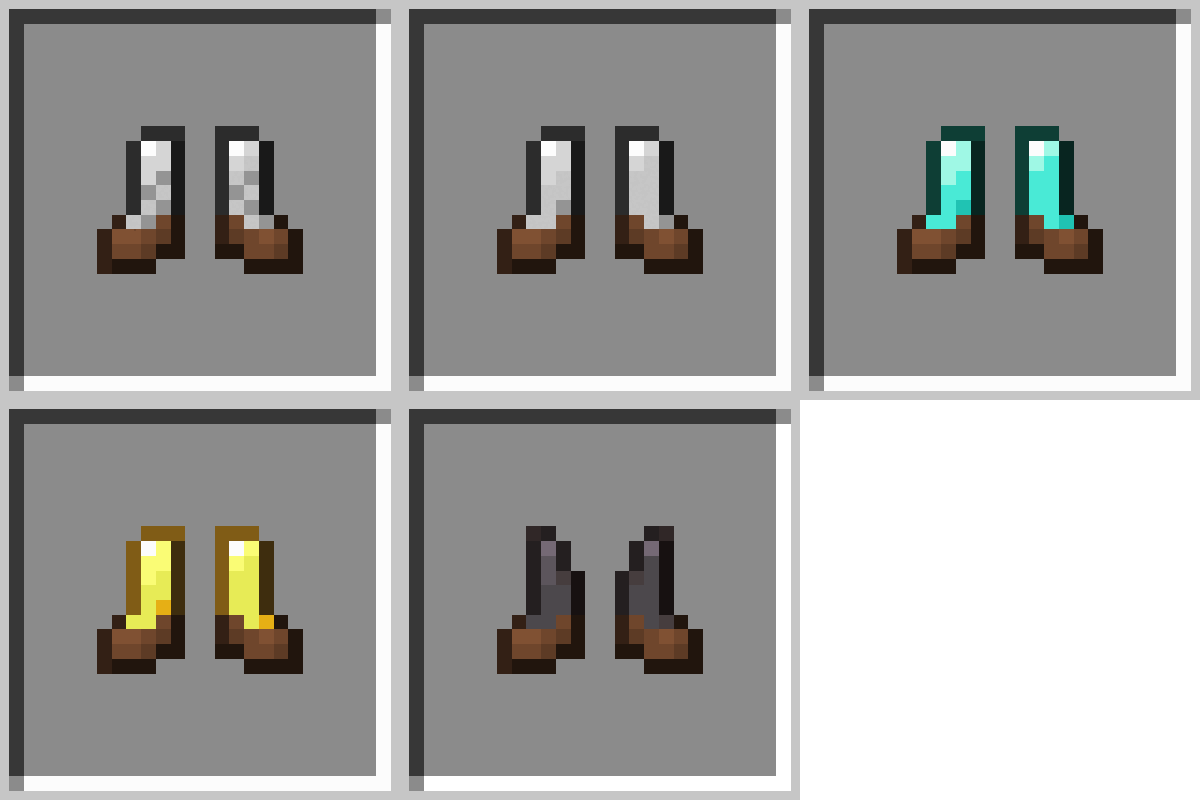
CurseForge · Minecraft mod
Comfy and sturdy boots!
Quick answer
Leathered Boots [Fabric - 1.21.10] Leathered Boots v6.1.1 targets 1.21.10 with Fabric. The project page does not say whether this file belongs on the client, dedicated server, or both. All 2 required mods have matching files.
Where it goes
The project page does not say whether this file belongs on the client, dedicated server, or both.
The source does not explicitly classify this release as client-only or server-only.
[Fabric - 1.21.10] Leathered Boots v6.1.1. Change the file and its required mods may change too.
Install Fabric API, Cobweb first. We found matching files for this game-version and loader setup. 1 comes through another mod in the chain.
1 extra mod was pulled in by another dependency. Indented rows show who needs each one. We only count dependency files that match this setup. A file for another loader does not fill the gap.
Before you install it
Built for Leathered Boots [Fabric - 1.21.10] Leathered Boots v6.1.1. Pick another file and the loader, install side or required mods may change.
Use [Fabric - 1.21.10] Leathered Boots v6.1.1. It targets 1.21.10 with Fabric; another release may have different loader, side or dependency requirements.
Install Fabric API, Cobweb first. We found matching files for this game-version and loader setup. 1 comes through another mod in the chain.
The project page does not say whether this file belongs on the client, dedicated server, or both.
Use the “Get this file” button beside [Fabric - 1.21.10] Leathered Boots v6.1.1. It opens that exact file at the source.
About this project


Tired of leather boots being the only way to walk safely on powdered snow? With Leathered Boots, you can upgrade your existing armor boots with leather — keeping full protection and gaining snow safety!
No more freezing, no more falling through powdered snow — and yes, your new leathered boots are dyeable and stylish too!

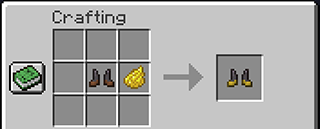

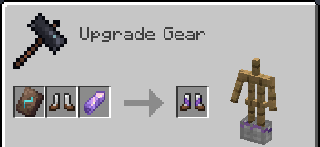

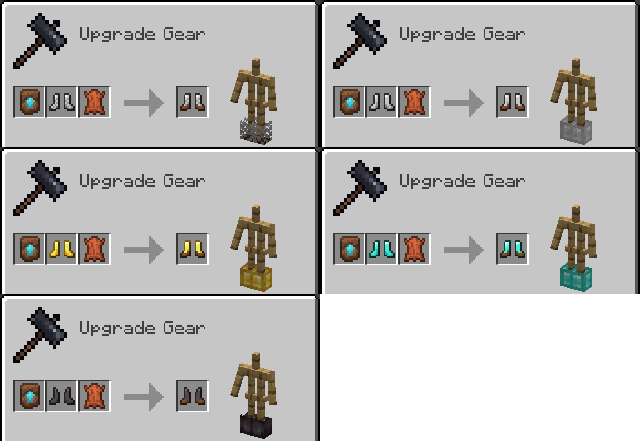
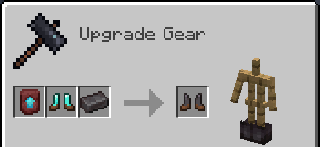
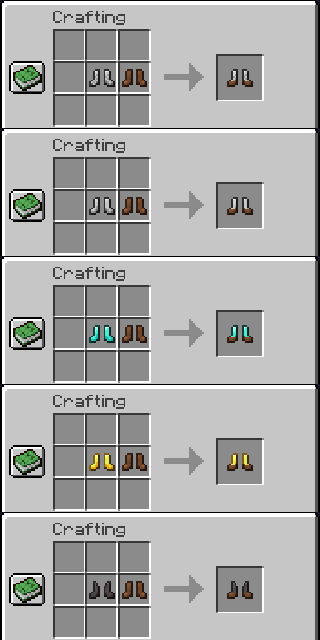
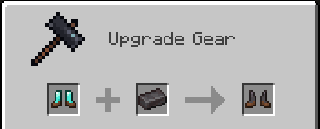
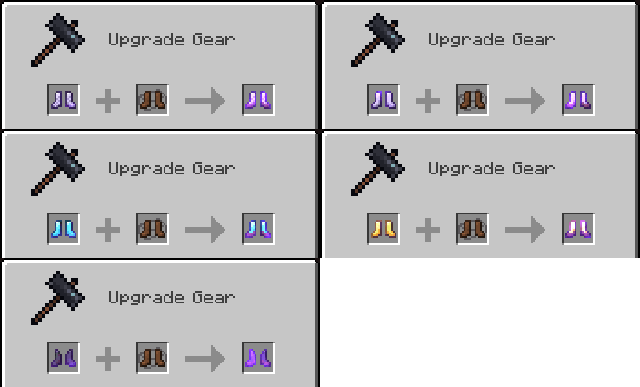
Want modded boots to work like leathered boots?
✅ Out-of-the-box compatibility with Detail Armor Bar (Fabric only)
| Mod | Loader | Requirement |
|---|---|---|
| Cobweb | All | Required |
Feel free to use this mod for any modpack or video, just be sure to give credit and possibly link here.
This project is published under the Crystal Nest Community License v1.
Want to add leathered versions of your custom boots?







Project description from CurseForge.
Pick your setup
Choose the version and loader you play, then open the matching release.
Check the dependencies, then try the file in a copied instance before changing a world you care about.
Recent files
leathered-boots-fabric-1.21.10-6.1.1.jar
29 Nov 2025
leathered-boots-neoforge-1.21.10-6.1.1.jar
29 Nov 2025
leathered-boots-fabric-1.21.8-6.1.1.jar
11 Sept 2025
leathered-boots-neoforge-1.21.8-6.1.1.jar
11 Sept 2025
leathered-boots-fabric-1.21.7-6.1.1.jar
11 Sept 2025
leathered-boots-neoforge-1.21.7-6.1.1.jar
11 Sept 2025
leathered-boots-fabric-1.21.6-6.1.1.jar
11 Sept 2025
leathered-boots-neoforge-1.21.6-6.1.1.jar
11 Sept 2025
leathered-boots-fabric-1.21.5-6.1.1.jar
11 Sept 2025
leathered-boots-neoforge-1.21.5-6.1.1.jar
11 Sept 2025
leathered-boots-neoforge-1.21.4-6.1.1.jar
11 Sept 2025
leathered-boots-fabric-1.21.4-6.1.1.jar
11 Sept 2025
Looking for an older file? The official CurseForge project page is in Resources.
 mod
Integrate fluid transportation with Create's logistics system
 mod
A multiloader fork of Backpacks for Dummies: A bare-bones backpack mod without any extra keybinds, menus or slots!
 mod
A mod that adds several mobs that fight using SlashBlade.