CC: Tweaked Needed by Digital Items 2 - 1.0 - MC 1.19.2.jar
requiredMatching file found Matched file: cc-tweaked-1.19.2-1.101.4.jar

CurseForge · Minecraft mod
A mod allowing you to turn your items into numbers and back.
Quick answer
Digital Items 2 - 1.0 - MC 1.19.2.jar targets 1.19.2 with Forge. The project page does not say whether this file belongs on the client, dedicated server, or both. All 1 required mods have matching files.
Where it goes
The project page does not say whether this file belongs on the client, dedicated server, or both.
The source does not explicitly classify this release as client-only or server-only.
Digital Items 2 - 1.0 - MC 1.19.2.jar. Change the file and its required mods may change too.
Install CC: Tweaked first. We found matching files for this game-version and loader setup.
We only count dependency files that match this setup. A file for another loader does not fill the gap.
Before you install it
Built for Digital Items 2 - 1.0 - MC 1.19.2.jar. Pick another file and the loader, install side or required mods may change.
Use Digital Items 2 - 1.0 - MC 1.19.2.jar. It targets 1.19.2 with Forge; another release may have different loader, side or dependency requirements.
Install CC: Tweaked first. We found matching files for this game-version and loader setup.
The project page does not say whether this file belongs on the client, dedicated server, or both.
Use the “Get this file” button beside Digital Items 2 - 1.0 - MC 1.19.2.jar. It opens that exact file at the source.
About this project
This project is the successor to the original Digital Items mod.
These are the main differences:
This forge mod allows you to turn your items into numbers (called IDs), which you can store or send to your friends and then turn them back into their item form. Every ID is unique, can't be guessed, and can only be used once.
No duplication or cloning of items is possible. The process of turning an item into an ID is called 'digitization' and turning it back is called 'rematerialization'.
Items that are digitized begin to 'decay'. If they are left digitized for too long, they are gone. You can reset their 'decay countdown' by 'refreshing' an item ID or partially rematerializing it.
You can retrieve information about digitized items via their ID and items inside the digitizer itself. All of these operations are performed inside the 'digitizer', and require a configurable amount of energy.
These operations are exposed in the form of a peripheral for the CC: Tweaked mod.
Place a digitizer and computer (either directly next to one another or connected with network cables and modems).
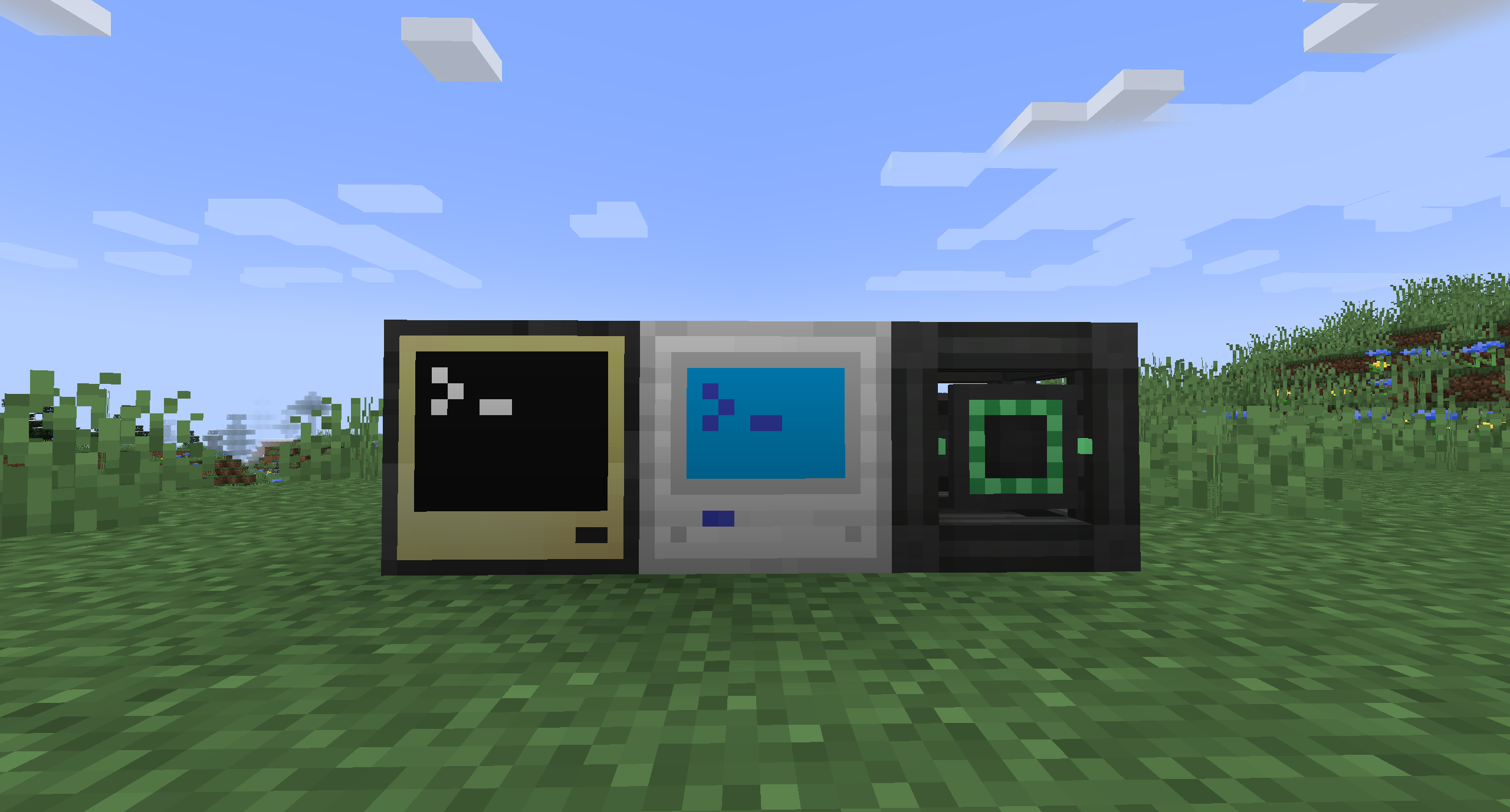
Place the item you want to digitize inside the digitizer.
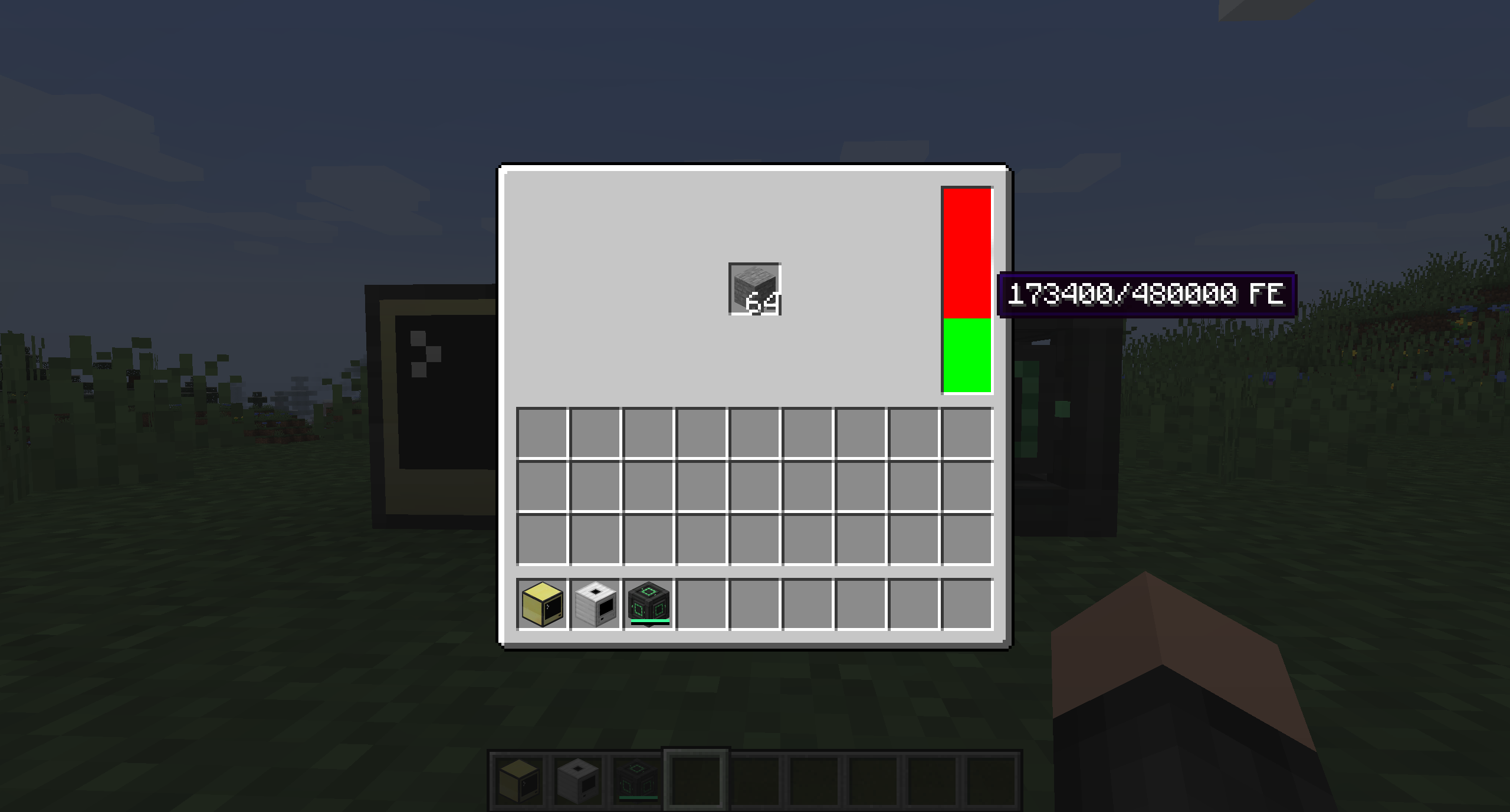
Now you can interact with the digitizer with lua.
Use digitizer = peripheral.find("digitizer") to find the peripheral and bind it to the digitizer variable. The following methods are available to call on the digitizer peripheral:
getEnergy() Returns the amount of energy currently stored inside the digitizer.getEnergyCapacity() Returns the maximum amount of energy the digitizer can store.getPerTickEnergyDraw() Returns the amount of energy the digitizer can draw (or that be extracted) per tick.getEnergyRequired() Returns whether the digitizer requires energy to operate.getDecayEnabled() Returns whether the digital items decay.getDecayTicks() Returns the duration in ticks after which digital items decay.getDigitizeCost() Returns the energy cost of digitizing a stack of items.digitize() Digitizes the item stack and returns the ID.digitizeAmount(amount) Like digitize() but only digitizes amount items leaving the rest in the digitizer.getRematerializeCost() Returns the energy cost to rematerialize items.rematerialize(id) Rematerializes the item stack associated with the provided ID and places it inside the digitizer.rematerializeAmount(id, amount) Like rematerialize(id) but only rematerializes amount items. Resets the decay countdown for the remaining stack.getRefreshCost() Returns the cost to refresh (reset the decay countdown) an item stack.refresh(id) Refreshes the item stack associated with that ID.getInfoCost() Returns the energy cost to get information about a digitized item stack.getIDInfo(id) Returns a table containing currentTime (current world age in ticks), digitizedAt (time when the item stack got digitized), decaysAt (time when the item stack will decay), lastRefresh (time when the item stack got last refreshed) and item containing information about the actual item stack.getItemDetail() Returns a table with information about the item currently in the digitizer.getItemLimit() Returns the item limit for the digitizer.No it is not compatible because of the minecraft version difference and compatibility breaking features. It's not impossible to make the two compatible, but I am simply lacking the time to do so. Pull requests to change this however are of course welcome.
Project description from CurseForge.
Pick your setup
Choose the version and loader you play, then open the matching release.
Check the dependencies, then try the file in a copied instance before changing a world you care about.
Recent files
25 Oct 2022
Looking for an older file? The official CurseForge project page is in Resources.
 mod
💥 Harvesting coal should be dangerous, now it is!
 mod
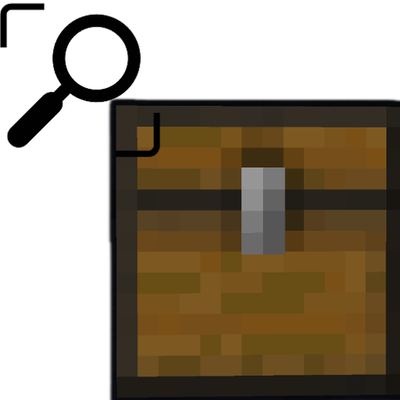
Add a search box for most containers.
 mod
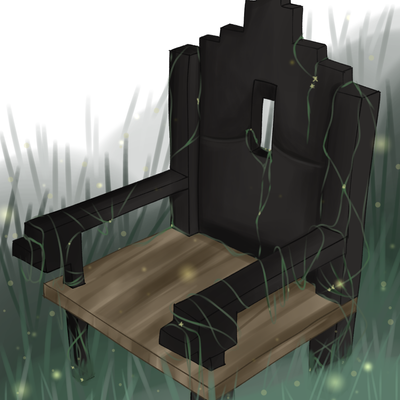
Iron Age Style Furniture, Chairs, Dynamic Benches, Sconces and new Lighting Options