YetAnotherConfigLib (YACL) Needed by Chat Tweaks 1.2.0+1.21.3
requiredMatching file found Matched file: 3.8.2+1.21.3-fabric
Modrinth · Minecraft mod
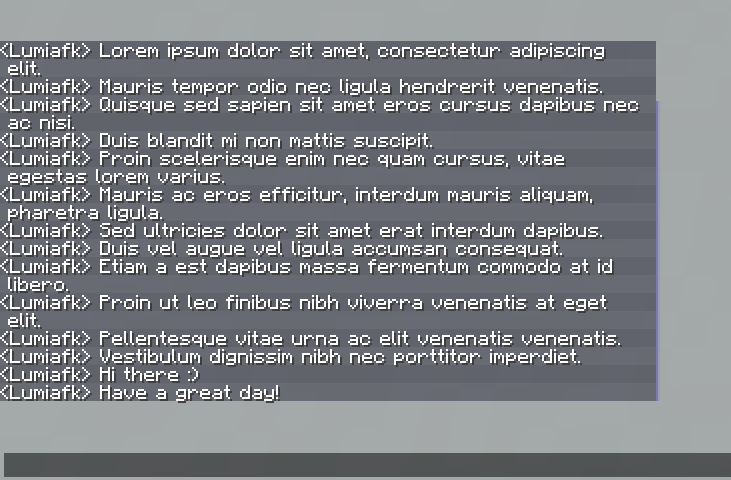
Various chat tweaks that change the look and feel of the chat, for better or for worse.
Quick answer
Chat Tweaks 1.2.0+1.21.3 targets 1.21.2, 1.21.3 with Fabric. It must be installed on the client. Do not install it on the dedicated server. 1 required mod needs a matching file.
Where it goes
It must be installed on the client. Do not install it on the dedicated server.
This file is marked client-only.
1.2.0+1.21.3 on 1.21.2. Every mod below is checked against that same setup.
Install YetAnotherConfigLib (YACL), Fabric Language Kotlin, Fabric API first, but 1 required mod has no matching file for this setup. Do not mix loader builds to force a match. 1 comes through another mod in the chain.
1 extra mod was pulled in by another dependency. Indented rows show who needs each one. We only count dependency files that match this setup. A file for another loader does not fill the gap.
Before you install it
Built for Chat Tweaks 1.2.0+1.21.3 on 1.21.2. Pick another file and the loader, install side or required mods may change.
Use 1.2.0+1.21.3. It targets 1.21.2, 1.21.3 with Fabric; another release may have different loader, side or dependency requirements.
Install YetAnotherConfigLib (YACL), Fabric Language Kotlin, Fabric API first, but 1 required mod has no matching file for this setup. Do not mix loader builds to force a match. 1 comes through another mod in the chain.
It must be installed on the client. Do not install it on the dedicated server.
Use the “Get this file” button beside 1.2.0+1.21.3. It opens that exact file at the source.
About this project
VAlmost all of these features can be toggled on or off. For those that can't be toggled, their values can be changed to effectively turn them off/default back to minecraft's values.
Simply use modmenu and/or run /chattweaks config.
The mod should be compatible with pretty much every mod that does not implement custom chat behaviour. I've avoided using a custom chat screen and only made modifications to the existing screen for this reason.
Project description from Modrinth.
Pick your setup
Choose the version and loader you play, then open the matching release.
Check the dependencies, then try the file in a copied instance before changing a world you care about.
Recent files
Chat-Tweaks-1.2.0+1.21.3.jar
11 Nov 2024
Chat-Tweaks-1.1.0+1.21.3.jar
11 Nov 2024
Chat-Tweaks-1.0.0+1.21.3.jar
8 Nov 2024
Looking for an older file? The official Modrinth project page is in Resources.
 mod
Improved and rebalanced smithing, item repair and enchantment sources. Fully-featured and vanilla friendly.
 mod
Library mod for some of my mods
 mod
j4mc lets you open your singleplayer world to friends without port forwarding. Open your world to LAN, wait a moment, and the mod gives you a public address that your friends can join through. Now you can invite your friends through the game in one click!