Mod Menu Optional for Shield Lib 2.1.1-build.1+1.21.11-fabric
optionalMatching file found Matched file: 17.0.1
CurseForge · Minecraft mod
Library for easily adding shields with banner support, enchantment support, events, & custom shapes without conflicts!
Quick answer
Shield Lib 2.1.1-build.1+1.21.11-fabric targets 1.21.11 with Fabric. Installation on the client is optional. Installation on the dedicated server is optional. All 1 required mods have matching files.
Where it goes
Installation on the client is optional. Installation on the dedicated server is optional.
The source marks this as usable on both the client and server.
2.1.1-build.1+1.21.11-fabric. Change the file and its required mods may change too.
Install Fabric API first. We found matching files for this game-version and loader setup. 1 comes through another mod in the chain.
1 extra mod was pulled in by another dependency. Indented rows show who needs each one. We only count dependency files that match this setup. A file for another loader does not fill the gap.
Before you install it
Built for Shield Lib 2.1.1-build.1+1.21.11-fabric. Pick another file and the loader, install side or required mods may change.
Use 2.1.1-build.1+1.21.11-fabric. It targets 1.21.11 with Fabric; another release may have different loader, side or dependency requirements.
Install Fabric API first. We found matching files for this game-version and loader setup. 1 comes through another mod in the chain.
Installation on the client is optional. Installation on the dedicated server is optional.
Use the “Get this file” button beside 2.1.1-build.1+1.21.11-fabric. It opens that exact file at the source.
About this project

Shield Lib is a library that makes it easy to add custom shields with banner support, enchantments, custom shapes, & custom effects across Fabric & Neoforge without conflicts!
We also provide event hooks & modifier registries for shields and shield enchantments for creating custom effects with them by modifying blocking, disabling, movement, or cooldown.
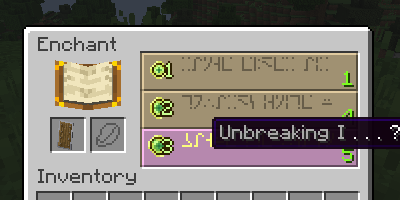
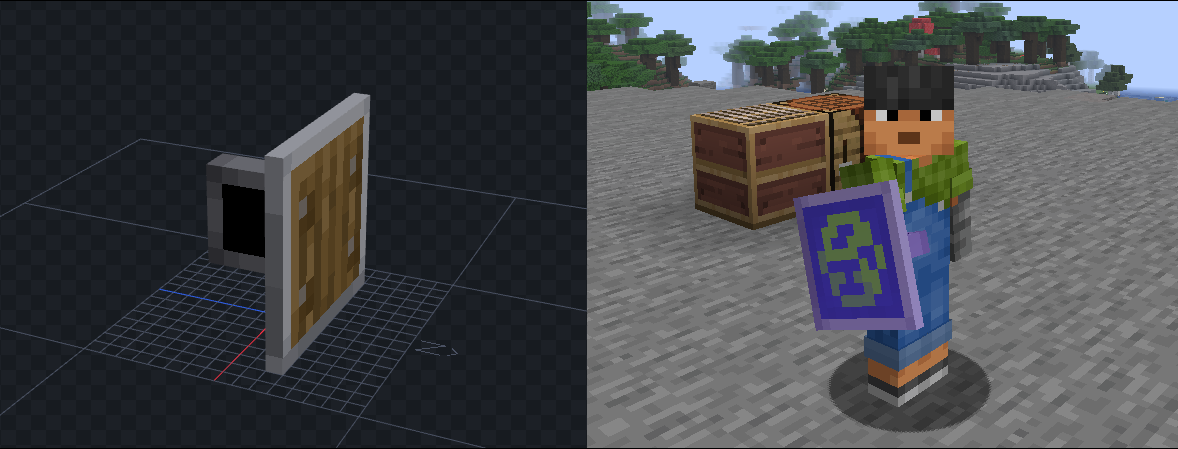
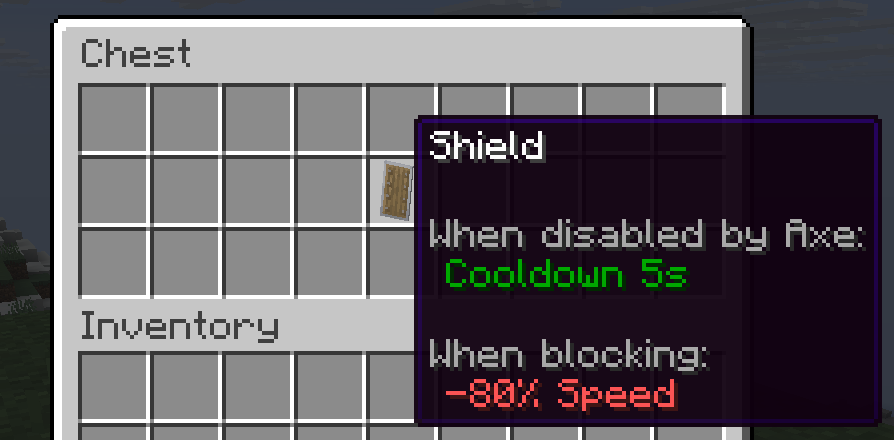


The example mod repo is a template repo you can use to quickly get started if your making a new mod. Although it isn't updated as frequently.
Project description from CurseForge.
Pick your setup
Choose the version and loader you play, then open the matching release.
Showing the newest 12 of 43 game versions. Older files are in the list below.
Check the dependencies, then try the file in a copied instance before changing a world you care about.
Recent files
ShieldLib-2.1.1-build.1+1.21.11-fabric.jar
28 Nov 2026
ShieldLib-2.1.1-build.1+1.21.11-neoforge.jar
28 Nov 2026
ShieldLib-2.1.0-build.1+26.1.2-neoforge.jar
28 Nov 2026
ShieldLib-2.1.0-build.1+26.1.2-fabric.jar
28 Nov 2026
ShieldLib-2.1.0-build.1+1.21.11-fabric.jar
27 Nov 2026
ShieldLib-2.1.0-build.1+1.21.11-neoforge.jar
27 Nov 2026
ShieldLib-2.0.2-26.1.2-neoforge.jar
7 Nov 2026
ShieldLib-2.0.2-26.1.2-fabric.jar
7 Nov 2026
ShieldLib-2.0.1-1.21.11-neoforge.jar
7 Nov 2026
ShieldLib-2.0.1-1.21.11-fabric.jar
7 Nov 2026
12 Nov 2025
12 Nov 2025
Looking for an older file? The official CurseForge project page is in Resources.
 mod
Library that makes it easy to add shields with banner support, enchantment support, & custom shapes without conflicts!
 mod
Four colossal kaijus, their own dimensions and a final boss: Legendary gear and lore.
 mod
A meteor brings a spreading infection. Corrupted mobs, radiation, meteor ores, new weapons and a final boss.