Fabric API Needed by Auto Attack mc26.1-fabric-v3.1.0
requiredMatching file found Matched file: 0.155.2+26.1.2
Modrinth · Minecraft mod
Be AFK at your Mob Grinder / Farm
Quick answer
Auto Attack mc26.1-fabric-v3.1.0 targets 26.1, 26.1.1, 26.1.2 with Fabric. It must be installed on the client. Do not install it on the dedicated server. All 1 required mods have matching files.
Where it goes
It must be installed on the client. Do not install it on the dedicated server.
This file is marked client-only.
mc26.1-fabric-v3.1.0. Change the file and its required mods may change too.
Install Fabric API first. We found matching files for this game-version and loader setup. 1 comes through another mod in the chain.
1 extra mod was pulled in by another dependency. Indented rows show who needs each one. We only count dependency files that match this setup. A file for another loader does not fill the gap.
Before you install it
Built for Auto Attack mc26.1-fabric-v3.1.0. Pick another file and the loader, install side or required mods may change.
Use mc26.1-fabric-v3.1.0. It targets 26.1, 26.1.1, 26.1.2 with Fabric; another release may have different loader, side or dependency requirements.
Install Fabric API first. We found matching files for this game-version and loader setup. 1 comes through another mod in the chain.
It must be installed on the client. Do not install it on the dedicated server.
Use the “Get this file” button beside mc26.1-fabric-v3.1.0. It opens that exact file at the source.
About this project
Need to keep your mob grinder going while you grab a snack? Auto Attack automates your attacks — now rebuilt for Fabric and NeoForge, with a brand-new in-game configuration screen (since v3.0.0).
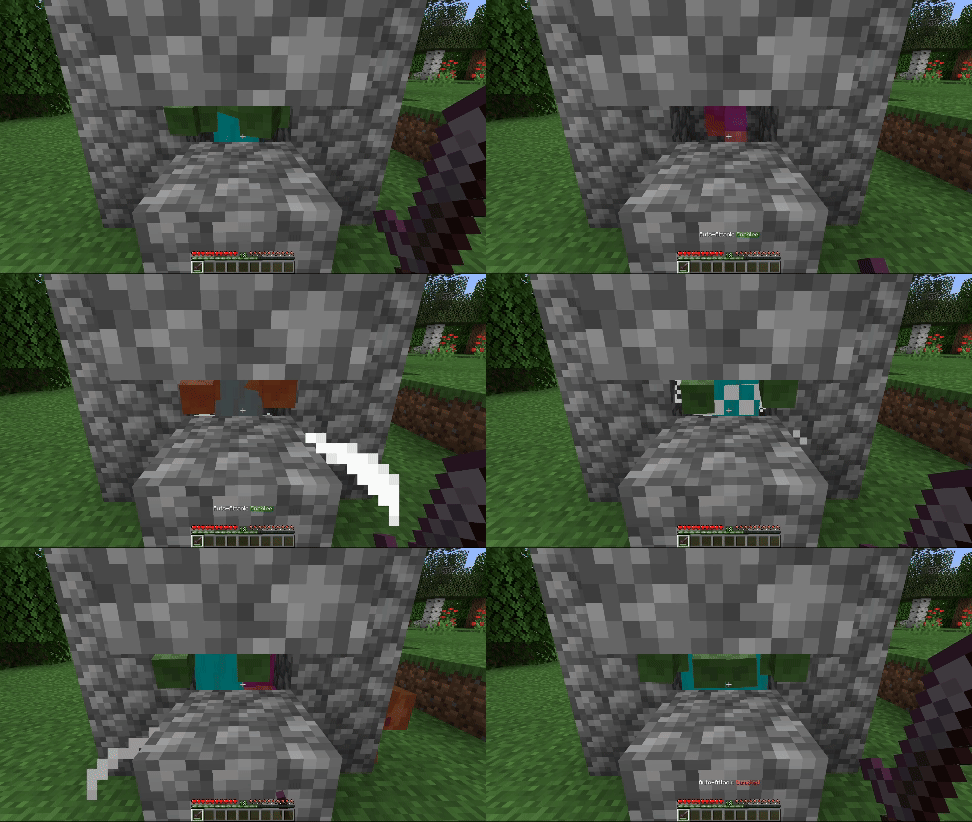
Automatically hits mobs in reach and in your crosshair.
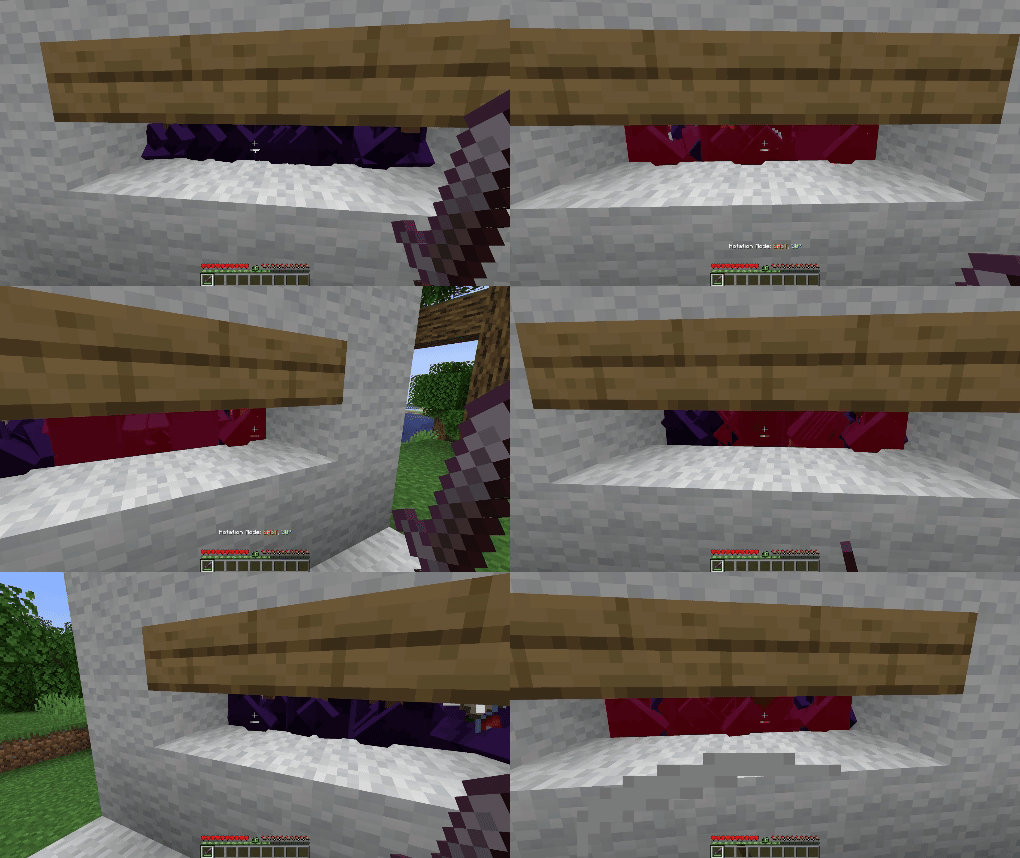
Sweeps your aim left and right by a set angle (default: 30°) before returning to center. Adjustable speed, angle, and auto-align make it ideal for hitting mobs in a wider arc.
⚠ Important:
To comply with Modrinth's rules regarding cheats and hacks, this mod isn't able to automatically attack players.
Be careful with using it on multiplayer as it might be considered as cheating!
Project description from Modrinth.
Pick your setup
Choose the version and loader you play, then open the matching release.
Showing the newest 12 of 14 game versions. Older files are in the list below.
Check the dependencies, then try the file in a copied instance before changing a world you care about.
Recent files
auto_attack-fabric-3.1.0.jar
31 Aug 2026
auto_attack-neoforge-3.1.0.jar
31 Aug 2026
auto_attack-fabric-3.1.0.jar
31 Aug 2026
auto_attack-neoforge-3.1.0.jar
31 Aug 2026
auto_attack-fabric-3.1.0.jar
31 Aug 2026
auto_attack-neoforge-3.1.0.jar
31 Aug 2026
auto_attack-fabric-3.1.0.jar
31 Aug 2026
auto_attack-fabric-3.1.0.jar
31 Aug 2026
auto_attack-neoforge-3.1.0.jar
31 Aug 2026
auto_attack-neoforge-3.0.1.jar
22 Jun 2026
auto_attack-fabric-3.0.1.jar
22 Jun 2026
auto_attack-fabric-3.0.1.jar
19 Apr 2026
Looking for an older file? The official Modrinth project page is in Resources.
 mod
modPretty enchantment tooltips with colorful names and clear descriptions. No mystery, just magic!
 mod
modA standalone, cross-platform library that makes creative mode tabs more customizable
 mod
mod"Vanilla-like" way to craft bedrock and building blocks from it.