oωo (owo-lib) Needed by InstantMarker 1.1
requiredMatching file found Matched file: 0.12.20+1.21.4
CurseForge · Minecraft mod
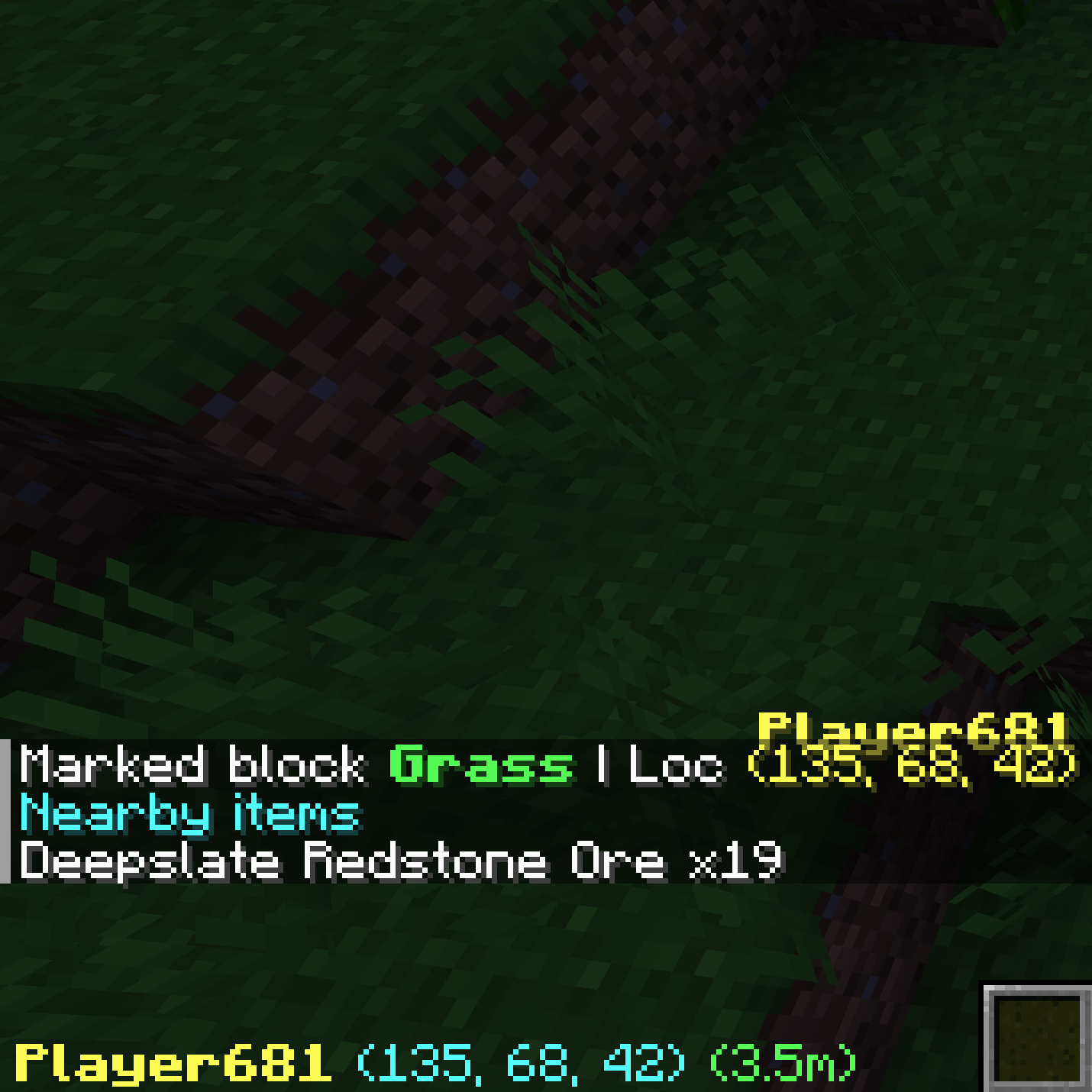
A Minecraft Fabric Mod that can mark the position you are pointing to and broadcast to all other players.
Quick answer
InstantMarker 1.1 targets 1.21.4 with Fabric. Installation on the client is optional. Installation on the dedicated server is optional. All 2 required mods have matching files.
Where it goes
Installation on the client is optional. Installation on the dedicated server is optional.
The source marks this as usable on both the client and server.
1.1. Change the file and its required mods may change too.
Install oωo (owo-lib), Fabric API first. We found matching files for this game-version and loader setup.
We only count dependency files that match this setup. A file for another loader does not fill the gap.
Before you install it
Built for InstantMarker 1.1. Pick another file and the loader, install side or required mods may change.
Use 1.1. It targets 1.21.4 with Fabric; another release may have different loader, side or dependency requirements.
Install oωo (owo-lib), Fabric API first. We found matching files for this game-version and loader setup.
Installation on the client is optional. Installation on the dedicated server is optional.
Use the “Get this file” button beside 1.1. It opens that exact file at the source.
About this project



A Minecraft Fabric Mod that can mark the position you are pointing to and broadcast to all other players.
Install the mod, join a server or your single player world and press Z (you can change to other keys in Key Binding settings).
You can modify global configurations in mod menu.
Also, we provided a command system that you can change configurations temporarily in game.
All in one root command: /im
To clear all markers you have created or received, type in the following command.
/im clear
To mute a player's marking operation, you need to type this command, and he/she will be added into ignore list. It's only ignored by your client, but others can still see his/her markers.
/im mute <playerName>
To unmute a player, type this command, and he/she would be removed from ignore list.
/im unmute <playerName>
To enable/disable sound notification when someone (include yourself) marks a position, type the following command
/im sound
To share or disable sharing your markers to others, use the following command
/im local
To share more information around the marker, there are many things you can do
/im share <items|biome>
items: Share items around the marker (10×10×6 blocks) to others.
biome: Share the biome the marker at to others.
oωo
Version requirement: >=0.8.2
Provides configuration management
(Optional) Mod Menu
Version requirement: >=4.0.5
Provides a global configurations panel
This project is licensed under MIT License. You can view it in LICENSE in root directory.
Project description from CurseForge.
Pick your setup
Choose the version and loader you play, then open the matching release.
Check the dependencies, then try the file in a copied instance before changing a world you care about.
Recent files
instantmarker-1.1.jar
3 Apr 2025
instantmarker-1.1.jar
4 Nov 2024
instantmarker-1.1.jar
20 Jan 2023
instantmarker-1.0.0.jar
16 Jan 2023
Looking for an older file? The official CurseForge project page is in Resources.
 mod
Fixes and integrations for Thirst was Reclaimed
 mod
The library mod for the Integrated Structures series
 mod
Disposable public fixture for testing the Modpacks.ch GitHub catalogue flow
