TerraBlender (Forge) Needed by Stratospherical Expansion 1.20.1-0.3.1
requiredMatching file found Matched file: TerraBlender Forge 1.20.1-3.0.1.10
CurseForge · Minecraft mod
Completely overhauling the Overworld with new sky island terrain generation and custom biomes.
Quick answer
Stratospherical Expansion 1.20.1-0.3.1 targets 1.20.1, 1.20 with Forge. The project page does not say whether this file belongs on the client, dedicated server, or both. All 2 required mods have matching files.
Where it goes
The project page does not say whether this file belongs on the client, dedicated server, or both.
The source does not explicitly classify this release as client-only or server-only.
Stratospherical Expansion 1.20.1-0.3.1. Change the file and its required mods may change too.
Install TerraBlender (Forge), TerraBlender first. We found matching files for this game-version and loader setup.
We only count dependency files that match this setup. A file for another loader does not fill the gap.
Before you install it
Built for Stratospherical Expansion 1.20.1-0.3.1. Pick another file and the loader, install side or required mods may change.
Use Stratospherical Expansion 1.20.1-0.3.1. It targets 1.20.1, 1.20 with Forge; another release may have different loader, side or dependency requirements.
Install TerraBlender (Forge), TerraBlender first. We found matching files for this game-version and loader setup.
The project page does not say whether this file belongs on the client, dedicated server, or both.
Use the “Get this file” button beside Stratospherical Expansion 1.20.1-0.3.1. It opens that exact file at the source.
About this project
Stratospherical Expansion is a mod which completely overhauls the overworld generation to be made of sky islands. It also features completely reimagined vanilla biomes.
Requires Terrablender
!!! OUTDATED: Use the OG Stratospherical preset in Ecospherical Expansion instead of this mod. Note: That is only available in 1.20.x. Fabric/Forge**!!!**
There is a dimensional version of this mod which can be found under the files tab of this mod page. It separates this into another dimension instead of overriding the overworld. However, its features are more limited with overall simpler generation. To enter the dimensional version of this mod you must fly to Y420 in the overworld. To return you just fall into the void of the stratospheric dimension.
Discord: https://discord.gg/uWjKpHwq5W
This mod may be used in any modpack.**
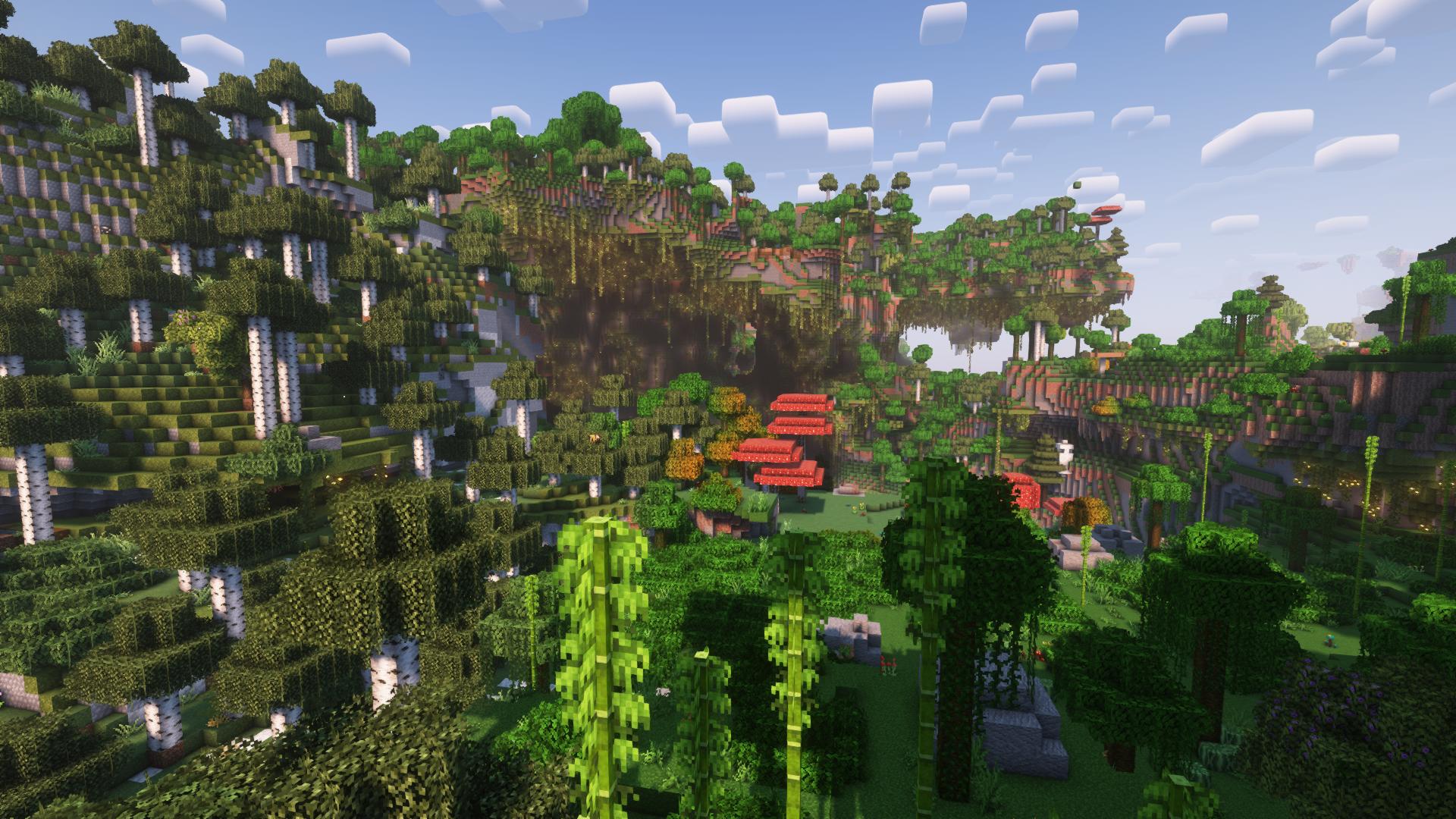
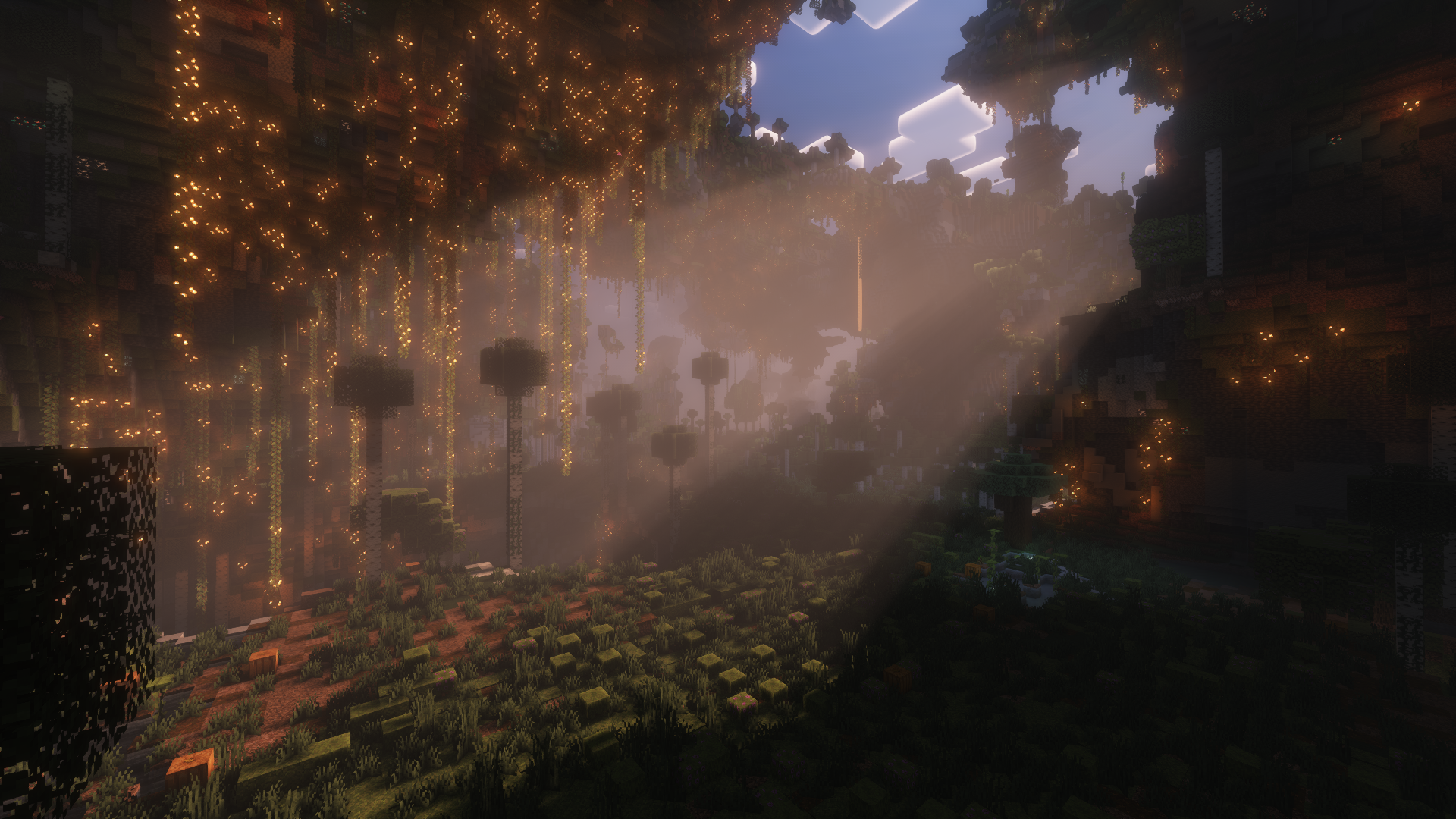
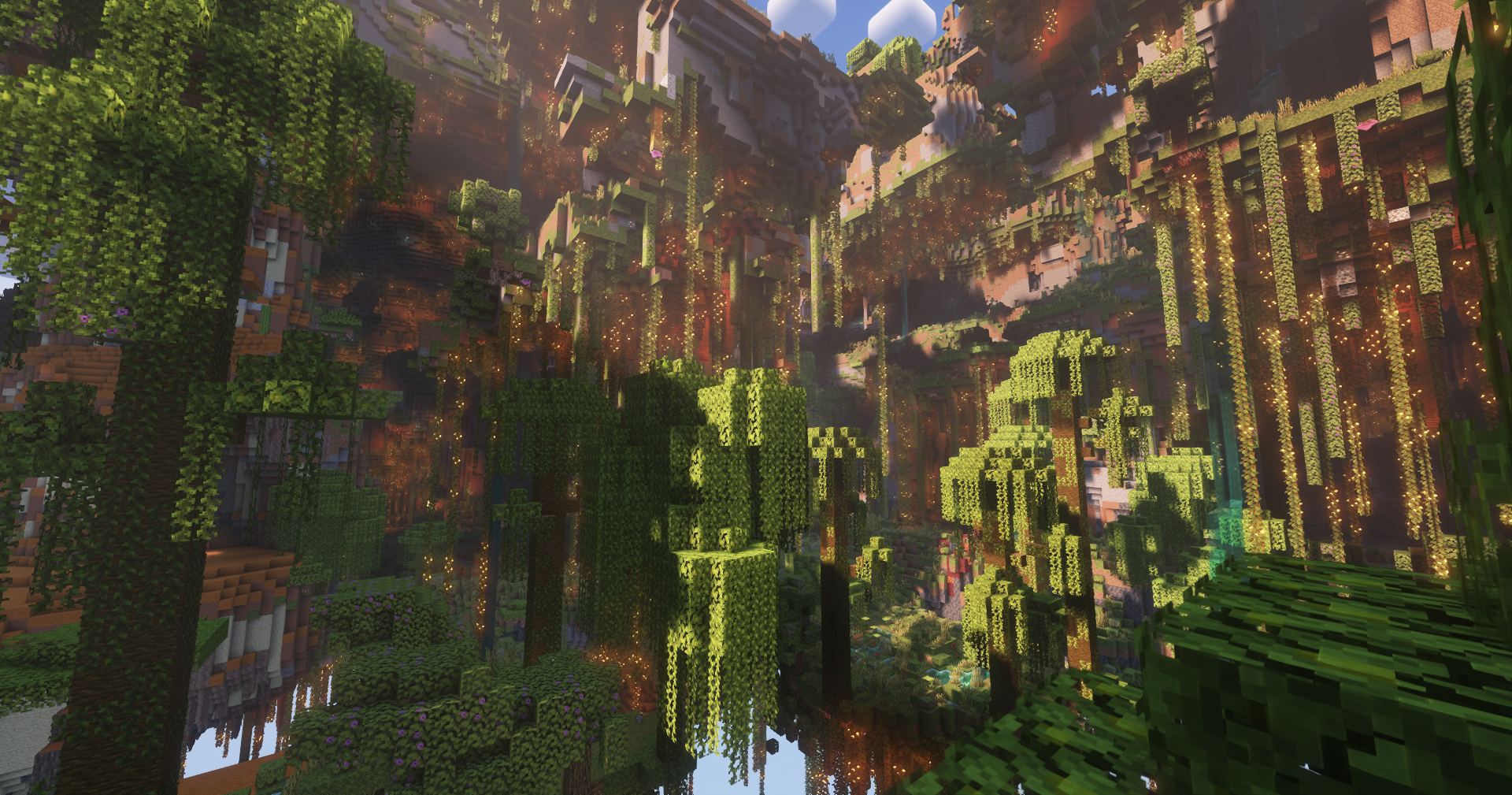
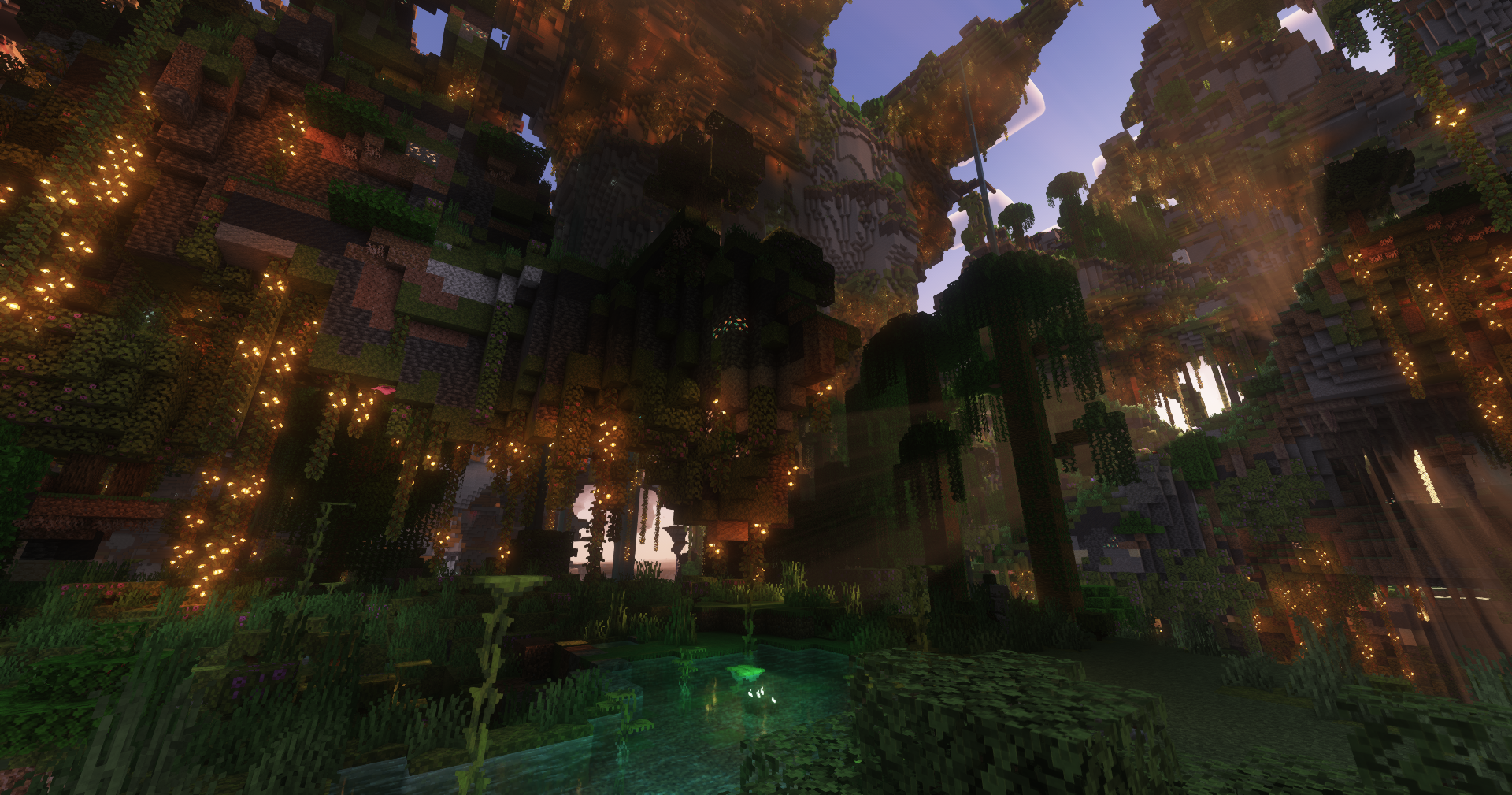
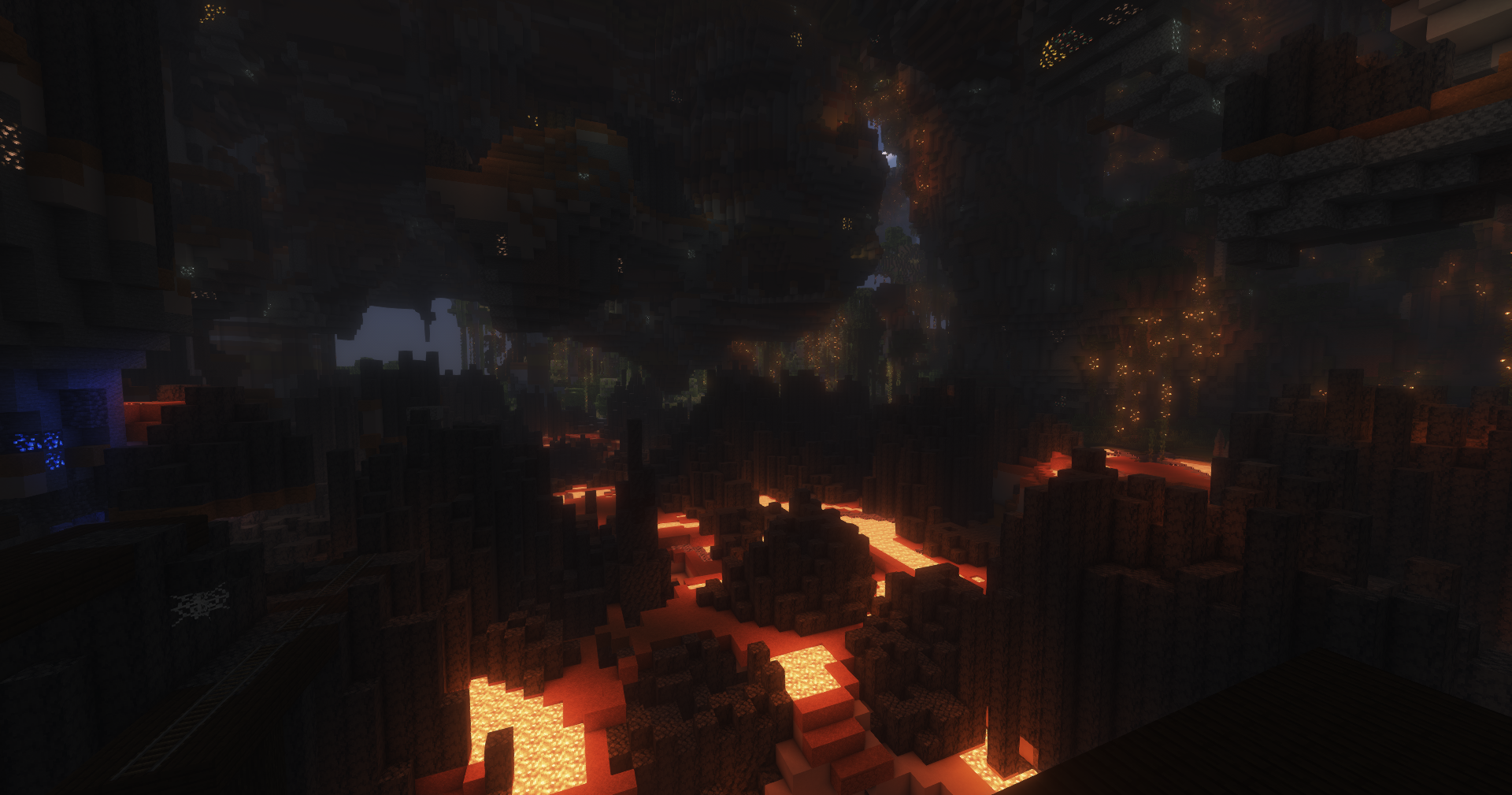
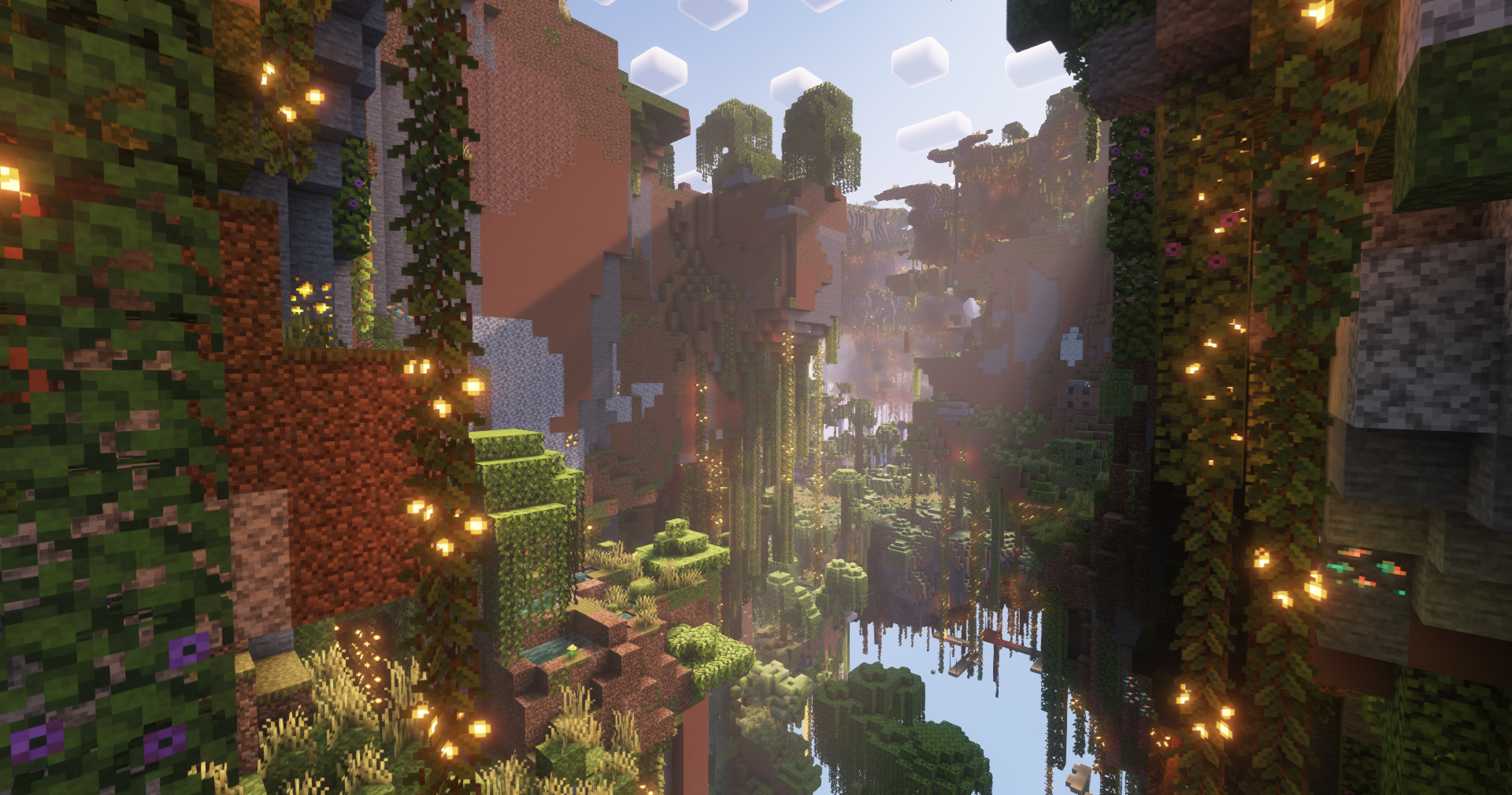
Project description from CurseForge.
Pick your setup
Choose the version and loader you play, then open the matching release.
Check the dependencies, then try the file in a copied instance before changing a world you care about.
Recent files
StratosphericalExpansion-1.20.1-0.3.1.jar
14 Jul 2023
StratosphericalExpansion-1.20.1-0.3.0.jar
14 Jul 2023
StratosphericalExpansion-1.20.1-0.2.1.jar
10 Jul 2023
DimensionalStratosphericalExpansion-1.18.2-0.2.0.jar
13 Jun 2023
StartosphericalExpansion-1.18.2-0.2.0.jar
13 Jun 2023
StratosphericalExpansion-1.20-0.2.0.jar
12 Jun 2023
DimensionalStratosphericalExpansion-1.18.2-0.1.1.jar
26 Mar 2023
StratosphericalExpansion-1.18.2-0.1.1.jar
26 Mar 2023
DimensionalStratosphericalExpansion-1.18.2-0.1.0.jar
22 Feb 2023
StartosphericalExpansion-1.18.2-0.1.0.jar
8 Feb 2023
Looking for an older file? The official CurseForge project page is in Resources.
 mod
modAT 'SHADOW'S EDGE,' SHATTER THE TWILIGHT REVERIE. A Minecraft DELTARUNE mod.
 mod
modAdds More Fishing Progression and content through Exploration
 mod
modA universal vehicle mod that supports custom vehicle data packs