Cloth Config API (Fabric/Forge/NeoForge) Needed by Step It Up stepitup-1.0-1.19-fabric
requiredMatching file found Matched file: [Fabric 1.19-1.19.2] v8.3.134

CurseForge · Minecraft mod
Step Up blocks smoothly instead of Auto Jump
Quick answer
Step It Up stepitup-1.0-1.19-fabric targets 1.19.3, 1.19.4-Snapshot, 1.19.4 with Fabric, Quilt. The project page does not say whether this file belongs on the client, dedicated server, or both. 1 required mod needs a matching file.
Where it goes
The project page does not say whether this file belongs on the client, dedicated server, or both.
The source does not explicitly classify this release as client-only or server-only.
stepitup-1.0-1.19-fabric on 1.19. Every mod below is checked against that same setup.
Install Cloth Config API (Fabric/Forge/NeoForge), Cloth Config API (Fabric/Forge/NeoForge) first, but 1 required mod has no matching file for this setup. Do not mix loader builds to force a match.
We only count dependency files that match this setup. A file for another loader does not fill the gap.
Before you install it
Built for Step It Up stepitup-1.0-1.19-fabric on 1.19. Pick another file and the loader, install side or required mods may change.
Use stepitup-1.0-1.19-fabric. It targets 1.19.3, 1.19.4-Snapshot, 1.19.4 with Fabric, Quilt; another release may have different loader, side or dependency requirements.
Install Cloth Config API (Fabric/Forge/NeoForge), Cloth Config API (Fabric/Forge/NeoForge) first, but 1 required mod has no matching file for this setup. Do not mix loader builds to force a match.
The project page does not say whether this file belongs on the client, dedicated server, or both.
Use the “Get this file” button beside stepitup-1.0-1.19-fabric. It opens that exact file at the source.
About this project



Step Up blocks smoothly instead of Auto Jump. Simple and fast mod.
Client Sided mod
This is basically the same function as https://www.curseforge.com/minecraft/mc-mods/stepup but now on updated Minecraft versions (1.18+), however the code is completely different and instead of using a keybind to toggle the Step Up feature, we use Cloth Config configurations
Config file is at config/stepitup.json5 in your Minecraft game folder. You can enable/disable the Step Up feature, and enable/disable it when sneaking (requires restarting game to take effect).
Recommended to use some sort of Mod Menu, then you should be able to configure it through that mod menu dynamically without restarting your game.

All code by spoorn
CurseForge mod icon by DIMaalF
Project description from CurseForge.
Pick your setup
Choose the version and loader you play, then open the matching release.
Showing the newest 12 of 16 game versions. Older files are in the list below.
Check the dependencies, then try the file in a copied instance before changing a world you care about.
Recent files
stepitup-1.0-1.19-fabric.jar
9 Mar 2023
stepitup-1.0-1.19-forge.jar
9 Mar 2023
Looking for an older file? The official CurseForge project page is in Resources.
 mod
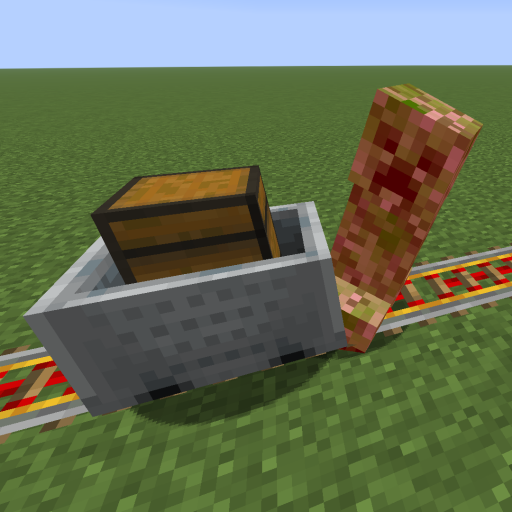
This mod increases damage to moving minecarts; the faster they move, the higher the damage, with virtually no damage limit!
 mod
Authentication mod for Fabric servers
 mod
Name-based whitelist for Fabric servers