FastConfigAPI Needed by Labelling Containers 1.21.2-fabric - 1.9.2
requiredMatching file found Matched file: Fast Config API 1.21.2-fabric - 2.1.0
CurseForge · Minecraft mod
A multiplayer compatible mod that allows players to set icons and label chests, shulker boxes, barrels and other containers without the need of signs.
Quick answer
Labelling Containers 1.21.2-fabric - 1.9.2 targets 1.21.2 with Fabric. The project page does not say whether this file belongs on the client, dedicated server, or both. All 4 required mods have matching files.
Where it goes
The project page does not say whether this file belongs on the client, dedicated server, or both.
The source does not explicitly classify this release as client-only or server-only.
Labelling Containers 1.21.2-fabric - 1.9.2 on 1.21.2 Fabric. Every mod below is checked against that same setup.
Install FastConfigAPI, Fabric API, Architectury API, Void Lib first. We found matching files for this game-version and loader setup. 1 comes through another mod in the chain.
1 extra mod was pulled in by another dependency. Indented rows show who needs each one. We only count dependency files that match this setup. A file for another loader does not fill the gap.
Before you install it
Built for Labelling Containers 1.21.2-fabric - 1.9.2 on 1.21.2 Fabric. Pick another file and the loader, install side or required mods may change.
Use Labelling Containers 1.21.2-fabric - 1.9.2. It targets 1.21.2 with Fabric; another release may have different loader, side or dependency requirements.
Install FastConfigAPI, Fabric API, Architectury API, Void Lib first. We found matching files for this game-version and loader setup. 1 comes through another mod in the chain.
The project page does not say whether this file belongs on the client, dedicated server, or both.
Use the “Get this file” button beside Labelling Containers 1.21.2-fabric - 1.9.2. It opens that exact file at the source.
About this project

A mod that makes easy labelling chests, shulker boxes, barrels and other containers without the use of signs.
Check out my Discord Server to suggest features and add compatibility with other mods!
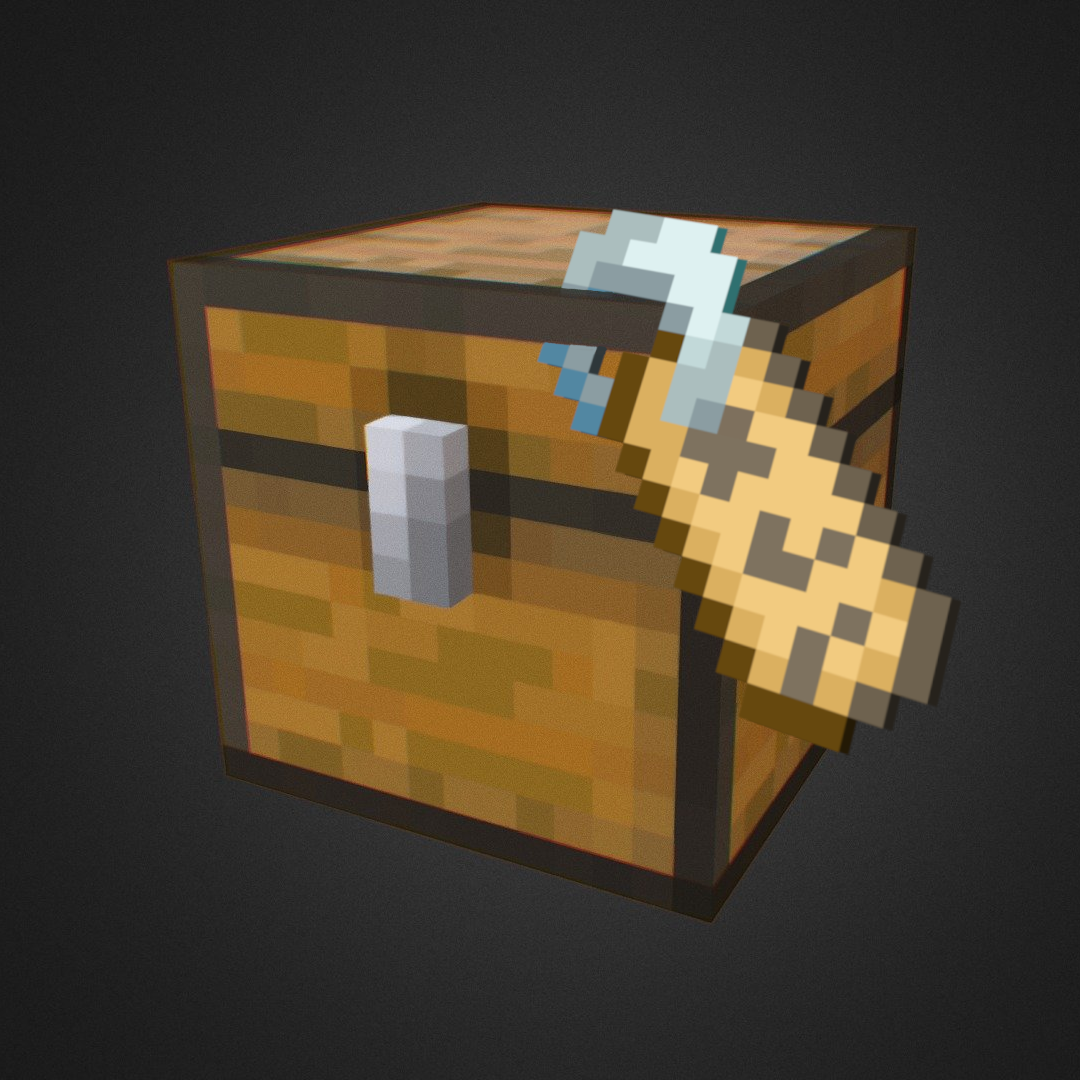
This mod adds a Label printer which is an item that can set a label and an icon to a container.
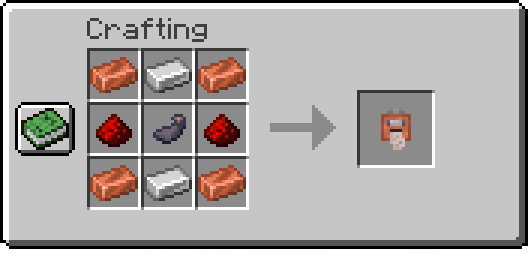
To use the Label Printer, right-click while holding it, and it'll open a menu where you can set your icon and label. Finally, have paper in your inventory and shift-right-click a chest or compatible container to set them.
When holding the Label Printer, shift-right-click to switch to Copy mode. Then shift-right-click on a container that has a label already set to copy its icon and text.
/labelpositionSets the current player's HUD position. Available positions are:
center-right (default)center-leftlefttoptop-leftExamples:
left: /labelposition left
/setlabelRequires admin permissions. Sets the label / icon of the selected container.
Examples:
/setlabel x y z label I'm a dirt chest!
/setlabel x y z icon minecraft:dirt
/labelconfigRequires admin permissions. Adds/removes blocks that can be labeled from the config.
NOTE: All blocks that have a Block Entity associated with them can be labeled.
To check if a block can be added to the config and used correctly try shift-right-clicking on it with the Label Printer item, and if it displays something like "You can't tag this block", that block can be added to the config
Examples:
/labelconfig add-item minecraft:bell
/labelconfig add-hand
/labelconfig remove-item minecraft:bell
/labelconfig remove-hand
Project description from CurseForge.
Pick your setup
Choose the version and loader you play, then open the matching release.
Showing the newest 12 of 16 game versions. Older files are in the list below.
Check the dependencies, then try the file in a copied instance before changing a world you care about.
Recent files
labellingcontainers-1.9.2.jar
11 Dec 2024
Looking for an older file? The official CurseForge project page is in Resources.