Cloth Config API (Fabric/Forge/NeoForge) Needed by Legacy Console Sounds [Forge] Legacy Console Sounds
requiredMatching file found Matched file: [Forge 1.20(.1)] v11.1.136

CurseForge · Minecraft mod
Plays legacy console menu sounds
Quick answer
Legacy Console Sounds [Forge] Legacy Console Sounds targets 1.20.1 with Forge. The project page does not say whether this file belongs on the client, dedicated server, or both. All 3 required mods have matching files.
Where it goes
The project page does not say whether this file belongs on the client, dedicated server, or both.
The source does not explicitly classify this release as client-only or server-only.
[Forge] Legacy Console Sounds. Change the file and its required mods may change too.
Install Cloth Config API (Fabric/Forge/NeoForge), Forgified Fabric API, Sinytra Connector first. We found matching files for this game-version and loader setup. 13 come through another mod in the chain.
13 extra mods were pulled in by other dependencies. Indented rows show who needs each one. We only count dependency files that match this setup. A file for another loader does not fill the gap.
Before you install it
Built for Legacy Console Sounds [Forge] Legacy Console Sounds. Pick another file and the loader, install side or required mods may change.
Use [Forge] Legacy Console Sounds. It targets 1.20.1 with Forge; another release may have different loader, side or dependency requirements.
Install Cloth Config API (Fabric/Forge/NeoForge), Forgified Fabric API, Sinytra Connector first. We found matching files for this game-version and loader setup. 13 come through another mod in the chain.
The project page does not say whether this file belongs on the client, dedicated server, or both.
Use the “Get this file” button beside [Forge] Legacy Console Sounds. It opens that exact file at the source.
About this project

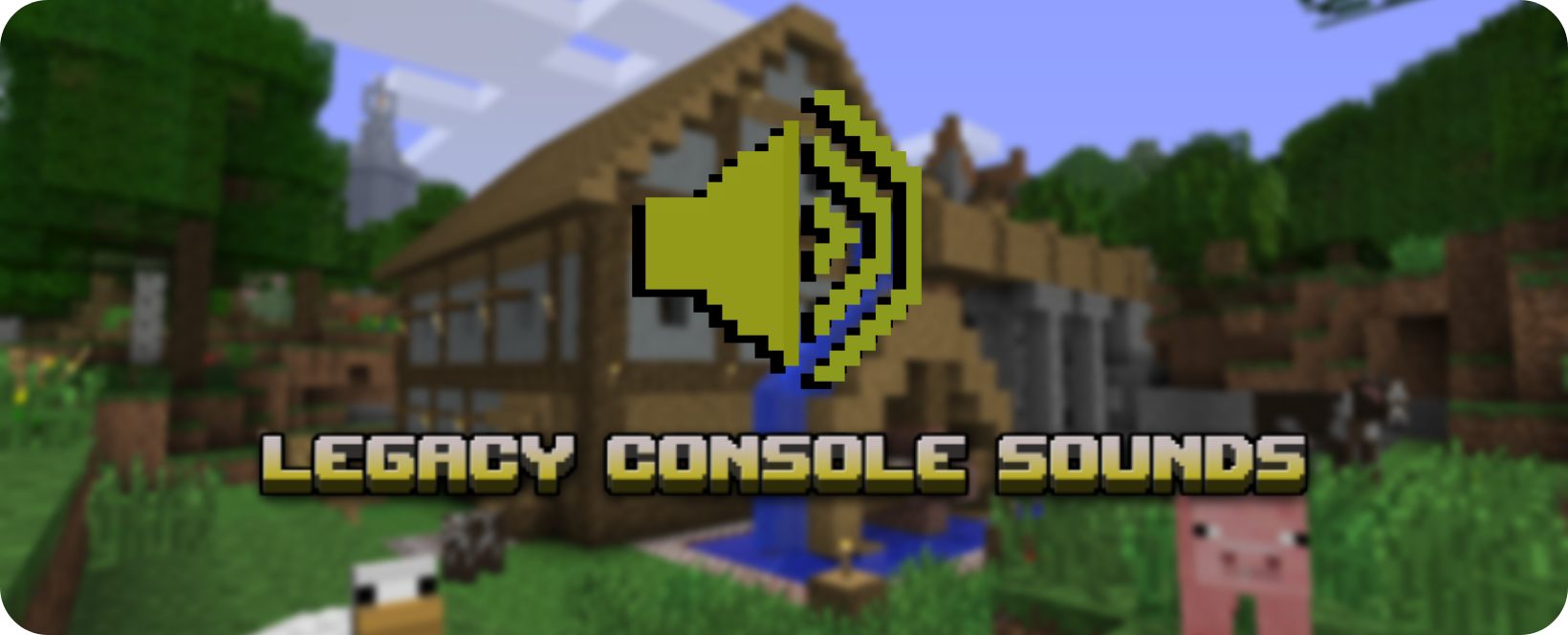
 It implements sound directly from Legacy Console Edition (etc. Playstation 3, Xbox 360, Wii) to Minecraft: Java Edition, bring back that nostalgia from your childhood!

Project description from CurseForge.
Pick your setup
Choose the version and loader you play, then open the matching release.
Check the dependencies, then try the file in a copied instance before changing a world you care about.
Recent files
consolesounds-1.2.0.jar
10 Dec 2023
consolesounds-1.2.0.jar
2 Sept 2023
consolesounds118.jar
27 Apr 2023
consolesounds-1.3.jar
4 Apr 2023
consolesounds-1.2.5.jar
3 Apr 2023
Looking for an older file? The official CurseForge project page is in Resources.
 mod
Client-side fixes and displays for Vault Hunters 3
 mod
A cinematic Interstellar-inspired expedition: team up with TARS, fly a Ranger to Miller's planet, recover data, and escape the tidal surge.
 mod
Collection of shared code for OctoStudios' mods