Cloth Config API Optional for Real Camera 0.7.8-beta-26.3
optionalMatching file found Matched file: 26.3.159+neoforge

CurseForge · Minecraft mod
Make the camera more realistic in the first-person view.
Quick answer
Real Camera 0.7.8-beta-26.3 targets 26.3 with NeoForge. It must be installed on the client. Do not install it on the dedicated server. No extra mods listed for this file.
Where it goes
It must be installed on the client. Do not install it on the dedicated server.
This file is marked client-only.
0.7.8-beta-26.3. Change the file and its required mods may change too.
This file does not list any required mods. Do not add a library just because a different file uses it.
We only count dependency files that match this setup. A file for another loader does not fill the gap.
Before you install it
Built for Real Camera 0.7.8-beta-26.3. Pick another file and the loader, install side or required mods may change.
Use 0.7.8-beta-26.3. It targets 26.3 with NeoForge; another release may have different loader, side or dependency requirements.
This file does not list any required mods. Do not add a library just because a different file uses it.
It must be installed on the client. Do not install it on the dedicated server.
Use the “Get this file” button beside 0.7.8-beta-26.3. It opens that exact file at the source.
About this project
Make the camera more realistic in the first-person view.
Supported versions: 1.18.2-1.20.4 Forge, 1.18.2-26.1 Fabric, 1.21-26.1 NeoForge.
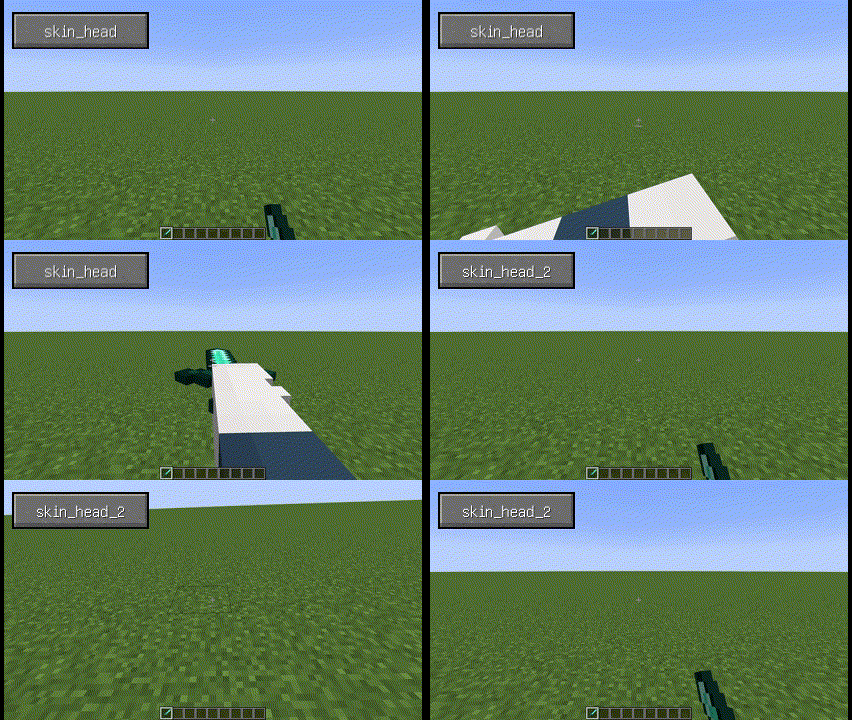
When used with Better Combat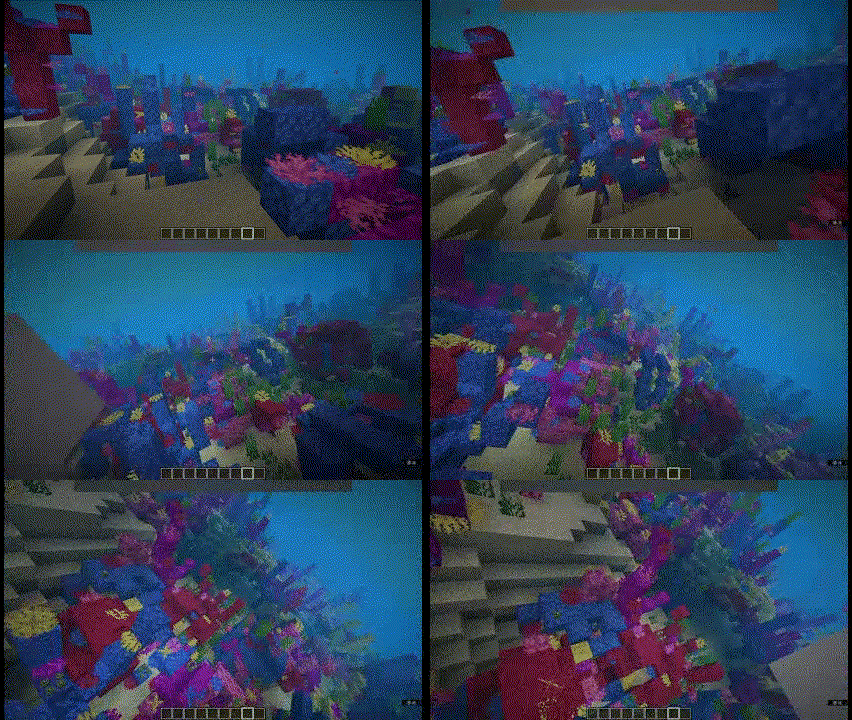
(Using skin_head_2 with some other options changed)
Open Model View Screen.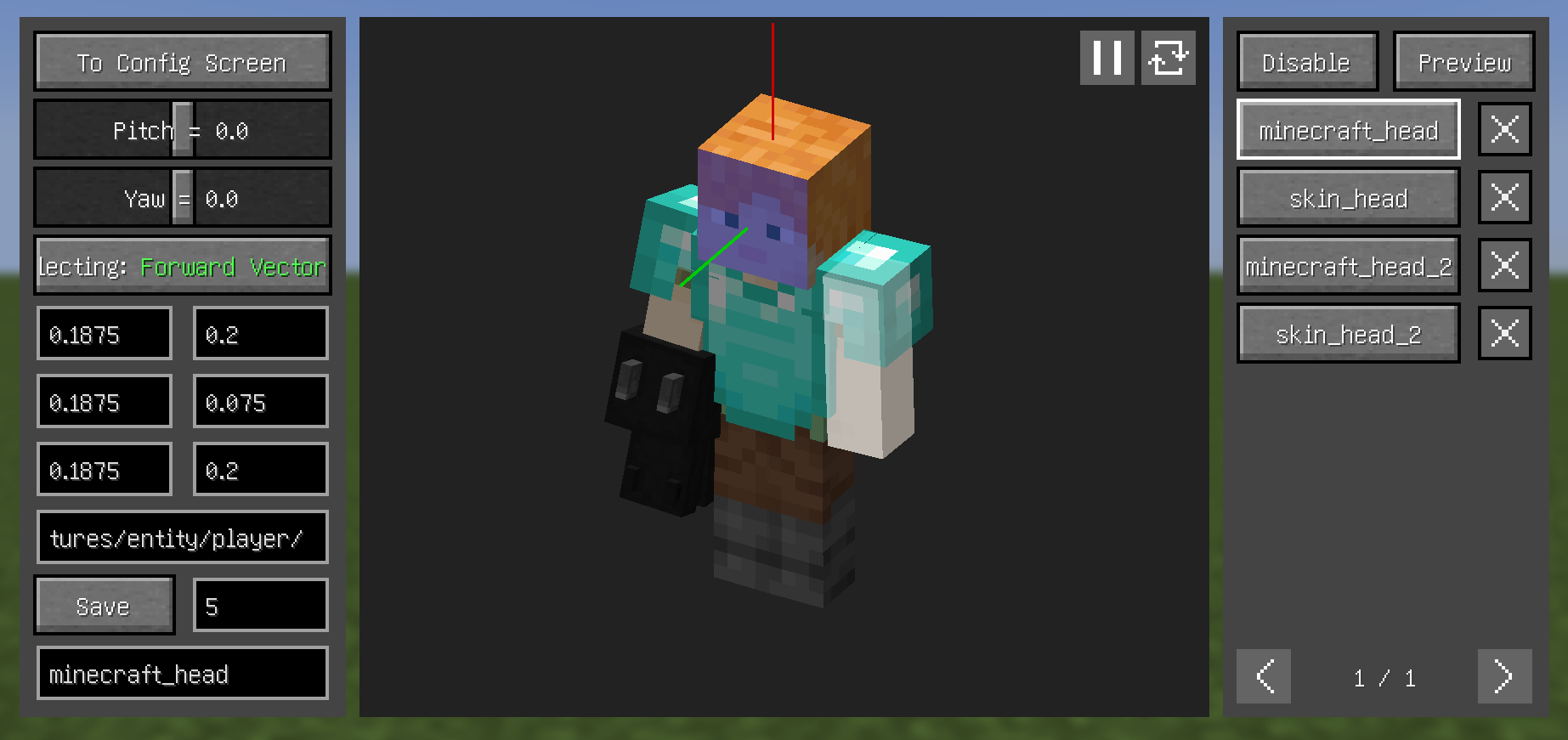
Selecting button on the left, switch between the three to select the Forward Vector, Upward Vector, and Target Plane.Preview section, where you can see the relative relationship between the camera and the model and make certain adjustments (you can also adjust through key bindings).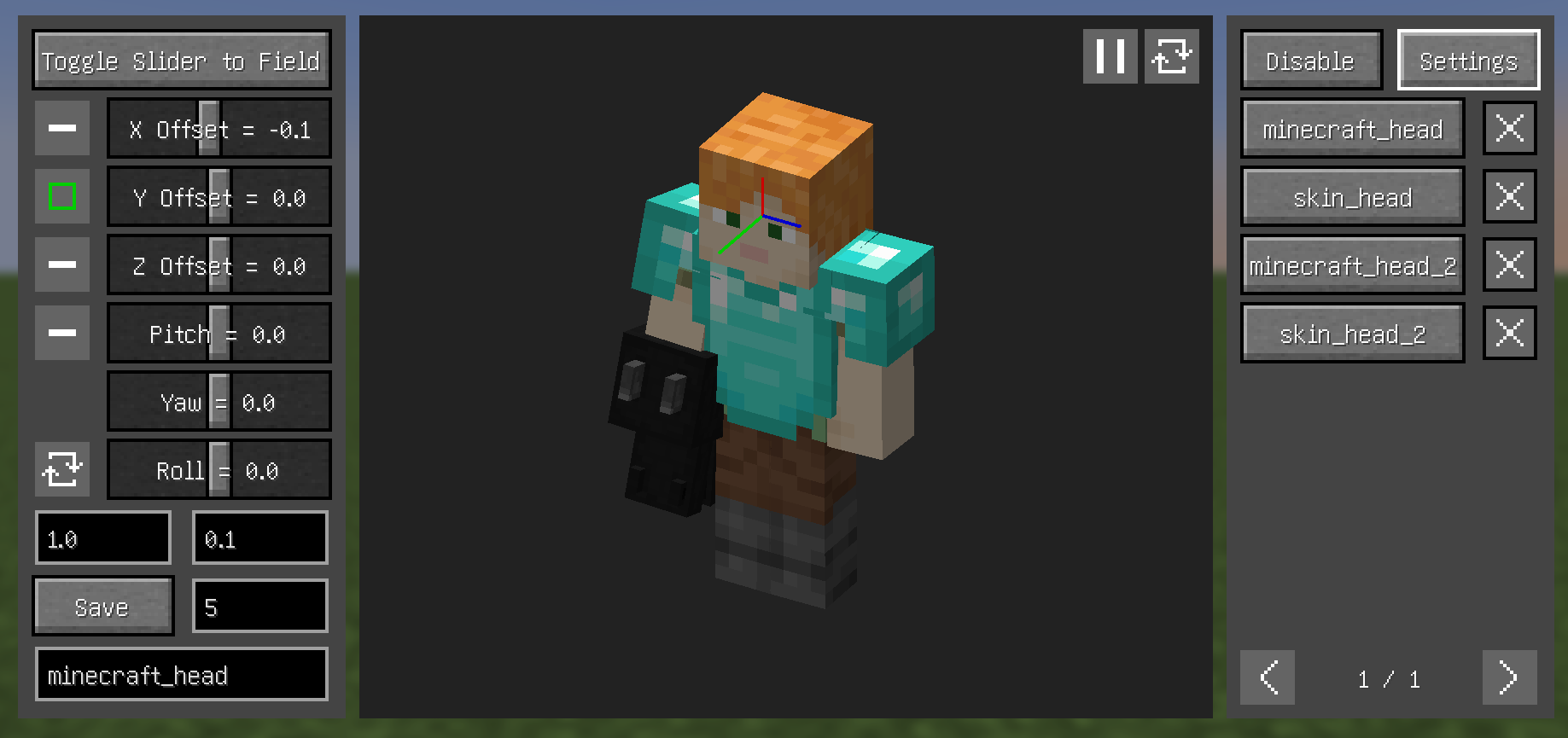
Preview section to hide models blocking the viewDisable section (current version still rough, complex operations):All mode, entire texture's model won't render (blue box containing the texture in left panel indicates this)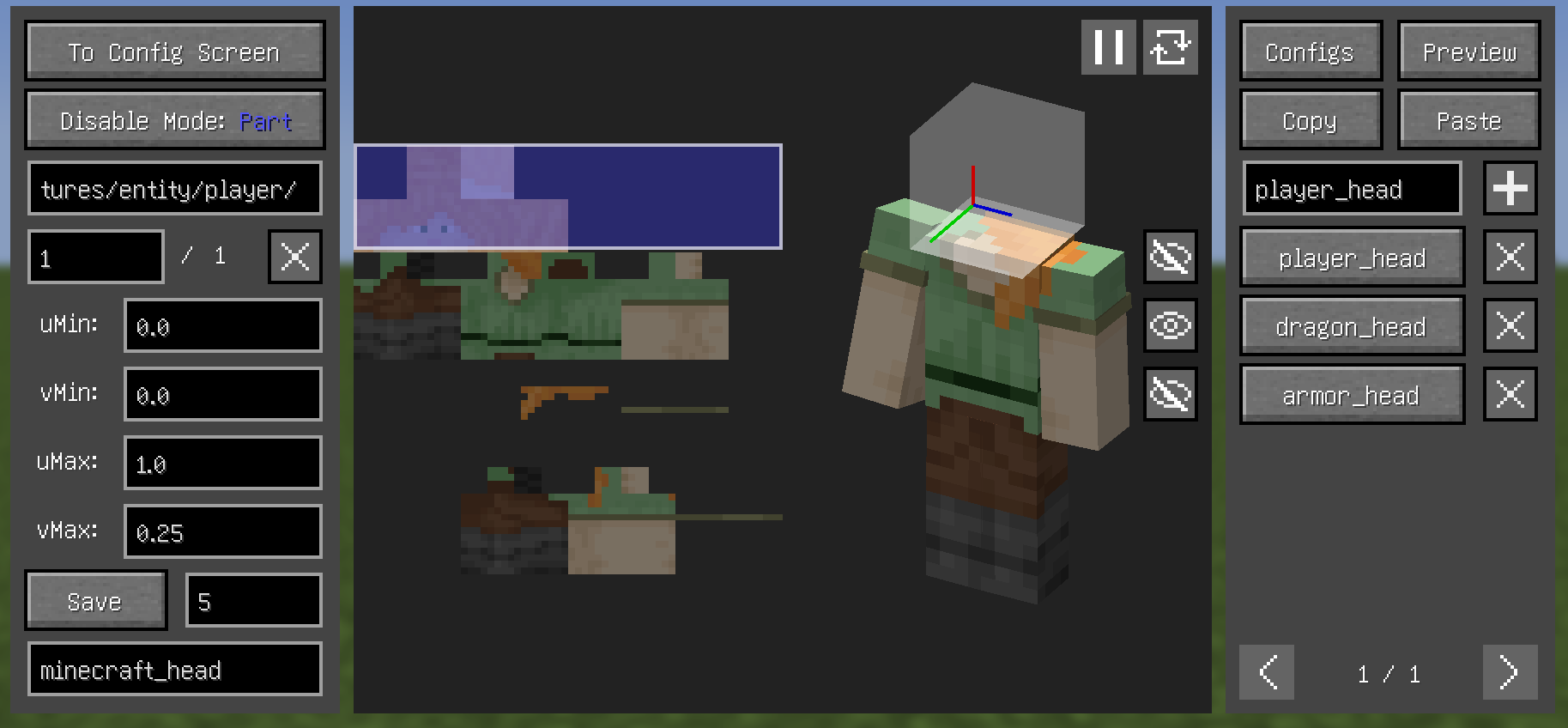
Disable sectionIncompatible:
Compatible:
Project description from CurseForge.
Pick your setup
Choose the version and loader you play, then open the matching release.
Showing the newest 12 of 20 game versions. Older files are in the list below.
Check the dependencies, then try the file in a copied instance before changing a world you care about.
Recent files
realcamera-26.3-neoforge-0.7.8-beta.jar
25 Sept 2026
realcamera-26.3-fabric-0.7.8-beta.jar
25 Sept 2026
realcamera-26.3-neoforge-0.7.8-beta.jar
25 Sept 2026
realcamera-26.1.2-fabric-0.7.8-beta.jar
28 Jun 2026
realcamera-26.1.2-neoforge-0.7.8-beta.jar
28 Jun 2026
realcamera-26.2-fabric-0.7.8-beta.jar
28 Jun 2026
realcamera-26.2-neoforge-0.7.8-beta.jar
28 Jun 2026
realcamera-1.21.1-fabric-0.7.8-beta.jar
28 Jun 2026
realcamera-1.21.1-neoforge-0.7.8-beta.jar
28 Jun 2026
realcamera-1.20.1-fabric-0.7.8-beta.jar
28 Jun 2026
realcamera-1.20.1-forge-0.7.8-beta.jar
28 Jun 2026
realcamera-1.21.1-fabric-0.7.6-beta.jar
22 Apr 2026
Looking for an older file? The official CurseForge project page is in Resources.
 mod
modBrew reagents, inscribe spells onto scrolls, and bind them into a spellbook that grows through six ranks.
 mod
modAn accessory mod themed around the Seven Deadly Sins
 mod
modBuild your own settlement and army with recruitable villagers.