Which Fusion (Connected Textures) release matches 1.16 Forge?
Updated today
Best match for your filters1.3.12-forge-mc1.16
Game version1.16, 1.16.1, 1.16.2
LoaderForge
Fusion (Connected Textures) 1.3.12-forge-mc1.16 targets 1.16, 1.16.1, 1.16.2 with Forge. It must be installed on the client. Do not install it on the dedicated server. No extra mods listed for this file.
Where it goes
Is Fusion (Connected Textures) required on the client, server, or both?
It must be installed on the client. Do not install it on the dedicated server.
ClientRequired
Dedicated serverNot supported
Loader for this releaseForge
Required install it hereOptional supported, not mandatoryNot supported do not install hereSource doesn’t say do not assume
What else does Fusion (Connected Textures) 1.3.12-forge-mc1.16 need?
1.3.12-forge-mc1.16 on 1.16 Forge. Every mod below is checked against that same setup.
No extra mods listed for this file
This file does not list any required mods. Do not add a library just because a different file uses it.
This file does not list any required or optional mods.
Before you install it
Add Fusion (Connected Textures) without breaking your instance.
Built for Fusion (Connected Textures) 1.3.12-forge-mc1.16 on 1.16 Forge. Pick another file and the loader, install side or required mods may change.
01
Stick to this file
Use 1.3.12-forge-mc1.16. It targets 1.16, 1.16.1, 1.16.2 with Forge; another release may have different loader, side or dependency requirements.
02
Bring the mods it needs
This file does not list any required mods. Do not add a library just because a different file uses it.
03
Put it on the correct side
It must be installed on the client. Do not install it on the dedicated server.
04
Pick the file you checked
Use the “Get this file” button beside 1.3.12-forge-mc1.16. It opens that exact file at the source.
About this project
What does Fusion (Connected Textures) add?
Fusion
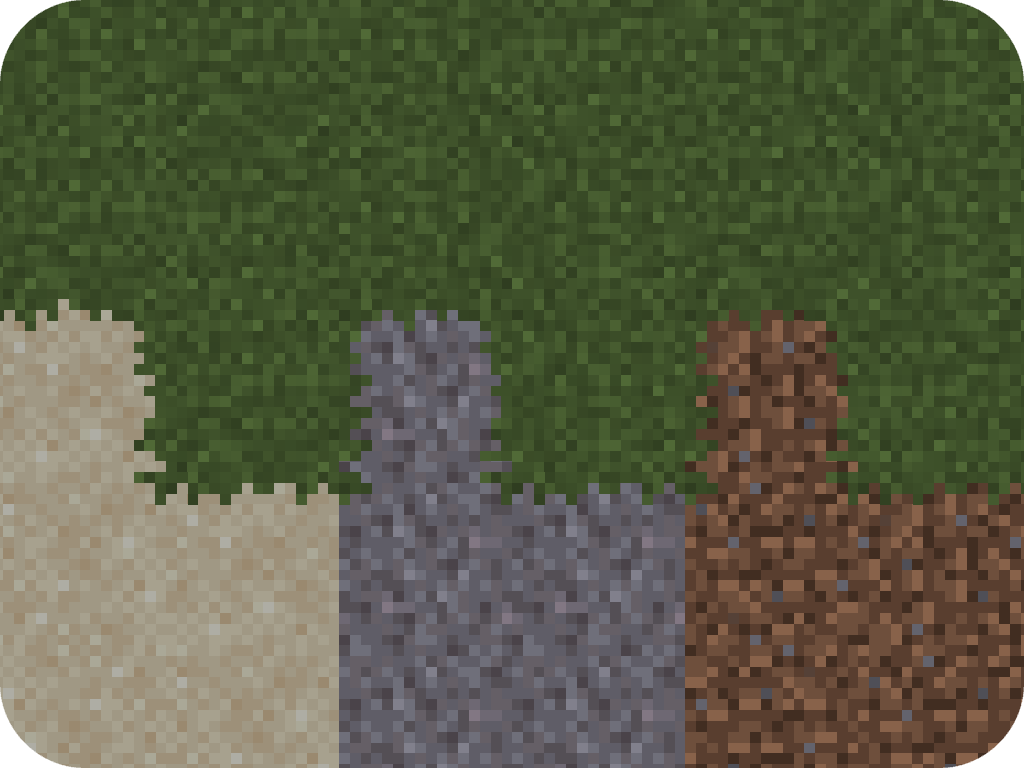
Fusion is a library for both Forge and Fabric which adds additional resource pack features such as connected textures and custom entity models to be used in resource packs and other mods!
Integration with Fusion can be done optionally for a soft dependency.
(This is not a comprehensive list. If you made a resource pack which is compatible with Fusion and would like it listed here, feel free to send me a message on Discord.)
Connecting textures
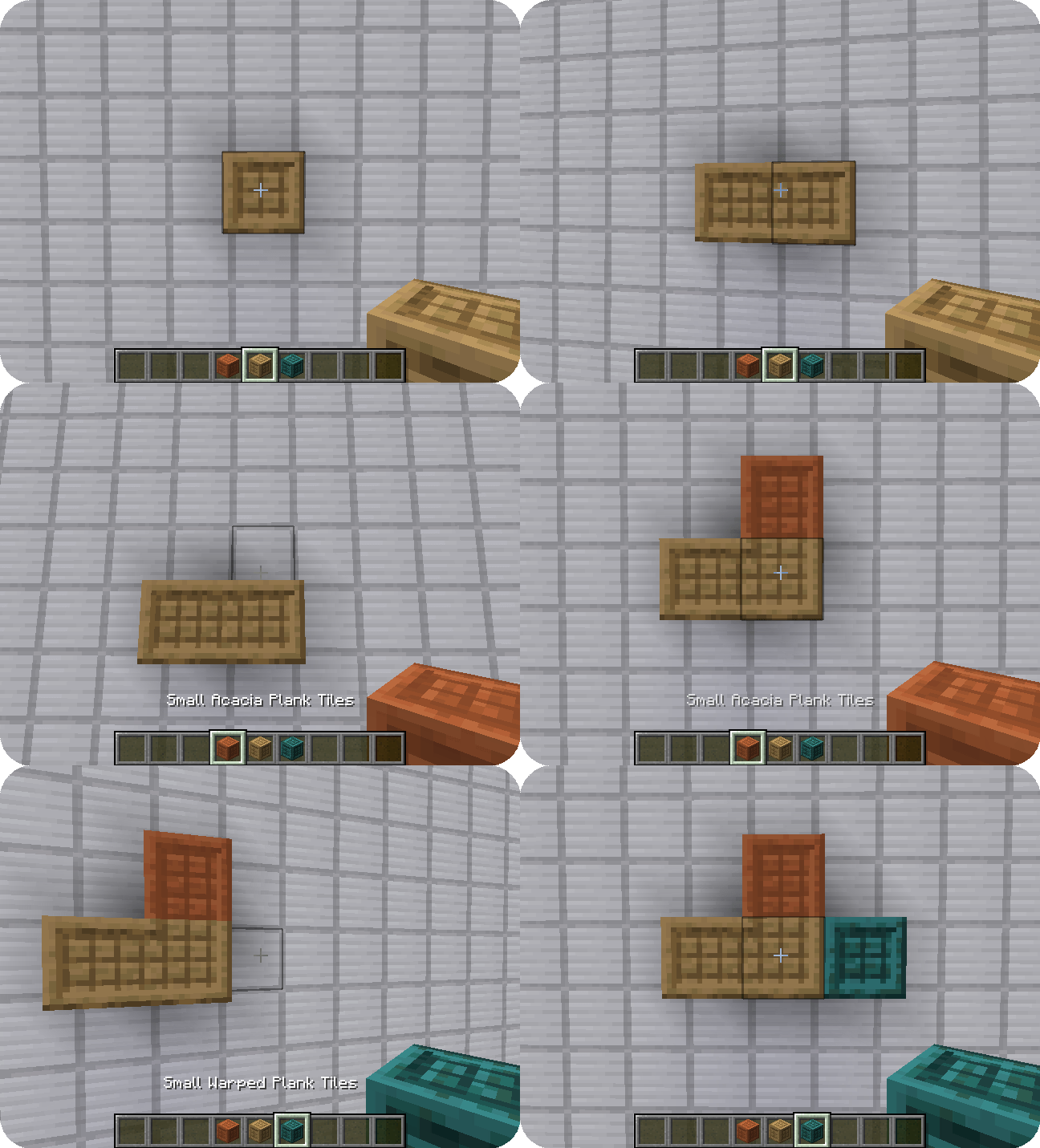
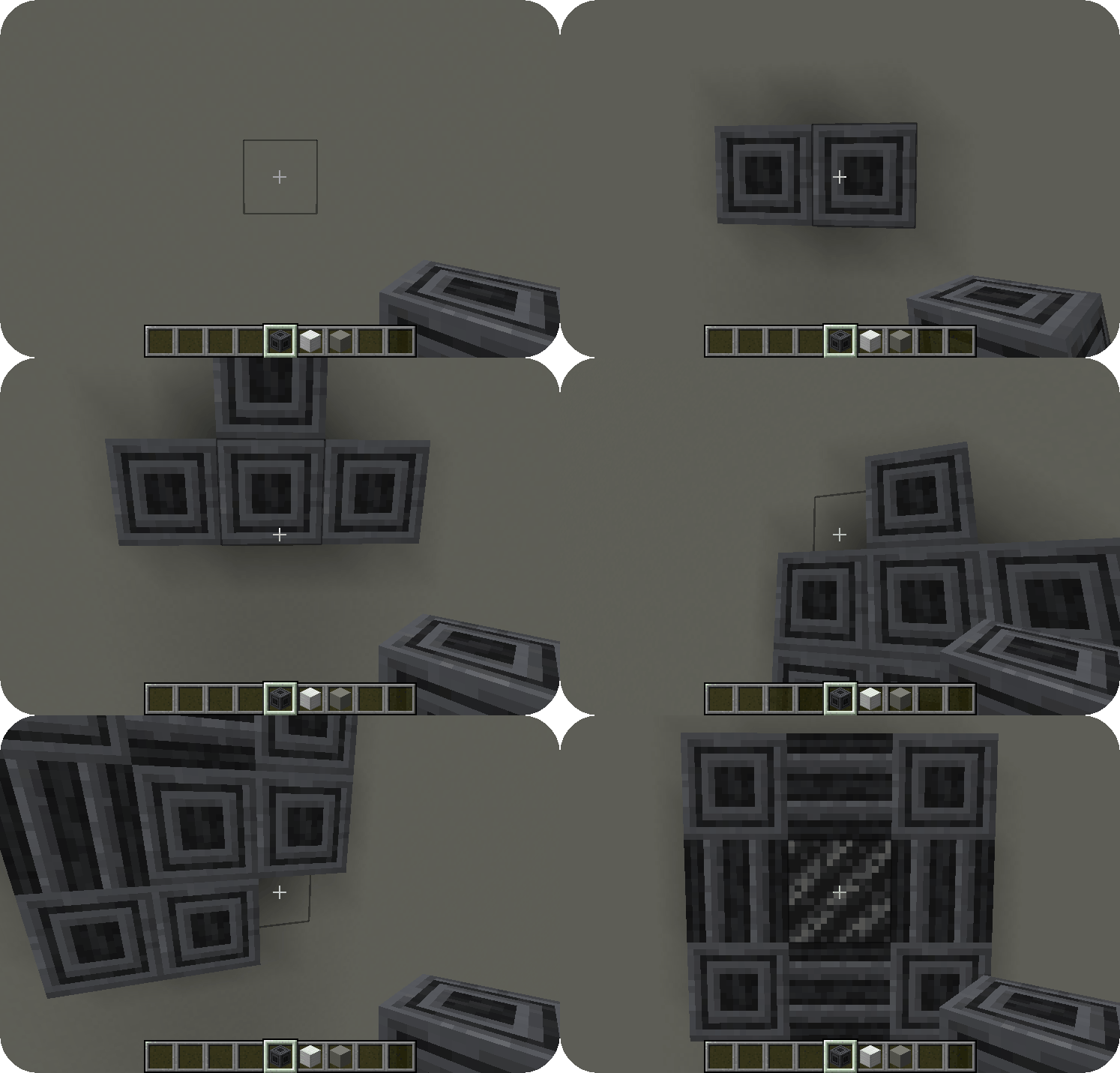
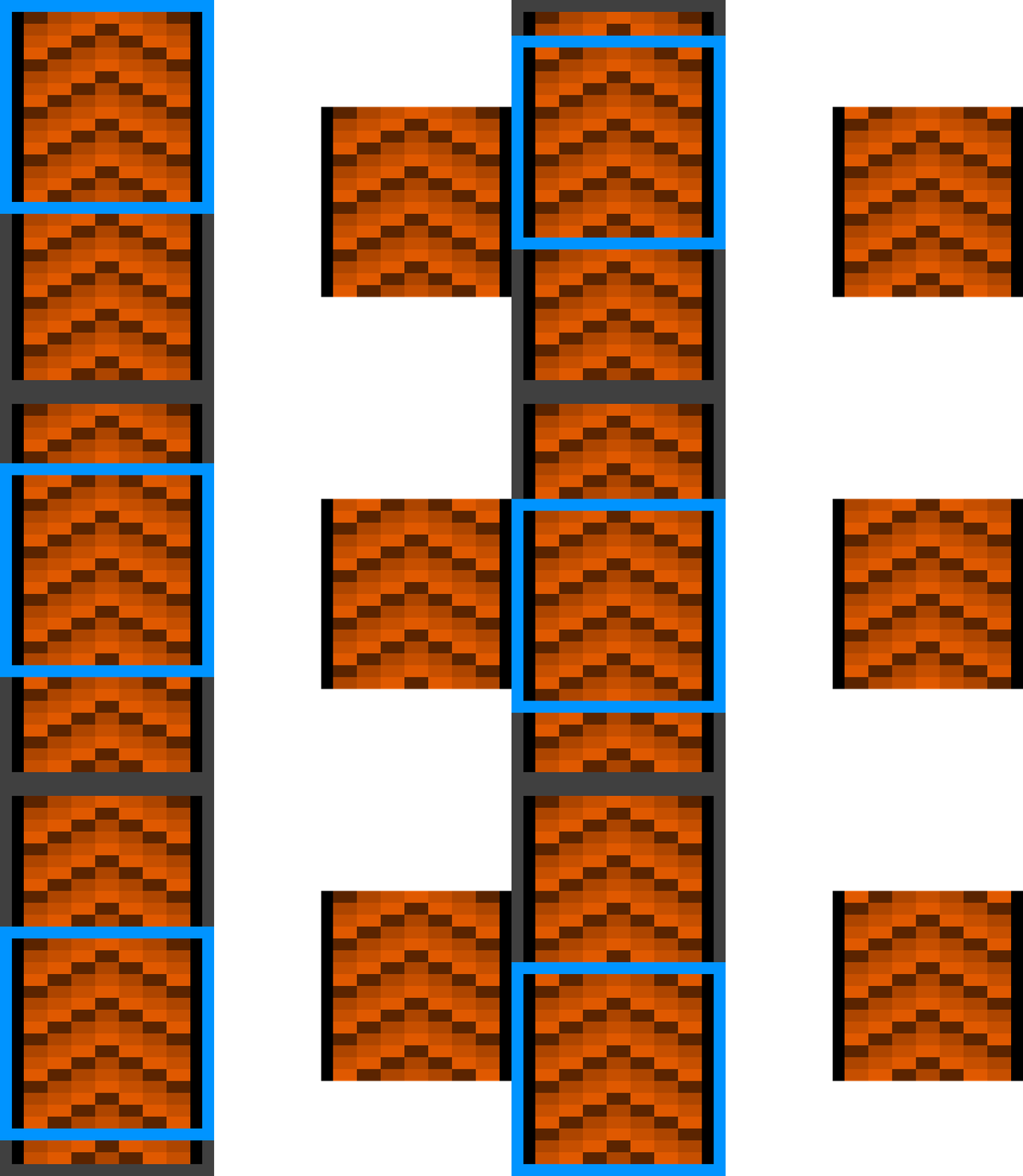
Connected textures are textures with a special layout which allows them to connect to other blocks when combined with the connecting model type. Fusion offers 7 different connecting texture layouts for different situations.

Here are examples of the full and compact layouts:
Scrolling textures
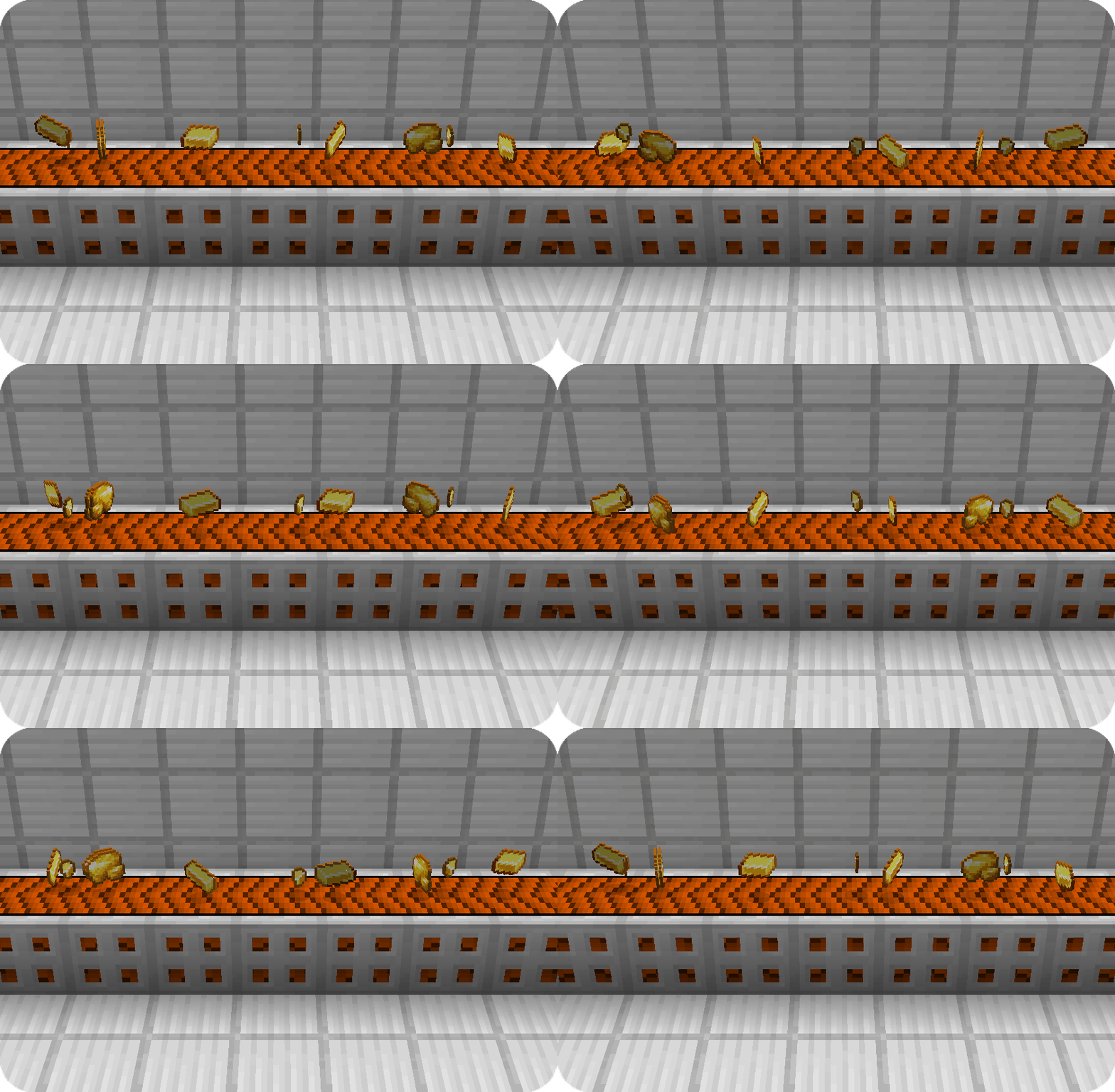
Scrolling textures are a type of animated texture which scrolls over an image. The scrolling can occur from any corner to any other corner of the texture, even diagonal! Here is an example of a conveyor belt:
Continuous textures
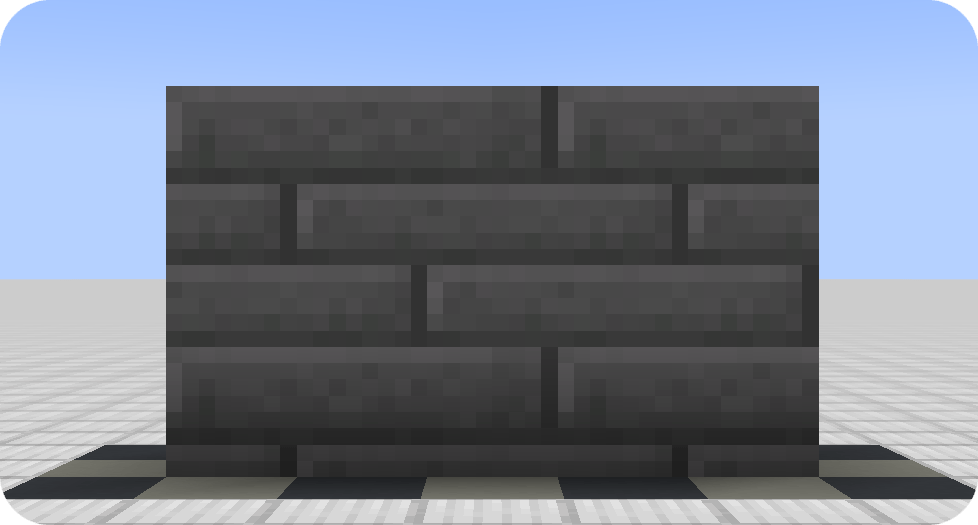
Continuous textures allow creating textures which span multiple blocks!
📐 Block overlays

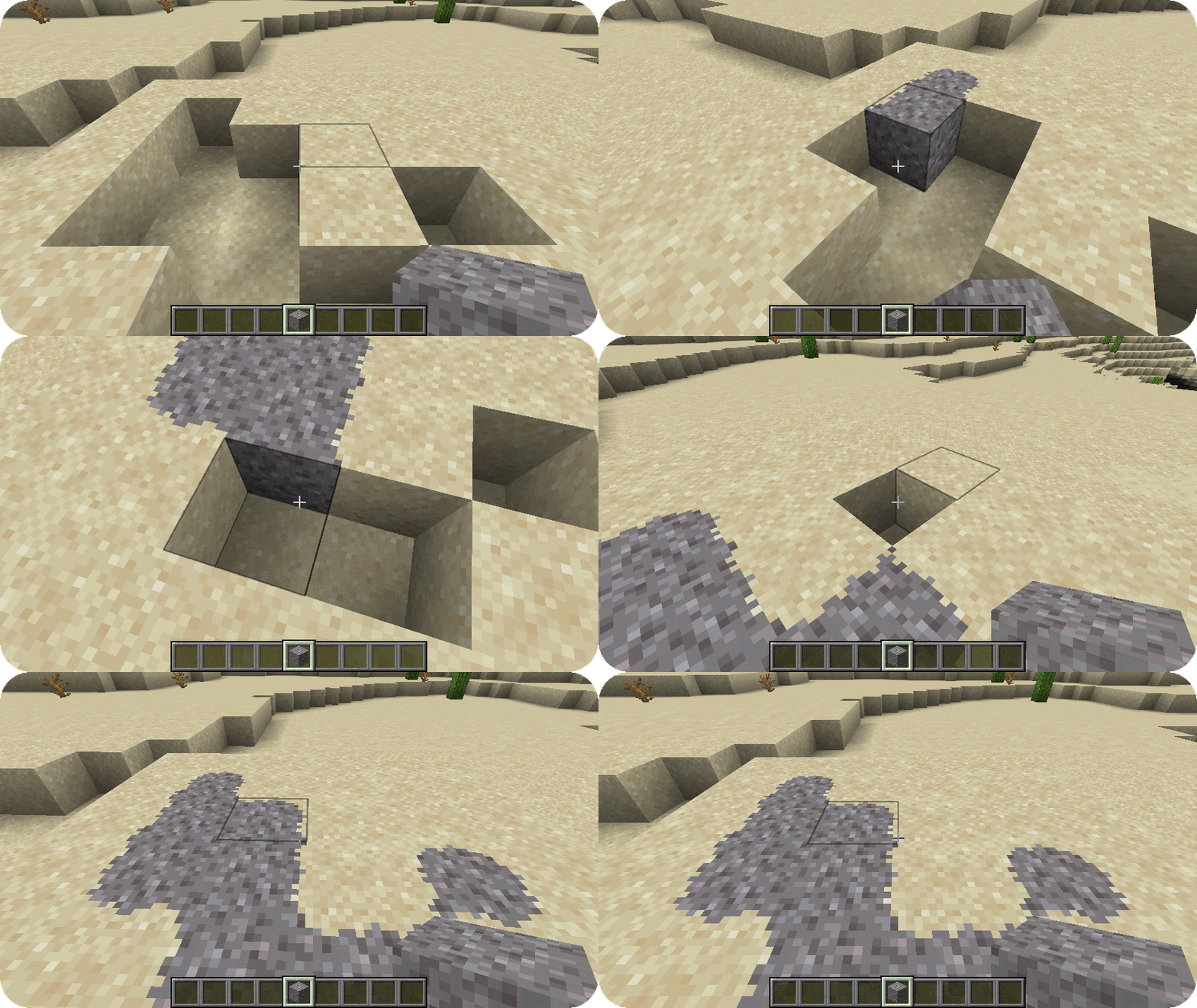
Using the features provided by the connecting model and connecting texture type, you can also achieve block overlays!
Custom entity models
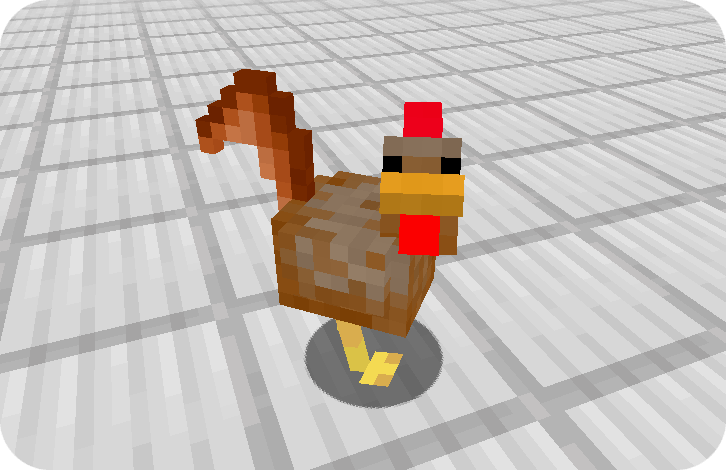
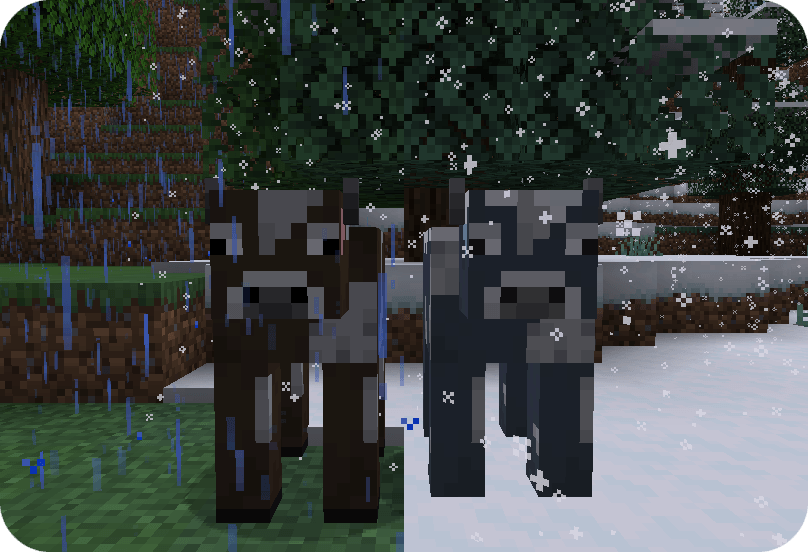
Custom entity models and entity model modifiers allow resource packs to change entity models and textures randomly or depending various conditions such altitude, biome, dimension, age, etc.
Frequently-Asked-Questions
Can I use your mod in my modpack? Yes, you are allowed use Fusion in your modpack Do I need to install Fusion on the server? No, Fusion is only required on the client and does nothing when installed on a server **Why does Fusion not work with Sodium?**If you are using a version of Sodium older than 0.6, you will also have to install Indium. Sodium replaces the vanilla rendering with their own which ignores the Fabric Rendering API. Indium patches Sodium to support the Fabric Rendering API
Project description from CurseForge.
Pick your setup
Fusion (Connected Textures) by Minecraft version and loader
Choose the version and loader you play, then open the matching release.