
Back to mods
Fusion (Connected Textures) project artwork

CurseForge · Minecraft mod

Fusion (Connected Textures)

Fusion allows resource packs to use additional texture and model types such as connected textures!

Choose a version Pick your version below, then grab the matching file.

Quick answer

Which Fusion (Connected Textures) release matches 26.2 Forge?

Updated 7 days ago
Best match for your filters Fusion 1.3.12 for Forge 26.2
Game version 26.2
Loader Forge

Fusion (Connected Textures) Fusion 1.3.12 for Forge 26.2 targets 26.2 with Forge. The project page does not say whether this file belongs on the client, dedicated server, or both. No extra mods listed for this file.

Where it goes

Is Fusion (Connected Textures) required on the client, server, or both?

The project page does not say whether this file belongs on the client, dedicated server, or both.

Client Source doesn’t say
Dedicated server Source doesn’t say
Loader for this release Forge
Required install it here Optional supported, not mandatory Not supported do not install here Source doesn’t say do not assume

The source does not explicitly classify this release as client-only or server-only.

What else does Fusion (Connected Textures) Fusion 1.3.12 for Forge 26.2 need?

Fusion 1.3.12 for Forge 26.2 on 26.2 Forge. Every mod below is checked against that same setup.

No extra mods listed for this file

This file does not list any required mods. Do not add a library just because a different file uses it.

This file does not list any required or optional mods.

Before you install it

Add Fusion (Connected Textures) without breaking your instance.

Built for Fusion (Connected Textures) Fusion 1.3.12 for Forge 26.2 on 26.2 Forge. Pick another file and the loader, install side or required mods may change.

  1. 01

    Stick to this file

    Use Fusion 1.3.12 for Forge 26.2. It targets 26.2 with Forge; another release may have different loader, side or dependency requirements.

  2. 02

    Bring the mods it needs

    This file does not list any required mods. Do not add a library just because a different file uses it.

  3. 03

    Put it on the correct side

    The project page does not say whether this file belongs on the client, dedicated server, or both.

  4. 04

    Pick the file you checked

    Use the “Get this file” button beside Fusion 1.3.12 for Forge 26.2. It opens that exact file at the source.

About this project

What does Fusion (Connected Textures) add?

Separator

Fusion

Fusion is a library for both Forge and Fabric which adds additional resource pack features such as connected textures and custom entity models to be used in resource packs and other mods!
Integration with Fusion can be done optionally for a soft dependency.

📖 Wiki

For resource pack developers: https://github.com/SuperMartijn642/Fusion/wiki#for-resource-packs For mod developers: https://github.com/SuperMartijn642/Fusion/wiki#for-mod-developers

Separator

Resource packs

Here's a list of resource packs available for Fusion.

Official resource packs:
Third-party resource packs:

(This is not a comprehensive list. If you made a resource pack which is compatible with Fusion and would like it listed here, feel free to send me a message on Discord.)

Separator

Connecting textures

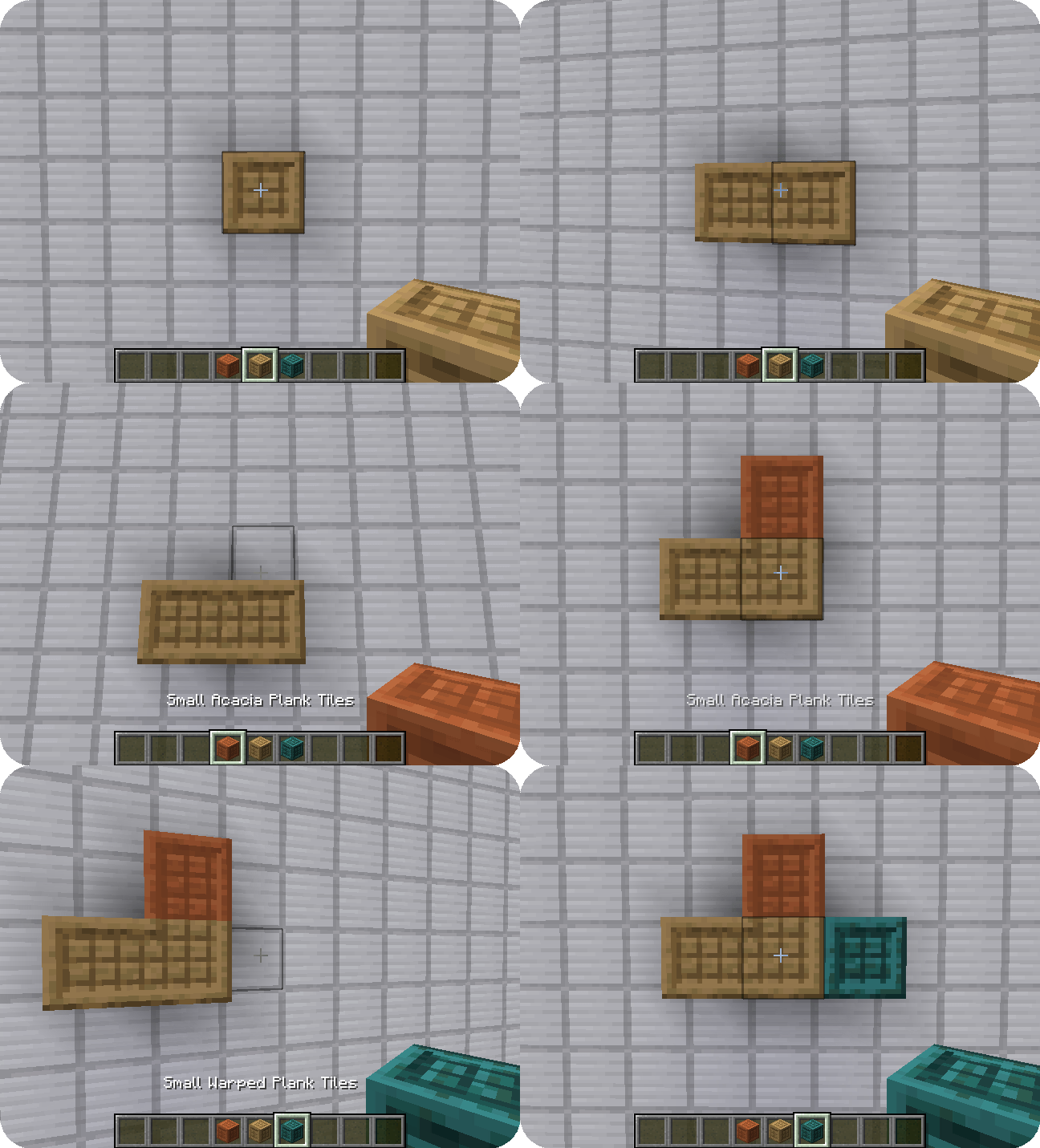
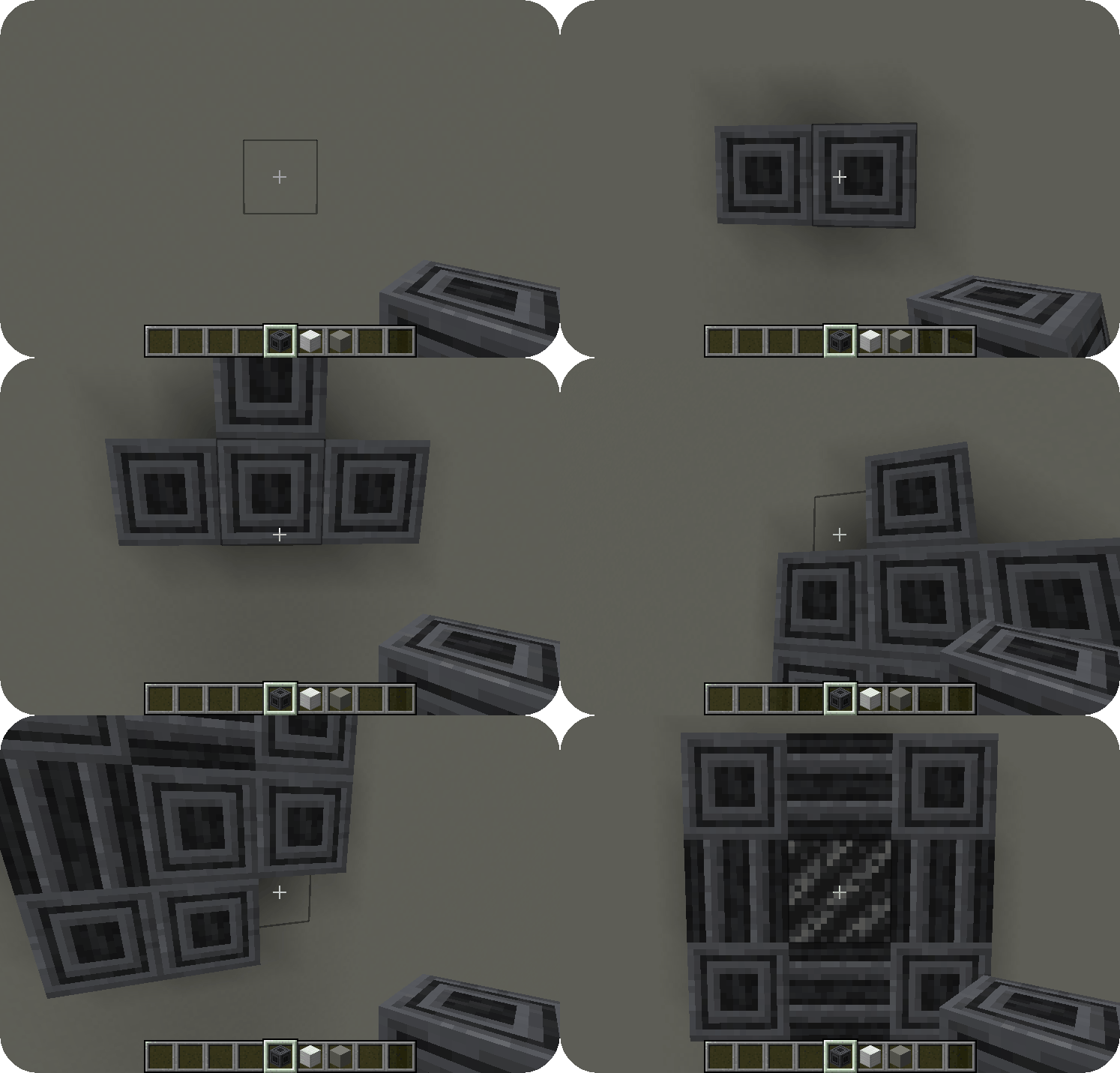
Connected textures are textures with a special layout which allows them to connect to other blocks when combined with the connecting model type. Fusion offers 7 different connecting texture layouts for different situations.

Here are examples of the full and compact layouts:

Bordered wooden tiles exampleSteel beams example

Separator

Scrolling textures

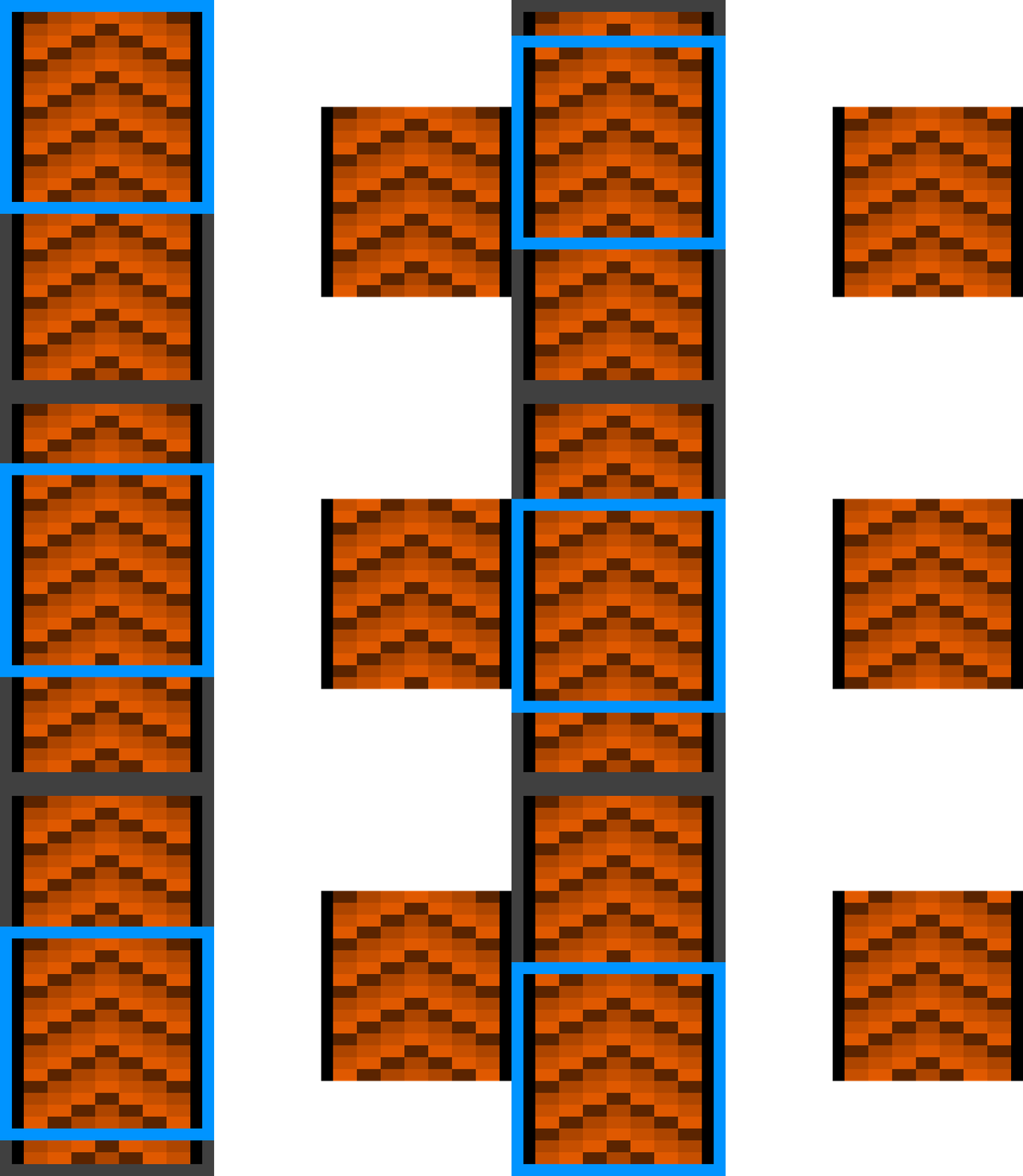
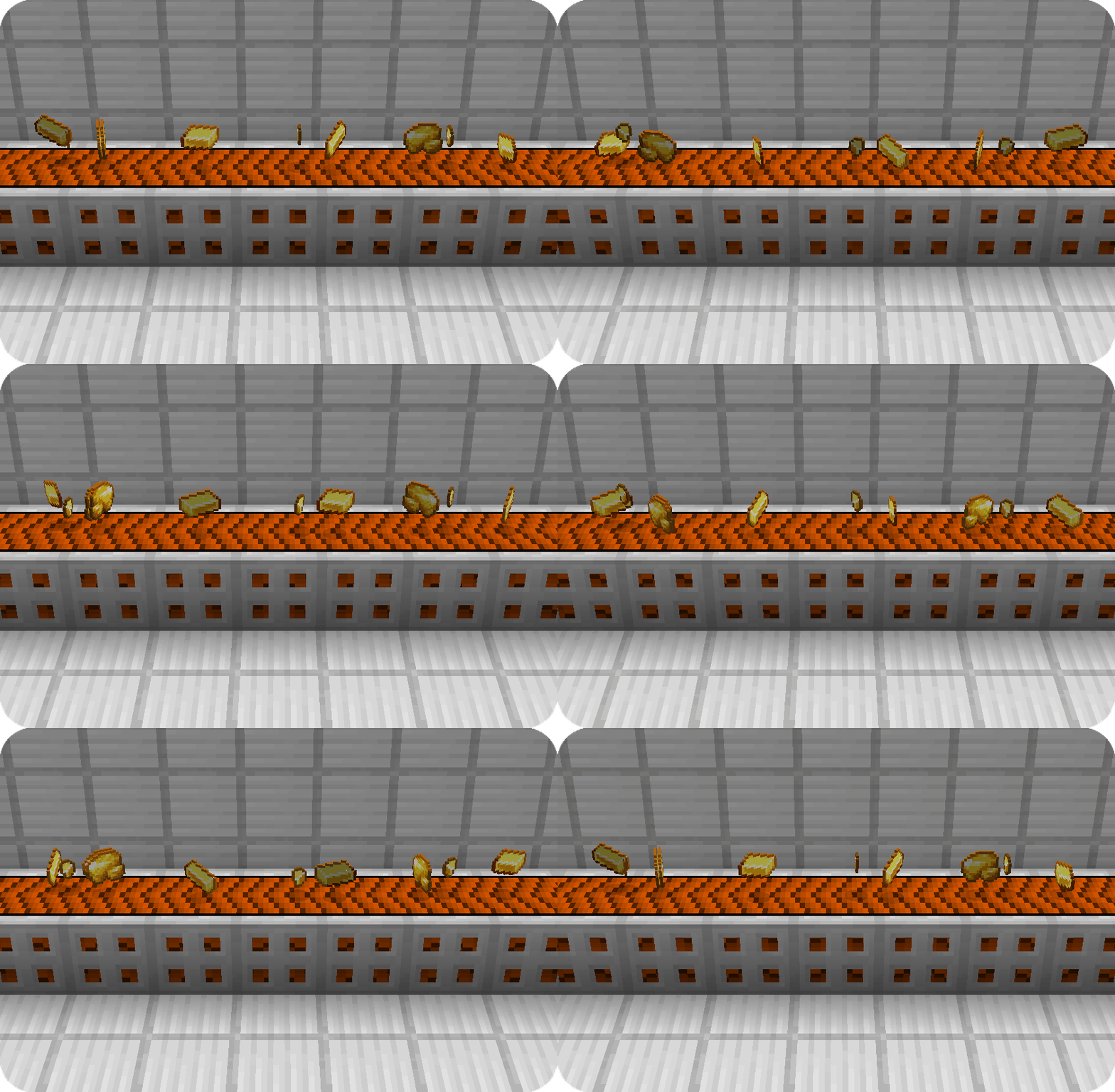
Scrolling textures are a type of animated texture which scrolls over an image. The scrolling can occur from any corner to any other corner of the texture, even diagonal! Here is an example of a conveyor belt:

Scrolling texture conveyor exampleScrolling texture conveyor belt

Separator

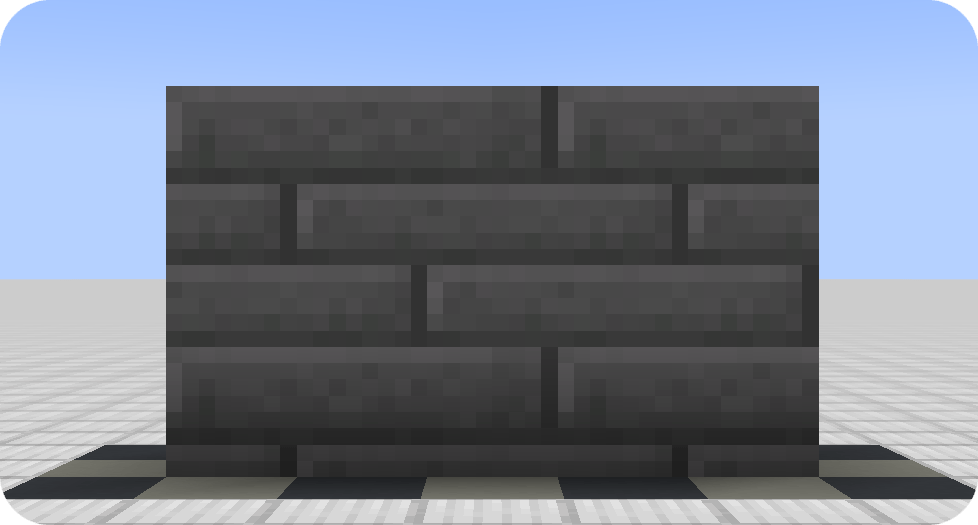
Continuous textures


Continuous textures allow creating textures which span multiple blocks!

Large stone bricks exampleSeparator

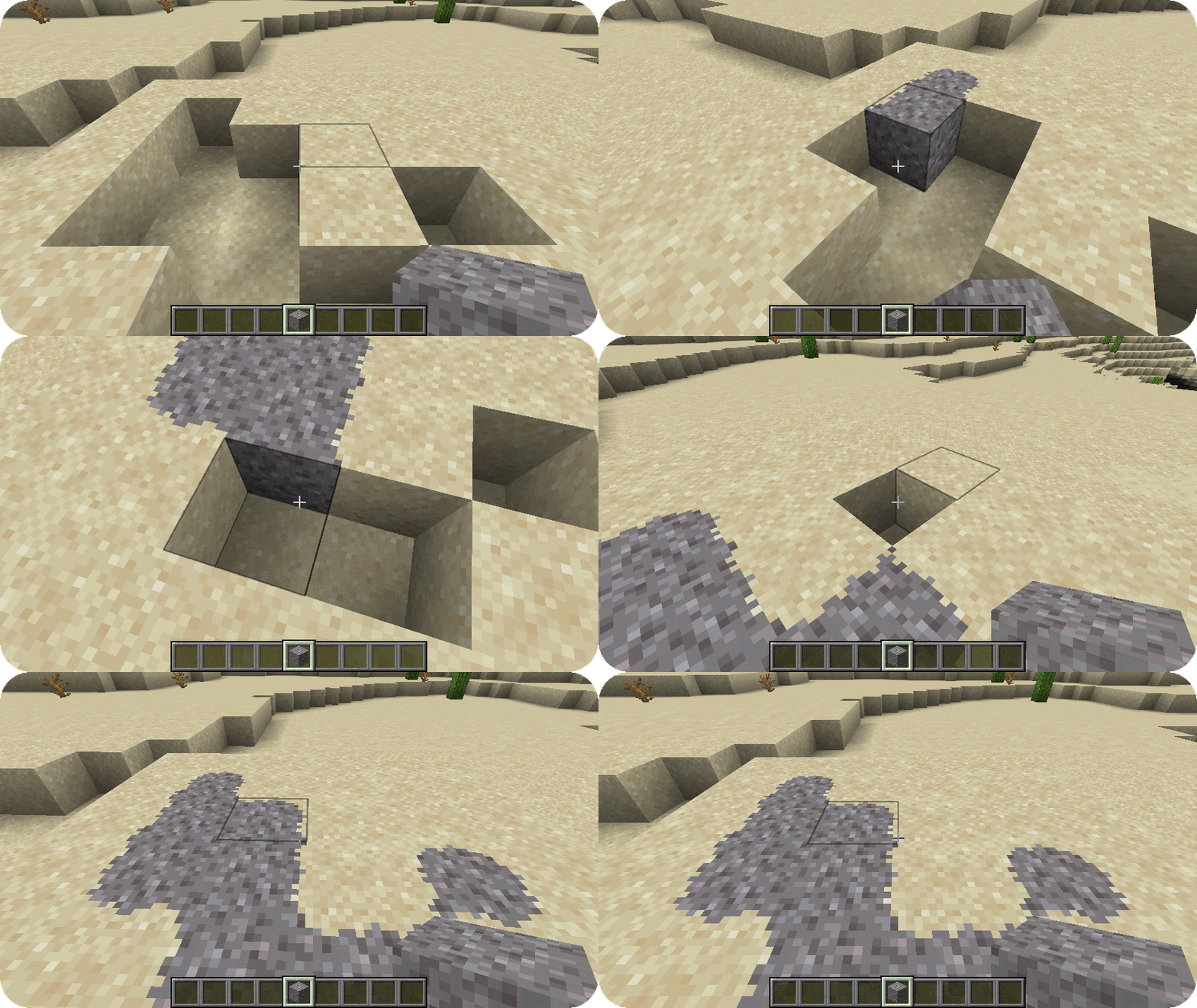
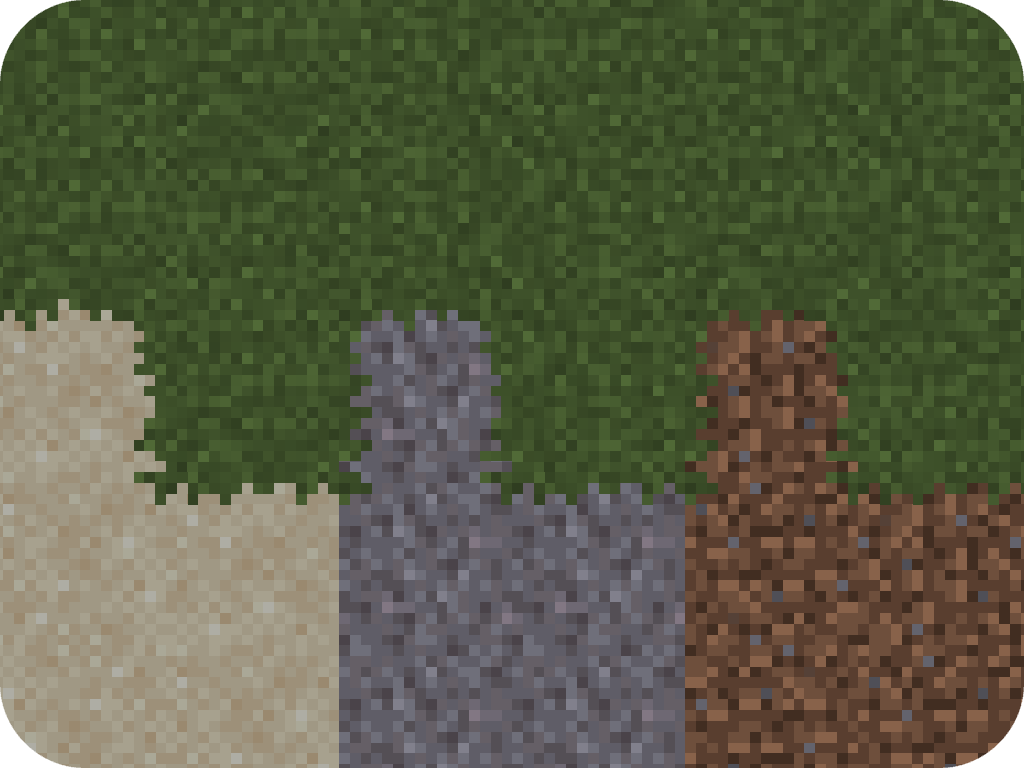
📐 Block overlays

Using the features provided by the connecting model and connecting texture type, you can also achieve block overlays!

Sand overflow exampleGrass overflow example

Separator

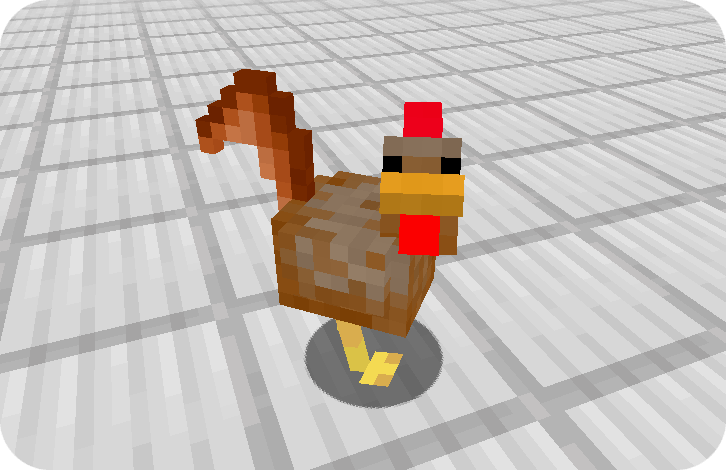
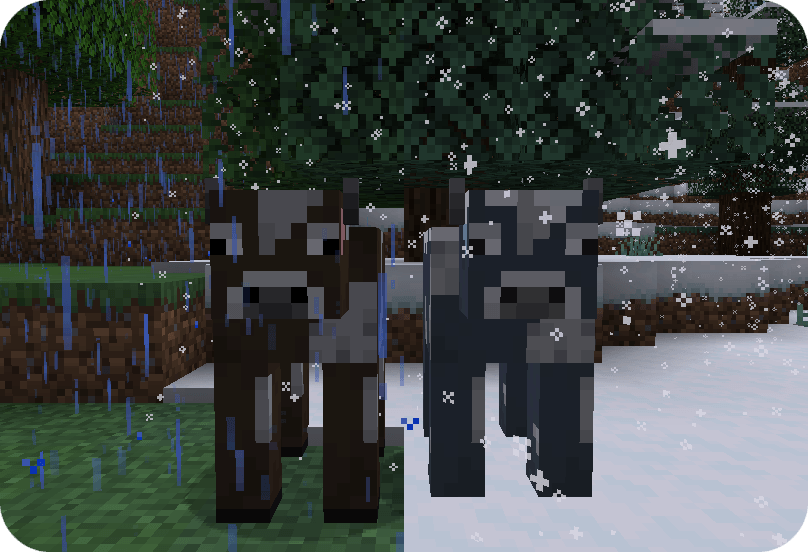
Custom entity models

Custom entity models and entity model modifiers allow resource packs to change entity models and textures randomly or depending various conditions such altitude, biome, dimension, age, etc.

Custom chicken modelTaiga cow variant

Separator

Frequently-Asked-Questions

Can I use your mod in my modpack?
Yes, you are allowed use Fusion in your modpack
Do I need to install Fusion on the server?
No, Fusion is only required on the client and does nothing when installed on a server
**Why does Fusion not work with Sodium?**If you are using a version of Sodium older than 0.6, you will also have to install Indium. Sodium replaces the vanilla rendering with their own which ignores the Fabric Rendering API. Indium patches Sodium to support the Fabric Rendering API

Project description from CurseForge.

Pick your setup

Fusion (Connected Textures) by Minecraft version and loader

Choose the version and loader you play, then open the matching release.

123 available setups

Showing the newest 12 of 45 game versions. Older files are in the list below.

Check the dependencies, then try the file in a copied instance before changing a world you care about.

Recent files

Fusion (Connected Textures) versions and loaders

3 of 100 releases match
Clear filters

Looking for an older file? The official CurseForge project page is in Resources.