Architectury API Needed by Warp Pads 2.0 (Forge 1.20.1)
requiredNo matching file

CurseForge · Minecraft mod
Warp Pads adds Steven Universe inspired warp pads that you can use to teleport between locations in your world!
Quick answer
Warp Pads 2.0 (Forge 1.20.1) targets 1.20.1 with NeoForge, Forge. The project page does not say whether this file belongs on the client, dedicated server, or both. 1 required mod needs a matching file.
Where it goes
The project page does not say whether this file belongs on the client, dedicated server, or both.
The source does not explicitly classify this release as client-only or server-only.
Warp Pads 2.0 (Forge 1.20.1). Change the file and its required mods may change too.
Install Architectury API first, but 1 required mod has no matching file for this setup. Do not mix loader builds to force a match.
We only count dependency files that match this setup. A file for another loader does not fill the gap.
Before you install it
Built for Warp Pads 2.0 (Forge 1.20.1). Pick another file and the loader, install side or required mods may change.
Use Warp Pads 2.0 (Forge 1.20.1). It targets 1.20.1 with NeoForge, Forge; another release may have different loader, side or dependency requirements.
Install Architectury API first, but 1 required mod has no matching file for this setup. Do not mix loader builds to force a match.
The project page does not say whether this file belongs on the client, dedicated server, or both.
Use the “Get this file” button beside Warp Pads 2.0 (Forge 1.20.1). It opens that exact file at the source.
About this project
Warp Pads adds Steven Universe inspired warp pads that you can use to teleport between locations in your world!
Starting in version 2.0, this mod requires Architectury API.
To craft a warp pad, combine quartz blocks, iron ingots, and an ender eye in the crafting table. Upon right clicking a new warp pad, you can change its name and optionally add a dye to change the warp beam's color. Existing warp pads can also be edited by crouching and right clicking them. To teleport to other warp pads, right click a warp pad and select a target warp pad from the list.
Normal warp pads can only travel to warp pads within the same dimension. However, they can be upgraded (see recipes below) to allow interdimensional travel.


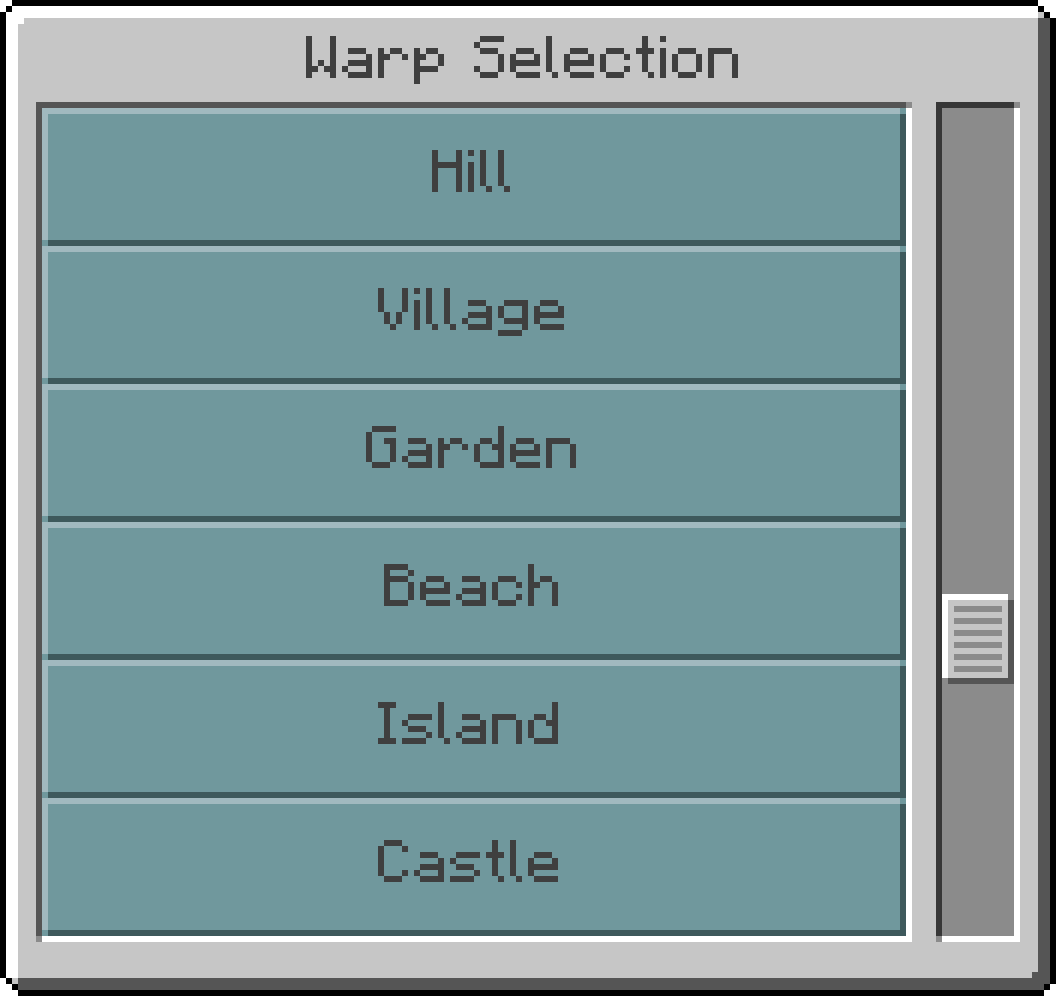
Project description from CurseForge.
Pick your setup
Choose the version and loader you play, then open the matching release.
Check the dependencies, then try the file in a copied instance before changing a world you care about.
Recent files
warppads-forge-1.20.1-2.0.jar
18 Nov 2024
warppads-fabric-1.20.1-2.0.jar
18 Nov 2024
warppads-1.16.5-1.1.jar
4 May 2024
warppads-1.19.4-1.1.jar
4 May 2024
warppads-1.19.2-1.1.jar
4 May 2024
warppads-1.20.4-1.2.jar
4 May 2024
warppads-1.20.1-1.2.jar
4 May 2024
warppads-1.19.4-1.1.jar
27 Jun 2023
warppads-1.19.2-1.1.jar
27 Jun 2023
warppads-1.16.5-1.1.jar
27 Jun 2023
warppads-1.19.4-1.0.jar
3 May 2023
warppads-1.19.2-1.0.jar
3 May 2023
Looking for an older file? The official CurseForge project page is in Resources.
 mod
Bring the holy grail war to minecraft
 mod
Adds various deals and rituals to obtain artifacts from ancient demons.
 mod
Town building, AI integration and hole inteactive city system.