Minecraft version
Back to mods 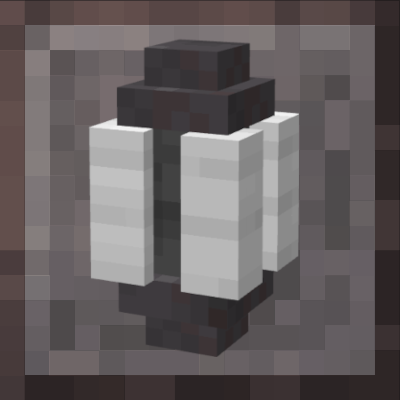
CurseForge · Minecraft mod
Armor Pod
Provides a block that allows storage or quick swapping of your current armor set
Choose a version Pick your version below, then grab the matching file.
Quick answer
Which Armor Pod release should I use?
Latest stable file armorpod-1.4-1.20-fabric.jar
Game version 1.20.1, 1.20
Loader Fabric
Armor Pod armorpod-1.4-1.20-fabric.jar targets 1.20.1, 1.20 with Fabric. The project page does not say whether this file belongs on the client, dedicated server, or both. No extra mods listed for this file.
Where it goes
Is Armor Pod required on the client, server, or both?
The project page does not say whether this file belongs on the client, dedicated server, or both.
Client Source doesn’t say
Dedicated server Source doesn’t say
Loader for this release Fabric
Required install it here Optional supported, not mandatory Not supported do not install here Source doesn’t say do not assume
The source does not explicitly classify this release as client-only or server-only.
What else does Armor Pod armorpod-1.4-1.20-fabric.jar need?
armorpod-1.4-1.20-fabric.jar. Change the file and its required mods may change too.
This file does not list any required mods. Do not add a library just because a different file uses it.
This file does not list any required or optional mods.
Before you install it
Add Armor Pod without breaking your instance.
Built for Armor Pod armorpod-1.4-1.20-fabric.jar. Pick another file and the loader, install side or required mods may change.
- 01
Stick to this file
Use armorpod-1.4-1.20-fabric.jar. It targets 1.20.1, 1.20 with Fabric; another release may have different loader, side or dependency requirements.
- 02
Bring the mods it needs
This file does not list any required mods. Do not add a library just because a different file uses it.
- 03
Put it on the correct side
The project page does not say whether this file belongs on the client, dedicated server, or both.
- 04
Pick the file you checked
Use the “Get this file” button beside armorpod-1.4-1.20-fabric.jar. It opens that exact file at the source.
About this project
What does Armor Pod add?
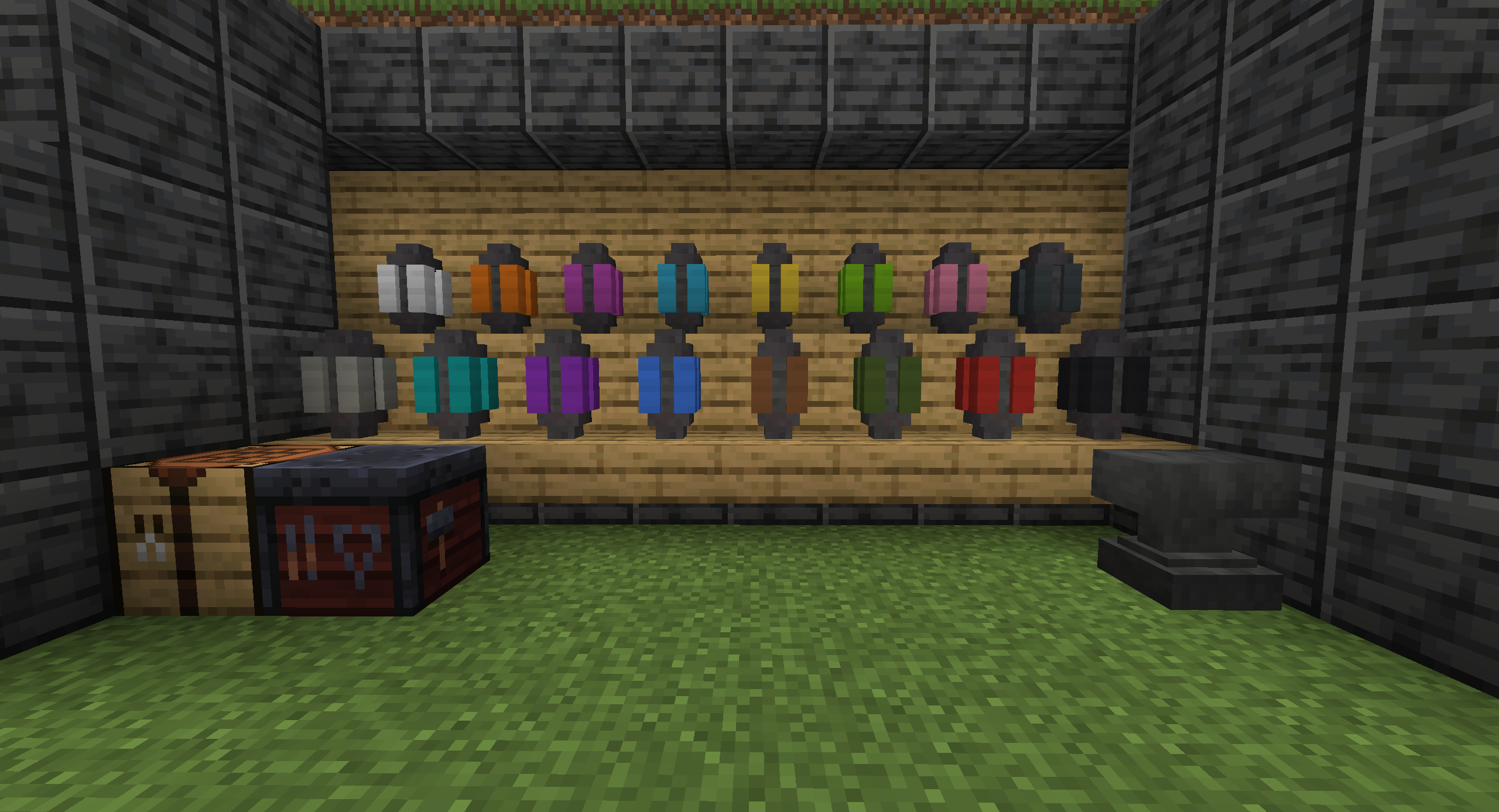
This mod provides a simple block that is able to hold a single set of armor, when placed in the world and activated by a player the armor pod will swap whatever is currently being worn with the contents of the pod.
The pod itself can be accessed in world as a block or as an item when held by the player by sneak-clicking.
When in world the pod has a partially implemented locking feature with doors that can opened or closed by sneak-clicking the block.
Color variants can be crafted in the smithing table using any pod with the desired dye.
Support further development by Donation

Project description from CurseForge.
Pick your setup
Armor Pod by Minecraft version and loader
Choose the version and loader you play, then open the matching release.
Minecraft version
1.20
1 loader buildMinecraft version
1.19.2
1 loader buildCheck the dependencies, then try the file in a copied instance before changing a world you care about.
Recent files
Armor Pod versions and loaders
armorpod-1.4-1.20-fabric.jar
13 Jun 2023
Client Source doesn’t say Server Source doesn’t say Dependencies No extras listed Listed on Release listing
Check the 1.20.1 · Fabric setup Fabric1.20.11.20 release
armorpod-1.3-1.19.2-fabric.jar
28 May 2023
Client Source doesn’t say Server Source doesn’t say Dependencies No extras listed Listed on Release listing
Check the 1.19.2 · Fabric setup Fabric1.19.2 release
armorpod-1.2-1.19.2-fabric.jar
25 May 2023
Client Source doesn’t say Server Source doesn’t say Dependencies No extras listed Listed on Release listing
Check the 1.19.2 · Fabric setup Fabric1.19.2 release
armorpod-1.0-1.19.2-fabric.jar
24 May 2023
Client Source doesn’t say Server Source doesn’t say Dependencies No extras listed Listed on Release listing
Check the 1.19.2 · Fabric setup Fabric1.19.2 release
Looking for an older file? The official CurseForge project page is in Resources.
 mod
CurseForge · Minecraft
[SBW] Villager Recruit Troops :)
This is a bridge mod between Superb Warfare and Villager Recruits! (Lets the Crossbowman shoot guns and lets recruits drive tanks and other vehichles)
 mod
CurseForge · Minecraft
Trust & Treachery
Apocalypse factions: settlers, raiders, a military remnant, trade caravans and a radiation cult. Earn reputation, trade, take bounties and recruit survivors.
 mod
CurseForge + Modrinth · Minecraft
AnvilCraft: PigsPlus
This mod is an addon for AnvilCraft, with main content including production-friendly machines