Minecraft version
Back to mods 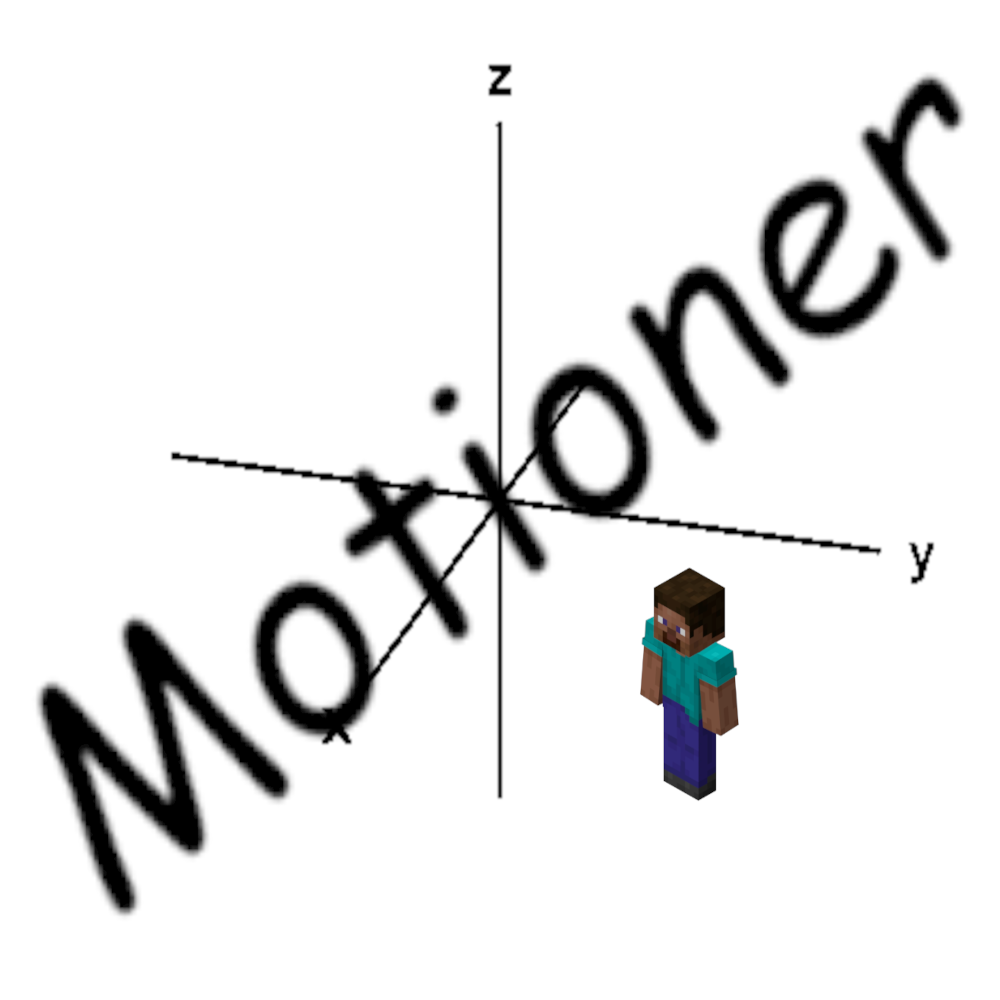
CurseForge · Minecraft mod
Motioner
Bridge mod between scoreboards and player motions.
Choose a version Pick your version below, then grab the matching file.
Quick answer
Which Motioner release should I use?
Latest stable file Motioner 1.1
Game version 1.19.4
Loader Fabric
Motioner 1.1 targets 1.19.4 with Fabric. The project page does not say whether this file belongs on the client, dedicated server, or both. No extra mods listed for this file.
Where it goes
Is Motioner required on the client, server, or both?
The project page does not say whether this file belongs on the client, dedicated server, or both.
Client Source doesn’t say
Dedicated server Source doesn’t say
Loader for this release Fabric
Required install it here Optional supported, not mandatory Not supported do not install here Source doesn’t say do not assume
The source does not explicitly classify this release as client-only or server-only.
What else does Motioner 1.1 need?
Motioner 1.1. Change the file and its required mods may change too.
This file does not list any required mods. Do not add a library just because a different file uses it.
This file does not list any required or optional mods.
Before you install it
Add Motioner without breaking your instance.
Built for Motioner 1.1. Pick another file and the loader, install side or required mods may change.
- 01
Stick to this file
Use Motioner 1.1. It targets 1.19.4 with Fabric; another release may have different loader, side or dependency requirements.
- 02
Bring the mods it needs
This file does not list any required mods. Do not add a library just because a different file uses it.
- 03
Put it on the correct side
The project page does not say whether this file belongs on the client, dedicated server, or both.
- 04
Pick the file you checked
Use the “Get this file” button beside Motioner 1.1. It opens that exact file at the source.
About this project
What does Motioner add?
This mod allows server admins to set motions on the X, Y, and Z axes for players, enabling actions like making them jump higher.
This mod is required on both the server side and client side to work properly.
Commands:
/motioner enable true/false - Enable or disable motion for the player.
/motioner once - Apply the motion once for the player if motioner enable is set to false.
/motioner automaticUpdates true/false - If set to false, when the scoreboard changes on the server, the client won't receive the updated value.
/motioner updateMotions - Update motions manually.
All commands can be executed on command blocks with /execute as
All motions are divided by 10.000.
Project description from CurseForge.
Pick your setup
Motioner by Minecraft version and loader
Choose the version and loader you play, then open the matching release.
Check the dependencies, then try the file in a copied instance before changing a world you care about.
Recent files
Motioner versions and loaders
Motioner 1.1
Motioner-1.1.jar
23 May 2023
Client Source doesn’t say Server Source doesn’t say Dependencies No extras listed Listed on Release listing
Check the 1.19.4 · Fabric setup 1.19.4Fabric release
Looking for an older file? The official CurseForge project page is in Resources.
 mod
CurseForge · Minecraft
Savaru's Chat
A modern Fabric chat overhaul with animated speech bubbles, player avatars, channels, mentions, timestamps, emoji support, item sharing, and party integration.
 mod
CurseForge · Minecraft
Savaru's Worldology [Fabric/NeoForge]
Worldology redefines progression by transforming the world itself into a living system that grows, evolves, and responds to player actions.
 mod
CurseForge · Minecraft
TownTopia: Integrations
Connects TownTopia villages with Diorama, Xaero's, JourneyMap, FTB Teams and Quests, Waystones, Supplementaries, modded trees, Artifacts, Relics, Visual Workbench, Iron Furnaces, Jade and JEI. All optional.