
Minecraft version
Back to mods ![Mineify [DISCONTINUED] project artwork](https://media.forgecdn.net/avatars/840/950/638235319821033188.png)
CurseForge · Minecraft mod
Mineify [DISCONTINUED]
Let all players on your server upload custom sounds and music without the need for a resource pack
Choose a version Pick your version below, then grab the matching file.
Quick answer
Which Mineify [DISCONTINUED] release should I use?
Latest stable file 1.0.0-1.20.1
Game version 1.20.1
Loader Forge
Mineify [DISCONTINUED] 1.0.0-1.20.1 targets 1.20.1 with Forge. Installation on the client is optional. Installation on the dedicated server is optional. No extra mods listed for this file.
Where it goes
Is Mineify [DISCONTINUED] required on the client, server, or both?
Installation on the client is optional. Installation on the dedicated server is optional.
Client Optional
Dedicated server Optional
Loader for this release Forge
Required install it here Optional supported, not mandatory Not supported do not install here Source doesn’t say do not assume
The source marks this as usable on both the client and server.
What else does Mineify [DISCONTINUED] 1.0.0-1.20.1 need?
1.0.0-1.20.1. Change the file and its required mods may change too.
This file does not list any required mods. Do not add a library just because a different file uses it.
This file does not list any required or optional mods.
Before you install it
Add Mineify [DISCONTINUED] without breaking your instance.
Built for Mineify [DISCONTINUED] 1.0.0-1.20.1. Pick another file and the loader, install side or required mods may change.
- 01
Stick to this file
Use 1.0.0-1.20.1. It targets 1.20.1 with Forge; another release may have different loader, side or dependency requirements.
- 02
Bring the mods it needs
This file does not list any required mods. Do not add a library just because a different file uses it.
- 03
Put it on the correct side
Installation on the client is optional. Installation on the dedicated server is optional.
- 04
Pick the file you checked
Use the “Get this file” button beside 1.0.0-1.20.1. It opens that exact file at the source.
About this project
What does Mineify [DISCONTINUED] add?
With Mineify, each player can upload their own sounds or music to the server and let them play to any player at any position. The best thing about this mod is that no resource pack is required as the music is loaded directly from the server.
ffmpeg is required for this mod to upload custom sounds and music! Download the ffmpeg binaries for your OS from https://ffmpeg.org and put them in a folder named "ffmpeg" inside your minecraft installation folder (default: .minecraft). The reason for this dependency is that minecraft can only read ogg files. And for ease of use, you can select any audio format and it will be converted with ffmpeg automatically before uploading.
Advantages compared to sound/resource packs
- Clients don't need an additional resource pack (where (re)loading can take a while especially in large modpacks).
- Sounds can be used immediately after uploading.
- Each player can upload their own sounds and music without all clients having to download a new resource pack.
- Streaming from the server.
Features
Below are the features currently included in the mod. This list is not final yet, new content can be added at any time.
Players can ...
- ... upload custom sounds and music files.
- ... create playlists using the Sound Player Block.
- ... define an area in which the sound should be played.
- ... control the playback with redstone.
- ... decide whether other players can also use the sounds or whether it is private
- ... use a sound board to play small audio files.
Server owners can ...
- ... provide custom sounds which are available for all players. (simply put the files into <server directory>/config/mineify/sounds)
- ... manage uploaded files.
- ... control what players can do
Supported Languages
- English (100%)
- German (100%)
Please note ...
... when using this mod (especially alpha versions) that it can always contain bugs that could potentially damage your world! So please make a backup of your world before installing this mod.
Supported Versions
A fabric version of this mod is currently not planned and the mod is mainly ported to newer versions. Please don't ask when the update for version X will come out as I don't know myself. The update will come when I have time for it and it's ready.
Project description from CurseForge.
Pick your setup
Mineify [DISCONTINUED] by Minecraft version and loader
Choose the version and loader you play, then open the matching release.
Minecraft version
1.19.4
1 loader buildMinecraft version
1.19.3
1 loader buildMinecraft version
1.19.2
1 loader buildMinecraft version
1.18.2
1 loader buildCheck the dependencies, then try the file in a copied instance before changing a world you care about.
Recent files
Mineify [DISCONTINUED] versions and loaders
1.0.0-1.20.1
mineify-1.0.0-1.20.1.jar
28 Nov 2023
Client Optional Server Optional Dependencies No extras listed Listed on Release listing
Check the 1.20.1 · Forge setup 1.20.1Forge release
1.0.0-1.19.4
mineify-1.0.0-1.19.4.jar
28 Nov 2023
Client Optional Server Optional Dependencies No extras listed Listed on Release listing
Check the 1.19.4 · Forge setup 1.19.4Forge release
1.0.0-1.19.3
mineify-1.0.0-1.19.3.jar
28 Nov 2023
Client Optional Server Optional Dependencies No extras listed Listed on Release listing
Check the 1.19.3 · Forge setup 1.19.3Forge release
1.0.0-1.19.2
mineify-1.0.0-1.19.2.jar
28 Nov 2023
Client Optional Server Optional Dependencies No extras listed Listed on Release listing
Check the 1.19.2 · Forge setup 1.19.2Forge release
1.0.0-1.18.2
mineify-1.0.0-1.18.2.jar
28 Nov 2023
Client Optional Server Optional Dependencies No extras listed Listed on Release listing
Check the 1.18.2 · Forge setup 1.18.2Forge release
mineify-1.0.0-1.20.1
mineify-1.0.0-1.20.1.jar
19 Oct 2023
Client Source doesn’t say Server Source doesn’t say Dependencies No extras listed Listed on Release listing
Check the 1.20.1 · Forge setup 1.20.1Forge release
mineify-1.0.0-1.19.4
mineify-1.0.0-1.19.4.jar
18 Oct 2023
Client Source doesn’t say Server Source doesn’t say Dependencies No extras listed Listed on Release listing
Check the 1.19.4 · Forge setup 1.19.4Forge release
mineify-1.0.0-1.19.3
mineify-1.0.0-1.19.3.jar
18 Oct 2023
Client Source doesn’t say Server Source doesn’t say Dependencies No extras listed Listed on Release listing
Check the 1.19.3 · Forge setup 1.19.3Forge release
mineify-1.0.0-1.19.2
mineify-1.0.0-1.19.2.jar
18 Oct 2023
Client Source doesn’t say Server Source doesn’t say Dependencies No extras listed Listed on Release listing
Check the 1.19.2 · Forge setup 1.19.2Forge release
mineify-1.0.0-1.18.2
mineify-1.0.0-1.18.2.jar
16 Oct 2023
Client Source doesn’t say Server Source doesn’t say Dependencies No extras listed Listed on Release listing
Check the 1.18.2 · Forge setup 1.18.2Forge release
mineify-0.2.2-beta-1.18.2
mineify-0.2.2-beta-1.18.2.jar
4 Oct 2023
Client Source doesn’t say Server Source doesn’t say Dependencies No extras listed Listed on Release listing
Check the 1.18.2 · Forge setup 1.18.2Forge beta
mineify-0.2.1-beta-1.18.2
mineify-0.2.1-beta-1.18.2.jar
2 Oct 2023
Client Source doesn’t say Server Source doesn’t say Dependencies No extras listed Listed on Release listing
Check the 1.18.2 · Forge setup 1.18.2Forge beta
Looking for an older file? The official CurseForge project page is in Resources.
 mod
mod CurseForge · Minecraft
SamAndIgorCats
21 unique cats with their own coats, sizes and voices, a cardboard box to hide in and a laser pointer.
 mod
mod Modrinth · Minecraft
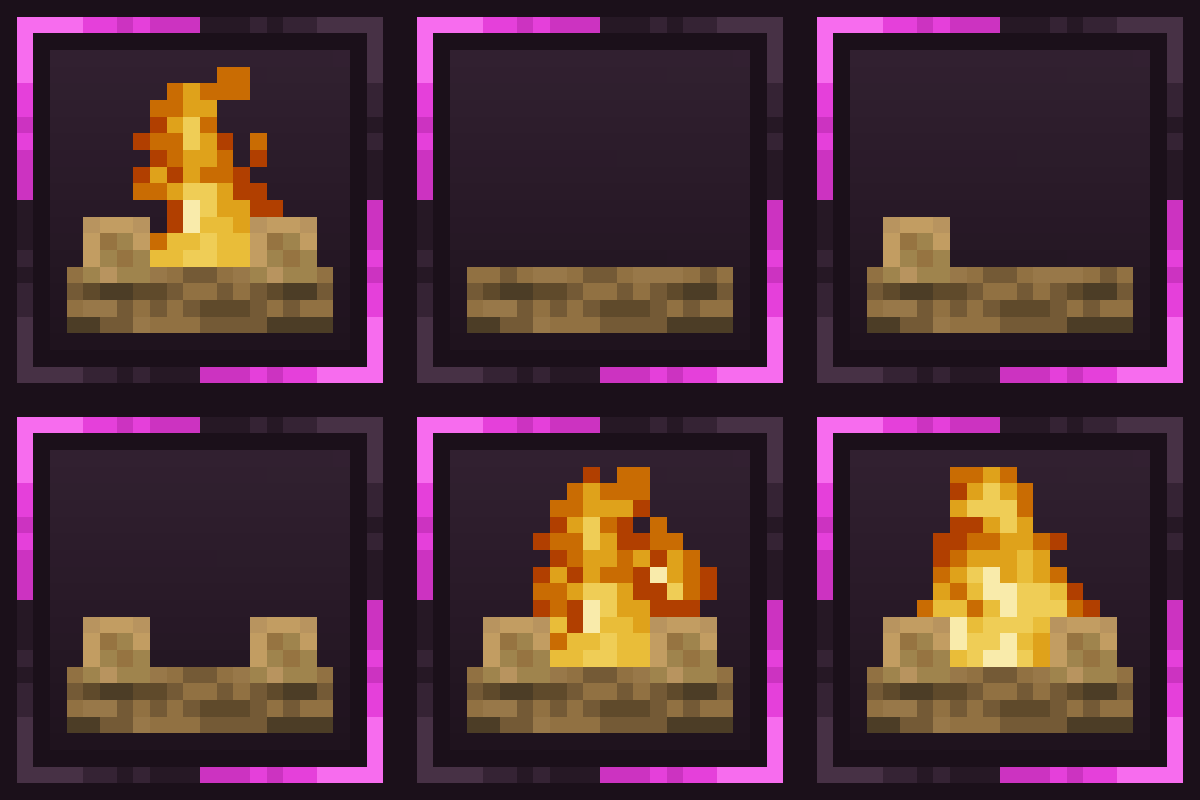
DIY Campfires
A mod that adds a simple building mechanic to Campfires.
 mod
mod Modrinth · Minecraft
FFItemWeight
Adds weight and encumbrance built dynamically from crafting recipes and data. Insanely configurable.