Minecraft version
Back to mods 
CurseForge · Minecraft mod
Loading Backgrounds
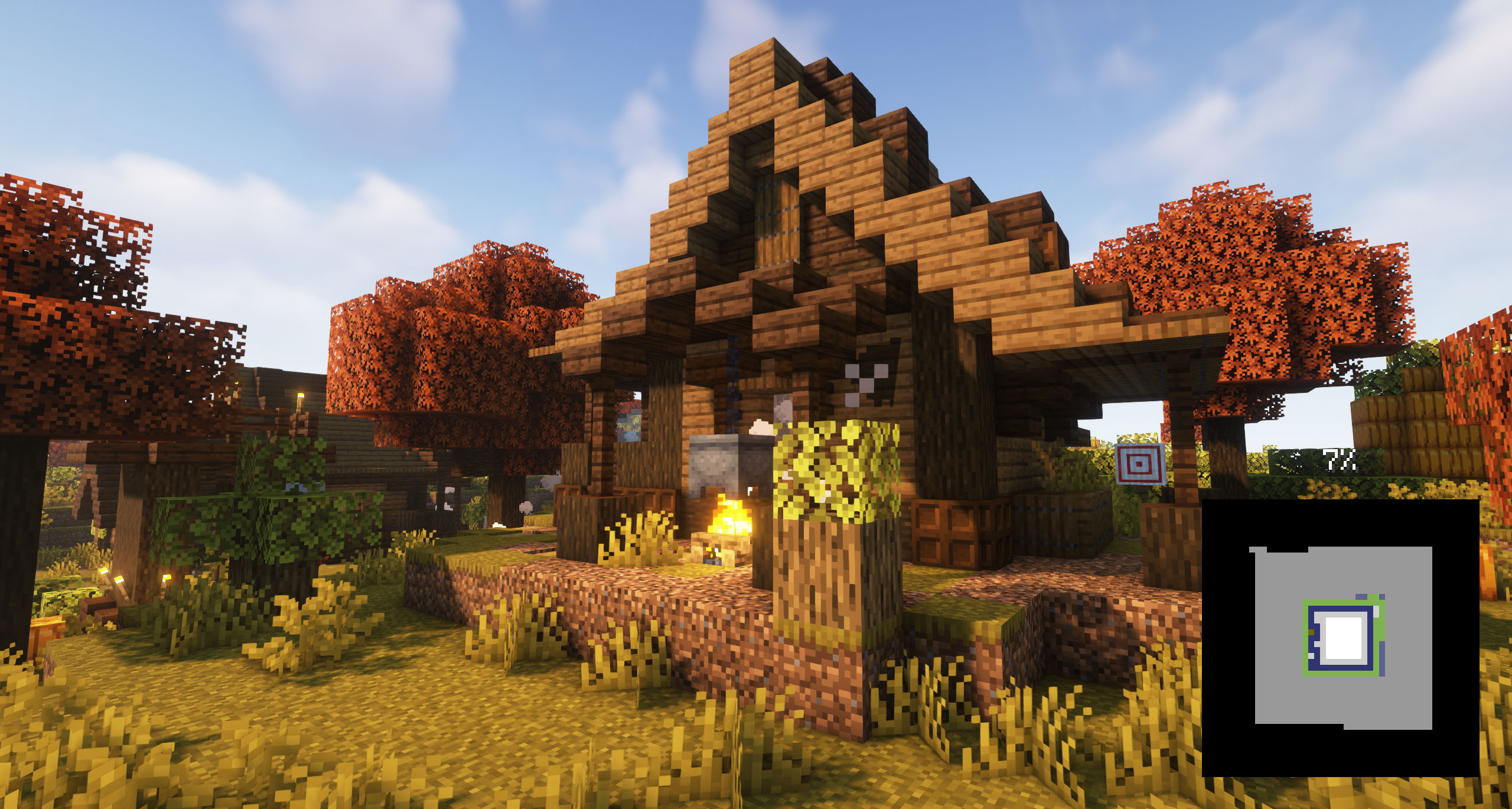
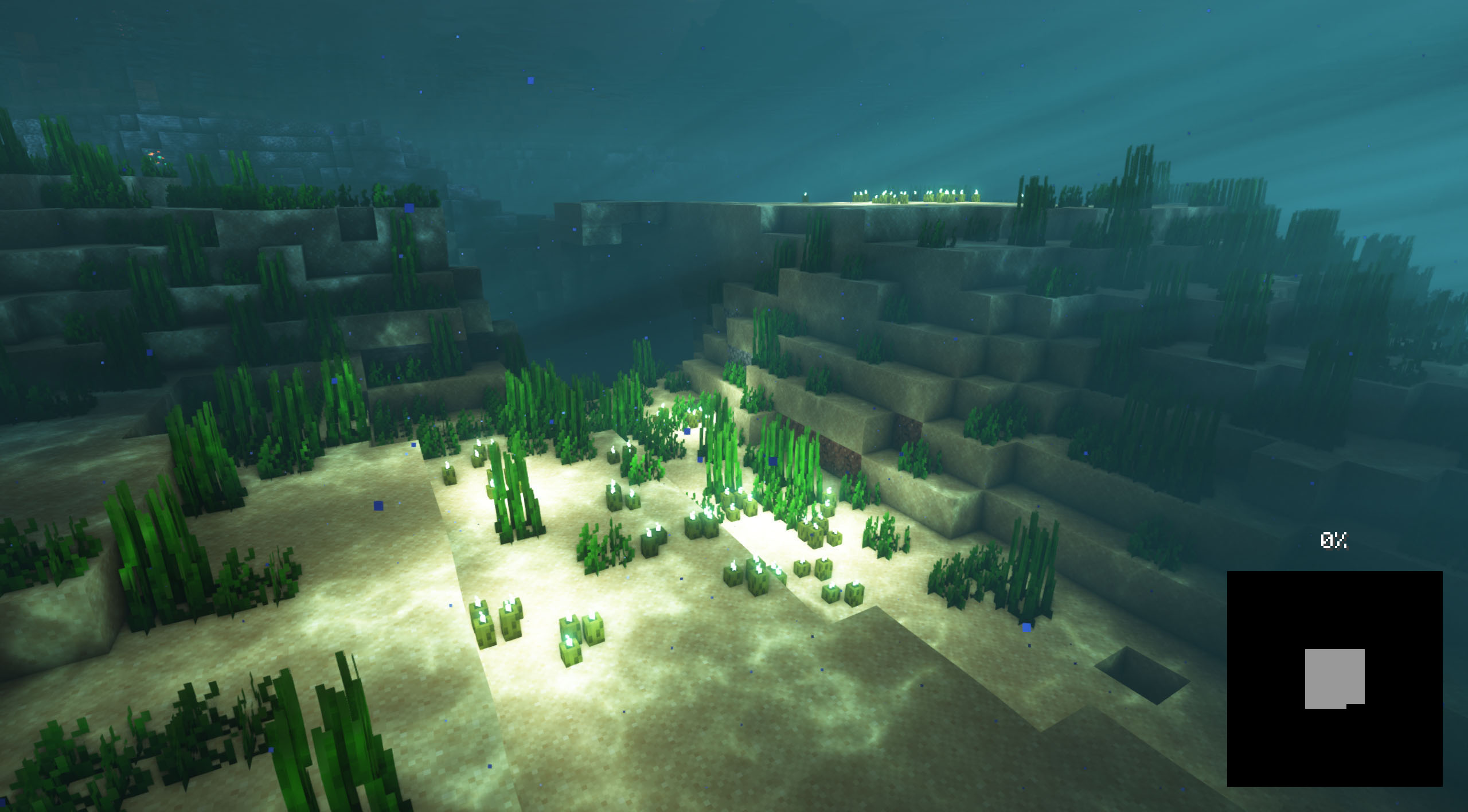
With this mod you will be able to customize the background of the loading screens of the Minecraft games, placing any type of customizable image.
Choose a version Pick your version below, then grab the matching file.
Quick answer
Which Loading Backgrounds release matches 1.21.3 NeoForge?
Best match for your filters [NeoForge] Loading Backgrounds - MC 1.21.X - 2.0.0
Game version 1.21.4, 1.21.3, 1.21.2
Loader NeoForge
Loading Backgrounds [NeoForge] Loading Backgrounds - MC 1.21.X - 2.0.0 targets 1.21.4, 1.21.3, 1.21.2 with NeoForge. The project page does not say whether this file belongs on the client, dedicated server, or both. No extra mods listed for this file.
Where it goes
Is Loading Backgrounds required on the client, server, or both?
The project page does not say whether this file belongs on the client, dedicated server, or both.
Client Source doesn’t say
Dedicated server Source doesn’t say
Loader for this release NeoForge
Required install it here Optional supported, not mandatory Not supported do not install here Source doesn’t say do not assume
The source does not explicitly classify this release as client-only or server-only.
What else does Loading Backgrounds [NeoForge] Loading Backgrounds - MC 1.21.X - 2.0.0 need?
[NeoForge] Loading Backgrounds - MC 1.21.X - 2.0.0 on 1.21.3 NeoForge. Every mod below is checked against that same setup.
This file does not list any required mods. Do not add a library just because a different file uses it.
This file does not list any required or optional mods.
Before you install it
Add Loading Backgrounds without breaking your instance.
Built for Loading Backgrounds [NeoForge] Loading Backgrounds - MC 1.21.X - 2.0.0 on 1.21.3 NeoForge. Pick another file and the loader, install side or required mods may change.
- 01
Stick to this file
Use [NeoForge] Loading Backgrounds - MC 1.21.X - 2.0.0. It targets 1.21.4, 1.21.3, 1.21.2 with NeoForge; another release may have different loader, side or dependency requirements.
- 02
Bring the mods it needs
This file does not list any required mods. Do not add a library just because a different file uses it.
- 03
Put it on the correct side
The project page does not say whether this file belongs on the client, dedicated server, or both.
- 04
Pick the file you checked
Use the “Get this file” button beside [NeoForge] Loading Backgrounds - MC 1.21.X - 2.0.0. It opens that exact file at the source.
About this project
What does Loading Backgrounds add?
With this mod you will be able to customize the background of the loading screens of the Minecraft games, placing any type of customizable image. It is recommended for all those creators of modpacks who want to give a better sensation to their contents, loading images of the modpack and placing them as background.
Do you need a server to play with your friends?
If you are looking for a server to play any mod or modpack with your friends, Bisect Hosting is your solution! They have the best quality-price Minecraft servers, and if you click on this link you will get a 25% discount, using the code "Lupin".

To add background images, you'll want to create a resource pack with the folder /assets/minecraft/textures/gui/backgrounds/ and put .png image files in there. Ideally you'd name them image1.png, image2.png, image3.png, etc.
If the mod detects that there are no loading images currently enabled, it'll look for any resource packs that have names containing "loading" and "background", and then enable those resource packs.
It is essential to place the pack.mcmeta. Create a notepad with that name and put the following text:
{
"pack": {
"pack_format": 15,
"description": "Loading Backgrounds images"
}
}
Also, you can look at this resourcepack as an example.
We have also created some great resourcepacks for you! You can install them or create your own.
Loading Backgrounds is possible thanks to the work of Luavixen!

Does it work on servers?
Sure! It works perfectly! Remember that the best way to play with mods and friends is with BisectHosting, and by clicking on this link you can get a 25% discount.
Can this mod be used in modpacks?
Of course! As long as it is published only on Modrinth or CurseForge. Uploading it to any other platform would be violating our rights and is not allowed at all.
However, we are really grateful if you consider adding it to your Modrinth or CurseForge modpack. If you need any small changes or have any questions, contact us!
Can I record a video of this mod and show it on my channel?
Sure, you are free to play this mod or any of our modpacks on your channel and make a video about it, in fact, we would be very grateful for it!

Project description from CurseForge.
Pick your setup
Loading Backgrounds by Minecraft version and loader
Choose the version and loader you play, then open the matching release.
Minecraft version
26.1.1
2 loader buildsMinecraft version
26.1
2 loader buildsMinecraft version
1.21.4
3 loader buildsMinecraft version
1.21.3
3 loader buildsMinecraft version
1.21.2
3 loader buildsMinecraft version
1.21.1
3 loader buildsMinecraft version
1.21
3 loader buildsMinecraft version
1.20.6
3 loader buildsMinecraft version
1.20.5
3 loader buildsMinecraft version
1.20.4
3 loader buildsMinecraft version
1.20.3
3 loader buildsShowing the newest 12 of 15 game versions. Older files are in the list below.
Check the dependencies, then try the file in a copied instance before changing a world you care about.
Recent files
Loading Backgrounds versions and loaders
[NeoForge] Loading Backgrounds - MC 1.21.X - 2.0.0
loadingbackgrounds-2.0.0-neoforge-1.21.2_to_1.21.4.jar
5 Aug 2025
Client Source doesn’t say Server Source doesn’t say Dependencies No extras listed Listed on Release listing
Check the 1.21.3 · NeoForge setup 1.21.4NeoForge1.21.31.21.2 release
Looking for an older file? The official CurseForge project page is in Resources.