Minecraft version
Back to mods 
CurseForge · Minecraft mod
Gamemode Menu
Adds a menu that allows for quick changing of gamemodes!
Choose a version Pick your version below, then grab the matching file.
Quick answer
Which Gamemode Menu release matches 1.19.4 Forge?
Best match for your filters GamemodeMenu_V1.1_Release.jar
Game version 1.19.4
Loader Forge
Gamemode Menu GamemodeMenu_V1.1_Release.jar targets 1.19.4 with Forge. The project page does not say whether this file belongs on the client, dedicated server, or both. No extra mods listed for this file.
Where it goes
Is Gamemode Menu required on the client, server, or both?
The project page does not say whether this file belongs on the client, dedicated server, or both.
Client Source doesn’t say
Dedicated server Source doesn’t say
Loader for this release Forge
Required install it here Optional supported, not mandatory Not supported do not install here Source doesn’t say do not assume
The source does not explicitly classify this release as client-only or server-only.
What else does Gamemode Menu GamemodeMenu_V1.1_Release.jar need?
GamemodeMenu_V1.1_Release.jar on 1.19.4 Forge. Every mod below is checked against that same setup.
This file does not list any required mods. Do not add a library just because a different file uses it.
This file does not list any required or optional mods.
Before you install it
Add Gamemode Menu without breaking your instance.
Built for Gamemode Menu GamemodeMenu_V1.1_Release.jar on 1.19.4 Forge. Pick another file and the loader, install side or required mods may change.
- 01
Stick to this file
Use GamemodeMenu_V1.1_Release.jar. It targets 1.19.4 with Forge; another release may have different loader, side or dependency requirements.
- 02
Bring the mods it needs
This file does not list any required mods. Do not add a library just because a different file uses it.
- 03
Put it on the correct side
The project page does not say whether this file belongs on the client, dedicated server, or both.
- 04
Pick the file you checked
Use the “Get this file” button beside GamemodeMenu_V1.1_Release.jar. It opens that exact file at the source.
About this project
What does Gamemode Menu add?
Ultra-Lightweight mod that adds a few quality-of-life related things!
Feature List:
Changing weather to:
- Thunder
- Rain
- Clear
Ability to quickly switch gamemodes:
- Survival
- Creative
- Spectator
- Adventure
Other utility options:
- Quickly switching between Day and Night
- Instant Heal
!!! FUNCTIONALITY CAN BE TURNED ON AND OFF USING A NEW GAMERULE !!!
How to use:
1. Make sure the "gameruleGamemodeChange" is turned on/set to true
2. Press the menu keybind (can be changed in the settings, default is "=")
3. Click one of the buttons.
4. That's it!
More functionality can be added if people want it (chaning the gamemode of all players on a server, etc.)
Any feedback is appreciated, I'm trying to make this as useful as possible and I want to add features that will cut down the time spent on boring actions that sometimes need to be performed in the game.
Thanks for downloading!
Project description from CurseForge.
Pick your setup
Gamemode Menu by Minecraft version and loader
Choose the version and loader you play, then open the matching release.
Check the dependencies, then try the file in a copied instance before changing a world you care about.
Recent files
Gamemode Menu versions and loaders
GamemodeMenu_V1.1_Release.jar
9 Aug 2023
Client Source doesn’t say Server Source doesn’t say Dependencies No extras listed Listed on Release listing
Check the 1.19.4 · Forge setup 1.19.4Forge release
GamemodeMenu_V1.0_Release.jar
6 Aug 2023
Client Source doesn’t say Server Source doesn’t say Dependencies No extras listed Listed on Release listing
Check the 1.19.4 · Forge setup 1.19.4Forge release
Looking for an older file? The official CurseForge project page is in Resources.
 mod
CurseForge · Minecraft
Anvil reset scroll
This mod introduces Reset Scroll. It allows you to keep your gear forever without worrying about the vanilla anvil repair limits.No Anvil Expensive,No Expensive Never Too Expensive
 mod
CurseForge · Minecraft
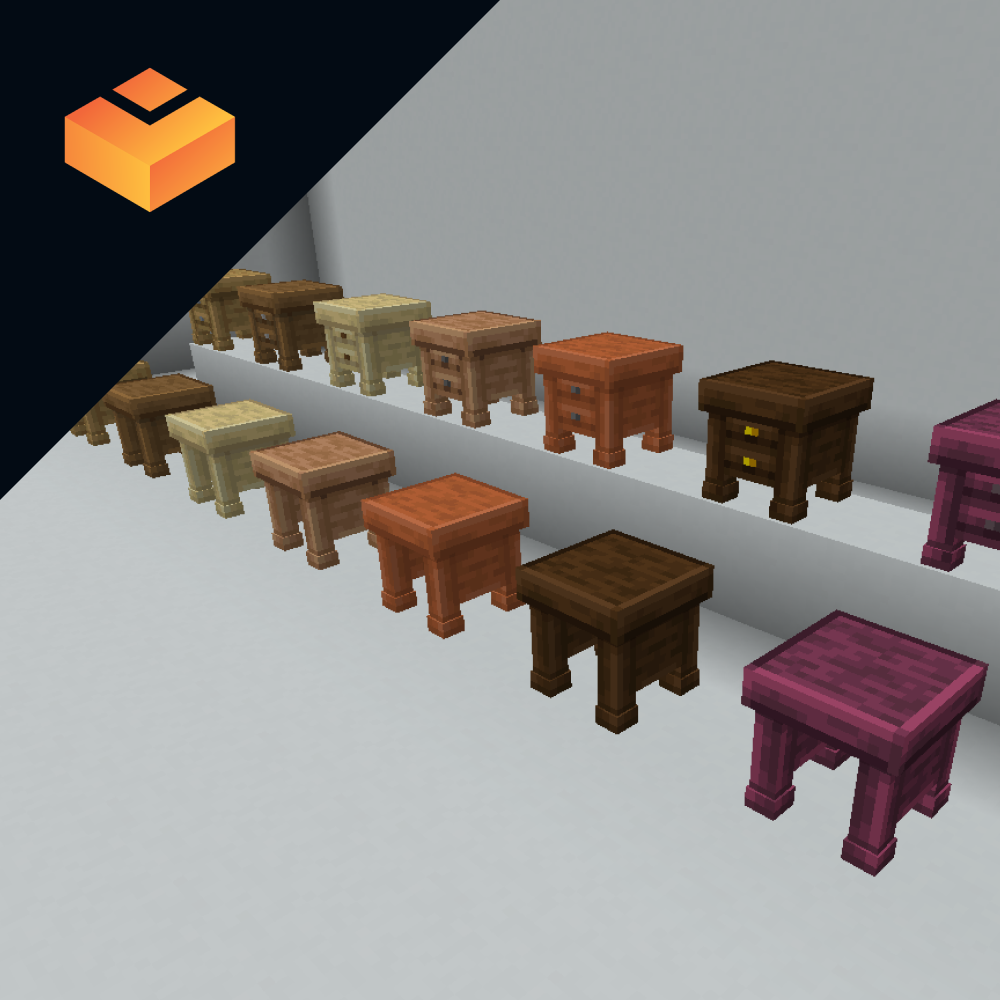
Valhelsia Furniture
Decorate your home better with furniture!
 mod
CurseForge · Minecraft
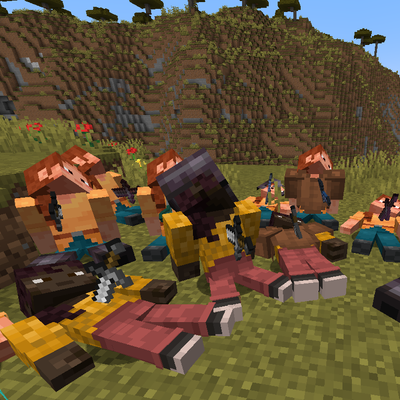
Player Corpse Detailed (Fabric, Neoforge, Forge)
Safely preserves your items on death with a realistic 3D corpse wearing your skin, equipped armor, and a lethal weapon stuck in its back.