Fabric API Needed by Jukebox Looping 1.1.2+26.1+B
requiredMatching file found Matched file: 0.161.0+26.2

Modrinth · Minecraft mod
Changes Jukeboxes to loop music discs, without breaking redstone contraptions
Quick answer
Jukebox Looping 1.1.2+26.1+B targets 26.1, 26.1.1, 26.1.2 with Fabric, Quilt. Do not install it on the client. It must be installed on the dedicated server. All 1 required mods have matching files.
Where it goes
Do not install it on the client. It must be installed on the dedicated server.
This file is marked server-only.
1.1.2+26.1+B. Change the file and its required mods may change too.
Install Fabric API first. We found matching files for this game-version and loader setup.
We only count dependency files that match this setup. A file for another loader does not fill the gap.
Before you install it
Built for Jukebox Looping 1.1.2+26.1+B. Pick another file and the loader, install side or required mods may change.
Use 1.1.2+26.1+B. It targets 26.1, 26.1.1, 26.1.2 with Fabric, Quilt; another release may have different loader, side or dependency requirements.
Install Fabric API first. We found matching files for this game-version and loader setup.
Do not install it on the client. It must be installed on the dedicated server.
Use the “Get this file” button beside 1.1.2+26.1+B. It opens that exact file at the source.
About this project

Changes Jukeboxes so that when a disc finishes playing, instead of just stopping, the song loops.
The mod doesn't need to be installed client-side, it works fine when installed only on the server.
Jukeboxes won't loop if they're placed above a block entity.
This allows redstone contraptions that use discs, such as disc shufflers, to continue working.
Since hoppers are block entities, songs won't loop, and any creation using them can simply take the disc out as normal.
This can also be used to make non-looping jukeboxes if you need to;
simply place the jukebox above a block entity that won't interact with it (e.g. Barrels) and the song won't loop.
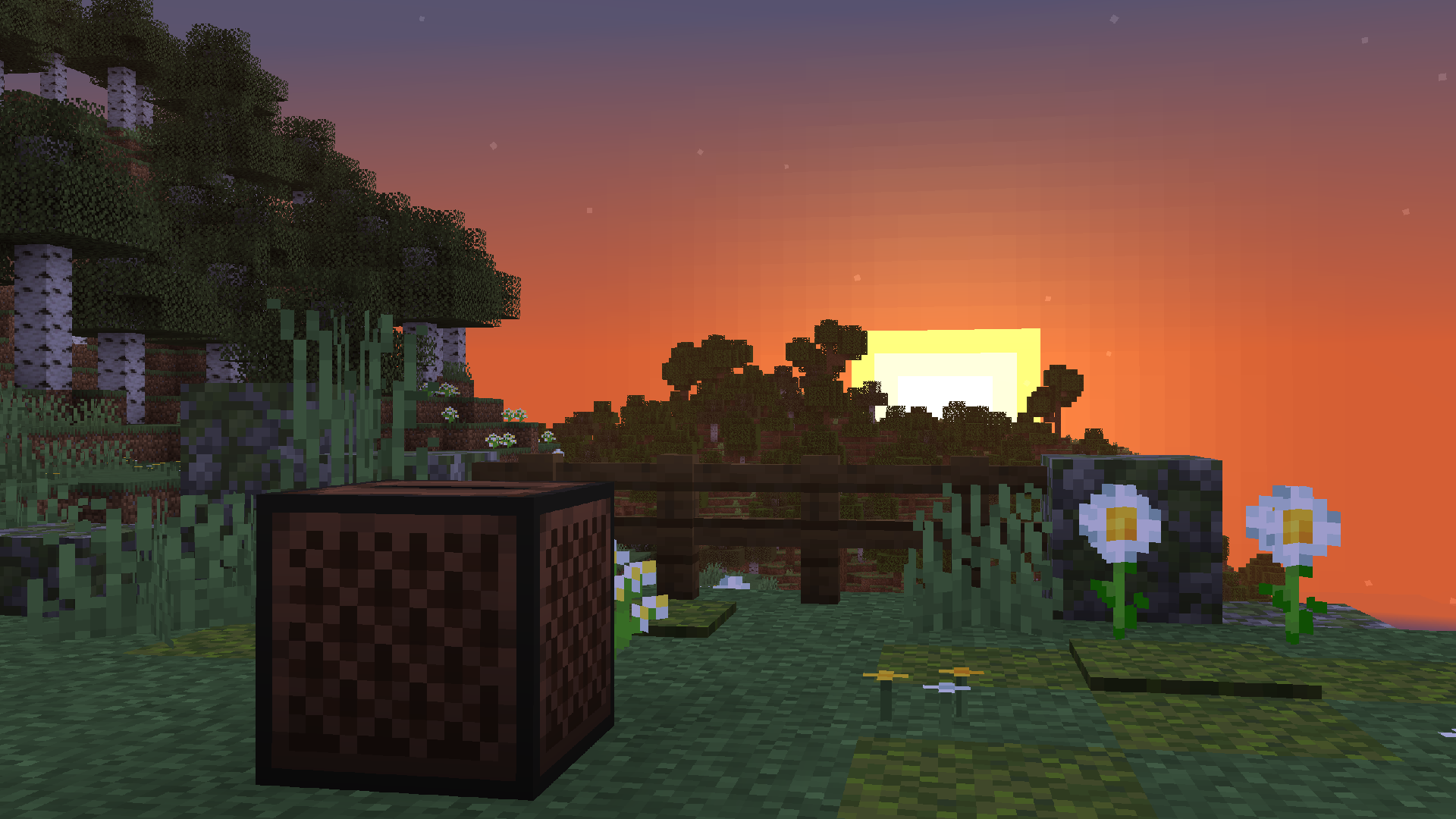
Project description from Modrinth.
Pick your setup
Choose the version and loader you play, then open the matching release.
Showing the newest 12 of 23 game versions. Older files are in the list below.
Check the dependencies, then try the file in a copied instance before changing a world you care about.
Recent files
jukebox_looping-1.1.2+26.1+B.jar
18 Jun 2026
jukebox_looping-1.1.2+26.1+A.jar
9 Apr 2026
jukebox_looping-1.1.2+1.21+A.jar
16 Mar 2026
jukebox_looping-1.1.2+1.20+A.jar
16 Mar 2026
jukebox_looping-1.1.1+1.21+B.jar
13 Dec 2025
jukebox_looping-1.1.1+1.21+A.jar
2 Nov 2025
jukebox_looping-1.1.1+1.20+A.jar
2 Nov 2025
jukebox_looping-1.1.0+1.20+B.jar
10 Oct 2025
jukebox_looping-1.1.0+1.21+A.jar
10 Oct 2025
jukebox_looping-1.1.0+1.20+A.jar
10 Oct 2025
jukebox_looping-1.0.2-1.20.X.jar
22 Jul 2025
jukebox_looping-1.0.2-1.21.X.jar
21 Jul 2025
Looking for an older file? The official Modrinth project page is in Resources.
 mod
Fork of Globox_Z's TieredZ that adds some QoL things & Accessories Modifiers!
 mod
Replace the enchanting system with a rune system. Find runes in the world and apply them to items
 mod
ArmorPlus adds new armor sets, tools, weapons, building blocks, and progression content to enhance your Minecraft adventures.