Mod Menu Optional for HDSkins 2.0.0+26.2
optionalMatching file found Matched file: 20.0.3

Modrinth · Minecraft mod
Wear a high resolution HD skin up to 2048x2048 instead of 64x64 and see the HD skins of other players on any server. Client side only, no server plugin needed.
Quick answer
HDSkins 2.0.0+26.2 targets 26.2 with Fabric. It must be installed on the client. Do not install it on the dedicated server. All 1 required mods have matching files.
Where it goes
It must be installed on the client. Do not install it on the dedicated server.
This file is marked client-only.
2.0.0+26.2 on 26.2. Every mod below is checked against that same setup.
Install Fabric API first. We found matching files for this game-version and loader setup. 1 comes through another mod in the chain.
1 extra mod was pulled in by another dependency. Indented rows show who needs each one. We only count dependency files that match this setup. A file for another loader does not fill the gap.
Before you install it
Built for HDSkins 2.0.0+26.2 on 26.2. Pick another file and the loader, install side or required mods may change.
Use 2.0.0+26.2. It targets 26.2 with Fabric; another release may have different loader, side or dependency requirements.
Install Fabric API first. We found matching files for this game-version and loader setup. 1 comes through another mod in the chain.
It must be installed on the client. Do not install it on the dedicated server.
Use the “Get this file” button beside 2.0.0+26.2. It opens that exact file at the source.
About this project
Minecraft skins with up to 2048x2048 pixels instead of 64x64. Upload your HD skin once, and everyone with HDSkins sees it on any server.
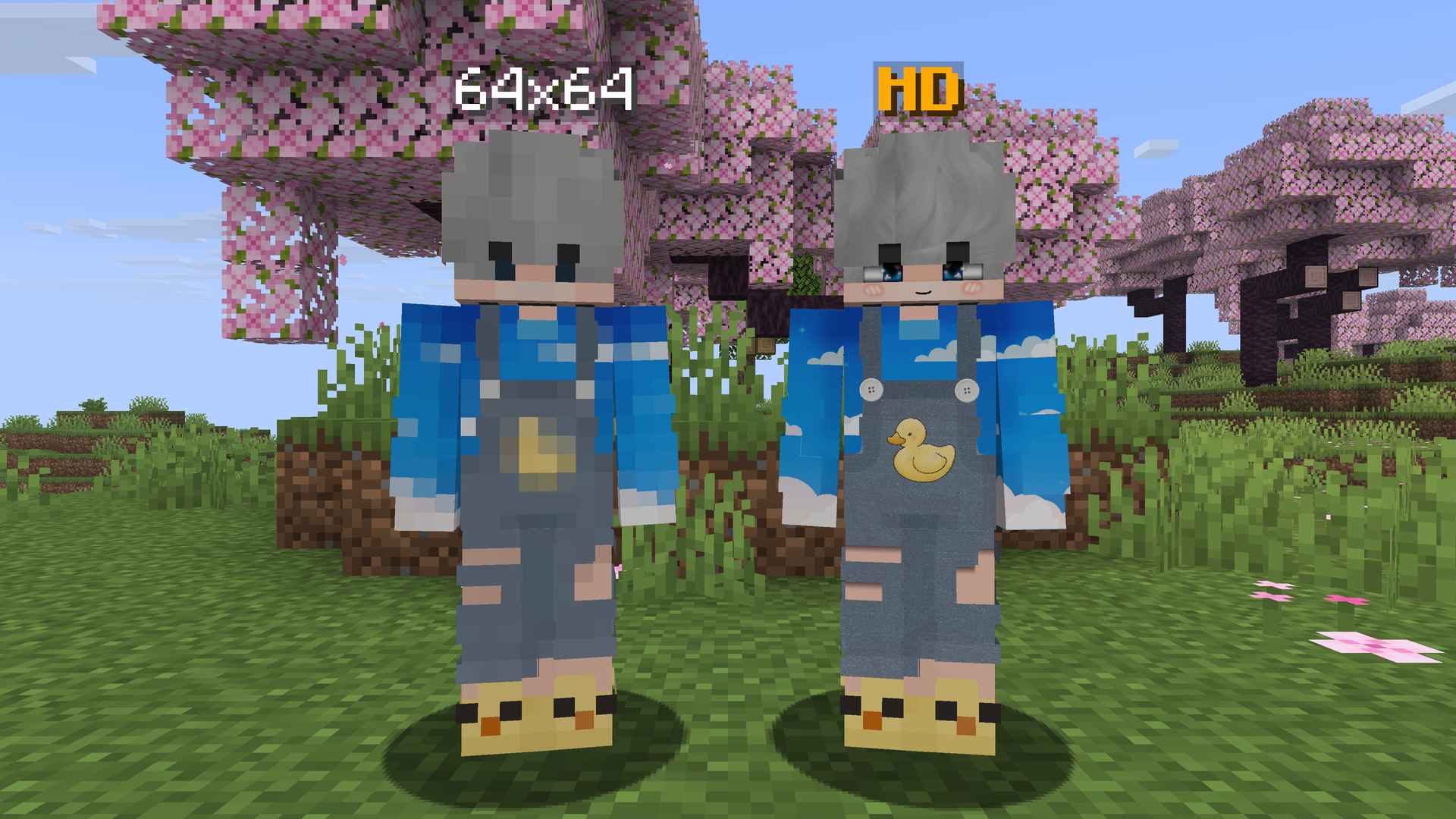
A normal Minecraft skin has 64x64 pixels. With HDSkins your skin can have up to 2048x2048 pixels, 32 times the resolution on each side. Faces, hair, clothes and small details stay sharp instead of turning into big blocks.
You upload your skin on hdskins.de, and the mod shows it in game: on any multiplayer server and in singleplayer. Classic and slim arms are both supported.
HDSkins is a shared network. This Fabric mod and the HDSkins addon for LabyMod use the same backend, so:
No server plugin is needed. Everything happens on the client, so HDSkins works on every server. More than 300,000 players have registered on HDSkins so far, and over 15,000 of them wear an HD skin.
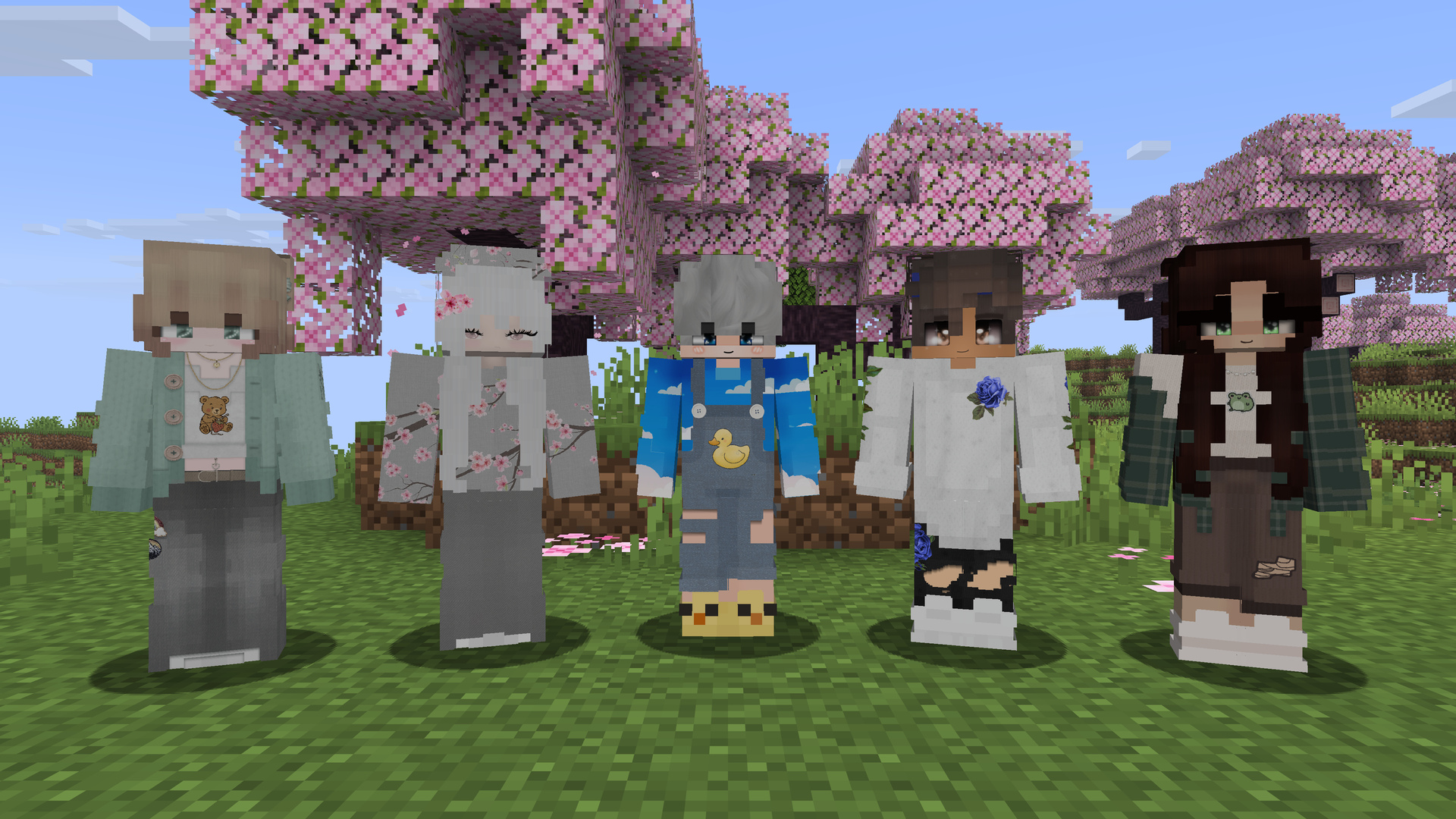
Tip: If a mod or client replaces the vanilla menus with its own screens, the HD icon may be missing. Just type
/hdskinsin chat.
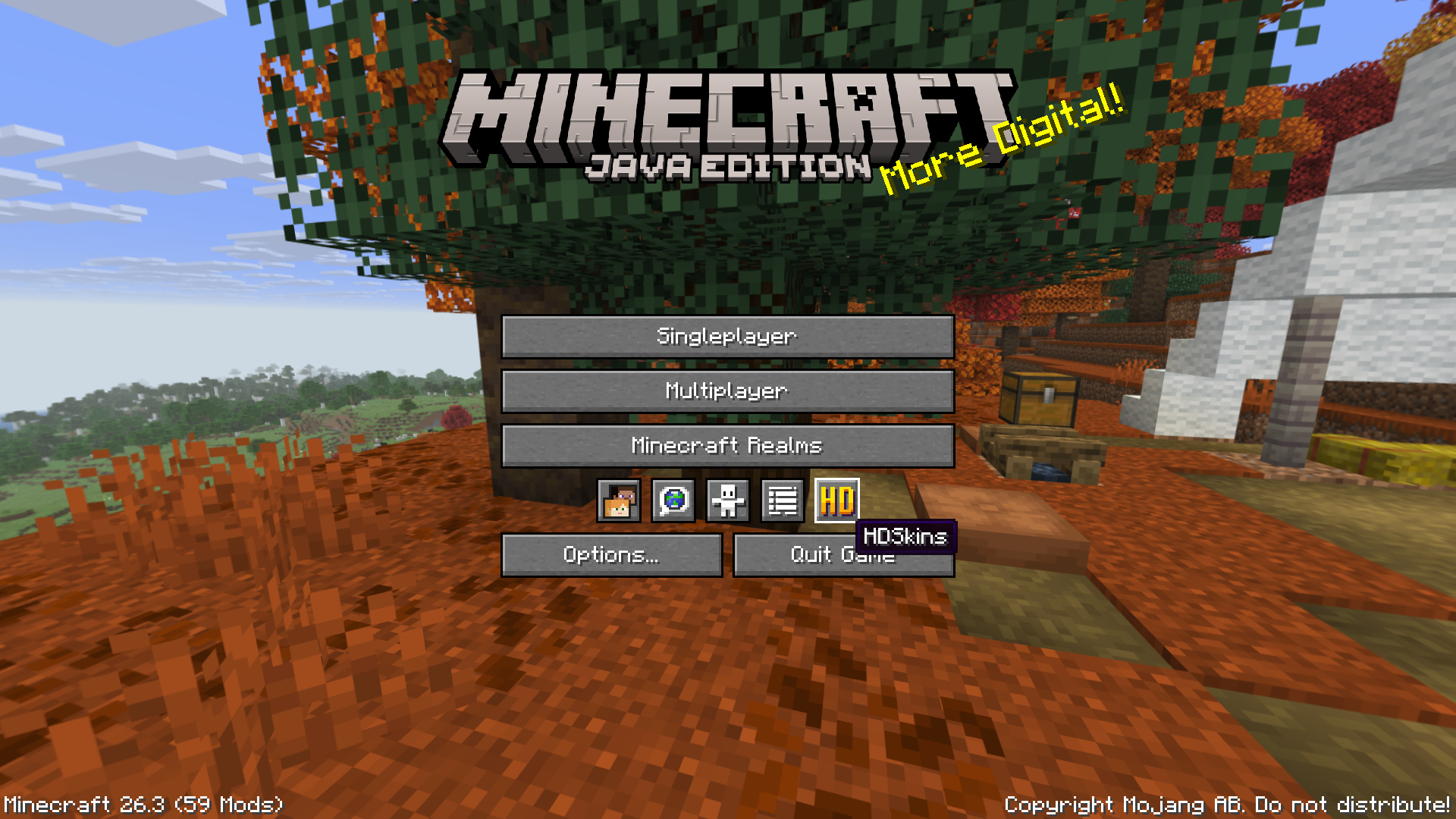
No skin yet? Browse the skin gallery or ask the community on Discord.
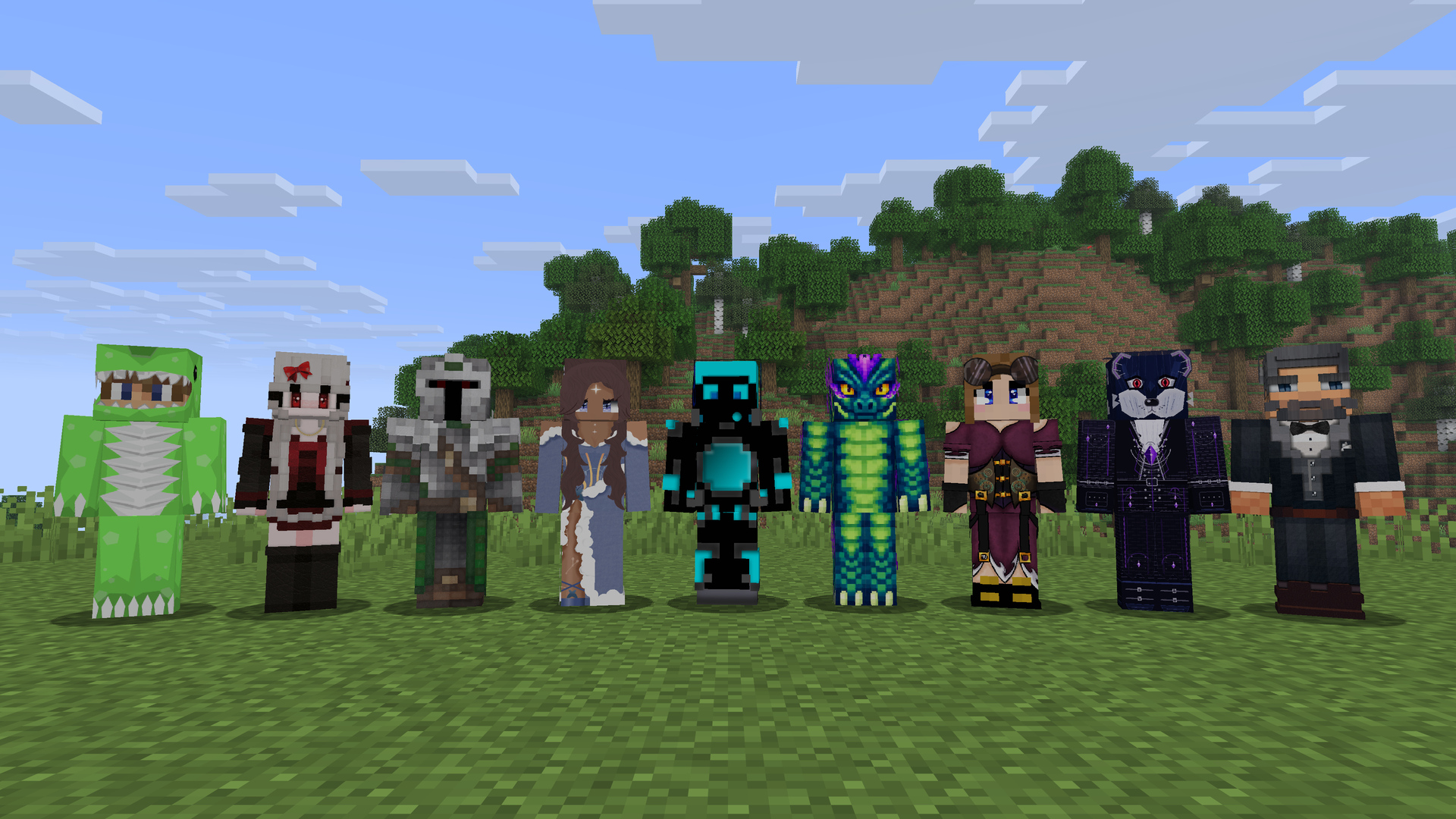
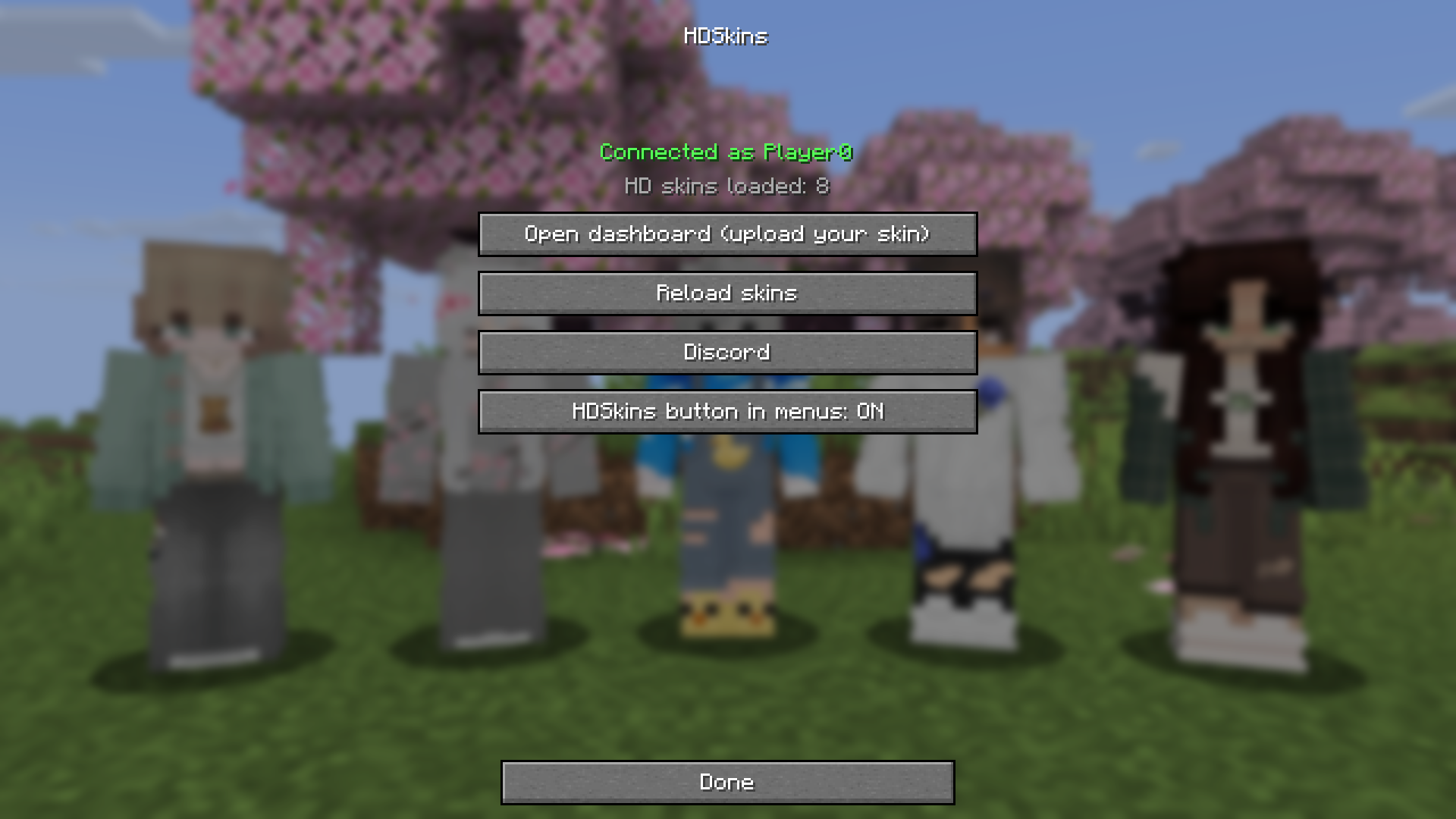
/hdskins in chat, that always works.Do other players need HDSkins to see my skin?
Yes. Players with HDSkins (this mod or the LabyMod addon) see your HD skin. Everyone else sees your normal Minecraft skin.
Does the server need a plugin?
No. HDSkins runs only on the client and works on every server and in singleplayer.
Which skin sizes can I upload?
PNG skins from 128x128 up to 2048x2048 pixels, with the side length a power of two (128, 256, 512, 1024 or 2048). 1024x1024 is the usual HD size, files can be up to 2 MB. Details are in the upload guidelines.
Is HDSkins free?
Yes. Uploading your HD skin and seeing other HD skins is free. The optional HDSkins Premium on the website adds extras, such as up to six skin profiles, private skins and larger files.
Which file do I need?
The one that matches your Minecraft version. The Modrinth App and most launchers pick it for you.
My Minecraft version is not listed.
Then there is no HDSkins file for it yet. Ask on Discord.
A mod or client replaces my menus and I can't find the HD icon. How do I open HDSkins?
Type /hdskins in chat, or /hdskins dashboard to go straight to the upload page.
I changed my skin, but I still see the old one.
Changes usually appear live. If not, open HDSkins and click Reload skins.
Does HDSkins work with account switchers?
Yes. When you switch accounts, HDSkins logs in again with the new account automatically.
Project description from Modrinth.
Pick your setup
Choose the version and loader you play, then open the matching release.
Showing the newest 12 of 28 game versions. Older files are in the list below.
Check the dependencies, then try the file in a copied instance before changing a world you care about.
Recent files
hdskins-fabric-2.0.0+26.2.jar
15 Oct 2026
Looking for an older file? The official Modrinth project page is in Resources.
 mod
Sam Altman wants your RAM but not my SSD
 mod
Upgradeable Tool Belt with intuitive quick-swap, Curios API/Trinkets integration and more!
 mod
Free Fabric PvP client with 80+ modules, own capes, minimap, motion blur and a modern ClickGUI