MaFgLib Needed by Litematica Printer Addon 1.0.0-mc1.19.4
requiredNo matching file

Modrinth · Minecraft mod
A Forge port of the Forgematica Printer mod, bringing automatic block placement functionality to older Minecraft versions for faster schematic building.
Quick answer
Litematica Printer Addon 1.0.0-mc1.19.4 targets 1.19, 1.19.1, 1.19.2 with Forge. It must be installed on the client. Do not install it on the dedicated server. 2 required mods need a matching file.
Where it goes
It must be installed on the client. Do not install it on the dedicated server.
This file is marked client-only.
1.0.0-mc1.19.4. Change the file and its required mods may change too.
Install MaFgLib, Forgematica first, but 2 required mods have no matching file for this setup. Do not mix loader builds to force a match.
We only count dependency files that match this setup. A file for another loader does not fill the gap.
Before you install it
Built for Litematica Printer Addon 1.0.0-mc1.19.4. Pick another file and the loader, install side or required mods may change.
Use 1.0.0-mc1.19.4. It targets 1.19, 1.19.1, 1.19.2 with Forge; another release may have different loader, side or dependency requirements.
Install MaFgLib, Forgematica first, but 2 required mods have no matching file for this setup. Do not mix loader builds to force a match.
It must be installed on the client. Do not install it on the dedicated server.
Use the “Get this file” button beside 1.0.0-mc1.19.4. It opens that exact file at the source.
About this project
An unofficial backport of the Forgematica Printer mod to Minecraft Forge 1.16.5 & 1.18.2.
This project is an independent adaptation derived from the open-source work by ThinkingStudios. It is not affiliated with, endorsed by, or supported by the original authors of Litematica or Forgematica Printer.
This addon extends Forgematica by adding automated “printing” functionality—allowing players to construct large schematics more efficiently by automatically placing correct blocks around the player.
Because this version targets Forge 1.18.2, it required extensive adjustments to rendering logic, mixins, and Forge APIs to function correctly in this older environment.
It is not a direct repost, but a custom reimplementation for compatibility with the 1.18.2 ecosystem.
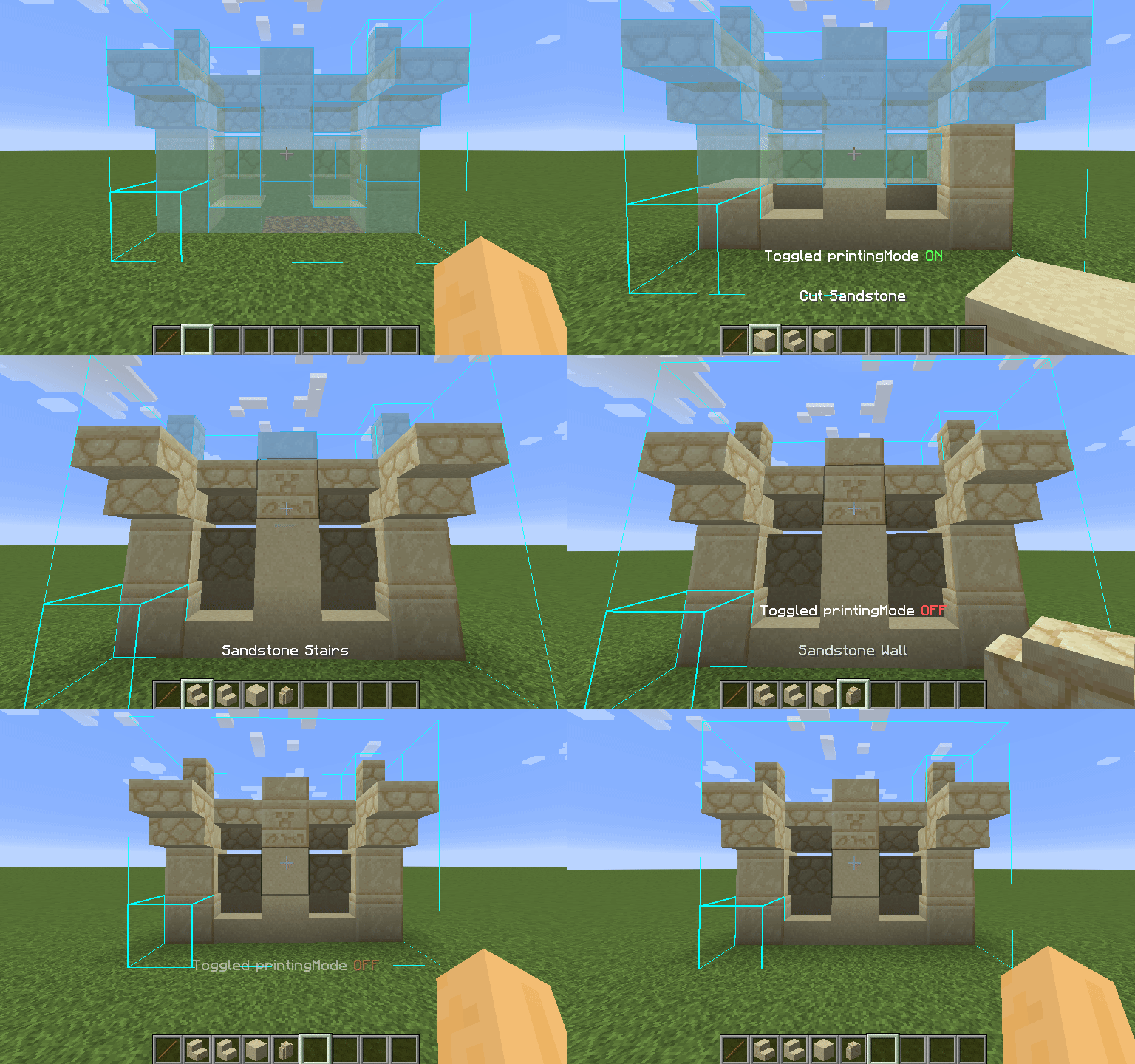
CAPS_LOCK (default) to enable or disable the printer.V (default) to print temporarily, regardless of toggle state.M + C, then navigate to the Generic tab.Please do not contact maruohon (the creator of Litematica) or the authors of the original Forgematica Printer regarding issues with this fork.
All bug reports, feature requests, and feedback for this version should be submitted via the GitHub Issues page.
Before creating an issue, ensure you are running the latest version of this mod. When reporting bugs, please include:
Some features are still incomplete or nonfunctional in this version:
printInAir)Note: Features such as automatic excavation or auto-correction of misplaced blocks are intentionally out of scope for this project.
Project description from Modrinth.
Pick your setup
Choose the version and loader you play, then open the matching release.
Check the dependencies, then try the file in a copied instance before changing a world you care about.
Recent files
ForgematicaPrinter-1.0.0-mc1.19.4.jar
2 Oct 2026
ForgematicaPrinter-1.0.0-mc1.18.2.jar
23 May 2026
ForgematicaPrinter-1.0.0-mc1.16.5.jar
22 Sept 2025
Looking for an older file? The official Modrinth project page is in Resources.
 mod
In-game advancement editing and improvements to the advancement screen!
 mod
Pick up a villager in a bucket!
 mod
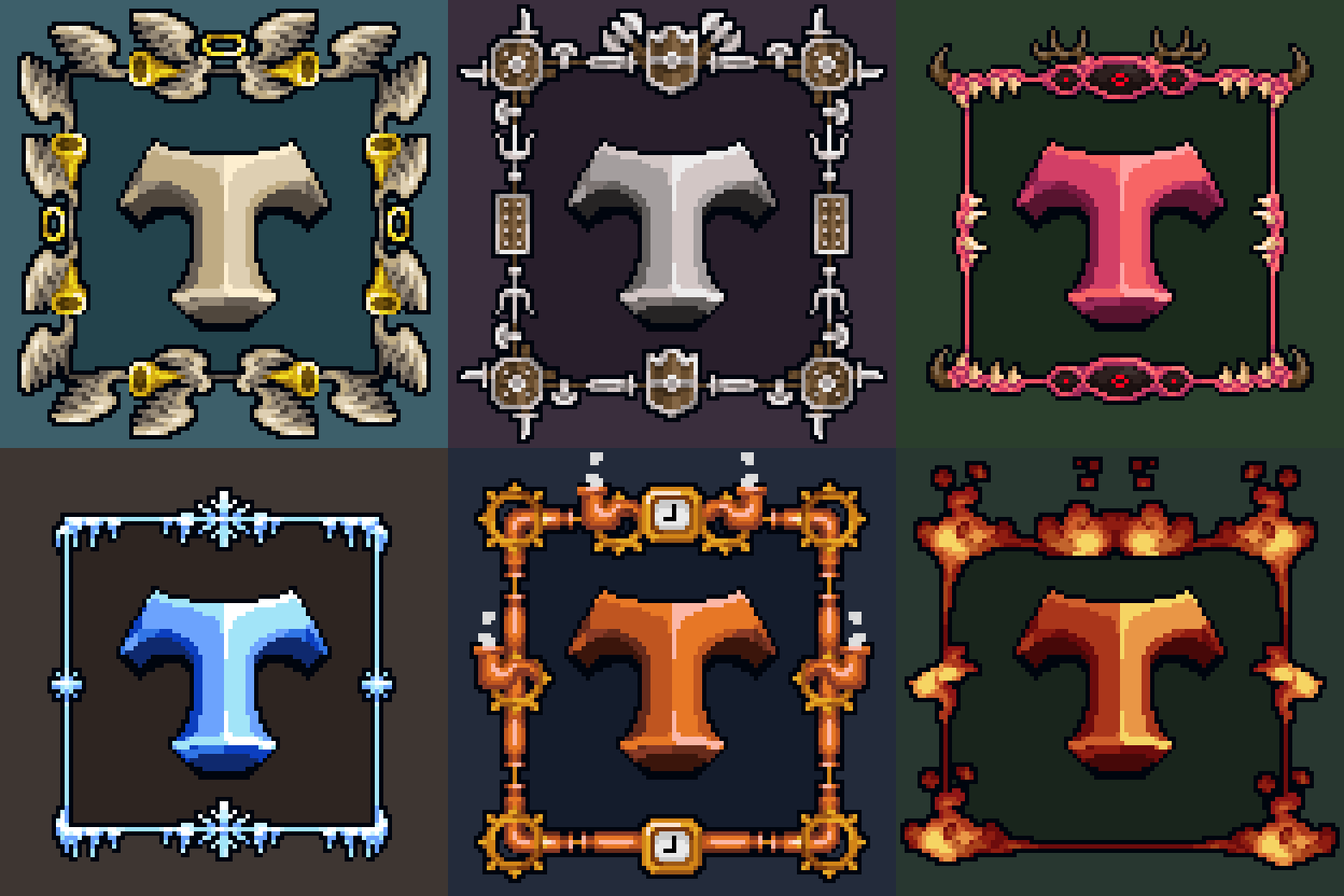
Every tooltip, more modern, sharper, cleaner.