Cloth Config API (Fabric/Forge/NeoForge) Needed by BetterF3 NeoForge v19.0.0 (26.2)
requiredMatching file found Matched file: [NeoForge 26.2] v26.2.155
CurseForge · Minecraft mod
A mod that provides a highly customizable, more human-readable Debug HUD.
Quick answer
BetterF3 NeoForge v19.0.0 (26.2) targets 26.2 with NeoForge. The project page does not say whether this file belongs on the client, dedicated server, or both. All 1 required mods have matching files.
Where it goes
The project page does not say whether this file belongs on the client, dedicated server, or both.
The source does not explicitly classify this release as client-only or server-only.
BetterF3 NeoForge v19.0.0 (26.2). Change the file and its required mods may change too.
Install Cloth Config API (Fabric/Forge/NeoForge) first. We found matching files for this game-version and loader setup.
We only count dependency files that match this setup. A file for another loader does not fill the gap.
Before you install it
Built for BetterF3 NeoForge v19.0.0 (26.2). Pick another file and the loader, install side or required mods may change.
Use BetterF3 NeoForge v19.0.0 (26.2). It targets 26.2 with NeoForge; another release may have different loader, side or dependency requirements.
Install Cloth Config API (Fabric/Forge/NeoForge) first. We found matching files for this game-version and loader setup.
The project page does not say whether this file belongs on the client, dedicated server, or both.
Use the “Get this file” button beside BetterF3 NeoForge v19.0.0 (26.2). It opens that exact file at the source.
About this project

Cloth Config allows you to press F3 + M in-game to edit the F3 menu.
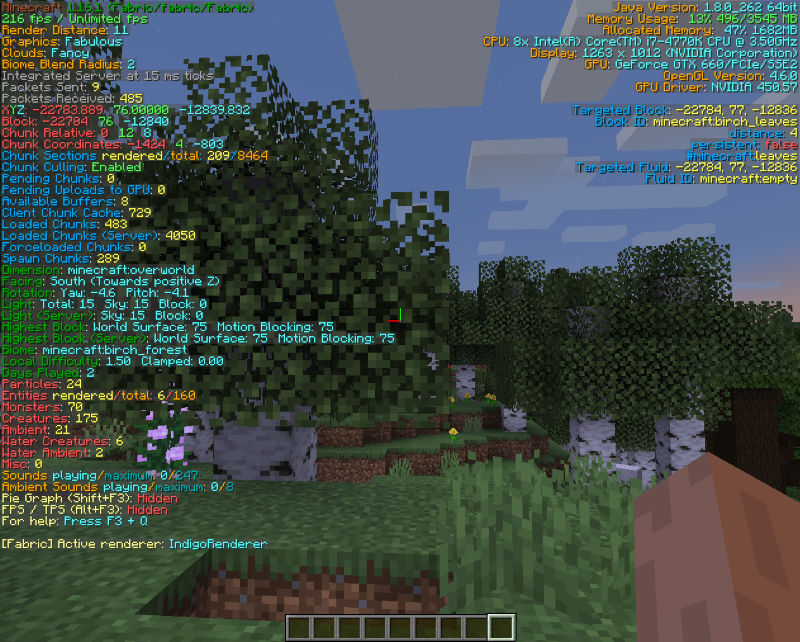
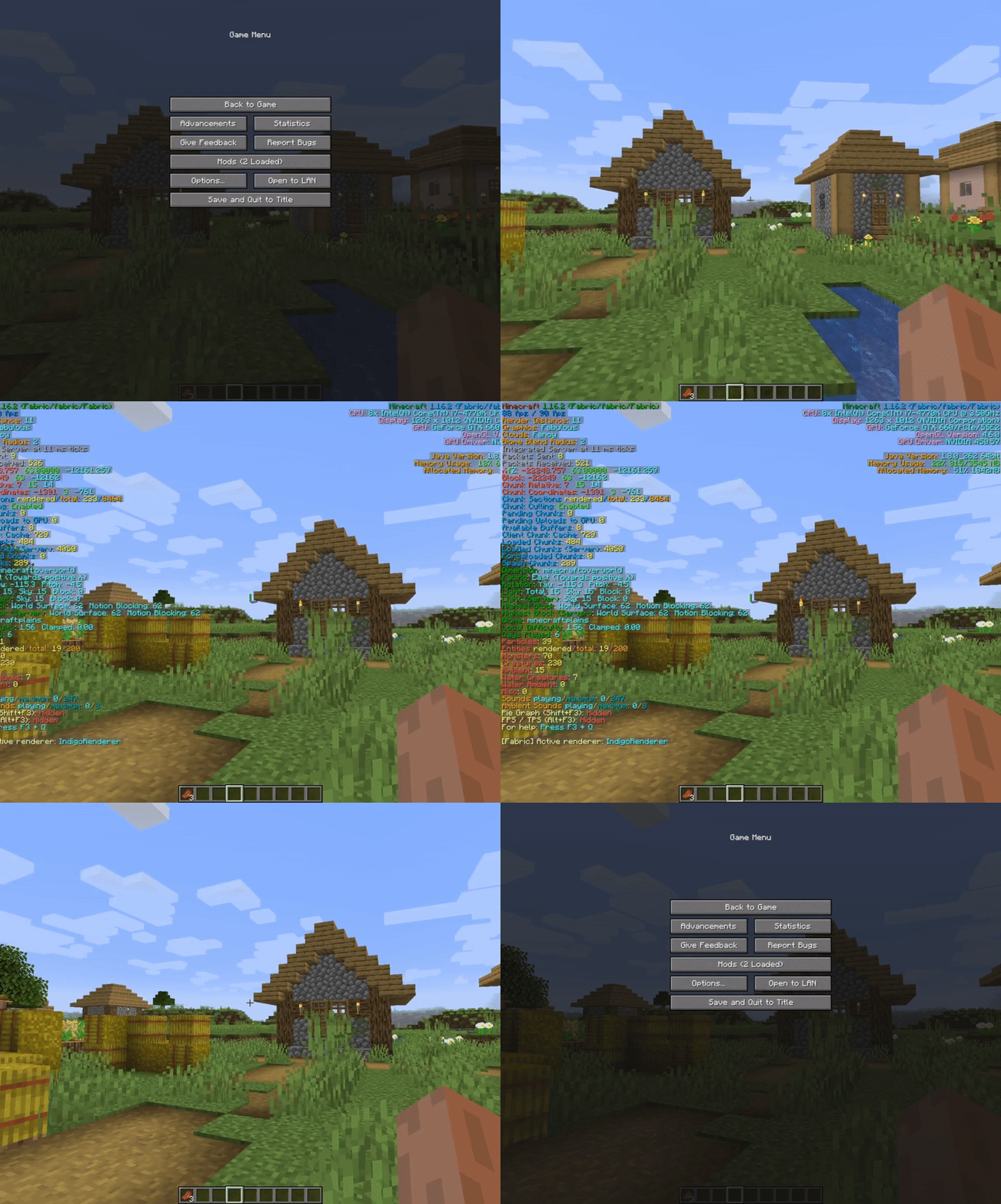
Project description from CurseForge.
Pick your setup
Choose the version and loader you play, then open the matching release.
Showing the newest 12 of 22 game versions. Older files are in the list below.
Check the dependencies, then try the file in a copied instance before changing a world you care about.
Recent files
BetterF3-19.0.0-NeoForge-26.2.jar
9 Jul 2026
BetterF3-19.0.0-Fabric-26.2.jar
9 Jul 2026
BetterF3-18.0.2-NeoForge-26.1.jar
29 Apr 2026
BetterF3-18.0.2-Fabric-26.1.jar
29 Apr 2026
BetterF3-18.0.1-NeoForge-26.1.jar
19 Apr 2026
BetterF3-18.0.1-Fabric-26.1.jar
19 Apr 2026
BetterF3-18.0.0-NeoForge-26.1.2.jar
19 Apr 2026
BetterF3-18.0.0-Fabric-26.1.2.jar
19 Apr 2026
BetterF3-17.0.0-NeoForge-1.21.11.jar
9 Jan 2026
BetterF3-17.0.0-Fabric-1.21.11.jar
9 Jan 2026
BetterF3-16.0.3-NeoForge-1.21.10.jar
3 Nov 2025
BetterF3-16.0.3-Fabric-1.21.10.jar
3 Nov 2025
Looking for an older file? The official CurseForge project page is in Resources.
 mod
modA library mod for the mods of EngieGames.
 mod
modA Minecraft mod inspired by classic slingshot-based bird games, featuring flying bird characters, destructible builds, and creative physics-driven gameplay. Requires Sable, Create and Create Aeronautics.
 mod
modTurkish Okey and Tavla on real tables: the Rummikub-style tile game with 106 tiles and istaka racks, plus backgammon with 30 checkers and dice. AI uncles, live stakes, a turn clock, nargile and cay.