Curios API Optional for Lit It Up - 1.20.1 - 4.26.1
optionalMatching file found Matched file: curios-forge-5.14.1+1.20.1.jar
CurseForge · Minecraft mod
Furnaces won't light up unless the player interacts with them.
Quick answer
Lit It Up - 1.20.1 - 4.26.1 targets 1.20.1 with Forge. The project page does not say whether it belongs on the client. The project page does not say whether it belongs on the dedicated server. All 1 required mods have matching files.
Where it goes
The project page does not say whether it belongs on the client. The project page does not say whether it belongs on the dedicated server.
The source does not explicitly classify this release as client-only or server-only.
Lit It Up - 1.20.1 - 4.26.1. Change the file and its required mods may change too.
Install Bookling Gear first. We found matching files for this game-version and loader setup.
We only count dependency files that match this setup. A file for another loader does not fill the gap.
Before you install it
Built for Lit It Up - 1.20.1 - 4.26.1. Pick another file and the loader, install side or required mods may change.
Use Lit It Up - 1.20.1 - 4.26.1. It targets 1.20.1 with Forge; another release may have different loader, side or dependency requirements.
Install Bookling Gear first. We found matching files for this game-version and loader setup.
The project page does not say whether it belongs on the client. The project page does not say whether it belongs on the dedicated server.
Use the “Get this file” button beside Lit It Up - 1.20.1 - 4.26.1. It opens that exact file at the source.
About this project




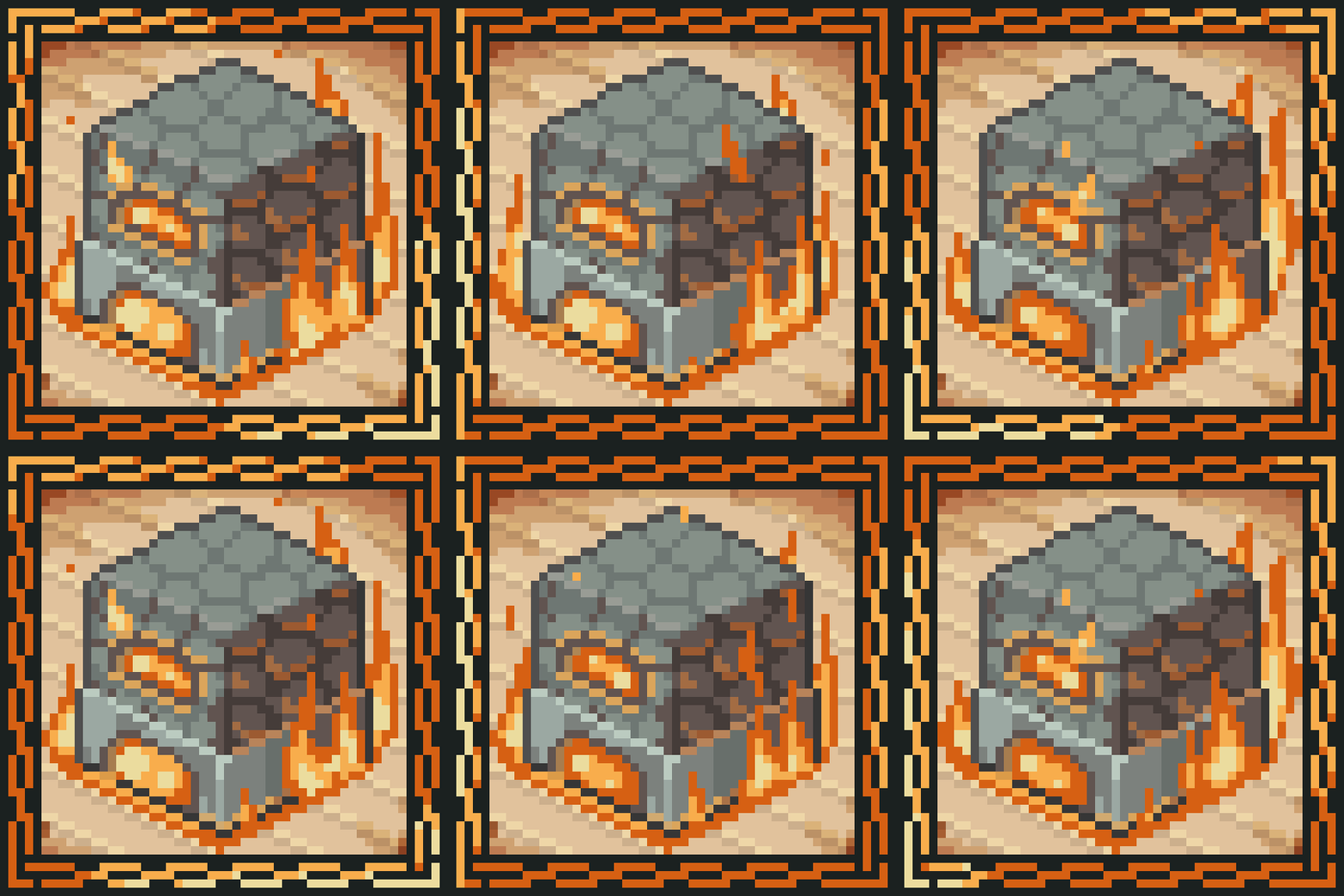
Want a little more realism in your survival? With this mod, you have to light your furnaces yourself. No more magic flames, your furnace needs a tiny bit of attention.
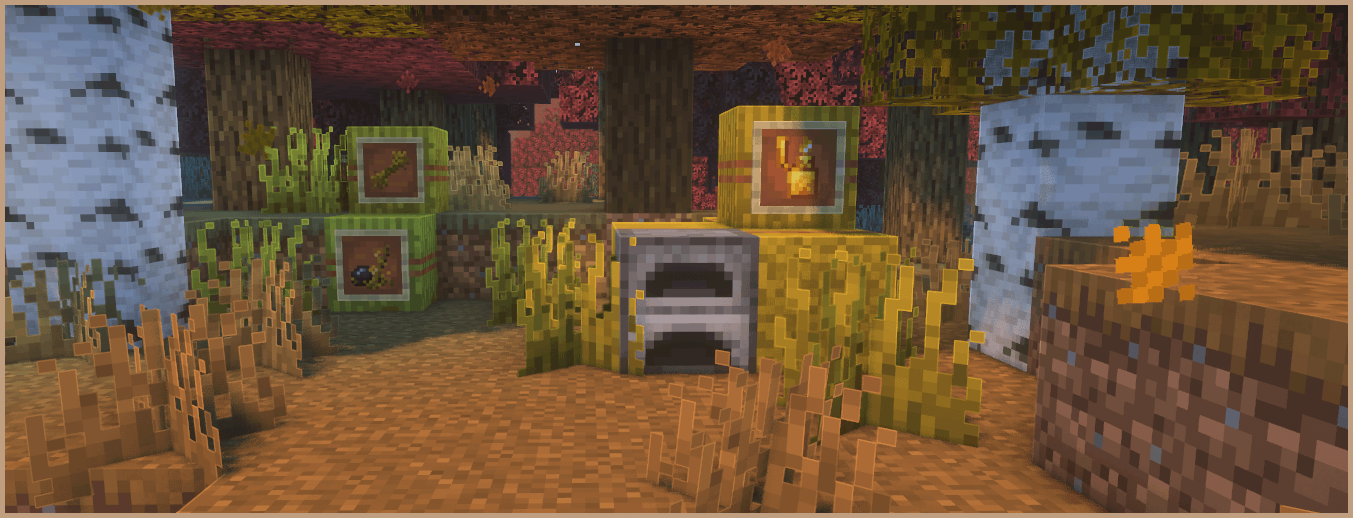

Manual furnace lighting with flexible ignition options. Works with vanilla and many modded blocks, supports custom ignition items, reacts to the environment (fire, rain), and adds a simple early game progression using natural finds.
Find Switchgrass. It looks like normal grass, but with a warmer yellow green tint. Its color shifts with the biome and it grows over time from Stage 1 to Stage 3.
Harvesting
Ignition
Put the right ingredients and fuel inside the furnace, then ignite it to start cooking. It runs until the flame goes out. If you are low on fiber, try to keep the flame going so you have to relight less often. Your furnace is basically a tiny campfire with responsibilities in case you need it.
For modpack creators, use the Bookling Gear configuration menu to tweak Sparkling Flint requirements, manage the ignition item list, toggle Switchgrass world generation, and adjust many other options to fit your pack.
The mod also adds three special ignition methods.
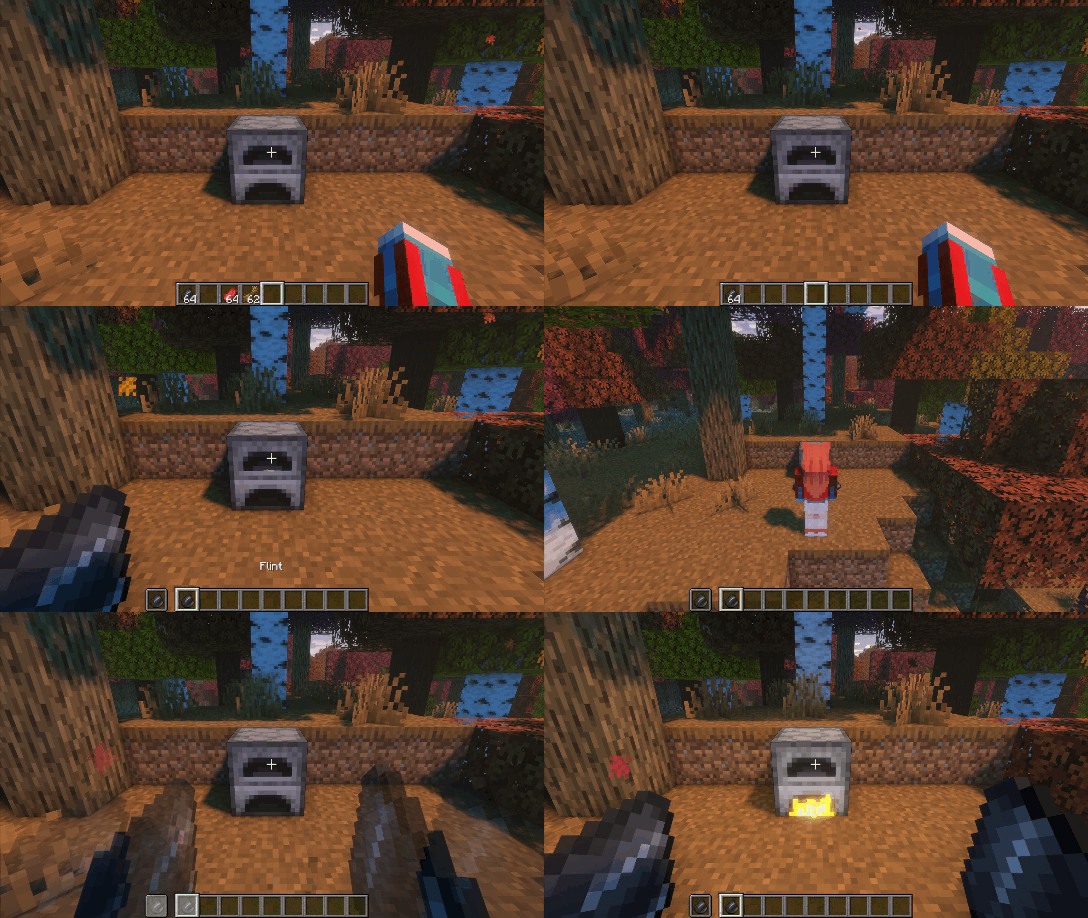
Furnaces can also ignite from the environment, depending on where you place them.
Place a furnace over lava, fire, any other configured hot block, or a block in its lit state. It will ignite automatically like vanilla, and no ignition item is needed.
If the furnace is exposed to rain during rain or thunder, this method is disabled and you must light it manually.
If you get lost, open the Guide Book on the right side of the compatible furnace GUIs.
It shows quick tips for the current block, including how to ignite and a few extra notes.
If you do not see the "LIT" banner, that furnace may not be supported or compatibility is disabled.
Want a more natural progression? Check the advancements. They guide you through the mod step by step and help you learn by playing, not by guessing.
Campfires and selected compatible modded blocks are placed in their unlit form.
Light them after placing using your ignition items. You can disable this in the Bookling Gear settings.
More compatibilities coming soon!
Hi there! Enjoyed this mod? Here are a few more you might like. 😊







Project description from CurseForge.
Pick your setup
Choose the version and loader you play, then open the matching release.
Check the dependencies, then try the file in a copied instance before changing a world you care about.
Recent files
lititup-1.20.1-4.26.1.jar
28 Jul 2026
lititup-1.19.2-1.28.1.jar
28 Jul 2026
lititup-1.19.2-1.28.jar
28 Jan 2026
lititup-1.19.4-2.28.jar
27 Jan 2026
lititup-1.20.4-6.18.jar
26 Jan 2026
lititup-1.20.1-4.26.jar
25 Jan 2026
lititup-1.19.2-1.27.1.jar
23 Dec 2025
lititup-1.19.4-2.27.1.jar
23 Dec 2025
lititup-1.20.1-4.25.1.jar
23 Dec 2025
lititup-1.20.4-6.17.1.jar
23 Dec 2025
lititup-1.19.2-1.27.jar
21 Nov 2025
lititup-1.19.4-2.27.jar
20 Nov 2025
Looking for an older file? The official CurseForge project page is in Resources.
 mod
modA mod that adds Companions!
 mod
modEndgame magic mod! Requires a Nether Star to rewind your death 5 seconds back, enter Shadow Form to blind enemies, and deal lethal backstabs from invisibility.
 mod
modNuclear Science is a Minecraft Mod for version 1.20 focused around nuclear physics that introduces many new machines/blocks and items into the game.
