AzureLib Armor Needed by Epic Empires [ARCHIVED] epicempires-0.0.4-1.20.1-neo
requiredMatching file found Matched file: neoforge 2.0.14
![Epic Empires [ARCHIVED] project artwork](https://media.forgecdn.net/avatars/889/312/638328880372078491.png)
CurseForge · Minecraft mod
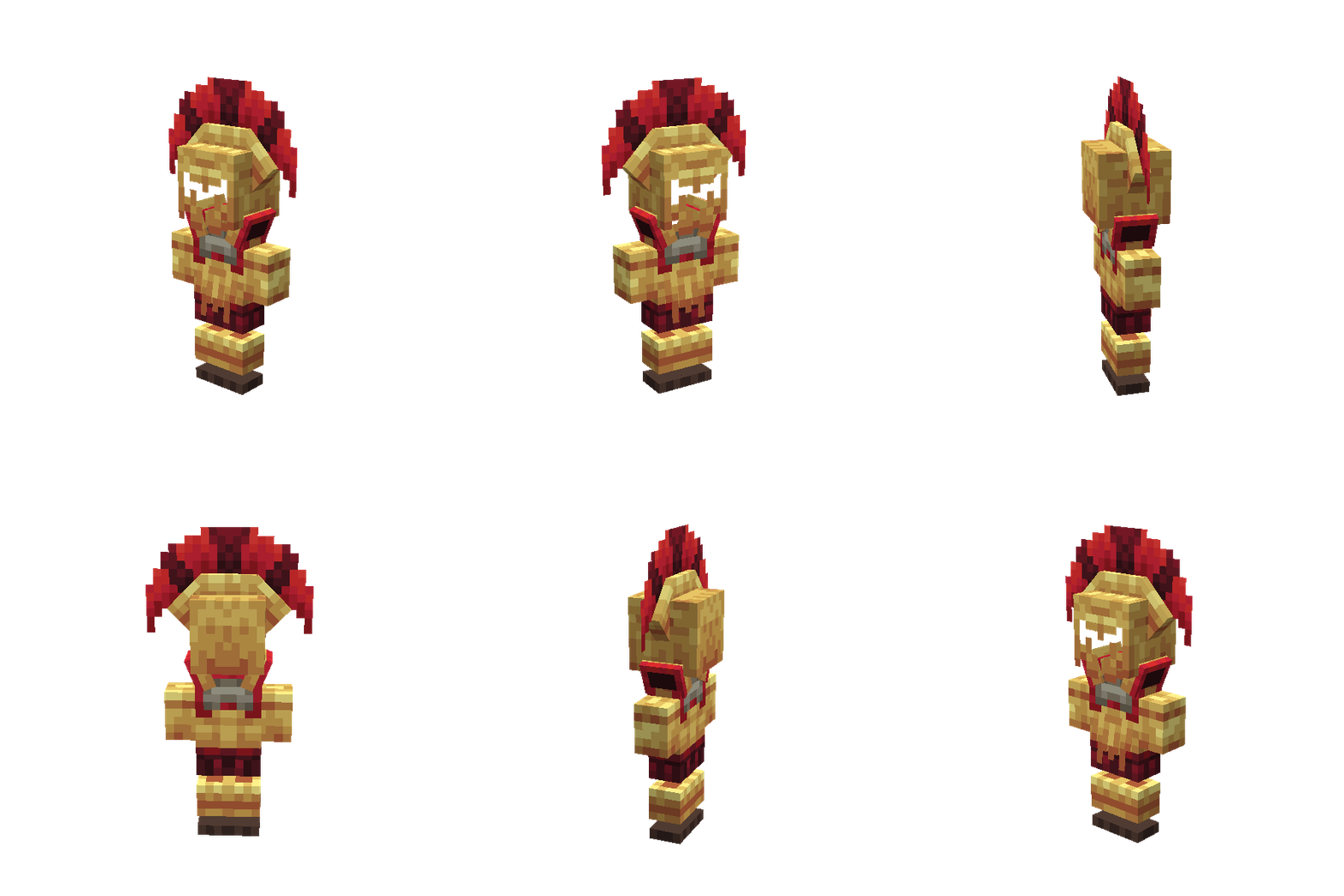
This mod adds ancient 3d armors and weapons to your game.
Quick answer
Epic Empires [ARCHIVED] epicempires-0.0.4-1.20.1-neo targets 1.20.1 with Forge, NeoForge. The project page does not say whether this file belongs on the client, dedicated server, or both. All 1 required mods have matching files.
Where it goes
The project page does not say whether this file belongs on the client, dedicated server, or both.
The source does not explicitly classify this release as client-only or server-only.
epicempires-0.0.4-1.20.1-neo. Change the file and its required mods may change too.
Install AzureLib Armor first. We found matching files for this game-version and loader setup.
We only count dependency files that match this setup. A file for another loader does not fill the gap.
Before you install it
Built for Epic Empires [ARCHIVED] epicempires-0.0.4-1.20.1-neo. Pick another file and the loader, install side or required mods may change.
Use epicempires-0.0.4-1.20.1-neo. It targets 1.20.1 with Forge, NeoForge; another release may have different loader, side or dependency requirements.
Install AzureLib Armor first. We found matching files for this game-version and loader setup.
The project page does not say whether this file belongs on the client, dedicated server, or both.
Use the “Get this file” button beside epicempires-0.0.4-1.20.1-neo. It opens that exact file at the source.
About this project

📖 About:
Note: This mod is not compatible with Optifine!
This mod adds new 3D Spartan, Roman and Egyptian armor sets and weapons to the game!
The new Ingots can be found in the structures of your world - or in suspicious sand.
📋 Mod-Goals:
✔️ 500 Downloads
✔️ 1.000 Downloads
✔️ 2.000 Downloads
✔️ 5.000 Downloads
✔️10.000 Downloads
✔️ 50.000 Downloads
✔️ 100.000 Downloads
❌ 250.000 Downloads
❌ 500.000 Downloads
❌ 750.000 Downloads
❌ 1.000.000 Downloads
Join Our Community Discord! Check out PixelDreamStudios - an official partner!
Join my Personal Discord - CLICK HERE

🎥 Showcase
📃FAQ
» Where can I find the Ingots?
You can get them by brushing suspicious sand or in structures .
» How can I craft the item?
Use JEI to see all the recipes of the mod.
» Will you add more content?
The mod is still in progress (WIP).
» Is there a wiki or a guide?
No Sorry.
» Does the mod have compability with Optifine?
No, use Rubidium with Oculus for shaders and performance boost.
» Can I add the mod to my modpack?
Yes, of course.
» Will there be a fabric version?
No sorry, I won't port the mods to fabric.
» Is the mod available for bedrock as well?
No, the mods were developed for java only.
» Can you backport to version 1.12.2/1.16.4/1.18.2?
No sorry, I won't backport the mods to older Minecraft versions.
» Am I allowed to make a video/stream with the mod?
Yes, of course.
Project description from CurseForge.
Pick your setup
Choose the version and loader you play, then open the matching release.
Check the dependencies, then try the file in a copied instance before changing a world you care about.
Recent files
epicempires-0.0.4-neo.jar
14 Nov 2023
Looking for an older file? The official CurseForge project page is in Resources.
 mod
modA server-side mod for managing and restoring player skins.
 mod
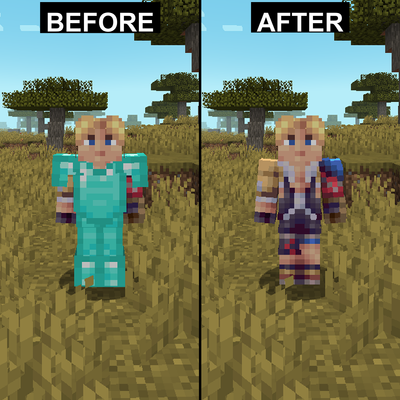
modHides armor on yourself and other players with configuration options
 mod
modThe library for most of my mods