CC: Tweaked Needed by Tom's Peripherals [Forge] Tom's Peripherals 1.18.2-1.2.1
requiredMatching file found Matched file: cc-tweaked-1.18.2-1.101.3.jar

CurseForge · Minecraft mod
CC: Tweaked Addon with High resolution monitors, 3D grahpics and more
Quick answer
Tom's Peripherals [Forge] Tom's Peripherals 1.18.2-1.2.1 targets 1.18.2 with Forge. The project page does not say whether this file belongs on the client, dedicated server, or both. All 1 required mods have matching files.
Where it goes
The project page does not say whether this file belongs on the client, dedicated server, or both.
The source does not explicitly classify this release as client-only or server-only.
[Forge] Tom's Peripherals 1.18.2-1.2.1 on 1.18.2 Forge. Every mod below is checked against that same setup.
Install CC: Tweaked first. We found matching files for this game-version and loader setup.
We only count dependency files that match this setup. A file for another loader does not fill the gap.
Before you install it
Built for Tom's Peripherals [Forge] Tom's Peripherals 1.18.2-1.2.1 on 1.18.2 Forge. Pick another file and the loader, install side or required mods may change.
Use [Forge] Tom's Peripherals 1.18.2-1.2.1. It targets 1.18.2 with Forge; another release may have different loader, side or dependency requirements.
Install CC: Tweaked first. We found matching files for this game-version and loader setup.
The project page does not say whether this file belongs on the client, dedicated server, or both.
Use the “Get this file” button beside [Forge] Tom's Peripherals 1.18.2-1.2.1. It opens that exact file at the source.
About this project
A small CC: Tweaked addon, with a few useful features, such as:
Draw any high resolution grahics using Lua, even 3D.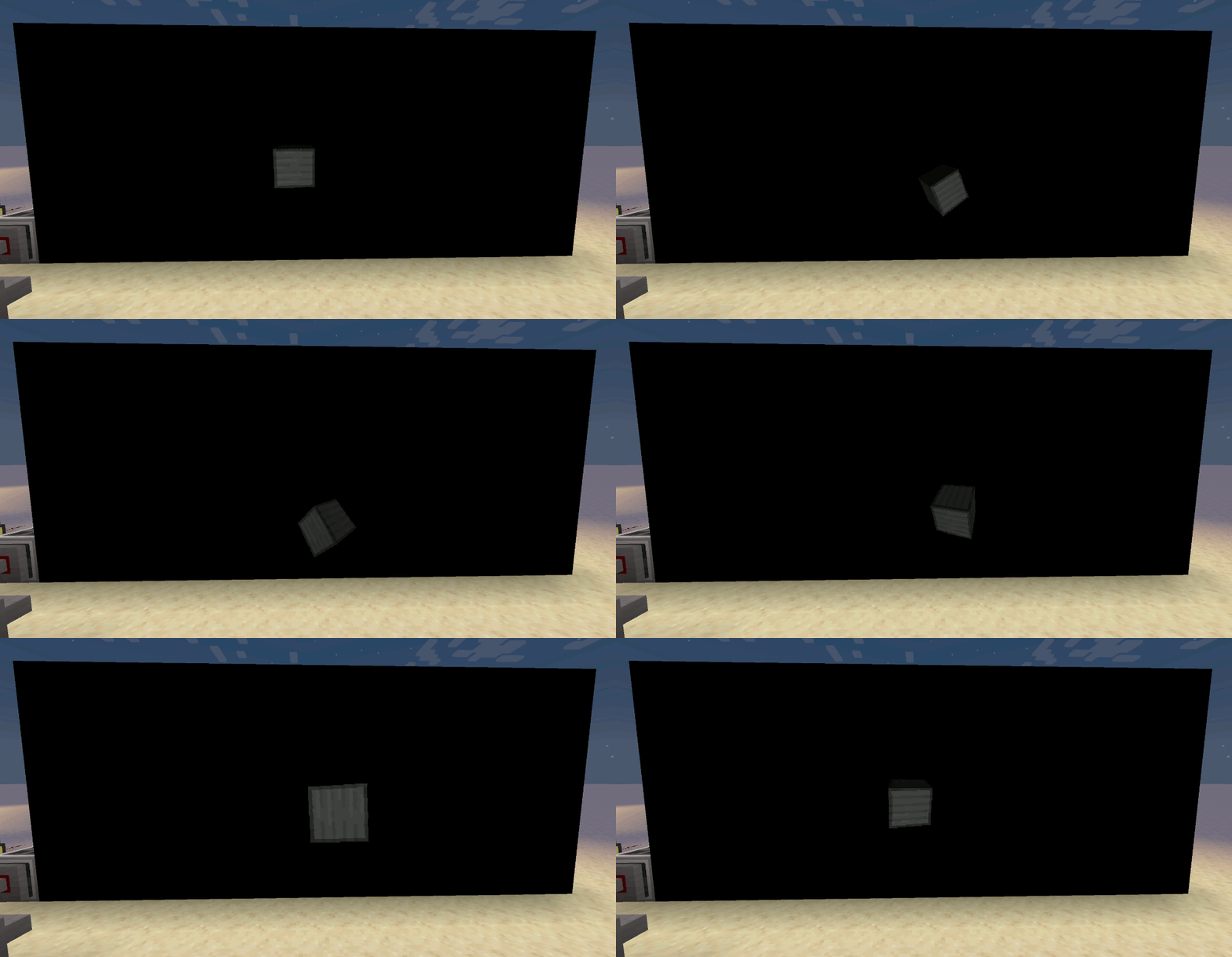
The GPU supports loading and saving PNG files.
See the example code repo.
Up to 64x64 resolution per monitor block. See the wiki for all available functions.
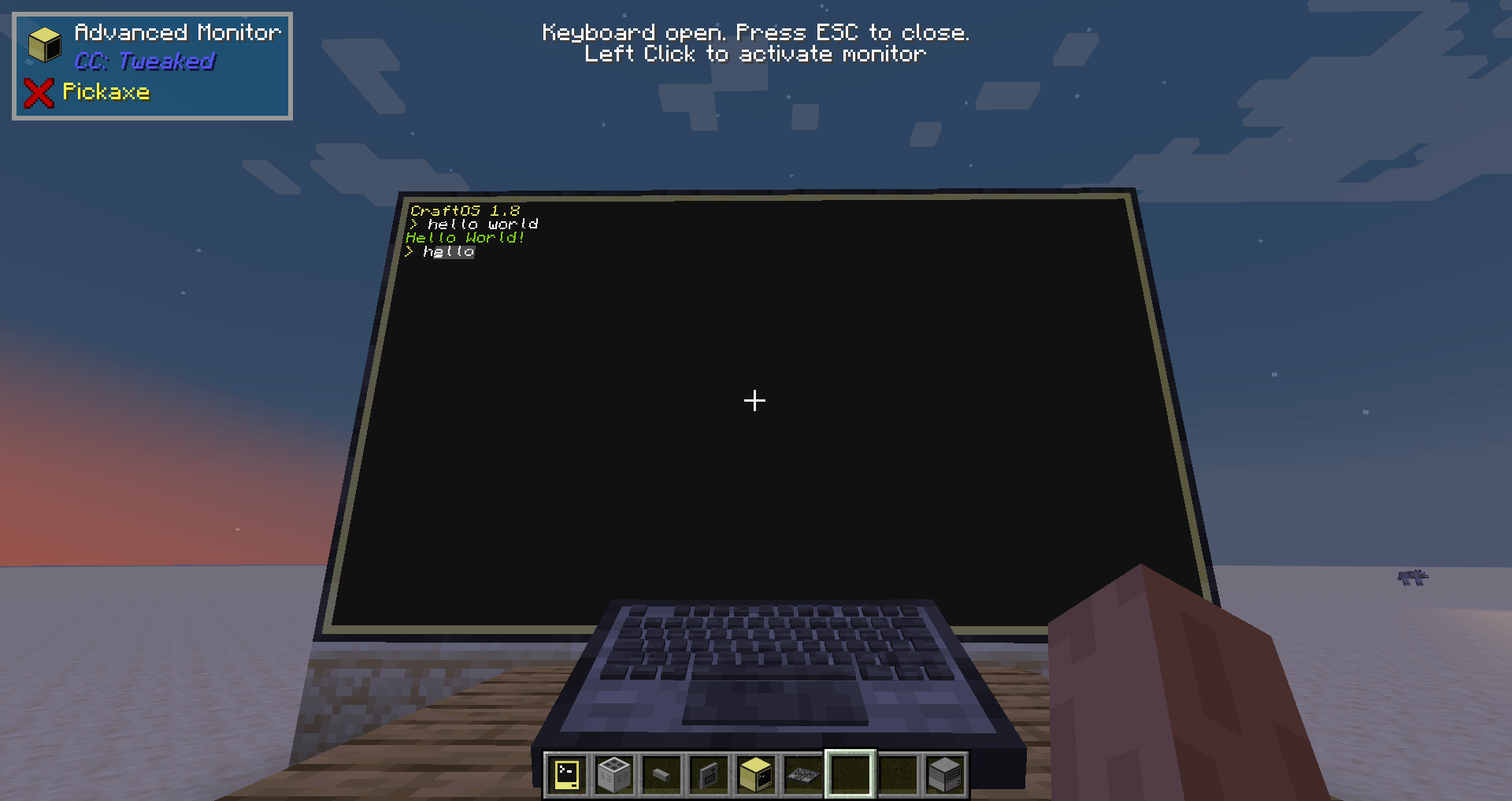 Use your computer with a bigger monitor
Support mouse input on both Advanced Monitors and the Bitmap Monitor blocks from this mod.
More redstone sides for your computer
Restarts the computer if its internal timer reaches the end.
Project description from CurseForge.
Pick your setup
Choose the version and loader you play, then open the matching release.
Check the dependencies, then try the file in a copied instance before changing a world you care about.
Recent files
toms-peripherals-1.18.2-1.2.1.jar
15 Apr 2024
toms-peripherals-1.18.2-1.2.0.jar
21 Jan 2024
toms-peripherals-1.18.2-1.1.1.jar
2 Jan 2024
toms-peripherals-1.18.2-1.1.0.jar
5 Nov 2023
toms-peripherals-1.18.2-1.0.0.jar
1 Nov 2023
Looking for an older file? The official CurseForge project page is in Resources.