ProtoManly's Weather Needed by PMWeatherCM1 1.1.5
requiredMatching file found Matched file: 0.17.16-alpha

Modrinth · Minecraft mod
Addon for Protomanly's Weather that adds physically simulated storms
Quick answer
PMWeatherCM1 1.1.5 targets 1.21.1 with NeoForge. Installation on the client is optional. Installation on the dedicated server is optional. All 1 required mods have matching files.
Where it goes
Installation on the client is optional. Installation on the dedicated server is optional.
The source marks this as usable on both the client and server.
1.1.5. Change the file and its required mods may change too.
Install ProtoManly's Weather first. We found matching files for this game-version and loader setup.
We only count dependency files that match this setup. A file for another loader does not fill the gap.
Before you install it
Built for PMWeatherCM1 1.1.5. Pick another file and the loader, install side or required mods may change.
Use 1.1.5. It targets 1.21.1 with NeoForge; another release may have different loader, side or dependency requirements.
Install ProtoManly's Weather first. We found matching files for this game-version and loader setup.
Installation on the client is optional. Installation on the dedicated server is optional.
Use the “Get this file” button beside 1.1.5. It opens that exact file at the source.
About this project
Physically simulated weather in Minecraft, beautiful, huge, turbulent, realistic
All storms (scenarios) are physically simulated, and accurate to real life
Full charge separation simulation for realistic lightning activity
Physically accurate sky, atmosphere
Wide range of atmoshperic phenomena included
Accurate polar radars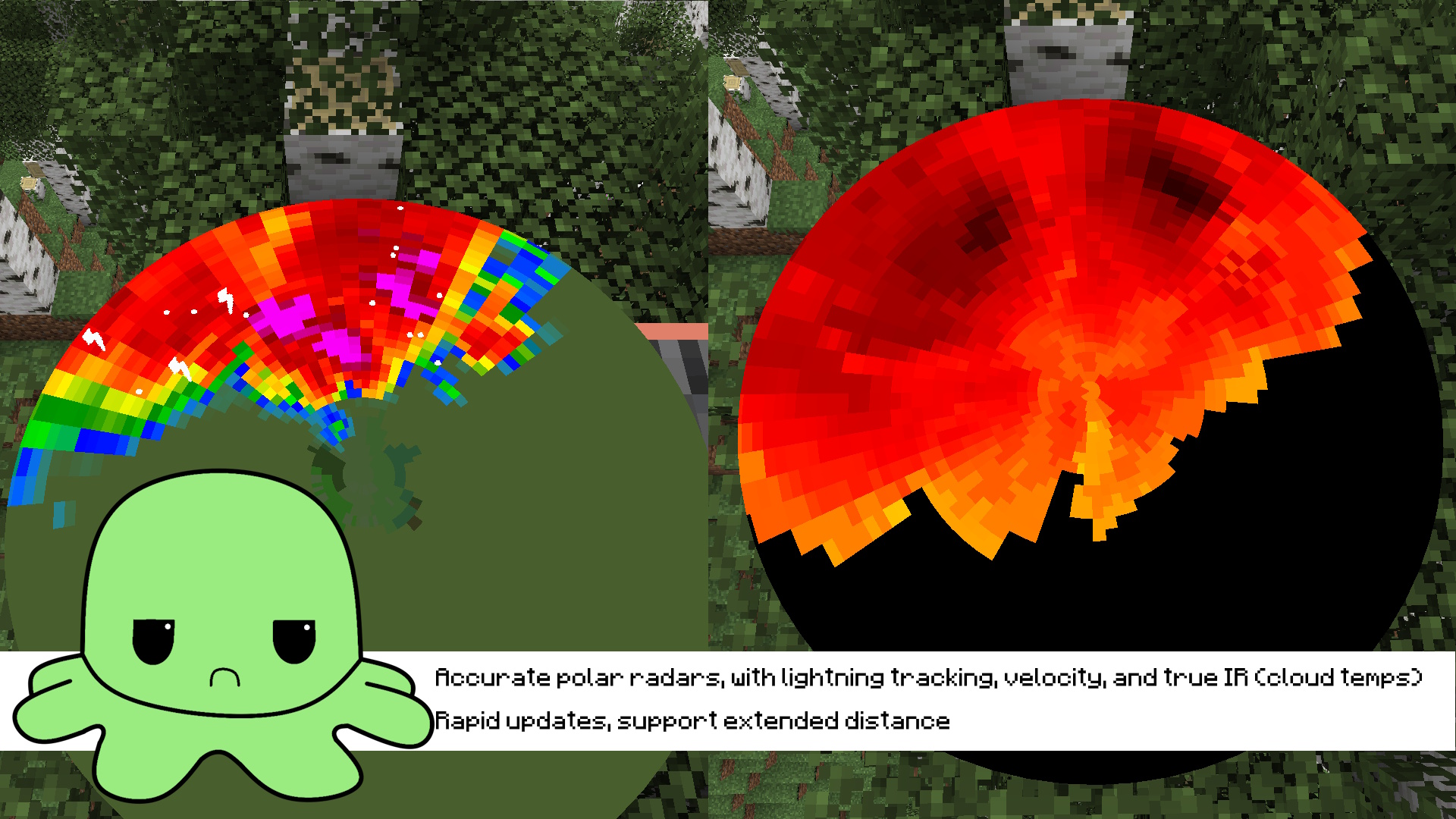
Installation guide:
RTX 3060+ is recommended for comfortable performance, if using worse GPU higher downsampling is needed
Known Issues:
LAN and Multiplayer may be unstable, they havent been fully tested!
Other addon support or mod compatibility not guaranteed!
Project description from Modrinth.
Pick your setup
Choose the version and loader you play, then open the matching release.
Check the dependencies, then try the file in a copied instance before changing a world you care about.
Recent files
pmweathercm1-1.1.5.jar
6 Oct 2026
pmweathercm1-1.1.4.jar
19 Aug 2026
pmweathercm1-1.1.3.jar
12 Aug 2026
pmweathercm1-1.1.2.jar
4 Aug 2026
pmweathercm1-1.1.1.jar
29 Jul 2026
pmweathercm1-1.1.0.jar
26 Jul 2026
pmweathercm1-1.0.9.jar
22 Jul 2026
pmweathercm1-1.0.8.jar
18 Jul 2026
pmweathercm1-1.0.7.jar
16 Jul 2026
pmweathercm1-1.0.6.jar
6 Jul 2026
pmweathercm1-1.0.5.jar
2 Jul 2026
pmweathercm1-1.0.4.jar
1 Jul 2026
Looking for an older file? The official Modrinth project page is in Resources.