Fabric API Needed by Dimensional Tracker [NeoForge 26.1] 1.5.1
requiredNo matching file
CurseForge · Minecraft mod
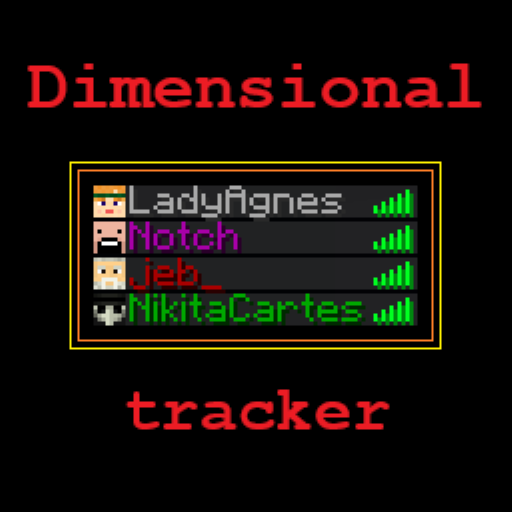
Color names depending on the player's dimension
Quick answer
Dimensional Tracker [NeoForge 26.1] 1.5.1 targets 26.1, 26.1.1, 26.1.2 with NeoForge. The project page does not say whether this file belongs on the client, dedicated server, or both. 1 required mod needs a matching file.
Where it goes
The project page does not say whether this file belongs on the client, dedicated server, or both.
The source does not explicitly classify this release as client-only or server-only.
[NeoForge 26.1] 1.5.1 on 26.1.2. Every mod below is checked against that same setup.
Install Fabric API first, but 1 required mod has no matching file for this setup. Do not mix loader builds to force a match.
We only count dependency files that match this setup. A file for another loader does not fill the gap.
Before you install it
Built for Dimensional Tracker [NeoForge 26.1] 1.5.1 on 26.1.2. Pick another file and the loader, install side or required mods may change.
Use [NeoForge 26.1] 1.5.1. It targets 26.1, 26.1.1, 26.1.2 with NeoForge; another release may have different loader, side or dependency requirements.
Install Fabric API first, but 1 required mod has no matching file for this setup. Do not mix loader builds to force a match.
The project page does not say whether this file belongs on the client, dedicated server, or both.
Use the “Get this file” button beside [NeoForge 26.1] 1.5.1. It opens that exact file at the source.
About this project
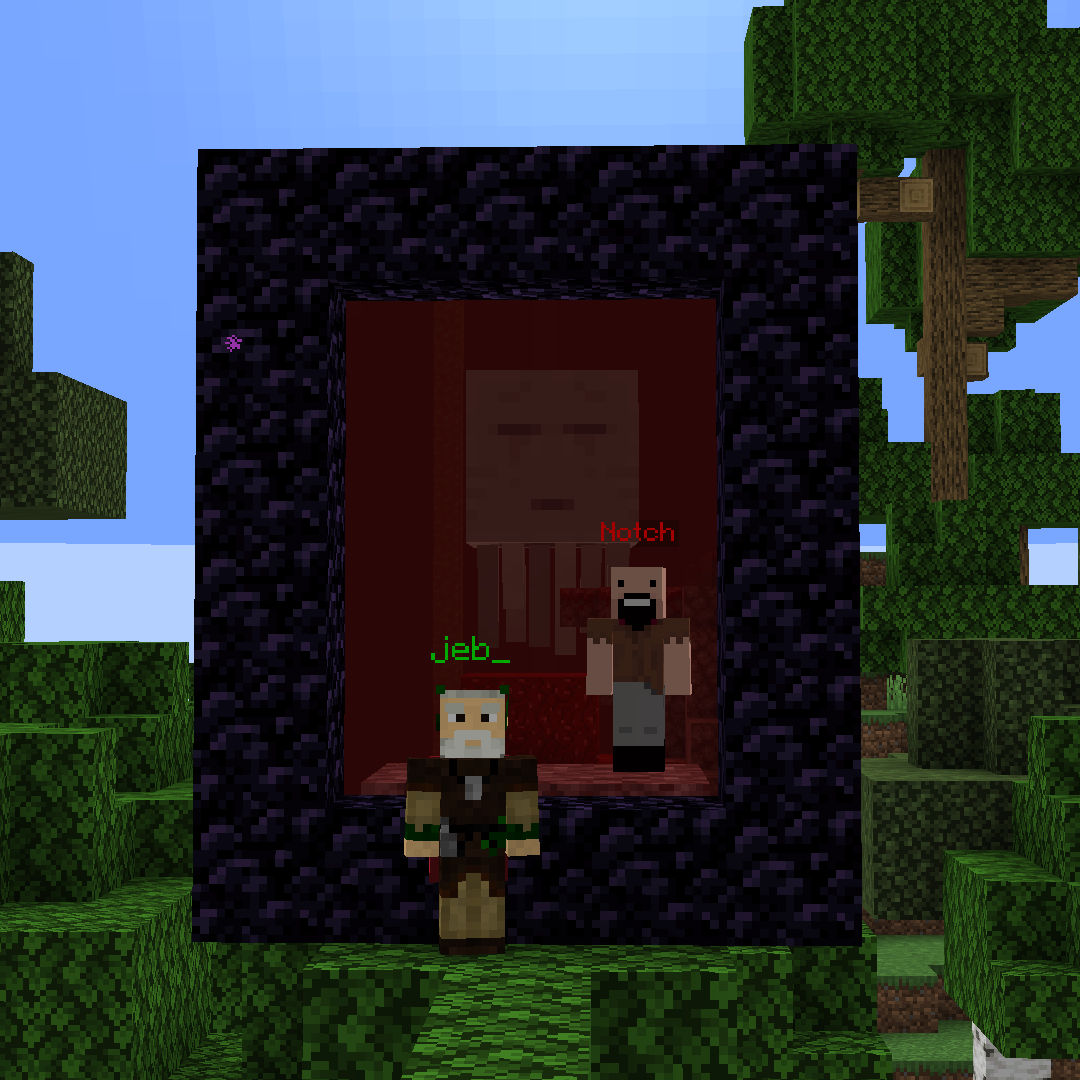
Server-side Fabric and NeoForge mod that colors nicknames based on the dimension a player is in.
Compatible with VT AFK Display, Sessility Mod and Text Placeholder API
This mod utilizes vanilla scoreboard teams to color nicknames and provide optional placeholders [Fabric only].
With default settings:
Green = Overworld
Red = The Nether
Purple = The End
Config file is located in config/DimensionalTracker.properties.
If you don't want to be detected, simply join a different team.
You can modify your team's color, add a prefix or suffix using the standard Minecraft /team command.
To add support for non-vanilla dimensions, create a team named dimTracker.<dimension_name>.
Dimensional Tracker provides three placeholders:
%dimensional-tracker:dimension_color%: The color of the dimension the player is in%dimensional-tracker:dimension_name%: The name of the dimension the player is in%dimensional-tracker:dimension_id%: The id of the dimension the player is in You can configure the placeholders in the config file.Because of how datapacks work they should check dimensions every tick. It's okay for singleplayer, but on servers it can cause lag.
In testing, I saw that it can take up to 30% of MSPT for 10 players: 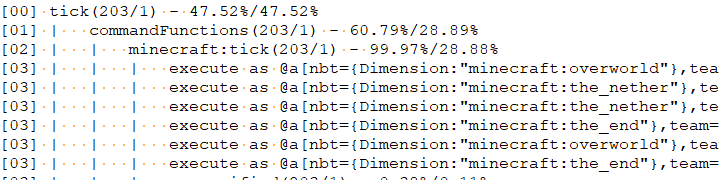
Project description from CurseForge.
Pick your setup
Choose the version and loader you play, then open the matching release.
Showing the newest 12 of 35 game versions. Older files are in the list below.
Check the dependencies, then try the file in a copied instance before changing a world you care about.
Recent files
dimensionaltracker-neoforge-mc26.1-1.5.1.jar
16 Aug 2026
dimensionaltracker-fabric-mc26.1-1.5.1.jar
16 Aug 2026
dimensionaltracker-fabric-mc26.1-1.5.0.jar
4 Jul 2026
dimensionaltracker-neoforge-mc26.1-1.5.0.jar
4 Jul 2026
dimensionalTracker-1.5.0.jar
19 Apr 2026
Looking for an older file? The official CurseForge project page is in Resources.
 mod
modMake mobs always drop exp and loot, regardless of cause of death.
 mod
modA multiloader fork of Connectible Chains: Connect your fences/walls with a decorative chain!
 mod
modPlace any block (such as carpets) inside anything!