MonoLib Needed by Time On Display [Neo/Fabric] Time On Display - MC 1.21.1 - 2.0.0
requiredMatching file found Matched file: neoforge-1.21.1-4.1.0

CurseForge · Minecraft mod
Do you play in full screen? Now you can see the time in real life by pressing just one key!
Quick answer
Time On Display [Neo/Fabric] Time On Display - MC 1.21.1 - 2.0.0 targets 1.21.1, 1.21 with Fabric, NeoForge. The project page does not say whether it belongs on the client. The project page does not say whether it belongs on the dedicated server. All 1 required mods have matching files.
Where it goes
The project page does not say whether it belongs on the client. The project page does not say whether it belongs on the dedicated server.
The source does not explicitly classify this release as client-only or server-only.
[Neo/Fabric] Time On Display - MC 1.21.1 - 2.0.0. Change the file and its required mods may change too.
Install MonoLib first. We found matching files for this game-version and loader setup.
We only count dependency files that match this setup. A file for another loader does not fill the gap.
Before you install it
Built for Time On Display [Neo/Fabric] Time On Display - MC 1.21.1 - 2.0.0. Pick another file and the loader, install side or required mods may change.
Use [Neo/Fabric] Time On Display - MC 1.21.1 - 2.0.0. It targets 1.21.1, 1.21 with Fabric, NeoForge; another release may have different loader, side or dependency requirements.
Install MonoLib first. We found matching files for this game-version and loader setup.
The project page does not say whether it belongs on the client. The project page does not say whether it belongs on the dedicated server.
Use the “Get this file” button beside [Neo/Fabric] Time On Display - MC 1.21.1 - 2.0.0. It opens that exact file at the source.
About this project
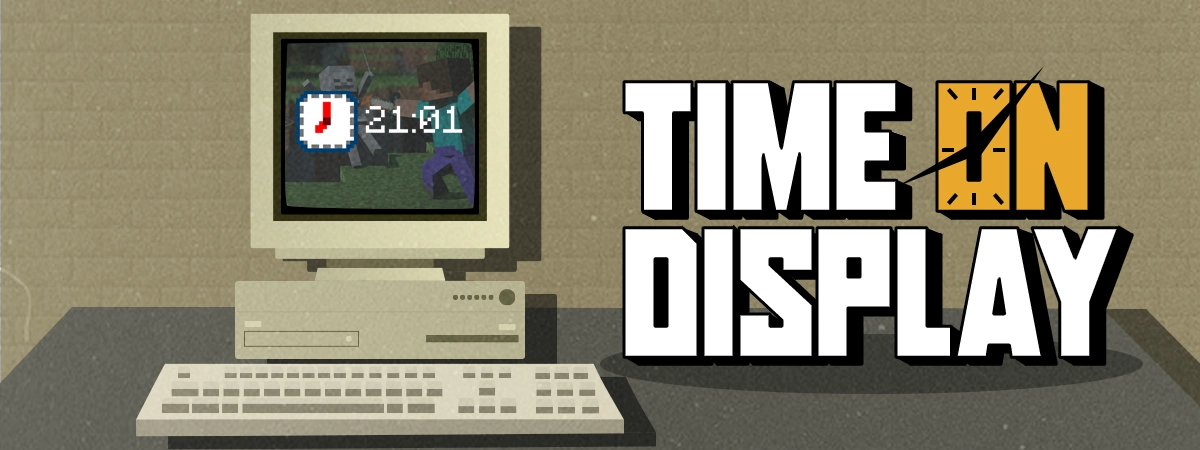
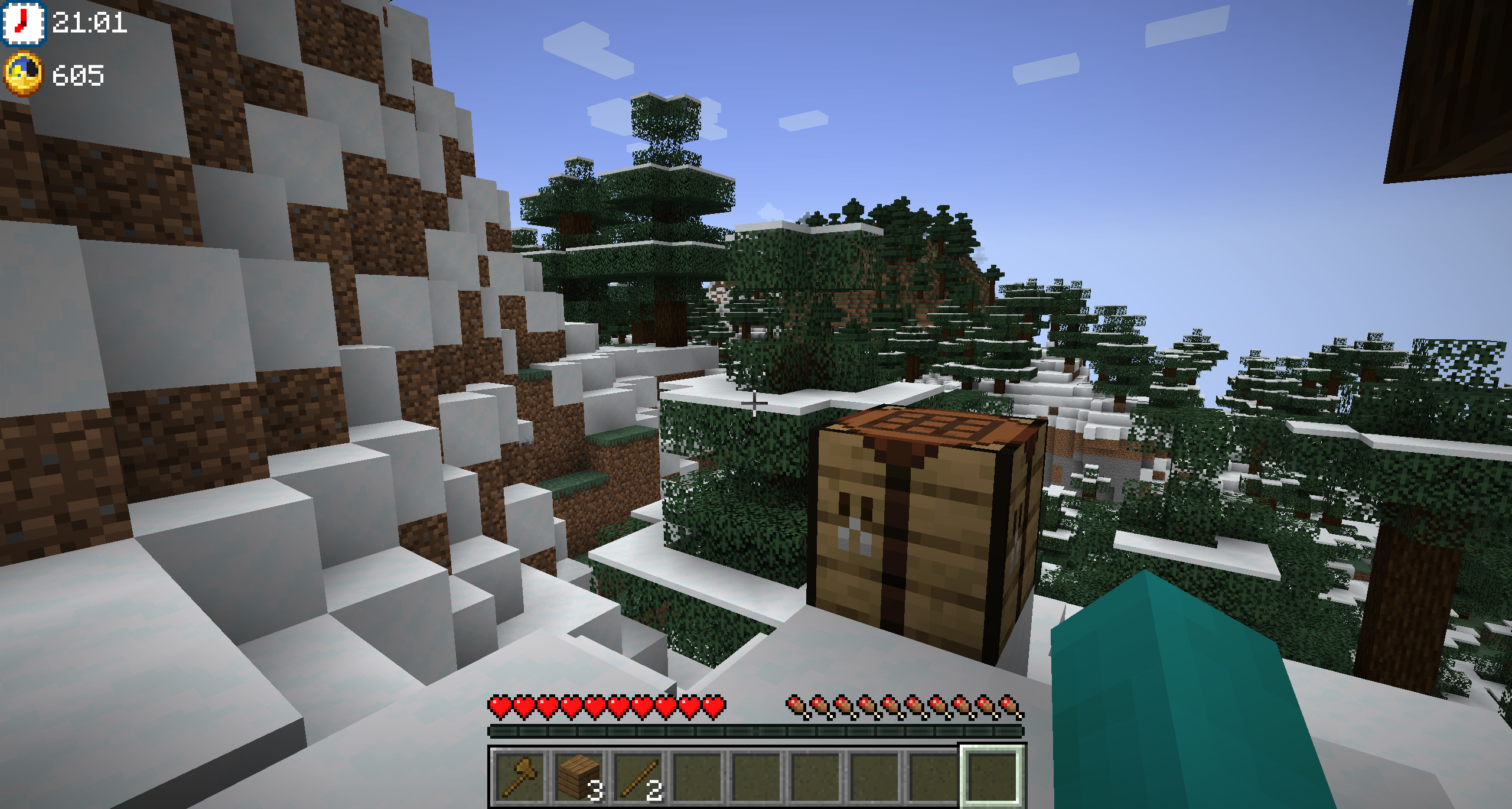
Are you used to playing Minecraft in full screen? So I'm sure that more than once you've had to look at your phone, or leave the full screen to see what time it is, don't worry, now you can see it in the middle of the game, by pressing a single key, F8. In addition, you can also check the time in Minecraft, so you can know if it is day or night, or how long it is until dawn. It's great!
Do you need a server to play with your friends?

If you are looking for a server to play any mod or modpack with your friends, Bisect Hosting is your solution! They have the best quality-price Minecraft servers, and if you click on this link you will get a 25% discount, using the code "Lupin".

Do you play in full screen, don't you have a clock, do you have to turn on your cell phone to know what time it is? Then Time On Display is the ideal solution for your game, since you only have to press the F8 key (configurable) to know what time it is.
Moreover, it will not only tell you the real world time, it will also show the Minecraft time, again, this is something you can configure, as well as the location where the clock is displayed.

 Does it work on servers?
Sure! It works perfectly! Remember that the best way to play with mods and friends is with BisectHosting, and by clicking on this link you can get a 25% discount.
Can this mod be used in modpacks?
Of course! As long as it is published only on Modrinth or CurseForge. Uploading it to any other platform would be violating our rights and is not allowed at all.
However, we are really grateful if you consider adding it to your Modrinth or CurseForge modpack. If you need any small changes or have any questions, contact us!
Can I record a video of this mod and show it on my channel?
Sure, you are free to play this mod or any of our modpacks on your channel and make a video about it, in fact, we would be very grateful for it!

Project description from CurseForge.
Pick your setup
Choose the version and loader you play, then open the matching release.
Check the dependencies, then try the file in a copied instance before changing a world you care about.
Recent files
time_on_display-merged-1.21-2.0.0.jar
9 Aug 2024
time_on_display-merged-1.21-2.0.0.jar
15 Jul 2024
time_on_display-forge-1.21-2.0.0.jar
15 Jul 2024
timeondisplay-merged-1.20.4-2.0.0.jar
3 Mar 2024
timeondisplay-neoforge-1.20.4-2.0.0.jar
3 Mar 2024
timeondisplay-merged-1.20.2-2.0.0.jar
2 Mar 2024
timeondisplay-merged-1.20.1-2.0.0.jar
2 Mar 2024
timeondisplay-merged-1.20-2.0.0.jar
2 Mar 2024
timeondisplay-1.20.4-forge-1.0.1.jar
8 Jan 2024
timeondisplay-1.20.4-neoforge-1.0.1.jar
8 Jan 2024
timeondisplay-1.20.2-forge-1.0.1.jar
8 Jan 2024
timeondisplay-1.20.1-forge-1.0.1.jar
7 Jan 2024
Looking for an older file? The official CurseForge project page is in Resources.
 mod
modLibrary and in game configuration for Eruannie_9's mods
 mod
modThis mod adds the bosses from Bosses Rise to the Daily Boss event.
 mod
modAn Addon for Create that adds Pizza Tower to Minecraft!