Fabric API Needed by HPHUD-26.1.jar
requiredMatching file found Matched file: [26.1.2] Fabric API 0.155.3+26.1.2
CurseForge · Minecraft mod
A mod that conveniently displays the HP of the entity under the player's crosshair in a convenient location that can be edited.
Quick answer
HPHUD-26.1.jar targets 26.1 with Fabric. The project page does not say whether this file belongs on the client, dedicated server, or both. All 1 required mods have matching files.
Where it goes
The project page does not say whether this file belongs on the client, dedicated server, or both.
The source does not explicitly classify this release as client-only or server-only.
HPHUD-26.1.jar on 26.1. Every mod below is checked against that same setup.
Install Fabric API first. We found matching files for this game-version and loader setup.
We only count dependency files that match this setup. A file for another loader does not fill the gap.
Before you install it
Built for HPHUD-26.1.jar on 26.1. Pick another file and the loader, install side or required mods may change.
Use HPHUD-26.1.jar. It targets 26.1 with Fabric; another release may have different loader, side or dependency requirements.
Install Fabric API first. We found matching files for this game-version and loader setup.
The project page does not say whether this file belongs on the client, dedicated server, or both.
Use the “Get this file” button beside HPHUD-26.1.jar. It opens that exact file at the source.
About this project
This mod allows you to see the amount of health points of a mob, player, or any other entity that has health points. The goal of the mod is to provide a more convenient way to view health points than other health indicators. Unlike other mods that display health points in the top left or top center of the screen, this mod displays the health points near the player's crosshair. This is especially useful for large monitors with small interface sizes or when the mob itself is large
The mod itself is very lightweight and will run smoothly even on older machines. Additionally, it is open-source, which means you can easily inspect the code, modify it, and use it in your own projects. I would be grateful for a shoutout if you do so
I have tested the mod on both 4K and 1366x768 monitors, and it works well on all scales. If you have any trouble seeing the health numbers, please let me know in the comments or private messages
Mod support localization on this languges:
If you didn't see your language, just ping me in comments or create an issue, and I add your language to mod.
Mod holding on curseforge: https://curseforge.com/minecraft/mc-mods/hphud
Here is a roadmap of future changes:
[ Completed ] Add the ability to change the color of the indicator.
[ Completed ] Add the ability to change the position of the indicator, including various positions.
[ Completed ] Add percentage view.
[ Completed ] Add menu in game to hot switch mod configuration.
Thank you for your attention and enjoy using my mod! If you have any suggestions for other features that could be added to make the mod even more convenient and user-friendly, please feel free to share them with me in a private message. I am always open to feedback and suggestions. Let's keep the conversation respectful and avoid violating any of the website's rules or global laws.
Warning is begin
If you migrate from older version of mod, please, remove the file:
your_minecraft_folder/config/HPHUD.cfg
Before start minecraft with new mod version
Warning is end
From 0.4.23 version of mod I'm add a config file in good format and make a hot reload with it, you can just change this config file, which exist in:
your_minecraft_folder/config/HPHUD.cfg
and you can with OPENED minecraft change the config, re-enter in the world (if you change it in the world) and see, that's you changes is apply! It's so comfortable feature for configure mod (and for tests exactly :-) ), and you can play with some settings without reload a full minecraft. Yes, I know and work with menu in the game for change the setting and it's in a proccess, but now it's a good feature for setup this mod as you wish right NOW!
[ UPDATED ] You can change setting from the world in minecraft, just press Ctrl + Shift + H (by default) and you open configuration menu, where you can setup what you need, exactly:
Exactly config file and all documentation I left above, and now, you can see some examples of mod
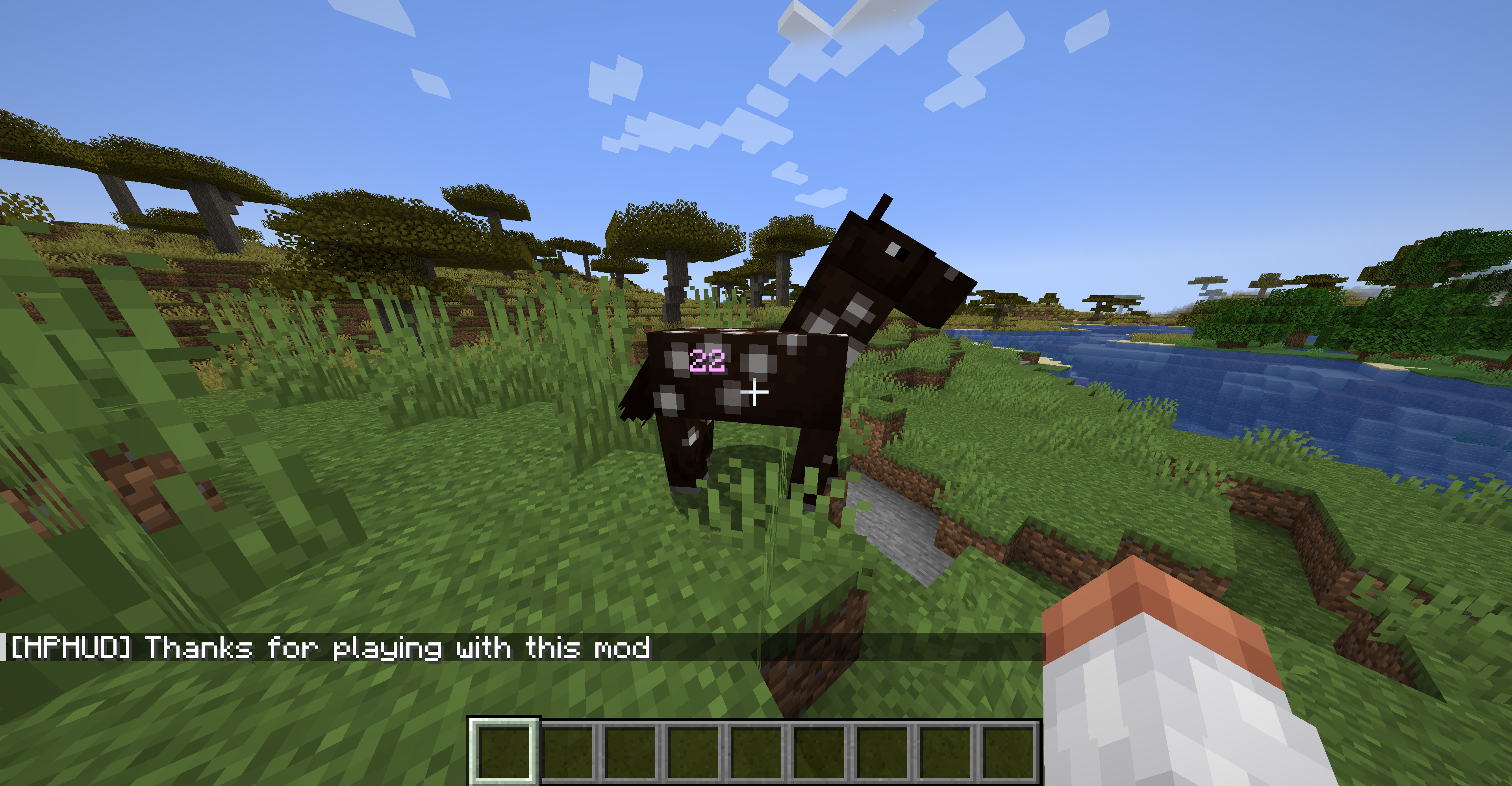
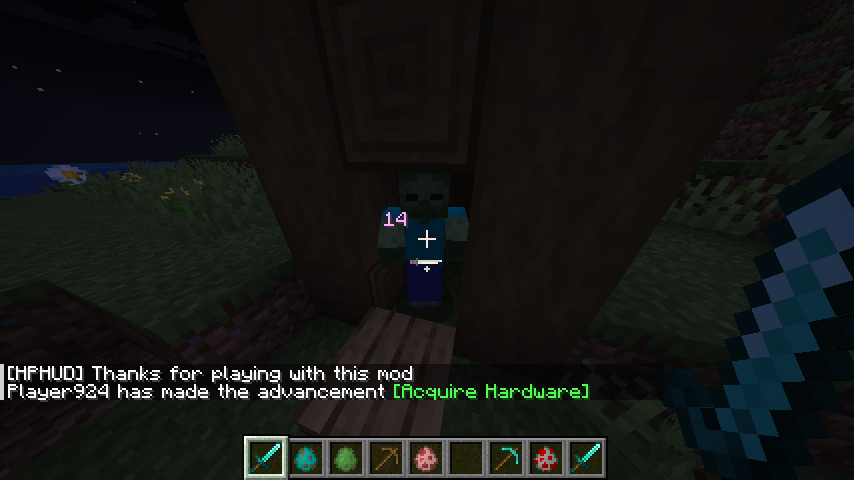
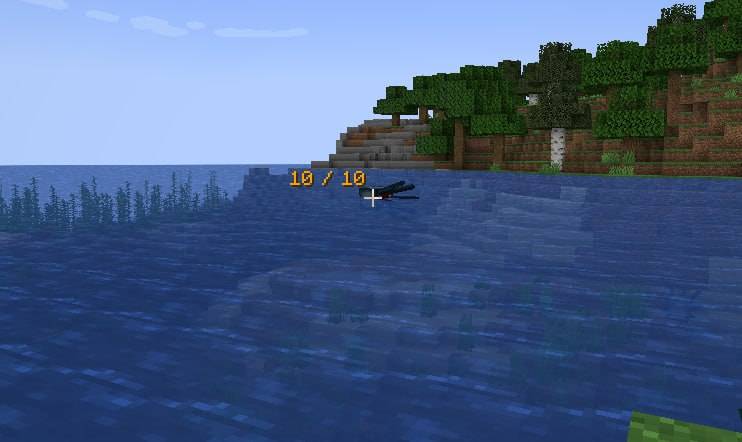
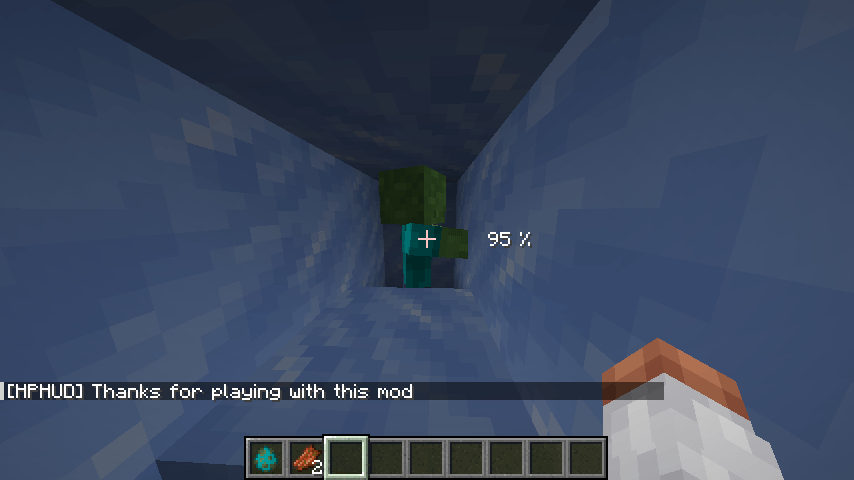
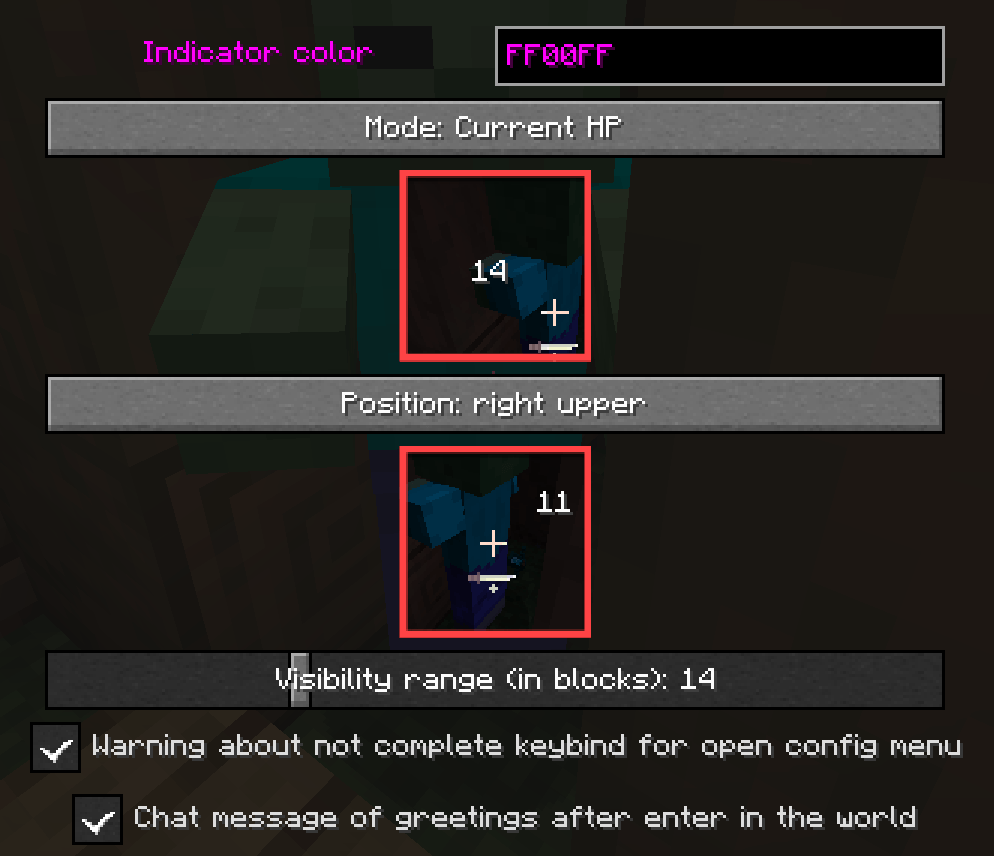
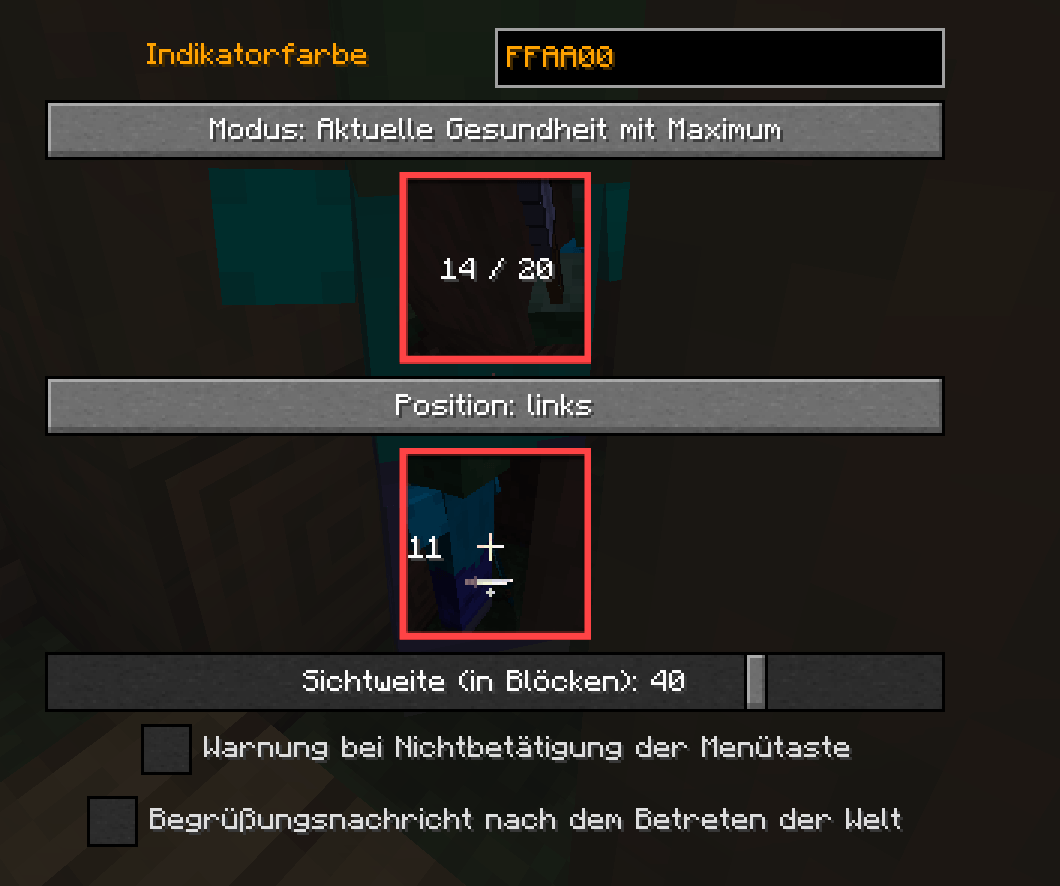
#[HPHUP]
My first modification of mod (I dream about it from end of school)
Project description from CurseForge.
Pick your setup
Choose the version and loader you play, then open the matching release.
Showing the newest 12 of 18 game versions. Older files are in the list below.
Check the dependencies, then try the file in a copied instance before changing a world you care about.
Recent files
29 Mar 2026
Looking for an older file? The official CurseForge project page is in Resources.
 mod
A multiplayer-ready minimap and world map with terrain autofill, waypoints, structure finding, entity radar, and optional server synchronization.
 mod
The throwing disc, now: a blade that flies flat and spinning with no gravity, cuts through every mob in its path, ricochets off walls and comes back to the hand that threw it. Copper, iron, gold, diamond and netherite.
 mod
Allows loot from loottables to be integrated into other lootables, inherently adds better dungeon loot to a few structure mods