Minecraft version
Back to mods 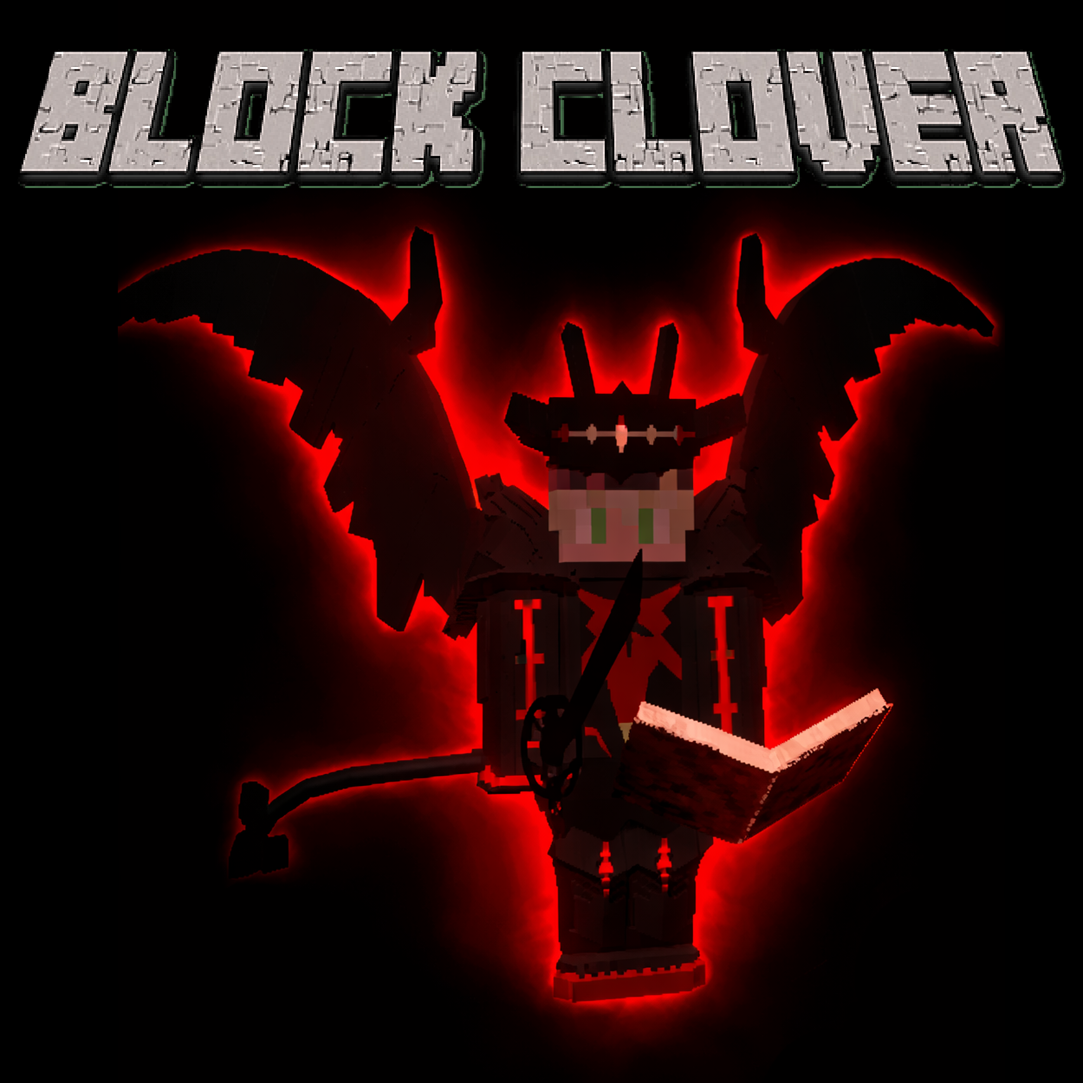
CurseForge · Minecraft mod
Block Clover (Black Clover)
A Black Clover mod
Choose a version Pick your version below, then grab the matching file.
Quick answer
Which Block Clover (Black Clover) release should I use?
Latest stable file blockclover-1.5.1-neoforge-1.21.1.jar
Game version 1.21.1
Loader NeoForge
Block Clover (Black Clover) blockclover-1.5.1-neoforge-1.21.1.jar targets 1.21.1 with NeoForge. The project page does not say whether this file belongs on the client, dedicated server, or both. No extra mods listed for this file.
Where it goes
Is Block Clover (Black Clover) required on the client, server, or both?
The project page does not say whether this file belongs on the client, dedicated server, or both.
Client Source doesn’t say
Dedicated server Source doesn’t say
Loader for this release NeoForge
Required install it here Optional supported, not mandatory Not supported do not install here Source doesn’t say do not assume
The source does not explicitly classify this release as client-only or server-only.
What else does Block Clover (Black Clover) blockclover-1.5.1-neoforge-1.21.1.jar need?
blockclover-1.5.1-neoforge-1.21.1.jar. Change the file and its required mods may change too.
This file does not list any required mods. Do not add a library just because a different file uses it.
This file does not list any required or optional mods.
Before you install it
Add Block Clover (Black Clover) without breaking your instance.
Built for Block Clover (Black Clover) blockclover-1.5.1-neoforge-1.21.1.jar. Pick another file and the loader, install side or required mods may change.
- 01
Stick to this file
Use blockclover-1.5.1-neoforge-1.21.1.jar. It targets 1.21.1 with NeoForge; another release may have different loader, side or dependency requirements.
- 02
Bring the mods it needs
This file does not list any required mods. Do not add a library just because a different file uses it.
- 03
Put it on the correct side
The project page does not say whether this file belongs on the client, dedicated server, or both.
- 04
Pick the file you checked
Use the “Get this file” button beside blockclover-1.5.1-neoforge-1.21.1.jar. It opens that exact file at the source.
About this project
What does Block Clover (Black Clover) add?
Block Clover
Block Clover is a Minecraft mod inspired by the anime and manga Black Clover.
Use the NeoForge 1.21.1 version.
The Forge 1.20.1 version is the old port and is no longer the current version.
This mod is still in development!
Links
Questions or suggestions? Add me on Discord: Samuelchr
Subscribe to my YouTube channel
Credits
Big thanks to Telec, Renan, Uzume and wagenboi (VK). This would not have been possible without them.
How to Start
When you enter a new world, your race and magic are rolled.
Your first mission is to visit the Grimoire Tower. Its coordinates appear on the mission tracker in the top-left of the screen.
Travel to the tower and speak to Drouot, the tower master. He gives you your grimoire, which begins your real progression.
After getting a grimoire, you start with one spell and can discover more through combat.
Controls
All controls can be changed in Minecraft’s Controls menu.
- R — Switch spell. Hold to open the spell wheel.
- Z — Use your selected spell. Hold for Mana Output on spells that support charging.
- C — Hold to select a skill.
- V — Use selected skill.
- G — Open the Grimoire Menu.
- H — Hold to select a transformation.
- X — Switch mode. Hold to switch magic if you have multiple attributes.
- B — Dash. (Recommend changing this)
Progression
Your main progression comes from missions, combat, spells, and your squad.
- Complete missions for XP, Yul, Reputation, Merit, and other rewards.
- New normal missions refresh every 10 minutes.
- Defeating Bandits gives Merit and Reputation based on their tier and magic rarity.
- Merit determines your Magic Knight Rank.
- Use spells and fight to earn XP.
- Spend Stat Points, Skill Points, and Mastery Points in the Grimoire Menu.
- Create or join a squad for squad missions, stars, pay, and the Star Festival.
Unlocking Spells
Your grimoire begins with one spell.
New spells are mainly discovered through combat:
- Using spells gives a chance to discover new spells.
- Melee combat can also discover spells, but less often.
- Fighting while low on health increases the chance.
- Having only a few spells makes early discoveries easier.
- Spell Insight increases your chance to discover spells. (Unlocked in the mastery Menu)
- Some powerful spells require other progression before they can be discovered.
Transformations are also discovered and unlocked through progression.
Magic, Races, and Skill Trees
The mod includes magic attributes such as Anti-Magic, Dark, Wind and Light, with more content still in development.
Races affect your base stats and race skill tree. Hybrid races combine two races, receiving averaged base stats and half of both race-tree bonuses.
The Grimoire Menu includes progression for:
- Stats
- Mastery
- Skills
- Spells
- Race
- Missions
- Squads
- Black Market
Project description from CurseForge.
Pick your setup
Block Clover (Black Clover) by Minecraft version and loader
Choose the version and loader you play, then open the matching release.
Minecraft version
1.20.1
1 loader buildCheck the dependencies, then try the file in a copied instance before changing a world you care about.
Recent files
Block Clover (Black Clover) versions and loaders
blockclover-1.5.1-neoforge-1.21.1.jar
8 Oct 2026
Client Source doesn’t say Server Source doesn’t say Dependencies No extras listed Listed on Release listing
Check the 1.21.1 · NeoForge setup 1.21.1NeoForge release
blockclover-1.5.0-neoforge-1.21.1.jar
2 Oct 2026
Client Source doesn’t say Server Source doesn’t say Dependencies No extras listed Listed on Release listing
Check the 1.21.1 · NeoForge setup 1.21.1NeoForge release
blockclover-1.3.1-neoforge-1.21.1.jar
26 Aug 2026
Client Source doesn’t say Server Source doesn’t say Dependencies No extras listed Listed on Release listing
Check the 1.21.1 · NeoForge setup 1.21.1NeoForge release
blockclover-1.3.0-neoforge-1.21.1.jar
25 Aug 2026
Client Source doesn’t say Server Source doesn’t say Dependencies No extras listed Listed on Release listing
Check the 1.21.1 · NeoForge setup 1.21.1NeoForge release
Blockclover-1.2.0-neoforge-1.21.1.jar
21 Aug 2026
Client Source doesn’t say Server Source doesn’t say Dependencies No extras listed Listed on Release listing
Check the 1.21.1 · NeoForge setup 1.21.1NeoForge release
Blockclover-1.1.0-neoforge-1.21.1.jar
3 Aug 2026
Client Source doesn’t say Server Source doesn’t say Dependencies No extras listed Listed on Release listing
Check the 1.21.1 · NeoForge setup 1.21.1NeoForge release
Blockclover-1.0.0-neoforge-1.21.1.jar
27 Jul 2026
Client Source doesn’t say Server Source doesn’t say Dependencies No extras listed Listed on Release listing
Check the 1.21.1 · NeoForge setup 1.21.1NeoForge release
blockclover-0.4.0-forge-1.20.1.jar
3 May 2026
Client Source doesn’t say Server Source doesn’t say Dependencies 3 required · 3 unchecked Listed on Release listing
Check the 1.20.1 · Forge setup 1.20.1Forge release
blockclover-0.3.0-forge-1.20.1.jar
27 Mar 2026
Client Source doesn’t say Server Source doesn’t say Dependencies 3 required · 3 unchecked Listed on Release listing
Check the 1.20.1 · Forge setup 1.20.1Forge release
blockclover-0.2.0-forge-1.20.1.jar
12 Feb 2026
Client Source doesn’t say Server Source doesn’t say Dependencies 3 required · 3 unchecked Listed on Release listing
Check the 1.20.1 · Forge setup 1.20.1Forge release
blockclover-0.1.0-forge-1.20.1.jar
6 Jan 2026
Client Source doesn’t say Server Source doesn’t say Dependencies 3 required · 3 unchecked Listed on Release listing
Check the 1.20.1 · Forge setup 1.20.1Forge release
blockclover-1.9.20-forge-1.20.1.jar
30 Mar 2025
Client Source doesn’t say Server Source doesn’t say Dependencies 3 required · 3 unchecked Listed on Release listing
Check the 1.20.1 · Forge setup 1.20.1Forge release
Looking for an older file? The official CurseForge project page is in Resources.
 mod
mod CurseForge + Modrinth · Minecraft
Cobblemon: Mega Showdown
Adds Mega Evolution, Z-Moves, Teralization, Dyna/Gigantamax, Ultra Burst & Fusions to Cobblemon!
 mod
mod CurseForge · Minecraft
Aether Bedrock Mobs Reborn
A complete rebuild of Aether Bedrock Mobs, replacing the original MCreator implementation with redesigned boss battles, animations, and unique combat skills.
 mod
mod CurseForge · Minecraft
Sanyos's ideas
add news smithing templates , blocks ,items,structures