Minecraft version
Back to mods 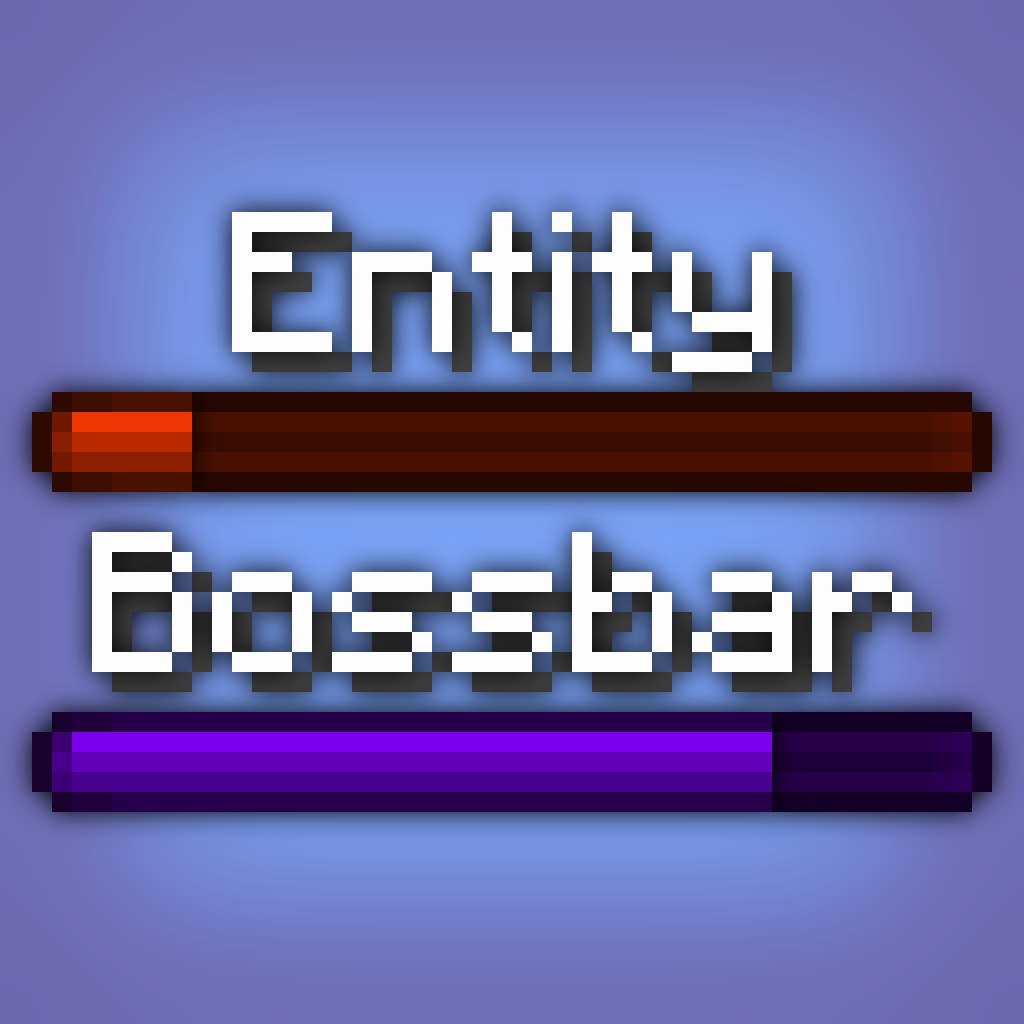
CurseForge · Minecraft mod
Bossbar
Health bars for bosses or entities: easy, performance-friendly, feature-rich.
Choose a version Pick your version below, then grab the matching file.
Quick answer
Which Bossbar release matches Fabric?
Best match for your filters [1.21.9] Bossbar 1.2
Game version 1.21.9
Loader Fabric
Bossbar [1.21.9] Bossbar 1.2 targets 1.21.9 with Fabric. The project page does not say whether this file belongs on the client, dedicated server, or both. No extra mods listed for this file.
Where it goes
Is Bossbar required on the client, server, or both?
The project page does not say whether this file belongs on the client, dedicated server, or both.
Client Source doesn’t say
Dedicated server Source doesn’t say
Loader for this release Fabric
Required install it here Optional supported, not mandatory Not supported do not install here Source doesn’t say do not assume
The source does not explicitly classify this release as client-only or server-only.
What else does Bossbar [1.21.9] Bossbar 1.2 need?
[1.21.9] Bossbar 1.2 on Fabric. Every mod below is checked against that same setup.
This file does not list any required mods. Do not add a library just because a different file uses it.
This file does not list any required or optional mods.
Before you install it
Add Bossbar without breaking your instance.
Built for Bossbar [1.21.9] Bossbar 1.2 on Fabric. Pick another file and the loader, install side or required mods may change.
- 01
Stick to this file
Use [1.21.9] Bossbar 1.2. It targets 1.21.9 with Fabric; another release may have different loader, side or dependency requirements.
- 02
Bring the mods it needs
This file does not list any required mods. Do not add a library just because a different file uses it.
- 03
Put it on the correct side
The project page does not say whether this file belongs on the client, dedicated server, or both.
- 04
Pick the file you checked
Use the “Get this file” button beside [1.21.9] Bossbar 1.2. It opens that exact file at the source.
About this project
What does Bossbar add?
Bossbar
Enhancing Minecraft's bossbar functionality by properly extending it to entities. No more complicated command block setup, lag-inducing detection logic, and cheap attempts at recreating the real deal. This is the real deal now.
✅ Features
- Entity bossbars take the name, health and max health of its entity.
- Range can be specified for entity bossbars, meaning it's only visible to local players.
- Default bossbars can be configured (see Configuration)
- Thicken fog & darken skies with the extended functionality given to entity bossbars.
- Server-side, meaning clients don't need to download it to connect.
- Easy to use with the
/bossbarcommand, swap out a bossbar id with a target selector, and done! - Optimized to a lagless extend, compared to Minecraft's bulky command code.
⚙️ Configuration
Configuration can be found in config\bossbar.json.
default:<entity_type>: resource_locationrange: integer
Set the entity bossbar's range. Defaults to64. Any player outside of this range won't see the entity bossbar.darken_sky: bool
Set if entity bossbar darkens the sky. Defaults tofalse.thicken_fog: bool
Set if entity bossbar thickens the fog. Defaults tofalse.color:(blue|green|pink|purple|red|white|yellow)
Set the entity bossbar's bar color. Defaults topurple.style:(notched_6|notched_10|notched_12|notched_20|progress)
Set the entity bossbar's visual amount of segments. Defaults toprogress.
📖 Syntax
bossbar set <target> (visible|range|darken_sky|thicken_fog|color|style)... visible <visible>
Set the entity bossbar's visibility. Defaults tofalsefor every entity, disabling their bossbar.... range <range>
Set the entity bossbar's range. Defaults to64. Any player outside of this range won't see the entity bossbar.... darken_sky <darken_sky>
Set if entity bossbar darkens the sky. Defaults tofalse.... thicken_fog <thicken_fog>
Set if entity bossbar thickens the fog. Defaults tofalse.... color (blue|green|pink|purple|red|white|yellow)
Set the entity bossbar's bar color. Defaults topurple.... style (notched_6|notched_10|notched_12|notched_20|progress)
Set the entity bossbar's visual amount of segments. Defaults toprogress.
📦 Arguments
<target>: entity- Specifies the entity whose bossbar is to change.
Must be a player name, a target selector or a UUID.
- Specifies the entity whose bossbar is to change.
<visible>: bool- Specifies the bossbar's visibility.
Must be eithertrueorfalse.
- Specifies the bossbar's visibility.
<range>: integer- Specifies the bossbar's range.
Must be a 32-bit integer number between0and2147483647(inclusive).
- Specifies the bossbar's range.
<darken_sky>: bool- Specifies if the bossbar darkens the sky.
Must be eithertrueorfalse.
- Specifies if the bossbar darkens the sky.
<thicken_fog>: bool- Specifies if the bossbar thickens the fog.
Must be eithertrueorfalse.
- Specifies if the bossbar thickens the fog.
Project description from CurseForge.
Pick your setup
Bossbar by Minecraft version and loader
Choose the version and loader you play, then open the matching release.
Minecraft version
1.21.8
1 loader buildMinecraft version
1.21.7
1 loader buildMinecraft version
1.21.6
1 loader buildMinecraft version
1.21.5
1 loader buildMinecraft version
1.21.4
1 loader buildMinecraft version
1.21.3
1 loader buildMinecraft version
1.21.2
1 loader buildMinecraft version
1.21.1
1 loader buildMinecraft version
1.21
1 loader buildMinecraft version
1.20.6
1 loader buildMinecraft version
1.20.5
1 loader buildShowing the newest 12 of 13 game versions. Older files are in the list below.
Check the dependencies, then try the file in a copied instance before changing a world you care about.
Recent files
Bossbar versions and loaders
[1.21.9] Bossbar 1.2
bossbar-1.2+1.21.9.jar
30 Sept 2025
Client Source doesn’t say Server Source doesn’t say Dependencies No extras listed Listed on Release listing
Check the 1.21.9 · Fabric setup Fabric1.21.9 release
[1.21.6] Bossbar 1.2
bossbar-1.2+1.21.6.jar
18 Jun 2025
Client Source doesn’t say Server Source doesn’t say Dependencies 1 required · 1 unchecked Listed on Release listing
Check the 1.21.8 · Fabric setup Fabric1.21.81.21.71.21.6 release
[1.21.5] Bossbar 1.2
bossbar-1.2+1.21.5.jar
25 Mar 2025
Client Source doesn’t say Server Source doesn’t say Dependencies No extras listed Listed on Release listing
Check the 1.21.5 · Fabric setup 1.21.5Fabric release
[1.21-1.21.4] Bossbar 1.2
bossbar-1.2+1.21.jar
14 Jul 2024
Client Source doesn’t say Server Source doesn’t say Dependencies No extras listed Listed on Release listing
Check the 1.21.4 · Fabric setup 1.21Fabric1.21.41.21.3 release
[1.21] Bossbar 1.1
bossbar-1.1+1.21.jar
14 Jun 2024
Client Source doesn’t say Server Source doesn’t say Dependencies 1 required · 1 unchecked Listed on Release listing
Check the 1.21 · Fabric setup 1.21Fabric release
[1.20.6] Bossbar 1.1
bossbar-1.1+1.20.6.jar
29 Apr 2024
Client Source doesn’t say Server Source doesn’t say Dependencies No extras listed Listed on Release listing
Check the 1.20.6 · Fabric setup Fabric1.20.6 release
[1.20.5] Bossbar 1.1
bossbar-1.1.jar
23 Apr 2024
Client Source doesn’t say Server Source doesn’t say Dependencies No extras listed Listed on Release listing
Check the 1.20.5 · Fabric setup 1.20.5Fabric release
[1.20.4] Bossbar 1.0
bossbar-1.0.jar
25 Feb 2024
Client Source doesn’t say Server Source doesn’t say Dependencies No extras listed Listed on Release listing
Check the 1.20.4 · Fabric setup Fabric1.20.4 release
Looking for an older file? The official CurseForge project page is in Resources.
 mod
mod CurseForge + Modrinth · Minecraft
Electric Mace
Adds the possibility of enchanting the new Mace with Channeling so that when we hit a mob from above it will be struck by lightning if it thunders.
 mod
mod CurseForge · Minecraft
STAG's
STags is a customizable Minecraft tag system with prefixes, suffixes, stylish badges, unlock requirements, player selection, priority handling, admin controls, chat/tab/nameplate display, modded ID support, and multilingual support.
 mod
mod CurseForge · Minecraft
Dream's Compass
Allows you to enjoy the game of speedrunner vs hunters