Minecraft version
Back to mods 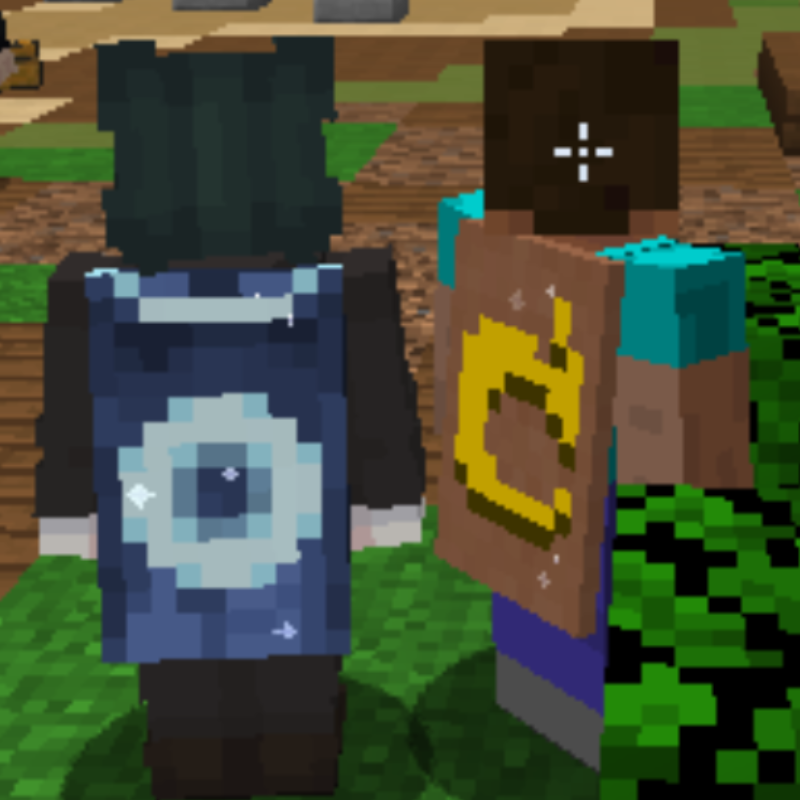
CurseForge · Minecraft mod
CapeAll 2.0 (P2P)
Free Minecon, Mojang & OptiFine-style capes in multiplayer. Any server, no website, everyone with CapeAll sees yours.
Choose a version Pick your version below, then grab the matching file.
Quick answer
Which CapeAll 2.0 (P2P) release should I use?
Latest stable file capeall-neoforge-1.21.1-2.1.jar
Game version 1.21.1
Loader NeoForge
CapeAll 2.0 (P2P) capeall-neoforge-1.21.1-2.1.jar targets 1.21.1 with NeoForge. The project page does not say whether this file belongs on the client, dedicated server, or both. No extra mods listed for this file.
Where it goes
Is CapeAll 2.0 (P2P) required on the client, server, or both?
The project page does not say whether this file belongs on the client, dedicated server, or both.
Client Source doesn’t say
Dedicated server Source doesn’t say
Loader for this release NeoForge
Required install it here Optional supported, not mandatory Not supported do not install here Source doesn’t say do not assume
The source does not explicitly classify this release as client-only or server-only.
What else does CapeAll 2.0 (P2P) capeall-neoforge-1.21.1-2.1.jar need?
capeall-neoforge-1.21.1-2.1.jar. Change the file and its required mods may change too.
This file does not list any required mods. Do not add a library just because a different file uses it.
This file does not list any required or optional mods.
Before you install it
Add CapeAll 2.0 (P2P) without breaking your instance.
Built for CapeAll 2.0 (P2P) capeall-neoforge-1.21.1-2.1.jar. Pick another file and the loader, install side or required mods may change.
- 01
Stick to this file
Use capeall-neoforge-1.21.1-2.1.jar. It targets 1.21.1 with NeoForge; another release may have different loader, side or dependency requirements.
- 02
Bring the mods it needs
This file does not list any required mods. Do not add a library just because a different file uses it.
- 03
Put it on the correct side
The project page does not say whether this file belongs on the client, dedicated server, or both.
- 04
Pick the file you checked
Use the “Get this file” button beside capeall-neoforge-1.21.1-2.1.jar. It opens that exact file at the source.
About this project
What does CapeAll 2.0 (P2P) add?
CapeAll. Capes without servers, 100% P2P
CapeAll lets any player wear capes online in Minecraft, original or not, on any vanilla server, with zero external dependencies.
Multi-version support! CapeAll is available for multiple Minecraft versions, including older and modern releases.
What's new?
- Support for multiple Minecraft versions
- Menu key can be changed in Controls. The default key may vary depending on the version.
- More reliable cape detection: each protocol frame is read in its middle, so network lag no longer loses or swaps capes
- The 3D preview shows the cape under your mouse
- If you disconnect in the middle of a transmission, your real skin layers come back
- Config file:
config/capeall.properties
What changed in v2.0? The old website (capeall.000webhostapp.com) is gone. CapeAll now works entirely peer-to-peer: players communicate cape selections directly through Minecraft's own skin layer system. No website, no API, no server-side plugins needed. It just works.
Installation:
- Download the mod for your Minecraft version from the releases page.
- Place the .jar file in your Minecraft "mods" folder.
- Requires a compatible Minecraft Forge version. Java and OptiFine requirements may vary depending on the version.
How to Use:
- Join any server.
- Press the CapeAll menu key to open the menu. You can change it in Controls.
- Pick your cape from 61 available options and preview it live on your 3D player model.
- Done. Your cape is saved and automatically broadcast to nearby players with the mod.
Features:
- Available for multiple Minecraft Forge versions
- 61 capes included (Mojang, Minecon 2011-2016, Nyan, Optifine styles, and more)
- In-game GUI with real-time 3D preview and cape grid
- See all nearby players using CapeAll and their selected capes
- Works on any vanilla server, no plugins or permissions needed
- Anti-cheat safe, only uses vanilla skin layer packets
- No internet required beyond normal server connection
How does it work? Minecraft sends a byte to nearby players controlling which skin parts are visible (hat, jacket, sleeves, pants, 7 bits). CapeAll encodes cape data into these bits using a custom protocol. Other CapeAll clients detect and decode this automatically. The transmission takes ~1-2 seconds every 30 seconds and is practically invisible.
Source Code:
- Legacy version: https://github.com/Nonopichy/CapeAll/tree/capeall-1.8.9
- Multi-version: https://github.com/Nonopichy/CapeAll/tree/capeall-multiversion
Minecraft Free Cape Minecon Online Forge Multi-Version P2P Serverless Nonopichy
Project description from CurseForge.
Pick your setup
CapeAll 2.0 (P2P) by Minecraft version and loader
Choose the version and loader you play, then open the matching release.
Minecraft version
1.20.2
1 loader buildMinecraft version
1.8.9
1 loader buildCheck the dependencies, then try the file in a copied instance before changing a world you care about.
Recent files
CapeAll 2.0 (P2P) versions and loaders
capeall-neoforge-1.21.1-2.1.jar
30 Oct 2026
Client Source doesn’t say Server Source doesn’t say Dependencies No extras listed Listed on Release listing
Check the 1.21.1 · NeoForge setup 1.21.1NeoForge release
capeall-forge-1.20.2-2.1.jar
29 Oct 2026
Client Source doesn’t say Server Source doesn’t say Dependencies No extras listed Listed on Release listing
Check the 1.20.2 · Forge setup 1.20.2Forge release
CapeAll-1.8.9-2.0
capeall-2.0.jar
20 Mar 2026
Client Source doesn’t say Server Source doesn’t say Dependencies No extras listed Listed on Release listing
Check the 1.8.9 · Forge setup Forge1.8.9 release
Looking for an older file? The official CurseForge project page is in Resources.
 mod
CurseForge · Minecraft
RGB Color Blocks
Massive RGB building block palette for Minecraft
 mod
CurseForge · Minecraft
Villager's Nose Port
Villager's Nose (1.7.10) by StarSheep on 1.12.2 Cleanroom. NOT SERIOUS! Assets load from your copy of the original via ArchaicLib.
 mod
CurseForge · Minecraft
PrinterBlock Port
TeeLuk's PrinterBlock (1.7.10) on 1.12.2 Cleanroom: draw pixel art in a GUI and print it with wool. Textures load from your copy of the original.