Minecraft version
Back to mods 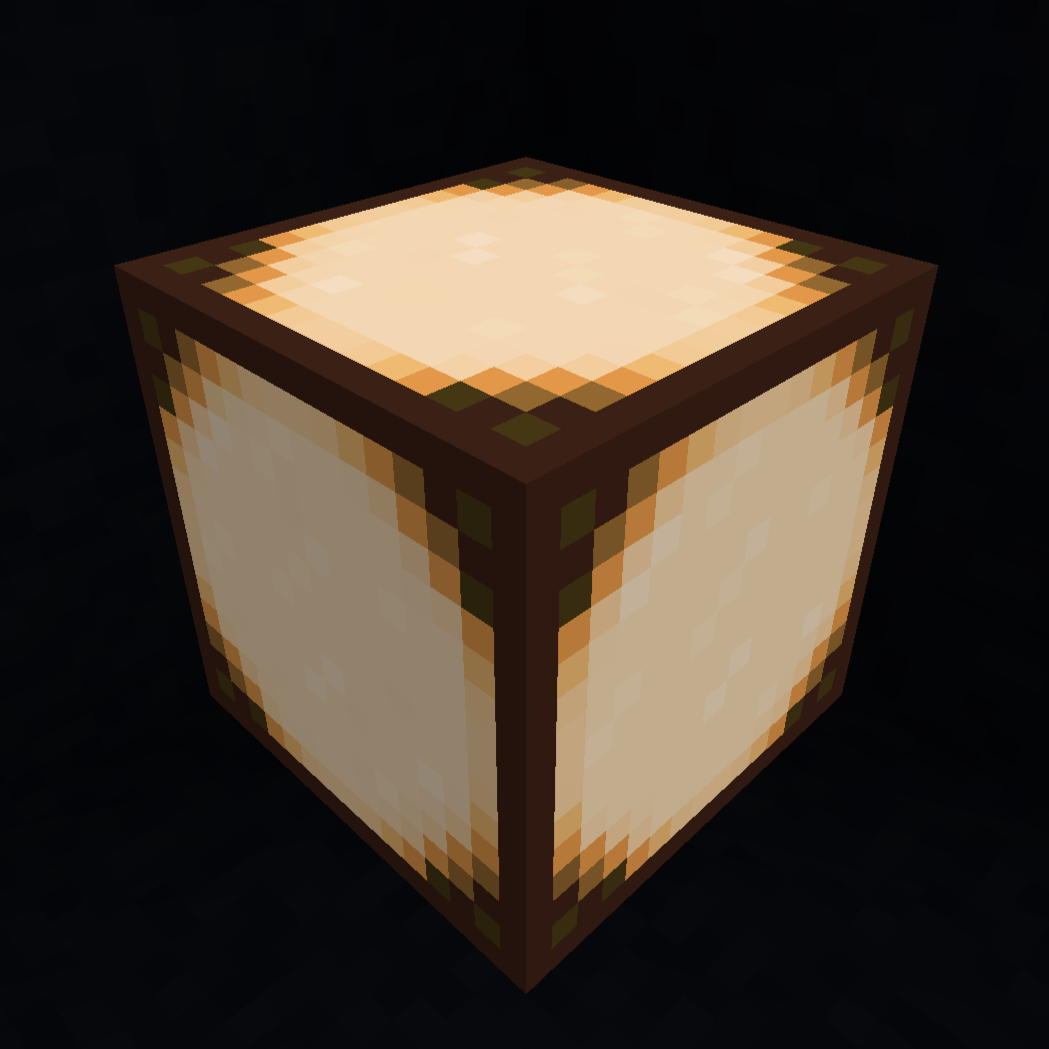
CurseForge · Minecraft mod
Dimmables
This Mod adds a dimmable variant of the vanilla redstone lamp.
Choose a version Pick your version below, then grab the matching file.
Quick answer
Which Dimmables release matches 1.20.4 Forge?
Best match for your filters dimmables-1.20.1-1.20.4_forge
Game version 1.20.2, 1.20.3, 1.20.1
Loader Forge
dimmables-1.20.1-1.20.4_forge targets 1.20.2, 1.20.3, 1.20.1 with Forge. The project page does not say whether this file belongs on the client, dedicated server, or both. No extra mods listed for this file.
Where it goes
Is Dimmables required on the client, server, or both?
The project page does not say whether this file belongs on the client, dedicated server, or both.
Client Source doesn’t say
Dedicated server Source doesn’t say
Loader for this release Forge
Required install it here Optional supported, not mandatory Not supported do not install here Source doesn’t say do not assume
The source does not explicitly classify this release as client-only or server-only.
What else does dimmables-1.20.1-1.20.4_forge need?
dimmables-1.20.1-1.20.4_forge on 1.20.4 Forge. Every mod below is checked against that same setup.
This file does not list any required mods. Do not add a library just because a different file uses it.
This file does not list any required or optional mods.
Before you install it
Add Dimmables without breaking your instance.
Built for dimmables-1.20.1-1.20.4_forge on 1.20.4 Forge. Pick another file and the loader, install side or required mods may change.
- 01
Stick to this file
Use dimmables-1.20.1-1.20.4_forge. It targets 1.20.2, 1.20.3, 1.20.1 with Forge; another release may have different loader, side or dependency requirements.
- 02
Bring the mods it needs
This file does not list any required mods. Do not add a library just because a different file uses it.
- 03
Put it on the correct side
The project page does not say whether this file belongs on the client, dedicated server, or both.
- 04
Pick the file you checked
Use the “Get this file” button beside dimmables-1.20.1-1.20.4_forge. It opens that exact file at the source.
About this project
What does Dimmables add?
Introducing the Dimmables Mod for Minecraft! This innovative addition to your Minecraft world brings a whole new level of customization to your lighting setups.
With the Dimmable Lamp, players can now adjust the brightness of their lighting to suit their preferences and needs. Whether you're creating intricate underground caverns, cozy interior spaces, or sprawling outdoor landscapes, this mod allows you to fine-tune the ambiance with ease.
Crafted using the vanilla redstone lamp and 4 redstone dust, the Dimmable Lamp seamlessly integrates into the existing game mechanics. Simply place the lamp where you desire illumination, and using different redstone signal strengths, you can adjust its brightness level to your liking.
This mod not only adds versatility to your lighting designs but also opens up new possibilities for creative builds and aesthetic expressions. Experiment with different brightness levels to achieve the perfect atmosphere for your Minecraft world, whether it's a serene moonlit garden or a bustling urban skyline.
Illuminate your imagination with the Dimmables Mod and see your Minecraft creations shine like never before!
You can look up the crafting recipe in the images tab.
Project description from CurseForge.
Pick your setup
Dimmables by Minecraft version and loader
Choose the version and loader you play, then open the matching release.
Minecraft version
1.20.3
1 loader buildMinecraft version
1.20.2
1 loader buildMinecraft version
1.20.1
1 loader buildCheck the dependencies, then try the file in a copied instance before changing a world you care about.
Recent files
Dimmables versions and loaders
dimmables-1.20.1-1.20.4_forge
dimmables-1.0.0-1.20.1.jar
1 Mar 2024
Client Source doesn’t say Server Source doesn’t say Dependencies No extras listed Listed on Release listing
Check the 1.20.4 · Forge setup 1.20.21.20.31.20.1Forge release
Looking for an older file? The official CurseForge project page is in Resources.
 mod
CurseForge · Minecraft
回声石 · Echo Stone
Record three seconds of movement and replay it as an echo to trigger redstone and distract mobs.
 mod
CurseForge · Minecraft
exploshen
companion for testing required dependencies
 mod
CurseForge · Minecraft
most cool mod ever
Explore two unusual biomes, grow golden plants, and meet a cursed duck in this quirky Minecraft mod