Fabric API Needed by EclipseUI 1.0.5+mc26.3-snapshot-8-fabric
requiredMatching file found Matched file: 0.157.1+26.3

Modrinth · Minecraft mod
A modern config and config UI lib.
Quick answer
EclipseUI 1.0.5+mc26.3-snapshot-8-fabric targets 26.3-snapshot-8 with Fabric. It must be installed on the client. Do not install it on the dedicated server. All 1 required mods have matching files.
Where it goes
It must be installed on the client. Do not install it on the dedicated server.
This file is marked client-only.
1.0.5+mc26.3-snapshot-8-fabric. Change the file and its required mods may change too.
Install Fabric API first. We found matching files for this game-version and loader setup.
We only count dependency files that match this setup. A file for another loader does not fill the gap.
Before you install it
Built for EclipseUI 1.0.5+mc26.3-snapshot-8-fabric. Pick another file and the loader, install side or required mods may change.
Use 1.0.5+mc26.3-snapshot-8-fabric. It targets 26.3-snapshot-8 with Fabric; another release may have different loader, side or dependency requirements.
Install Fabric API first. We found matching files for this game-version and loader setup.
It must be installed on the client. Do not install it on the dedicated server.
Use the “Get this file” button beside 1.0.5+mc26.3-snapshot-8-fabric. It opens that exact file at the source.
About this project
A lightweight, themeable config screen library for Minecraft mods.
Add EclipseUI to your mod by following the Usage Guide.
Quick dependency setup:
repositories {
    maven("https://jitpack.io")
}

dependencies {
    // Fabric
    modImplementation("com.github.coredex-source.EclipseUI:EclipseUI-fabric:v1.0.2")

    // NeoForge
    implementation("com.github.coredex-source.EclipseUI:EclipseUI-neoforge:v1.0.2")
}
See the full Usage Guide for complete setup instructions and examples.
EclipseUI.configScreen()
    .title(Component.literal("My Mod Config"))
    .parent(parent)
    .theme(Theme.MODERN)
    .category(cat -> cat
        .name(Component.literal("General"))
        .toggle(t -> t
            .name(Component.literal("Enable Feature"))
            .binding(() -> config.enabled, v -> config.enabled = v)
            .defaultValue(true)
        )
        .slider(s -> s
            .name(Component.literal("Range"))
            .range(0, 100, 1)
            .bindingInt(() -> config.range, v -> config.range = v)
            .defaultValue(50)
        )
    )
    .build();
MIT License
Project description from Modrinth.
Pick your setup
Choose the version and loader you play, then open the matching release.
Showing the newest 12 of 15 game versions. Older files are in the list below.
Check the dependencies, then try the file in a copied instance before changing a world you care about.
Recent files
EclipseUI-fabric-1.0.5-fabric-26.3-snapshot-8.jar
13 Aug 2026
EclipseUI-fabric-1.0.5-fabric-26.3-snapshot-1.jar
23 Jun 2026
EclipseUI-neoforge-1.0.5+mc26.2-rc-2.jar
14 Jun 2026
EclipseUI-fabric-1.0.5+mc26.2-rc-2.jar
14 Jun 2026
EclipseUI-fabric-1.0.5+mc26.2-pre-4.jar
5 Jun 2026
EclipseUI-fabric-1.0.5+mc26.2-snapshot-2.jar
9 Apr 2026
EclipseUI-neoforge-1.0.4+mc26.1.jar
28 Mar 2026
EclipseUI-fabric-1.0.4+mc26.1.jar
28 Mar 2026
EclipseUI-neoforge-1.0.3+mc26.1.jar
27 Mar 2026
EclipseUI-fabric-1.0.3+mc26.1.jar
27 Mar 2026
EclipseUI-neoforge-1.0.2+mc26.1.jar
27 Mar 2026
EclipseUI-fabric-1.0.2+mc26.1.jar
27 Mar 2026
Looking for an older file? The official Modrinth project page is in Resources.
 mod
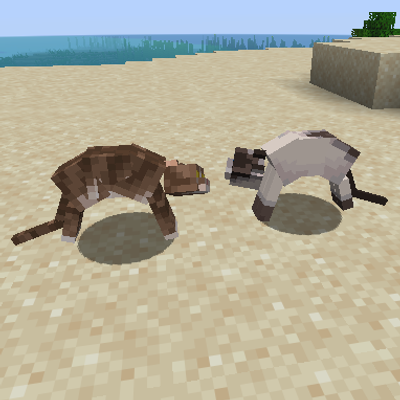
modCat fighting adds cat quarrels and fighting added into Minecraft. Watch them argue and fight!
 mod
modOptimizes chunk packet delivery
 mod
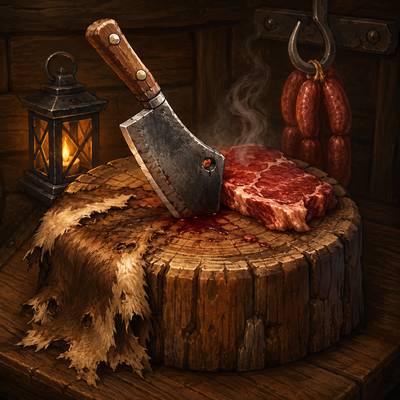
modRealistically butcher every mob in Minecraft: skin carcasses, cure hides into leather, cut meat, and cook it all at the butcher's table. Port of Butchery to NeoForge 26.2.