Minecraft version
Back to mods 
Modrinth · Minecraft mod
ElytraCam
A super light weight mod that adds customizable camera rotation when flying with the elytra!
Choose a version Pick your version below, then grab the matching file.
Quick answer
Which ElytraCam release matches 1.21.2?
Best match for your filters 0.3-1.21.2
Game version 1.21.2
Loader NeoForge
ElytraCam 0.3-1.21.2 targets 1.21.2 with NeoForge. It must be installed on the client. Do not install it on the dedicated server. No extra mods listed for this file.
Where it goes
Is ElytraCam required on the client, server, or both?
It must be installed on the client. Do not install it on the dedicated server.
Client Required
Dedicated server Not supported
Loader for this release NeoForge
Required install it here Optional supported, not mandatory Not supported do not install here Source doesn’t say do not assume
This file is marked client-only.
What else does ElytraCam 0.3-1.21.2 need?
0.3-1.21.2 on 1.21.2. Every mod below is checked against that same setup.
This file does not list any required mods. Do not add a library just because a different file uses it.
This file does not list any required or optional mods.
Before you install it
Add ElytraCam without breaking your instance.
Built for ElytraCam 0.3-1.21.2 on 1.21.2. Pick another file and the loader, install side or required mods may change.
- 01
Stick to this file
Use 0.3-1.21.2. It targets 1.21.2 with NeoForge; another release may have different loader, side or dependency requirements.
- 02
Bring the mods it needs
This file does not list any required mods. Do not add a library just because a different file uses it.
- 03
Put it on the correct side
It must be installed on the client. Do not install it on the dedicated server.
- 04
Pick the file you checked
Use the “Get this file” button beside 0.3-1.21.2. It opens that exact file at the source.
About this project
What does ElytraCam add?
(Yes I am aware of the mod Do a Barrel Roll, but this mod was made to be extremely light weight, if you want more features download Do a Barrel Roll)
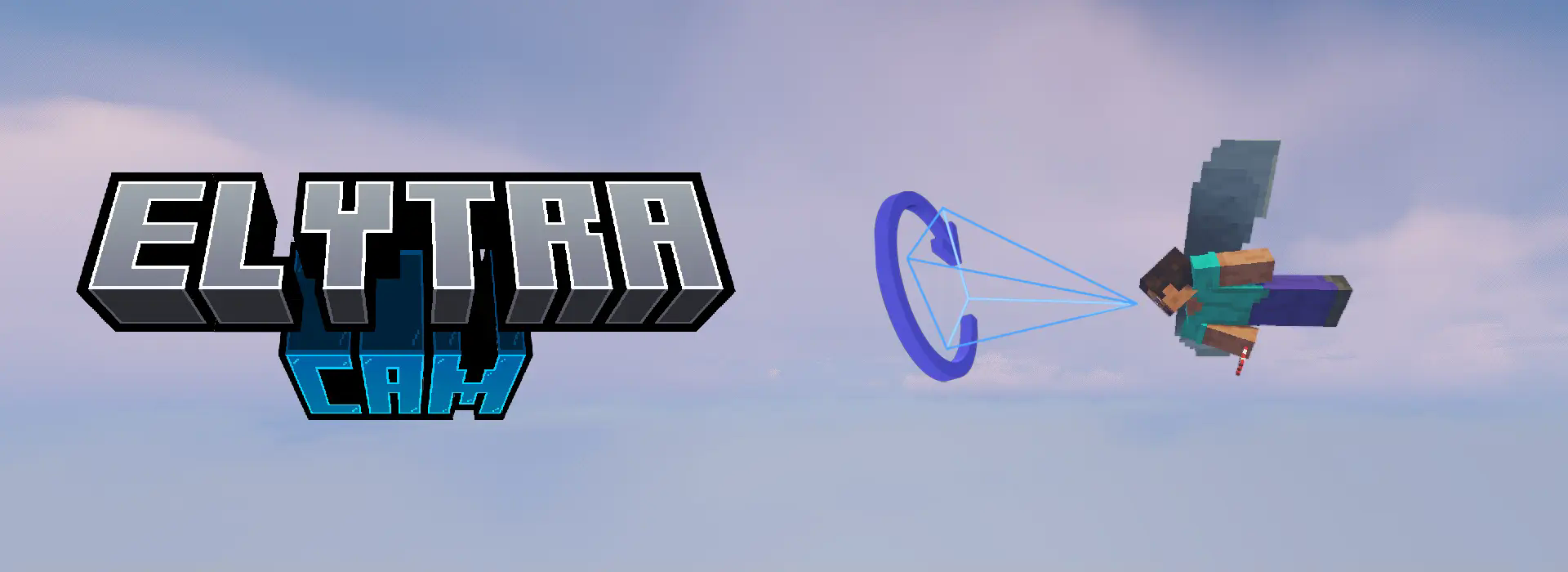
The current elytra flying experience isn't that great in my opinion, so here is a more immersive experience!
Your camera will roll with your player when you fly, creating a more realistic and cool effect!
To customize the limit of how far the camera can roll, please do:
/elytracam setanglelimit <limit 0-180>
I recommend anywhere between 80-150, but it's my preference (default is 150).
to disable it entirely just do
/elytracam setanglelimit 0
As of version 0.2 ONLY client side is required! Have fun in servers! (Just make sure there aren't any rules against mods like this)
This mod requires to be client side and server side(for the commands as of version 0.1, I'll fix it later to only be client side).
If you find any bugs please let me know,
you can join my discord server and ping me (@GuyWithGreenScreen)
Project description from Modrinth.
Pick your setup
ElytraCam by Minecraft version and loader
Choose the version and loader you play, then open the matching release.
Minecraft version
1.21.3
1 loader buildMinecraft version
1.21.2
1 loader buildMinecraft version
1.21.1
1 loader buildMinecraft version
1.21
1 loader buildCheck the dependencies, then try the file in a copied instance before changing a world you care about.
Recent files
ElytraCam versions and loaders
0.3-1.21.2
elytracam-0.3-1.21.2.jar
5 Jan 2025
Client Required Server Not supported Dependencies No extras listed Listed on Release listing
Check the 1.21.2 · NeoForge setup 1.21.2NeoForge release
0.2-1.21.2
elytracam-0.2-1.21.2.jar
4 Jan 2025
Client Required Server Not supported Dependencies No extras listed Listed on Release listing
Check the 1.21.2 · NeoForge setup 1.211.21.11.21.21.21.3 release
Looking for an older file? The official Modrinth project page is in Resources.
 mod
CurseForge + Modrinth · Minecraft
rankboard
Scoreboard ranking mod: web dashboard access, historical data query, point lookup for arbitrary post-install dates.
 mod
Modrinth · Minecraft
Delay Optimizer
Zero delay. Absolutely no delay. Delay Optimizer completely eliminates every bit of action and input delay—giving you instant, seamless responsiveness on any server.
 mod
Modrinth · Minecraft
Particle Snow
A gentle snowfall mod that makes Minecraft winters feel warm, quiet, and comforting. Snow drifts softly around you, creating a peaceful, cozy atmosphere!